The 15 Best Social Media Marketing Tools That No One Told You About


A strong social media presence can send a steady stream of visitors to your site, build brand awareness, and keep people engaged. A shopper who has a good experience with your brand on social media is far more likely to recommend it to others. The challenge for marketers is staying on top of every domain at once, content, customer experience, advertising, all pulling in different directions.
Reinforcing your social campaigns takes more than good intentions. You need the right tools in your corner. The best social media tools handle content curation, scheduling, analytics, and publishing, and they keep you productive while doing it.
This list rounds up some of the most useful social media marketing tools out there. Working them into your daily workflow should give your results, and your reach, a real boost.
Social Media Marketing
Here are the tools the world’s leading brands actually use.
1. Buzz Sumo
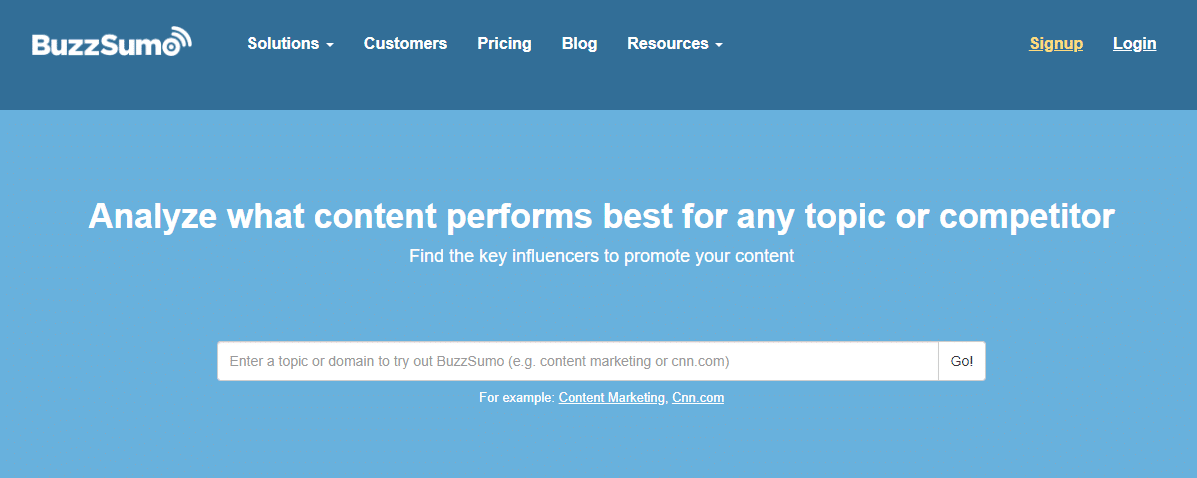
BuzzSumo helps you find the most shared content and trending influencers for any topic. Just search a domain or topic to get started.
It gives you a clearer picture of your own social influence too, showing which of your pages have driven the most engagement so you can plan smarter content going forward. BuzzSumo breaks results down by Facebook, Pinterest, Twitter, and Reddit shares.
That means you can spot the best-performing articles across the web without manually monitoring half a dozen social channels.
2. Buffer Publish
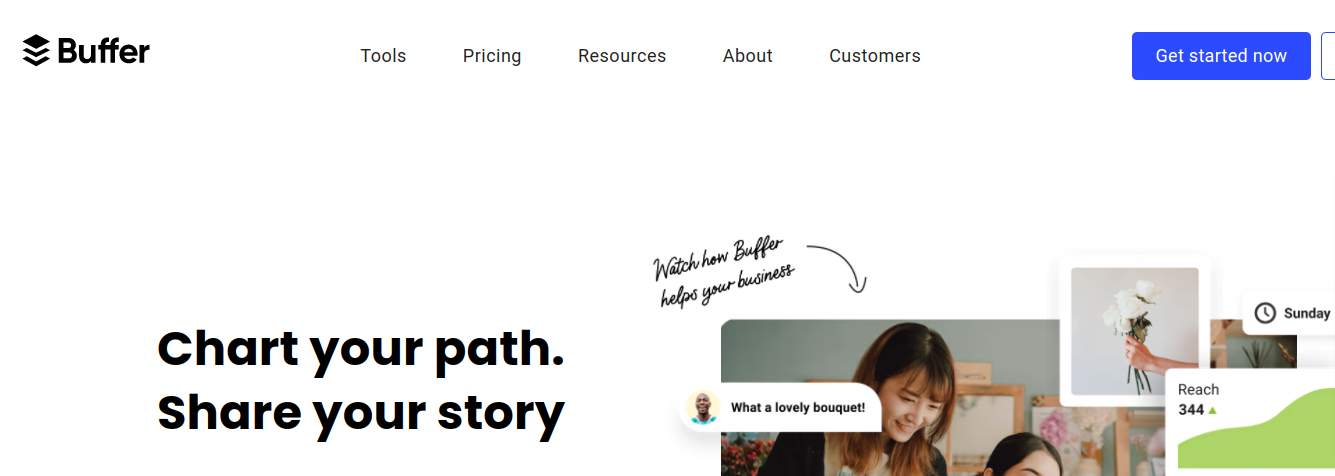
Buffer brings all your social accounts into one place, so you can evaluate performance, schedule posts, and manage everything from a single dashboard.
It’s genuinely simple to use. Link your social accounts, add your content, pick which platforms you want it published on, and schedule it. From there, it drops into your queue and Buffer publishes it automatically at the date, time, and platform you specified.
Buffer’s analytics dashboard shows your best-performing posts and lets you requeue them with one click. That same dashboard also surfaces useful marketing insights per post, so you can track what’s working and fine-tune your strategy accordingly.
3. Google Trends

Google Trends is completely free and shows what topics are trending online right now. Brands use it to track what’s happening globally, and plenty of professionals rely on it just to keep up with what’s popular at any given moment.
You can check trending keywords and compare their current search volume against previous months or years, then use that data to shape your content and social media plans.
4. Canva
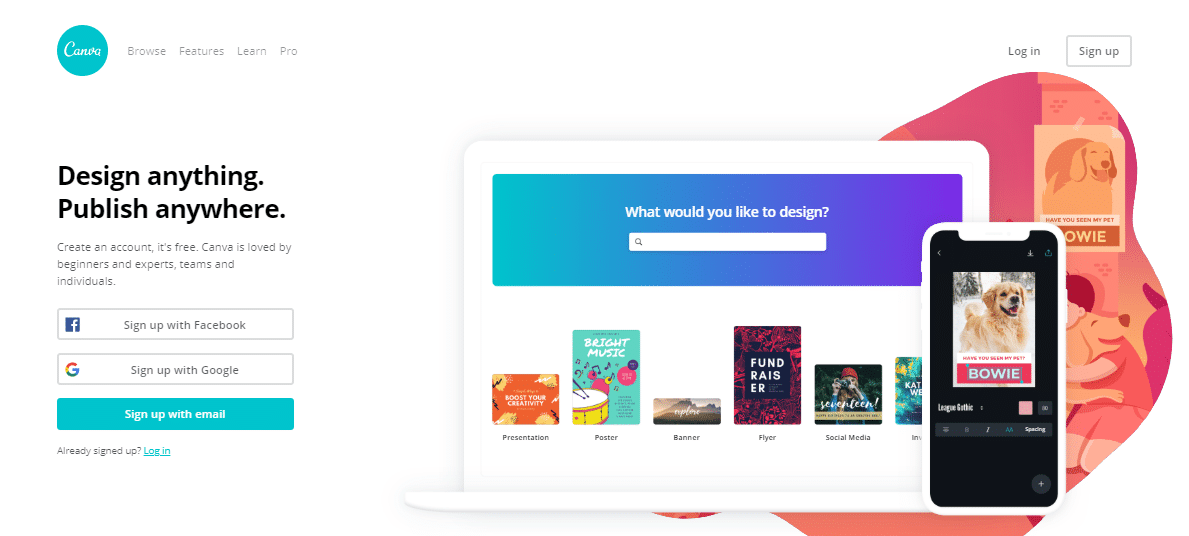
Canva is one tool every online business should know. Social media managers and marketers regularly need polished images without a designer on hand, and Canva fills that gap. Ready-made templates, illustrations, and icons give your images a professional touch without touching the actual design work. The drag-and-drop interface is easy to pick up, and the library runs to more than two million graphic elements.
Canva covers everything from social media graphics to business cards, brochures, flyers, infographics, web banners, and presentations, a solid way to keep your branding consistent across every platform and your website.
5. Unsplash

Unsplash is well known in photography, design, and video circles. It’s a database of high-resolution, free-to-use photos that marketers lean on heavily since they lend an instantly professional look to content.
Once you find an image you like, you can download it or save it for later. Anyone can access Unsplash’s library of high-quality images at no cost.
6. Sprout Social

Sprout Social works as a collaborative platform for finding and building smarter social conversations. It helps you start, join, and sustain conversations while managing multiple social profiles across several networks at once.
As an all-in-one social media marketing tool, Sprout Social supports multiple access levels, so managers can organize and delegate work across a team. It also packs in full post scheduling, a detailed analytics platform, and social listening, useful for optimizing content and understanding how different audiences actually talk on social media.
The interface stays clean and intuitive, pulling messages from all your major social networks into one place so nothing important slips through. You get solid analytics for Facebook, Instagram, and Twitter, plus the ability to review your team’s own activity and engagement.
7. Feedly

Feedly is a news, post, and video aggregator that helps individuals and teams pull content feeds together and share them using RSS. Its smart reader lets you read optimized digital publications, magazines, journals, blogs, and YouTube channels in one spot, and Google Alert support notifies you of keyword mentions worth monitoring.
Setting it up just means adding the RSS feeds of the blogs and writers you follow. Feedly builds a daily “magazine” from that content, organized by topic. It also keeps you in the loop on what niche influencers are discussing, which helps shape your own content calendar and posting schedule. Different sources can be organized into shareable feeds for colleagues, and shared boards make collaborative content collection easier.
One nice touch is that Feedly connects with scheduling tools like Buffer and Hootsuite, so you can share and schedule posts straight from its dashboard, saving you the trouble of sifting through social feeds separately to find good content.
8. IFTTT

Getting the most out of marketing means content, social, and email all need to work together. IFTTT (“if this, then that”) helps automate that coordination across business functions. It connects with different apps and services, letting you build custom “Applets” that link services together, so a trigger in one place sets off a response somewhere else.
For example, you could build an Applet that posts a link to Twitter every time you publish a blog post, or tweets automatically whenever you post a new photo to Instagram. It takes a bit to get used to at first, but plenty of ready-made recipes exist to plug in and use right away. Best of all, it’s completely free.
IFTTT currently integrates with more than 600 services, including marketing tools like Mailchimp, Salesforce, and Buffer, plus everyday business tools like Google Drive, Slack, and Dropbox.
It also connects with mobile tools like Google Assistant and iPhone Reminders, giving your marketing workflow one more edge.
9. Hootsuite
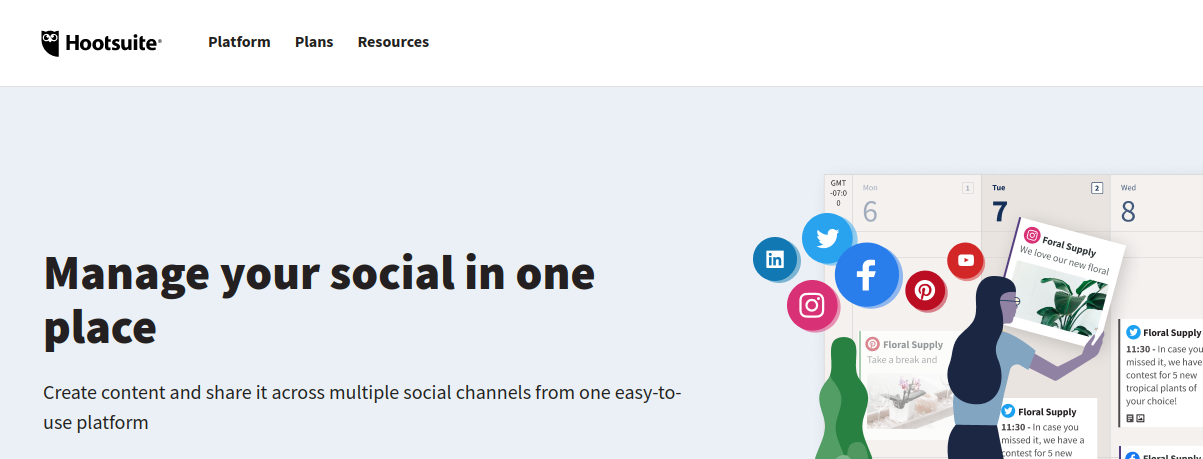
Hootsuite manages all your social media accounts from one dashboard, letting you search, schedule, and handle content in a single, simple application.
You can schedule hundreds of posts in one go to keep a consistent social presence. Hootsuite keeps every password, profile, and login secure, stores your content in the cloud, and publishes it right on schedule. For most social media marketers, it’s a straightforward, efficient way to plan posts across multiple platforms in advance, and its analytics help you track engagement and campaign performance. It’s popular partly because the core tools are free, with reasonably priced paid tiers for larger businesses.
10. Animoto

Video is one of the best ways to hold a viewer’s attention, and Animoto is built around exactly that. It’s an online video maker that turns out informative, engaging marketing videos from scratch, backed by a large library of templates, themes, and stock music. You can also add text overlays across your video. With 85% of video ads watched without sound, a tool like Animoto matters more than it might seem.
Facebook remains one of the few platforms with auto-play sound in news feeds, most others don’t have it, which makes video makers like Animoto worth building into your social strategy. Native video uploaded directly to Facebook also gets roughly ten times the reach of video links shared from external sites like YouTube.
11. Lithium

Lithium helps businesses connect with customers more effectively. Beyond automating posts across platforms, it also tracks conversations about your brand, so you can jump in and engage with prospective customers at the right moment.
Lithium lets you manage campaigns, content, and feedback from a single place, and interact with your audience through their own online communities to give them the information they’re actually looking for. It also helps brands manage engagement across social channels, portals, communities, and mobile apps.
12. Survey Monkey
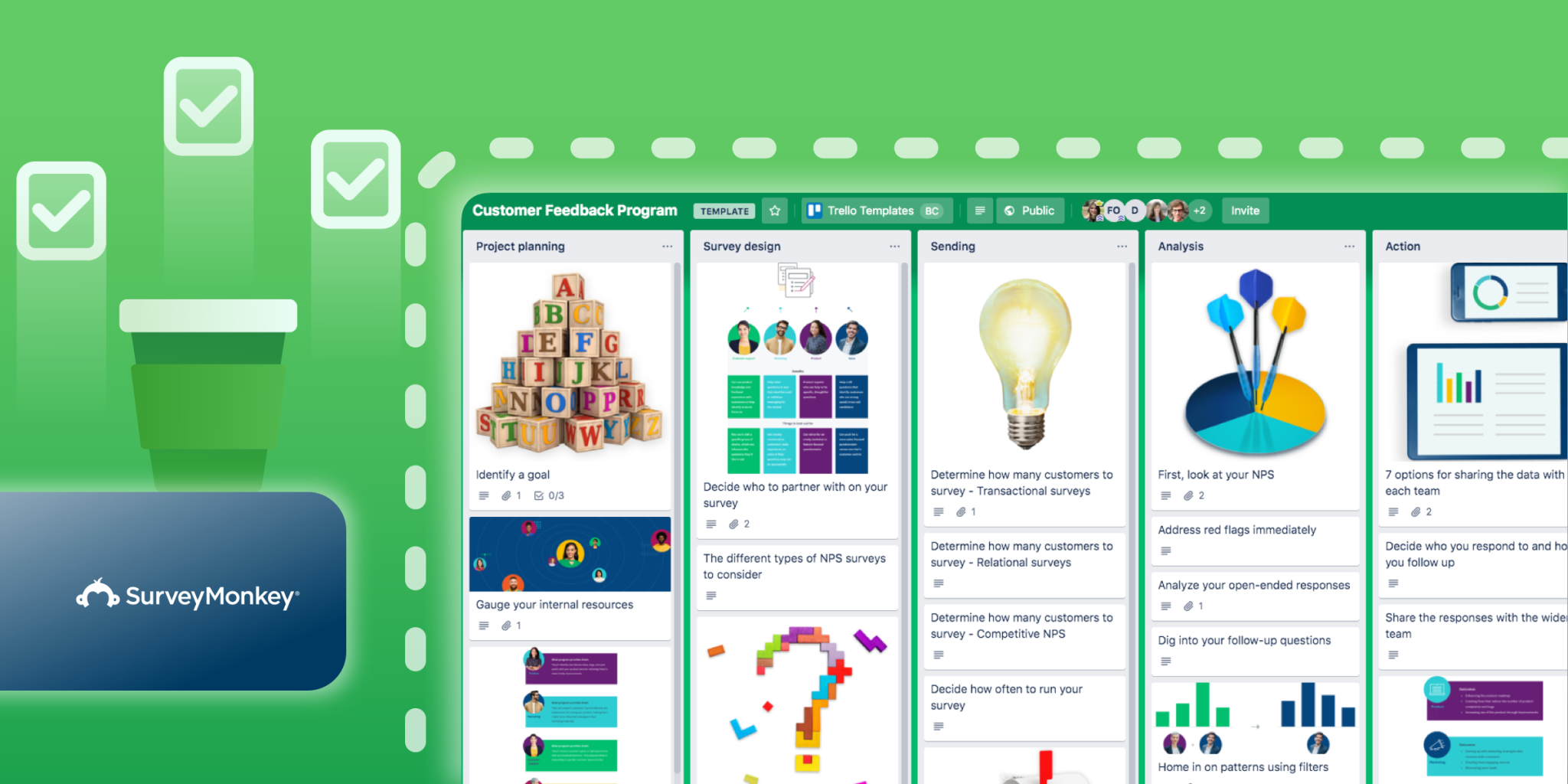
SurveyMonkey is one of the most widely used free survey tools around, and it earns that reputation. You can build a detailed survey and send it to your audience through email, the web, social media, or mobile.
Starting a survey is simple: name it, pick a category, and type in your questions. The free account currently allows unlimited surveys, with each one capped at ten questions.
SurveyMonkey also offers over 100 templates and 2,500 expert-written questions to choose from. Once your survey is built, you can customize its look with your logo and brand colors, then choose how you want to send it and collect responses. From there, it’s just a matter of sending it to your audience and waiting for the feedback to roll in, feedback you can put straight to work in your marketing.
13. Mention

Mention tracks your business online in real time, covering social media and the wider web. It surfaces brand mentions from across the internet, along with keyword and competitor tracking.
You get instant notifications tied to your marketing plans and campaigns, so you can respond quickly to changes. Mention also flags when your content is starting to go viral, or when a competitor is gaining ground.
14. Nuvi

Nuvi bundles collaborative, creative, and analytical tools that help you meet your audience where they actually spend time online. Its language engine helps you understand audiences more precisely, so you can plan how to engage with them more deliberately, building a more cohesive customer journey and, ideally, more revenue year over year.
15. Sendible

If your team handles social media for multiple clients, Sendible is worth a look. Each brand gets its own dedicated inbox that team members can access, so communication stays organized. A built-in content engine suggests new material based on your profile’s topics and audience, and the calendar view is fully interactive, letting you schedule updates, track engagement, and measure results.
It works with Twitter, Google+, Facebook, Pinterest, and various publishing platforms.
Like Hootsuite, you can post updates to multiple networks from the same compose box, and schedule them to go out automatically at whatever time tends to drive the most engagement. It also connects with Google Analytics, so you can see exactly how your social and email campaigns are moving the needle on website traffic.
Sendible’s RSS auto-posting feature shares relevant content at regular intervals throughout the day, keeping your audience engaged even when you’re not actively posting. If you run a blog, Sendible pushes new posts out to your social accounts automatically. It also keeps a record of past conversations with users, handy for tracking leads and improving your odds of converting them.

Conclusion on Social Media Marketing
Once you’ve set your marketing strategy, the next step is picking the tools that actually get results. The right ones will manage your social accounts in less time, help you build impactful campaigns, give you detailed activity reports, and make handling multiple accounts far less of a headache. Put these social media and video engagement tools to work, and you’ll reach the right audience, drive engagement, build brand identity, and turn your marketing campaigns into something that actually moves revenue.