

Done well, social media sends a steady stream of visitors to your site, builds brand awareness, and keeps people engaged. A shopper who has a good experience with your brand on social media is more likely to recommend it to others. The hard part for most marketers is staying on top of everything at once, content, scheduling, analytics, advertising, across every platform.
That’s where the right tools come in. A solid stack for content curation, scheduling, analytics, and publishing makes the difference between reacting to social media and actually running a strategy on it.

Social Media Marketing Tools
Here are 16 tools worth adding to your workflow, used daily by some of the biggest brands online.
1. BuzzSumo
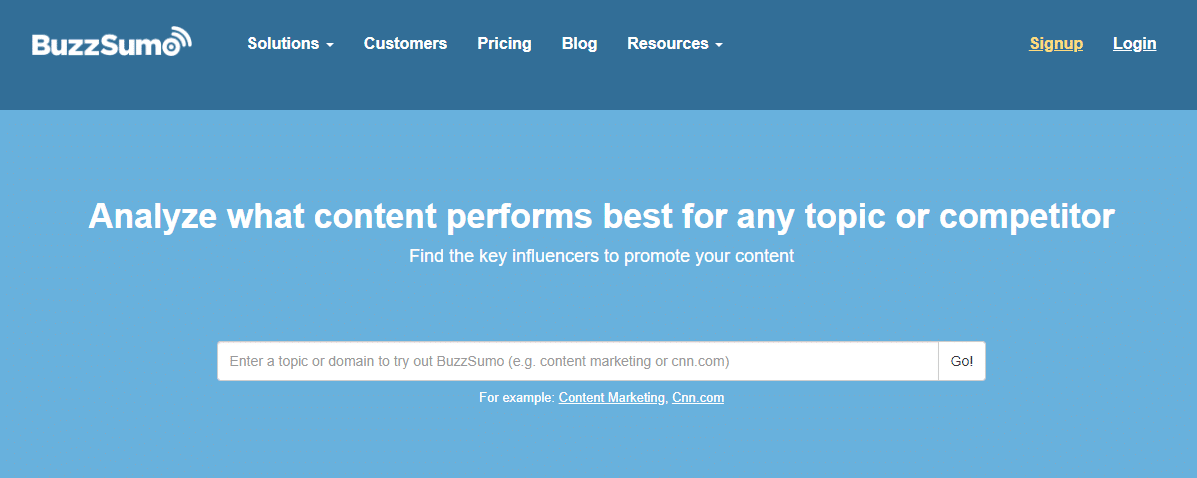
A tool that lets you discover the maximum shared content and influencers that are trending. You can use it to evaluate the best-performing content for a particular topic; just search for a domain or a topic to get started.
BuzzSumo gives you a clearer read on your own social influence and helps with smarter content planning by showing which of your pages brought the most engagement. It separates results by Facebook, Pinterest, Twitter, and Reddit shares.
That means you can spot what’s performing well across the web without manually tracking several social channels yourself.
2. Buffer Publish
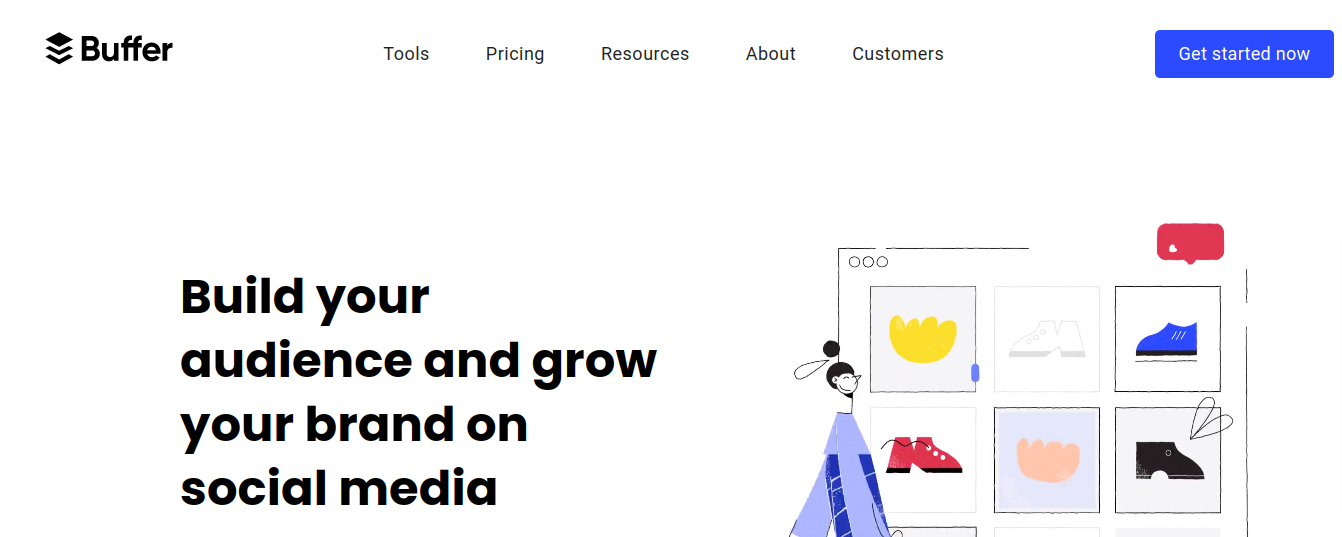
Buffer is built to make performance tracking, post scheduling, and multi-account management simpler for businesses and marketing teams.
It’s straightforward to use: connect your social accounts, add your content, choose which platforms to publish to, and schedule it. Add it to your queue and Buffer publishes it automatically at the date, time, and platform you specified.
Buffer’s analytics dashboard shows your top-performing posts and lets you requeue them with one click. That per-post data helps you see what’s actually working so you can adjust your strategy accordingly.
3. Google Trends

A free tool from Google for tracking what’s trending online. Brands use it to follow major events as they unfold, and plenty of professionals use it just to see what’s happening in the world right now.
You can check trending keywords and compare current search volume against previous months or years, useful context for shaping your content and social media plans.
4. Canva
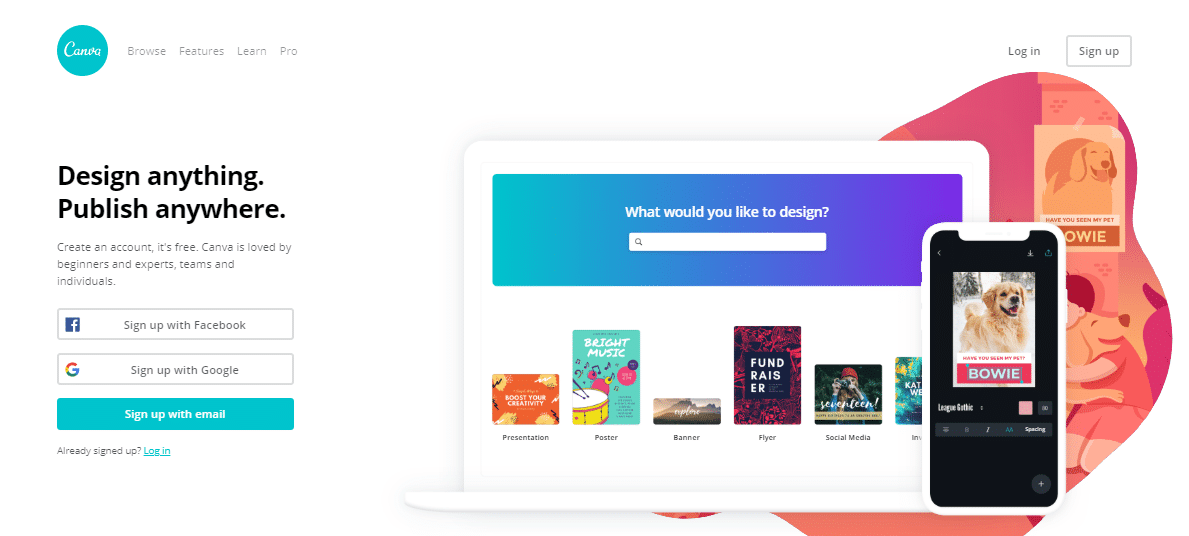
Every online business ends up needing Canva sooner or later. Social media managers frequently need polished images without a dedicated designer on hand, and Canva’s ready-made templates, illustrations, and icons cover that gap. The drag-and-drop editor is simple, and the library runs past two million graphics.
Canva covers everything from social posts to business cards, brochures, flyers, infographics, and web banners, useful for keeping your branding consistent across every platform and your site.
5. Unsplash

Popular in photography, design, and video circles, Unsplash is a database of high-resolution, professional photos, free to use. Marketers rely on them for a professional look without paying for stock photography.
Find the image you want, download it, and it’s yours to use. No account or payment needed to browse the library.
6. Sprout Social

Sprout Social is built for finding and holding smarter social conversations, with support for managing multiple profiles across several networks from one place.
It’s a genuinely full-featured platform: multi-level access for delegating work across a team, full post scheduling, a detailed analytics layer, and social listening tools that help you understand how different audiences talk about your brand.
The interface pulls your primary networks into one inbox so nothing important slips by, with solid analytics for Facebook, Instagram, and Twitter, plus visibility into your team’s own activity and engagement.
7. Feedly

Feedly is an RSS-based news and content aggregator for individuals and teams. Its smart reader pulls in publications, journals, and the blogs and YouTube channels you follow, and its keyword alerts help with ongoing monitoring.
Add the RSS feeds of blogs and writers you follow, and Feedly builds a daily digest organized by topic. It keeps you current on what niche influencers are discussing, which in turn shapes your own content planning and posting schedule. Feeds can be shared with colleagues, and shared boards support collaborative article collection.
It also connects with scheduling tools like Buffer and Hootsuite, so you can share and schedule posts straight from the dashboard rather than sifting through feeds manually.
8. IFTTT

Getting the most from marketing means content, social, and email have to work together. IFTTT (“if this, then that”) automates that coordination by letting you build custom “Applets” that link services together: when a trigger happens, a set response follows.
For example, you could set an Applet to post a link to Twitter whenever you publish a new blog post, or tweet automatically every time you post to Instagram. It takes a little getting used to at first, but there are plenty of ready-made recipes to start from, and it’s completely free.
IFTTT currently integrates with more than 600 services, including marketing tools like MailChimp, Salesforce, and Buffer, alongside everyday business tools like Google Drive, Slack, and Dropbox.
IFTTT also connects with mobile tools like Google Assistant and iPhone Reminders, extending the automation beyond just social platforms.
9. Hootsuite

Hootsuite manages your social accounts from a single dashboard, letting you search, schedule, and publish content without juggling separate logins.
You can queue up hundreds of posts in one sitting, and Hootsuite keeps every password, profile, and login detail secured while your content publishes on schedule. Analytics built into the dashboard show how content is performing so you can gauge campaign results as you go. It’s free at the entry level, with reasonably priced paid tiers for larger teams.
10. PhotoADKing
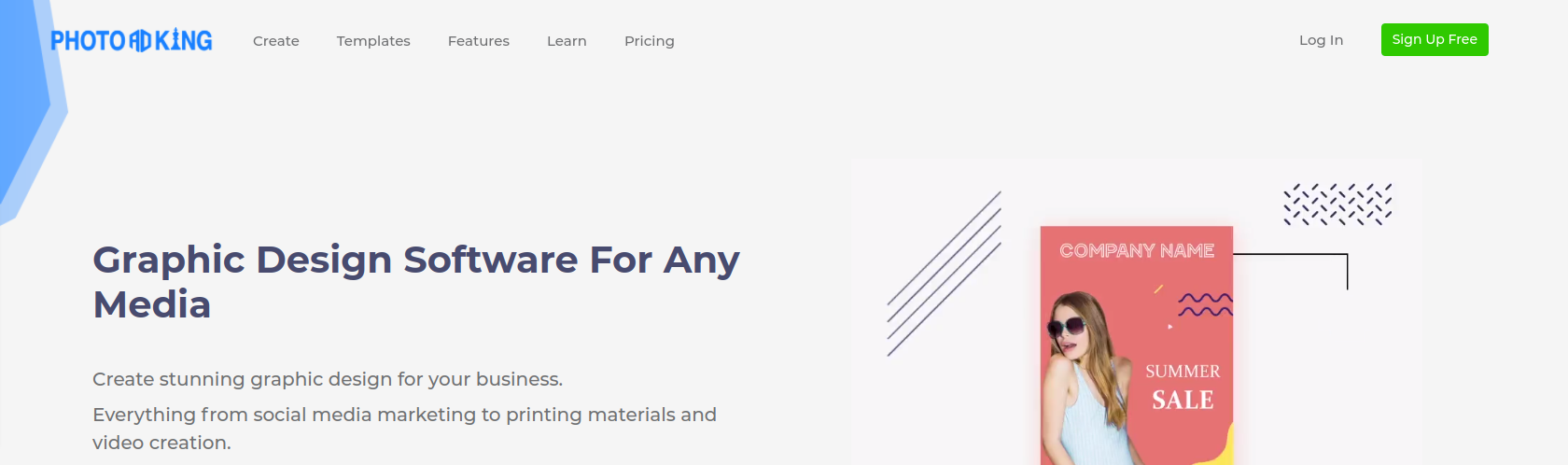
PhotoADKing is a simple graphic design site for creating custom, on-brand graphics for your company’s social accounts. It has dozens of templates, from Facebook banners to Instagram stories to Twitter posts, so if starting from a blank canvas feels daunting, a template gets you moving.
It covers flyers, poster templates, business cards, logos, brochures, YouTube thumbnails and channel art, and social posts, all from premade templates.
11. Animoto

Video holds attention better than most formats, and Animoto is built for exactly that. It’s an online video maker with a large library of templates, themes, and stock music, plus support for text overlays, useful given how much video gets watched with the sound off.
Native video uploaded directly to Facebook reaches roughly ten times further than links to externally hosted video, like YouTube, which makes tools like Animoto worth having in the marketing mix.
12. Lithium

Lithium helps businesses connect with customers directly, automating posting across platforms while also tracking conversations about your brand, so you can join in where it matters.
It centralizes campaigns, content, and feedback in one place, and lets brands manage engagement across social channels, portals, communities, and mobile apps through their audience’s own online communities.
13. Survey Monkey

SurveyMonkey is the most widely used free online survey tool out there, and for good reason. It lets you build a detailed survey and send it to your audience through email, web, social, or mobile.
Building a survey is quick: name it, pick a category, and add your questions. The free account covers unlimited surveys, each capped at ten questions.
SurveyMonkey also offers more than 100 templates and 2,500 expert-written questions to pick from. Once your survey is built, you can customize its look with your logo and brand colors, choose how to distribute it, and start collecting responses, direct feedback from your customers that you can put straight to work in your marketing.
14. Mention

Mention is a marketing insights platform built for real-time tracking of social media and web content, brand mentions from across the internet, plus keyword and competitor tracking.
It notifies you instantly about anything tied to your marketing plans and campaigns, so you can respond quickly, whether your content just went viral or a competitor is gaining ground.
15. MaySocial

MaySocial focuses on images and video for Twitter, Facebook, LinkedIn, Instagram, YouTube, and Tumblr, with scheduling and previewing across platforms and easy rescheduling when content runs short. It also covers engagement analytics, galleries, collaboration, a graphics database, and campaign generation, across five plans depending on what you need.
16. Sendible
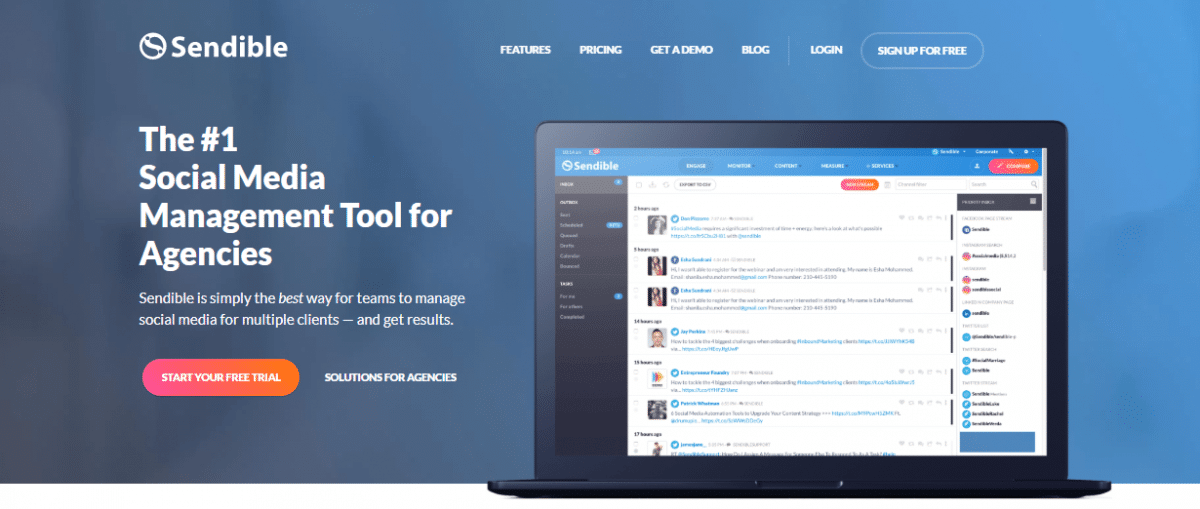
If your team handles social media for multiple clients, Sendible keeps things organized with a dedicated inbox per brand that any team member can access. Its content engine surfaces new material based on your profile topics and audience, and its interactive calendars handle scheduling, engagement tracking, and results.
It works with Twitter, Google+, Facebook, Pinterest, and various publishing platforms.
Like Hootsuite, you can post to multiple networks from one compose box, and set updates to publish automatically at the times most likely to drive engagement. It also integrates with Google Analytics, so you can see how your social and email campaigns are moving the needle on site traffic.
Sendible’s RSS Auto Posting keeps a steady stream of relevant content flowing throughout the day, and if you run a blog, it will share new posts to your social accounts automatically. It also surfaces your past conversations with users, which helps with tracking leads and improving conversion.

Conclusion
Once your strategy is set, the tools above do the heavy lifting: managing multiple accounts in less time, running campaigns that actually land, and giving you the reporting to know what’s working. Pick the ones that match your workflow, not every tool on this list, and use them consistently.
Interesting reads:
The 15 Best Social Media Marketing Tools That No One Told You About
Create social media platform like using WordPress and BuddyPress
How To Show Upcoming Birthdays On Your BuddyPress Social Network?


