

If you like Thinkific’s simplicity but need more control, a self-hosted WordPress platform is the best alternative. You can create a Thinkific-level learning experience while owning your data, branding, and community. This guide walks through why creators leave hosted platforms and how to build a better solution with WordPress.
Why creators look for a Thinkific alternative
Thinkific is a strong hosted LMS, but as your business grows, the limitations become obvious. You pay monthly fees, you are bound to a template-like experience, and customisation hits a ceiling. Many creators want more control over branding, community, and monetisation without paying a premium for every growth milestone.
Common reasons to move away
- Platform fees scale up as your list grows
- Limited design flexibility and page structure
- Basic community options compared to dedicated tools
- Restrictions on custom funnels, pricing, and integrations
- Fewer SEO capabilities for long-term traffic
What “self-hosted” really means
Self-hosted means your platform runs on your own WordPress installation, not a third-party service. You control the hosting, the software, the data, and the feature roadmap. This does not mean complicated. With the right stack, the experience is smoother than most hosted platforms.
The best self-hosted Thinkific alternative stack
- WordPress for the foundation and content control
- LearnDash for structured courses, quizzes, and certificates
- BuddyPress for member profiles, groups, and activity
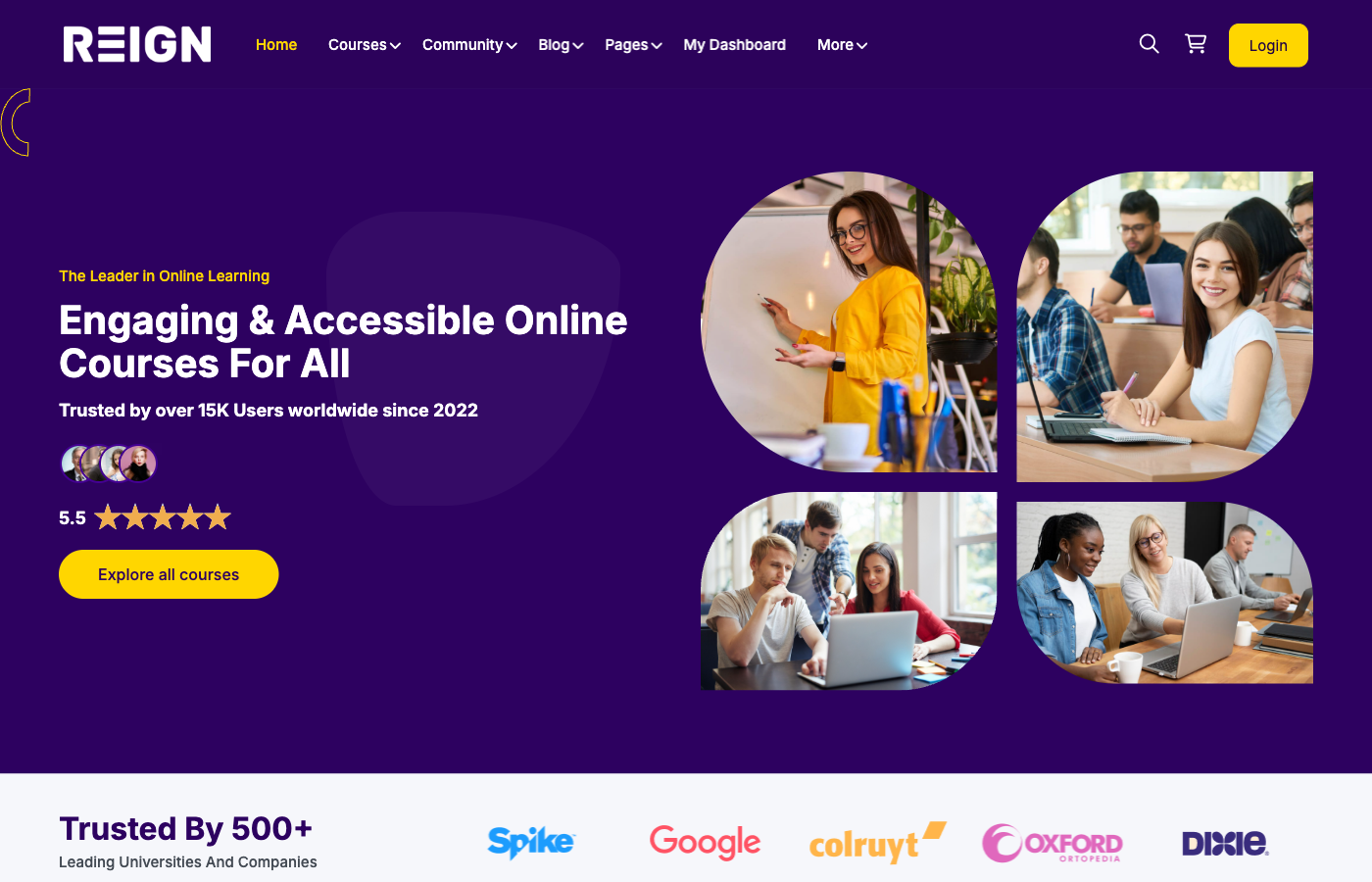
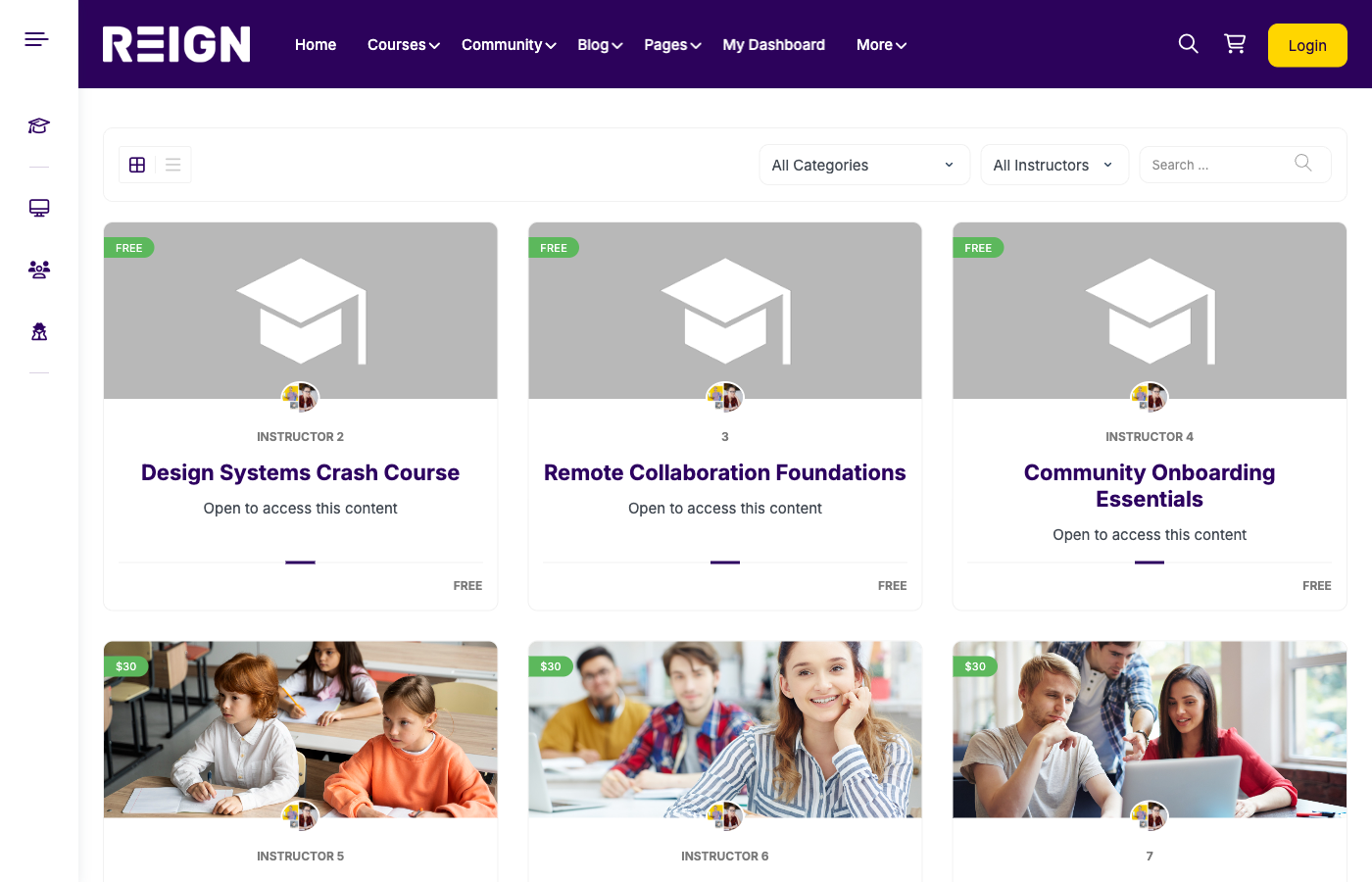
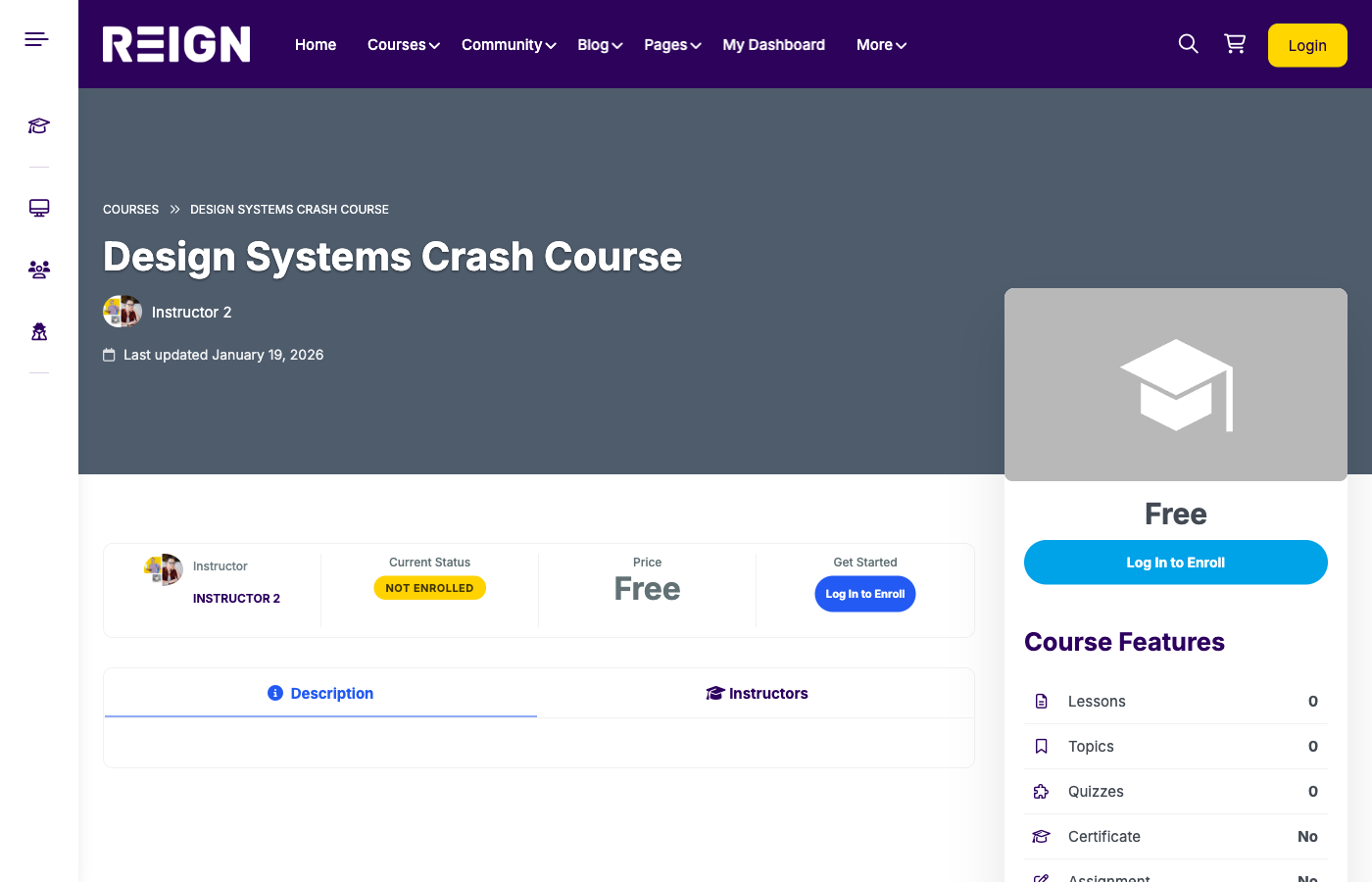
- Reign Theme for modern learning and community UX
Thinkific vs WordPress: feature comparison
| Area | Thinkific | WordPress (LearnDash + BuddyPress + Reign) |
|---|---|---|
| Ownership | Hosted platform controls data | You control content and user data |
| Customization | Limited themes and templates | Fully custom design and layout |
| Community | Basic community functionality | Groups, forums, activity feeds, messaging |
| Monetization | Standard pricing models | Subscriptions, bundles, memberships, cohorts |
| SEO growth | Limited SEO control | Full SEO stack with Rank Math |
Pricing: predictable vs scalable
Thinkific can be easier to start, but the monthly cost increases, and you still rely on one vendor. WordPress lets you scale without raising platform fees. Your costs are tied to your hosting and plugins, which are easier to control as revenue grows.
Community: where WordPress wins
Most course platforms lose momentum because students disengage after finishing a course. Community solves that. WordPress with BuddyPress gives you long-term engagement through groups, discussion spaces, member profiles, and activity feeds. This is how you turn a course into an ecosystem.
What you can build that Thinkific cannot
- Multi-instructor marketplaces with revenue splits
- Private cohort-based programs with group spaces
- Membership hubs with gated resources and live events
- Brand-first experiences with custom UX and navigation
- Integrated community + LMS experience under one theme
How to build a self-hosted Thinkific alternative
- Set up WordPress hosting with performance and security in mind.
- Install LearnDash and configure courses, lessons, quizzes, and certificates.
- Add BuddyPress for member communities, groups, and forums.
- Apply the Reign theme for a polished course and community experience.
- Configure payments via WooCommerce, Stripe, or memberships.
- Launch with SEO and onboarding to build retention.
Migration checklist from Thinkific to WordPress
- Export course content (videos, downloads, lessons).
- Export student lists with enrollment data.
- Map lessons to LearnDash structure (courses, lessons, topics).
- Set up memberships or access rules for current students.
- Rebuild landing pages with WordPress blocks or a builder.
- Send onboarding emails with login steps and course access.
Typical launch timeline
- Week 1: Hosting, WordPress install, theme setup
- Week 2: LearnDash configuration and course migration
- Week 3: BuddyPress community setup and UX polish
- Week 4: Payments, SEO, onboarding, go-live
SEO advantage: why WordPress wins long-term
Thinkific is fine for course pages, but WordPress gives you a full content strategy. You can publish SEO-optimised blog posts, build pillar pages, and grow organic traffic that Thinkific cannot support.
Monetization flexibility
On WordPress, you can offer subscriptions, bundles, lifetime access, cohort-based pricing, and even corporate licensing. This flexibility is a huge advantage when you want to test offers or increase lifetime value.
Analytics and optimisation
Self-hosted platforms let you connect analytics tools of your choice, from Google Analytics to advanced BI dashboards. This means you can track engagement, completion, and churn in a way that hosted platforms rarely allow.
What you gain by switching
- Lower long-term costs as you scale
- Full control over branding and experience
- Flexible content models and pricing
- Better SEO for organic growth
- Community features that keep learners engaged
Who should choose this route?
- Creators who want to build a real platform, not just a course
- Brands and academies that need custom experience
- Educators who want community-led learning
- Businesses that plan to scale with multiple instructors
Common mistakes to avoid
- Moving without a clear migration plan
- Trying to replicate every Thinkific feature instead of focusing on outcomes
- Skipping performance optimisation and caching
- Launching without community onboarding
FAQ: Thinkific alternative questions
Is WordPress really easier to scale than Thinkific?
Yes. WordPress scales with your hosting and plugin stack, not with per-user fees. This makes growth more predictable.
Will students notice a difference after migration?
They will notice a better experience, especially if you use Reign for design and BuddyPress for community.
Can I keep my existing payment setup?
Yes. You can connect Stripe, WooCommerce, or memberships to preserve your pricing model.
Do I need a developer to migrate?
Not always, but a developer helps if you want custom workflows or a complex course library.
Launch with Reign + LearnDash + BuddyPress
Suppose you want a Thinkific alternative that is fully owned and scalable, built on WordPress. Reign gives you a modern learning interface, LearnDash delivers a powerful LMS, and BuddyPress adds the community layer that hosted platforms lack.
CTA: Build a self-hosted Thinkific alternative with Reign + LearnDash + BuddyPress and own your course business end to end.