10 Best Software for Electronic Signature on Document


In today’s digital world, the demand for efficient and secure document signing has skyrocketed. As businesses adapt to remote work and digital processes, finding the Best Software for Electronic Signature on Document is essential. These tools streamline signing workflows, improve security, and enhance overall efficiency. In this article, we will explore the Best Software for Electronic Signature on Document to help you make an informed choice for your business.
Contracts, offer letters, NDAs, and vendor agreements used to mean printing a document, signing it by hand, scanning it back in, and emailing the scan, a process that could stretch a same-day agreement into a multi-day back-and-forth. Electronic signature platforms collapse that entire loop into a few clicks while producing a legally recognized, audit-trailed record of who signed what and when. The tools below vary mainly in how deeply they integrate with other business software and how much workflow automation they offer beyond the signature itself.

The Importance of Electronic Signatures
Electronic signatures have revolutionized how we handle documents. Traditional signing methods, printing, signing, scanning, and emailing, are time-consuming and prone to errors. With the Best Software for Electronic Signature on Document, you can bypass these tedious processes and enjoy a fast, secure, and legally binding way to sign your documents. This technology not only reduces paperwork but also allows businesses to operate more efficiently.
By adopting electronic signatures, companies can save on costs associated with paper, ink, and postage. Additionally, electronic signatures provide a higher level of security, ensuring that your documents remain protected and tamper-proof.
The Drawbacks of Traditional Signing Methods
Traditional document signing comes with several drawbacks that can hinder productivity:
- Time-Consuming: Printing, signing, and scanning documents take considerable time.
- Higher Costs: Printing and mailing documents adds unnecessary expenses.
- Security Issues: Physical documents can be lost or damaged, and signatures can be forged.
- Inconvenience: Coordinating multiple parties to sign a document can lead to delays.
With the Best Software for Electronic Signature on Document, businesses can overcome these challenges and enhance their workflow.
Is an Electronic Signature Legally Binding?
In most countries, yes. In the United States, the ESIGN Act and UETA give electronic signatures the same legal standing as handwritten ones for the vast majority of business documents. The European Union has similar protection through eIDAS. Every tool on this list generates a certificate of completion documenting the signer’s IP address, timestamp, and authentication method, which is what actually holds up in the rare case a signature is disputed, rather than the visual appearance of the signature itself.
Explore the Best Software for Electronic Signature on Document
This guide reviews the 10 Best Software for Electronic Signature on Document. Each option offers unique features that cater to different business needs, ensuring you find the right fit for your organization. Let’s explore these tools!
1. DocuSign
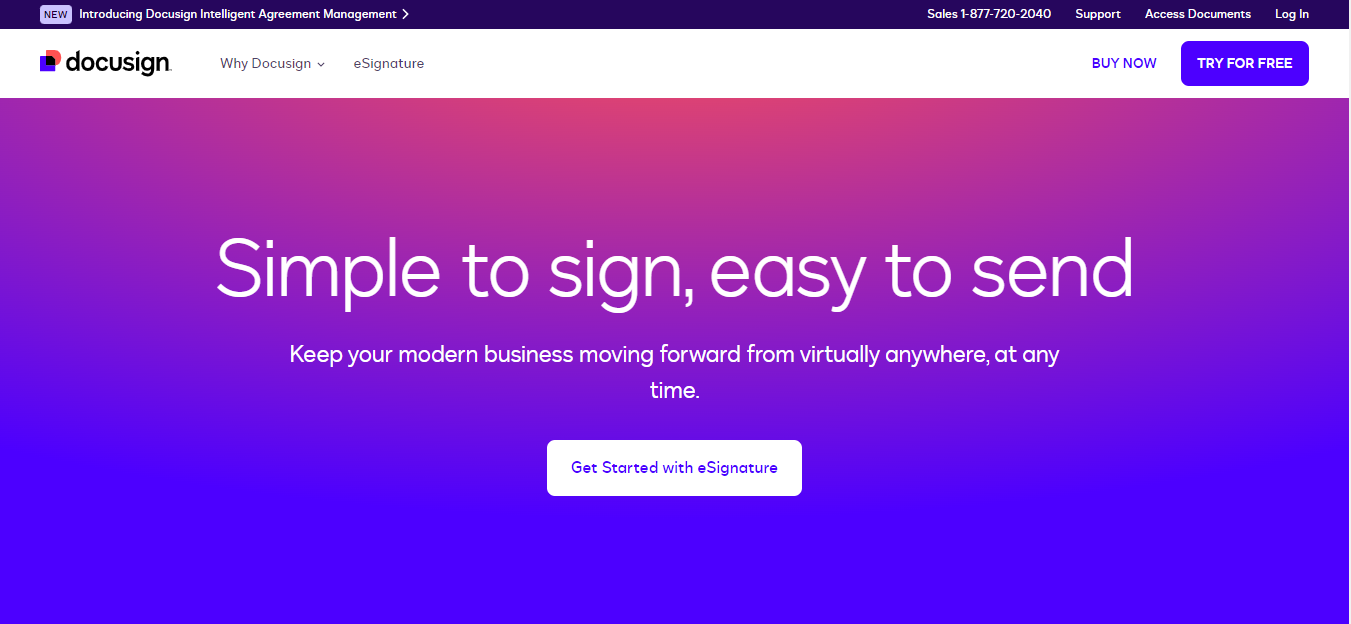
DocuSign is a leader in electronic signatures, widely recognized for its user-friendly interface and comprehensive features. It’s one of the Best Software for Electronic Signature on Document available today.
- Key Features:
- Mobile app for signing documents on-the-go.
- Integration with popular applications like Google Drive and Salesforce.
- Strong security measures, including encryption and audit trails.
- Why Choose DocuSign? DocuSign’s reliability and security make it a top choice for businesses of all sizes. Its intuitive design ensures that anyone can quickly start using it. Its market share advantage also means most recipients already recognize the interface, reducing the friction and confusion that sometimes comes with asking a client to sign through an unfamiliar platform.
2. Adobe Sign
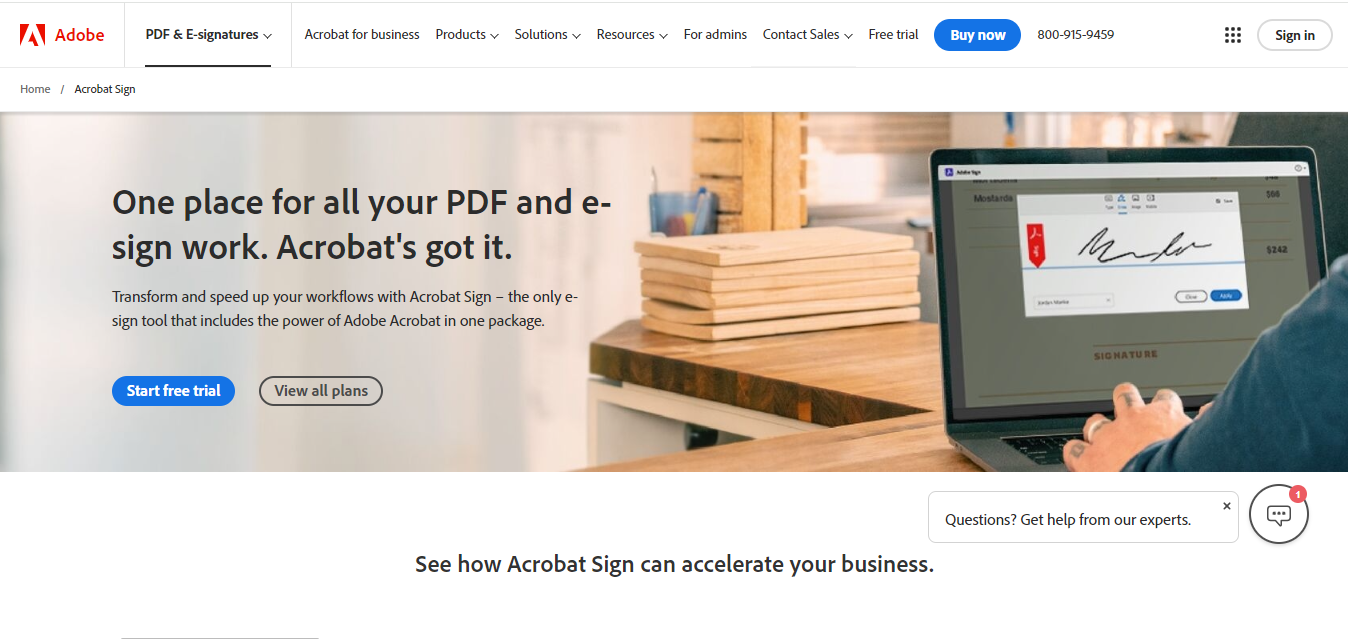
As part of Adobe Document Cloud, Adobe Sign provides a robust solution for electronic signatures. It integrates seamlessly with other Adobe products, making it a perfect fit for existing Adobe users.
- Key Features:
- Customizable workflows for document management.
- Integration with Microsoft Office and other applications.
- Compliance with global e-signature laws.
- Why Choose Adobe Sign? Adobe Sign offers a professional signing experience, enhancing your documents’ credibility. It’s an excellent choice for businesses that prioritize quality. Teams that already build proposals or contracts in Acrobat get a genuinely seamless send-to-sign flow without ever leaving the Adobe ecosystem, which shaves a meaningful step out of the document lifecycle.
3. HelloSign
HelloSign offers a simple and intuitive platform for electronic signatures, making it popular among small businesses and freelancers.
- Key Features:
- Templates for frequently used documents.
- Drag-and-drop functionality for easy signing.
- Integration with Google Drive, Dropbox, and more.
- Why Choose HelloSign? HelloSign is an excellent choice for those seeking a straightforward electronic signature solution. It allows users to sign documents quickly and efficiently. Its API is also frequently cited as one of the more developer-friendly options on this list, which matters if you plan to embed signing directly inside your own product rather than sending recipients to a separate portal.
4. SignNow
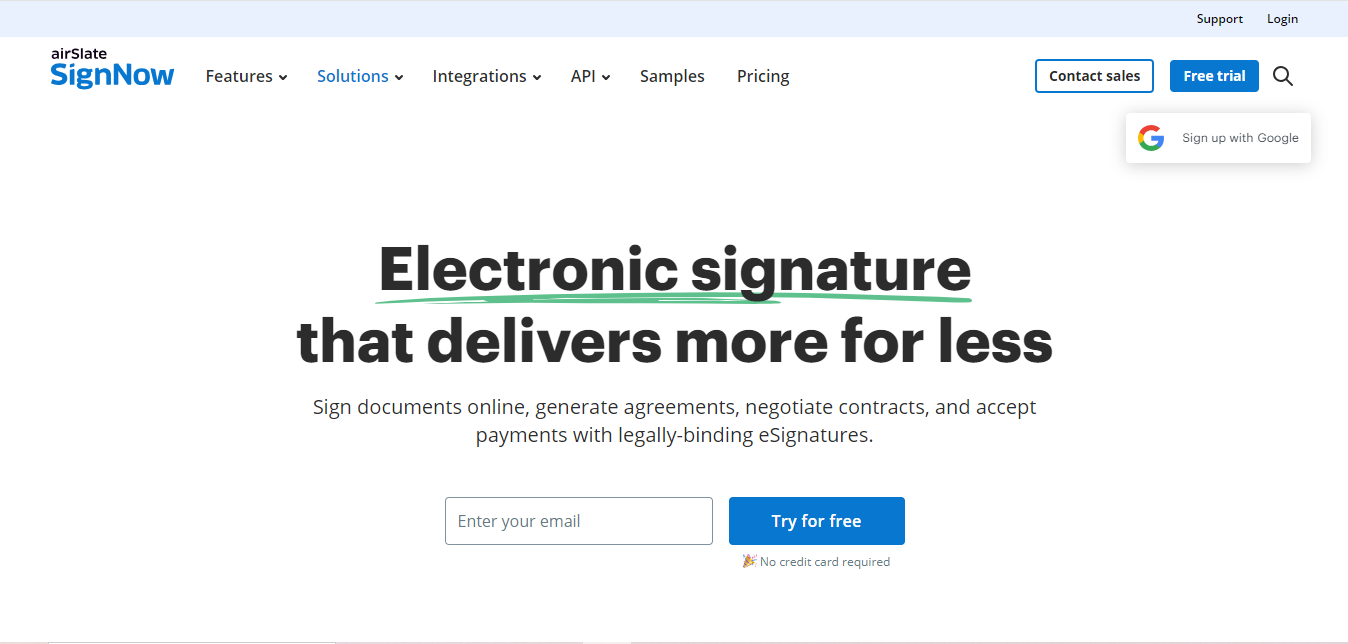
SignNow is a versatile electronic signature software that focuses on security and user-friendliness, making it one of the Best Software for Electronic Signature on Document.
- Key Features:
- Two-factor authentication for added security.
- In-person signing options for greater flexibility.
- Integration with various business applications.
- Why Choose SignNow? SignNow is ideal for businesses that prioritize security and compliance in their document signing process. It is also one of the more affordably priced options for teams, making enterprise-grade authentication features accessible to smaller companies that might otherwise be priced out of comparable tools.
5. PandaDoc
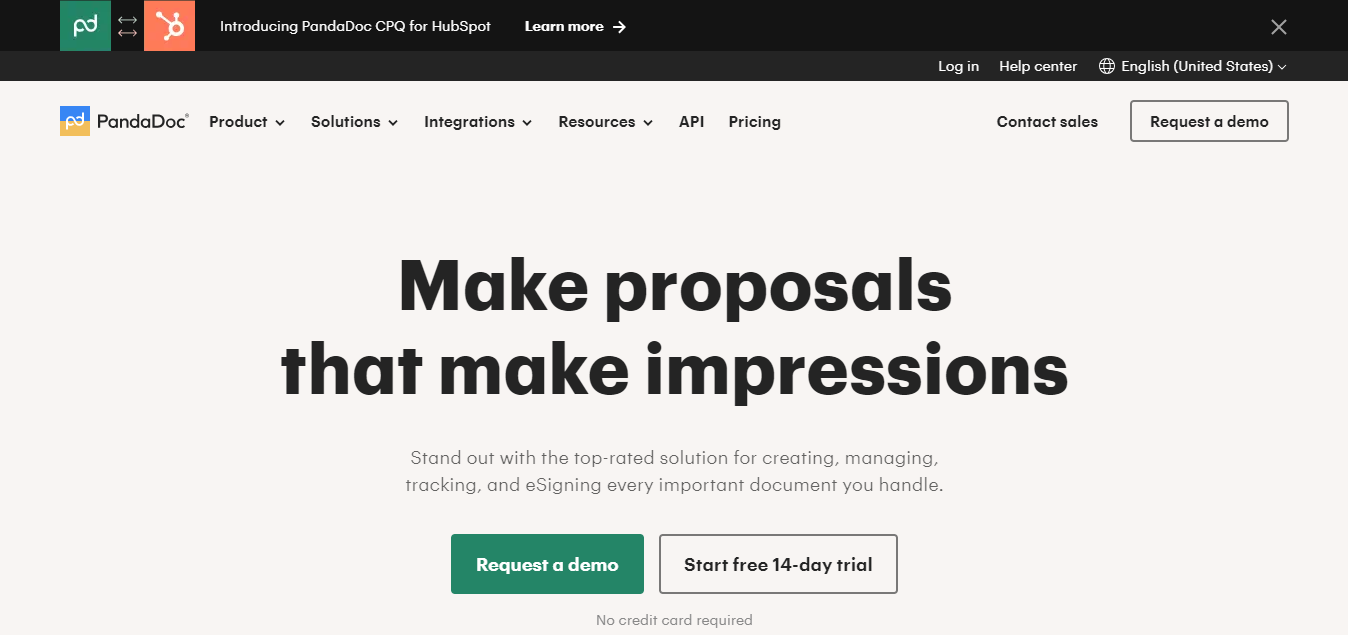
PandaDoc goes beyond electronic signatures by providing a complete document management solution. It allows users to create, send, and track documents while seamlessly integrating electronic signatures.
- Key Features:
- Document analytics to track engagement.
- Customizable templates for various industries.
- Payment processing capabilities.
- Why Choose PandaDoc? PandaDoc is perfect for businesses that require comprehensive document management alongside electronic signatures. Sales teams in particular benefit from its analytics, since seeing exactly which page of a proposal a prospect spent the most time reading is a genuinely useful signal for a follow-up conversation.
6. eSign Genie
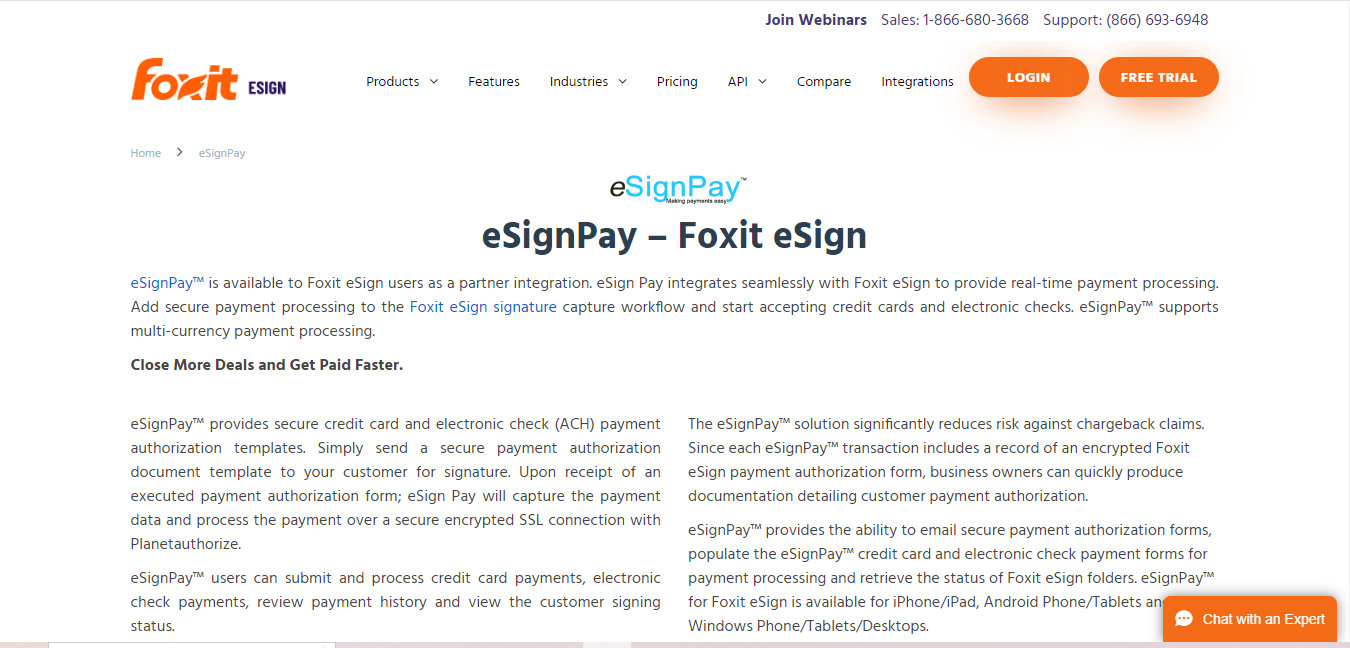
eSign Genie offers an affordable solution for electronic signatures without compromising on features. It’s an excellent choice for small to medium-sized businesses.
- Key Features:
- Unlimited document signing and storage.
- Custom branding options for a professional touch.
- Integration with cloud storage services.
- Why Choose eSign Genie? eSign Genie provides a cost-effective solution, making it accessible for businesses that sign documents regularly. Unlimited document volume on its entry tier is a meaningful differentiator for high-volume signers like real estate agencies or staffing firms, where per-envelope pricing on other platforms adds up quickly.
7. SignEasy
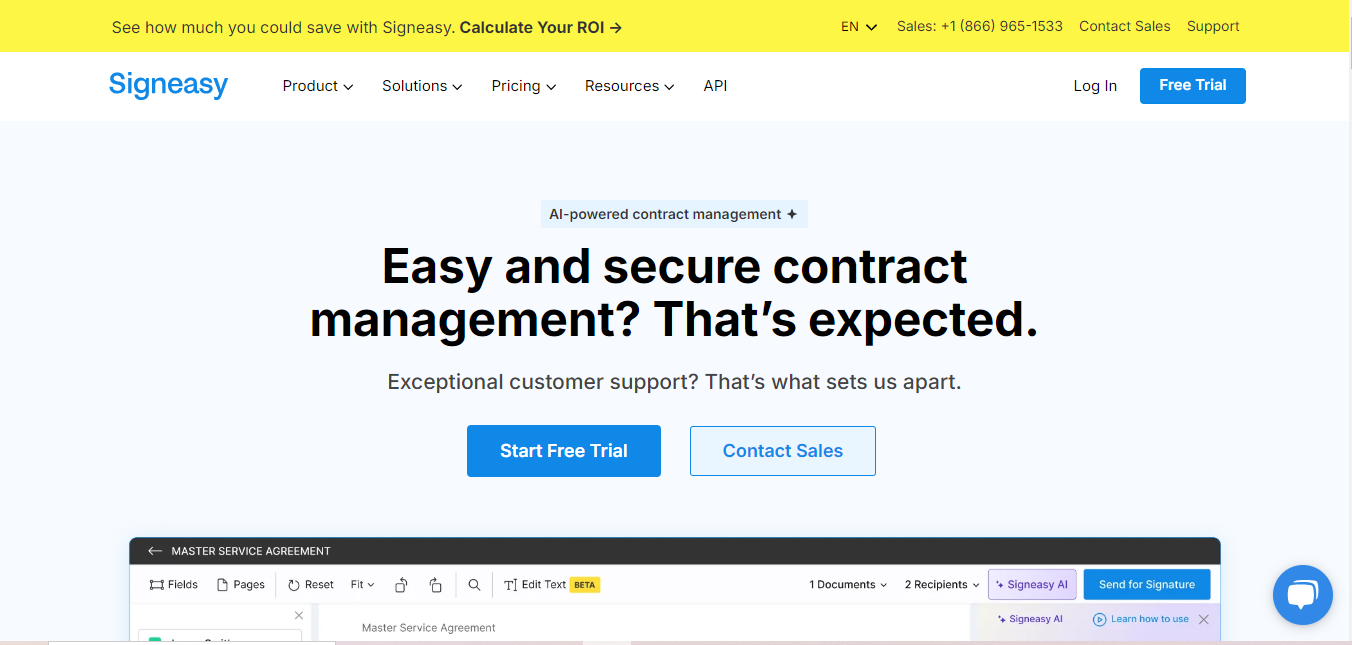
SignEasy is a mobile-friendly electronic signature app designed for users on the go. Its focus on simplicity and accessibility makes it one of the Best Software for Electronic Signature on Document.
- Key Features:
- Offline signing capabilities.
- Multi-language support for global use.
- Seamless integration with cloud storage.
- Why Choose SignEasy? SignEasy is ideal for businesses with employees who frequently travel. Its mobile features allow for flexibility and ease of use. The offline signing capability specifically covers the common scenario of closing a deal on a flight or in an area with poor connectivity, syncing the completed document automatically once a connection returns.
8. Nitro Sign
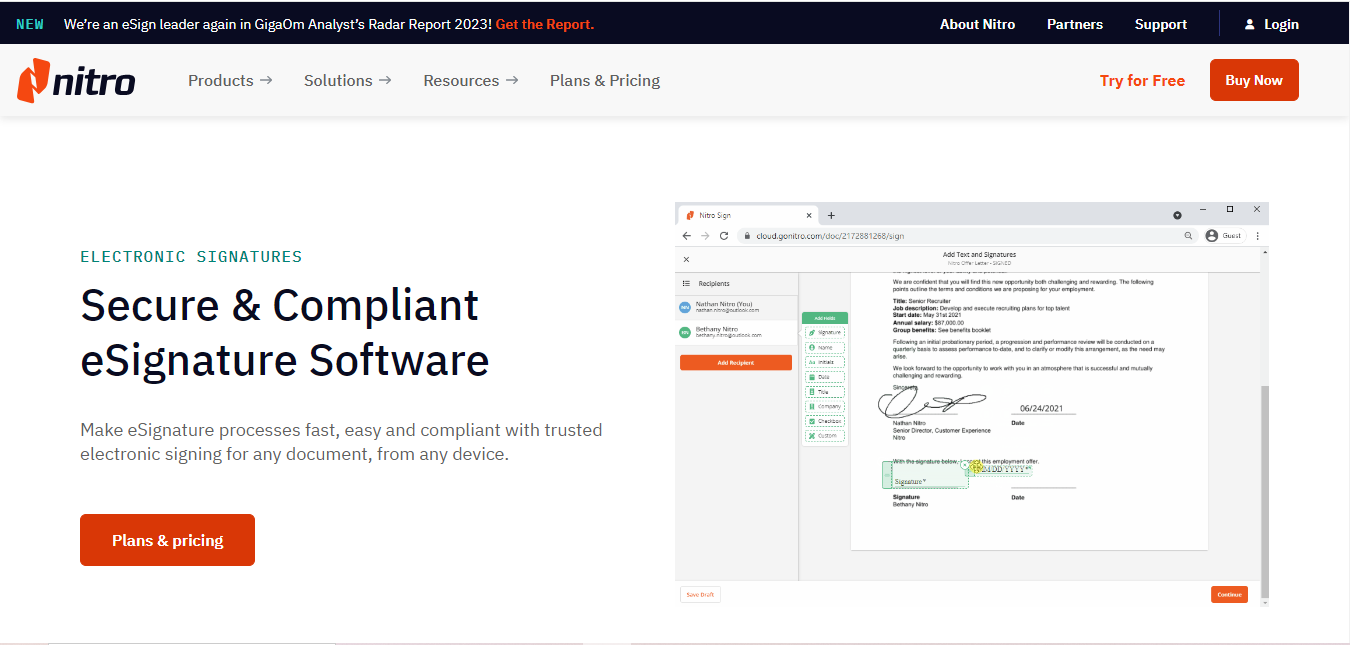
Nitro Sign is part of the Nitro productivity suite, focusing on delivering easy electronic signatures and document management capabilities.
- Key Features:
- Unlimited e-signatures for users.
- Collaboration tools for teams.
- PDF editing and conversion features.
- Why Choose Nitro Sign? Nitro Sign is an excellent choice for those already using Nitro products, offering an integrated solution for document management. Bundling full PDF editing with signing means teams do not need a separate license just to make a small correction to a document before it goes out for signature.
9. Right Signature
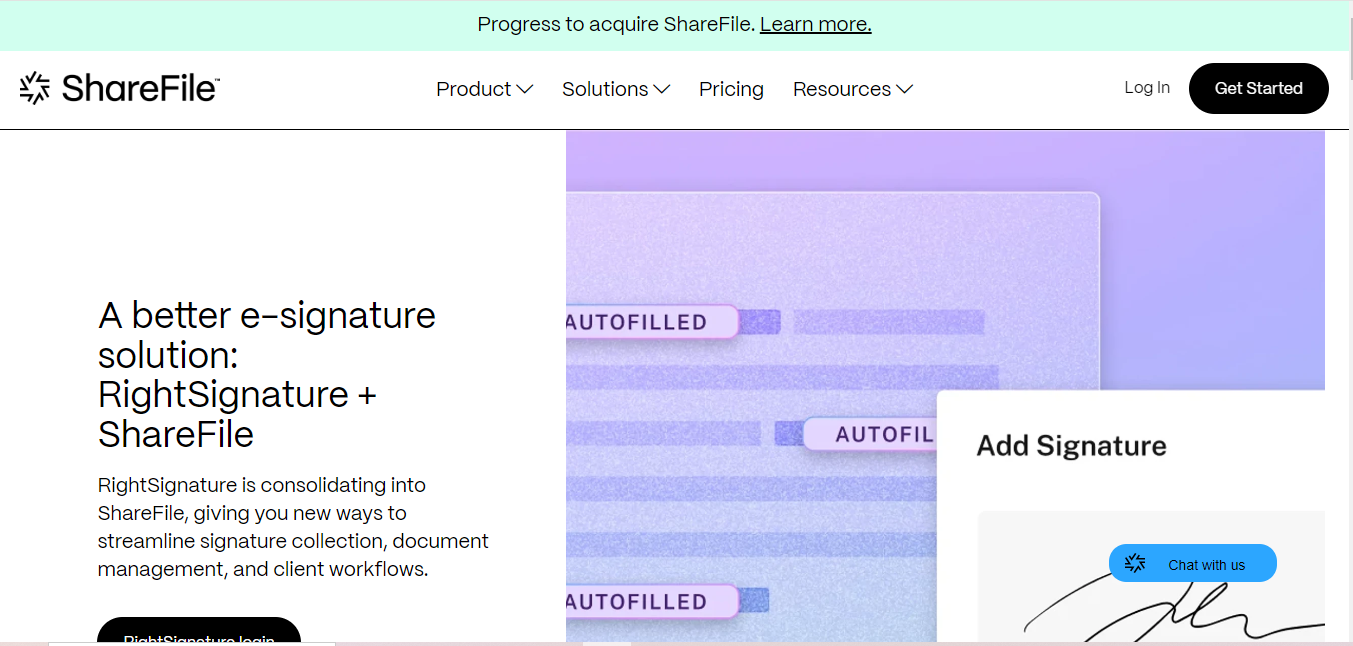
RightSignature is an intuitive electronic signature software designed to make the signing process as simple as possible. It’s part of the Citrix family, providing added credibility.
- Key Features:
- Customizable workflows for your business needs.
- Templates for quick document creation.
- Integration with other Citrix products.
- Why Choose RightSignature? RightSignature is perfect for businesses that use Citrix products, allowing for seamless integration and ease of use. Its clean, minimal signing interface also tends to convert better with less tech-savvy recipients, since there is little to be confused by beyond finding the highlighted signature field.
10. Zoho Sign
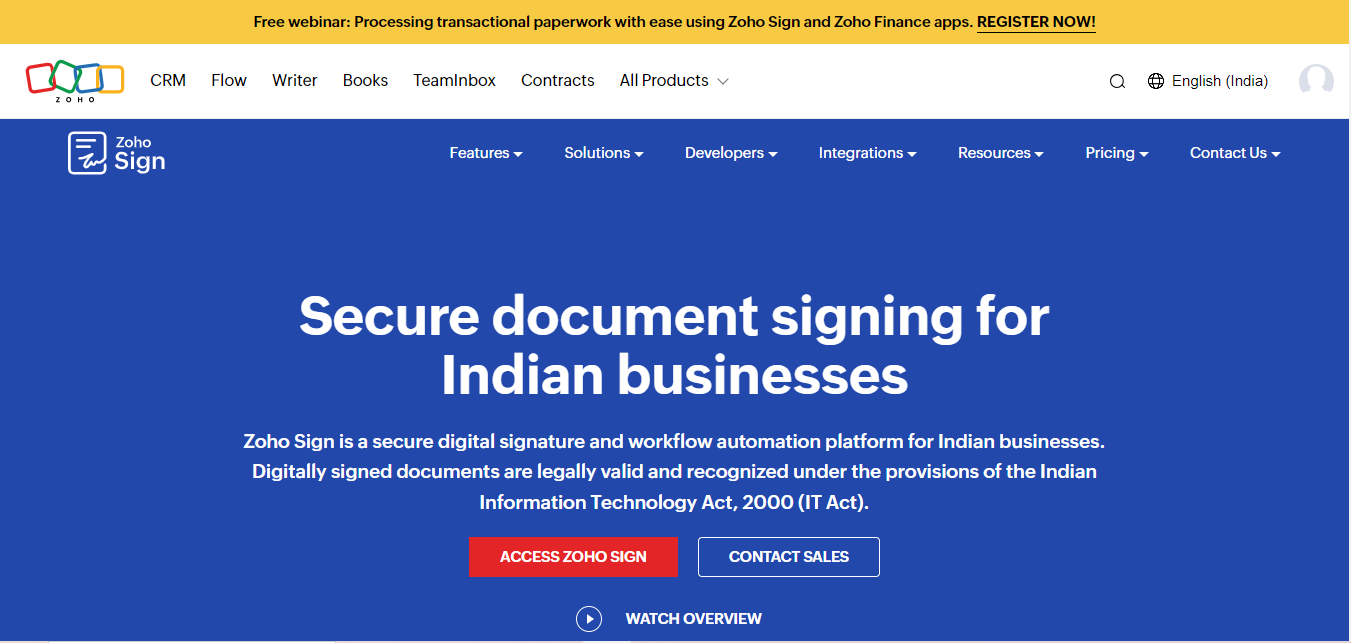
Zoho Sign is part of the Zoho suite, providing a reliable solution for electronic signatures. It integrates well with other Zoho applications, making it a great choice for existing users.
-
- Key Features:
- Templates for various document types.
- Audit trails to track document history.
- Mobile app for signing on the go.
- Key Features:
- Why Choose Zoho Sign? For businesses already invested in the Zoho ecosystem, Zoho Sign offers a natural extension for document management and signing. Its pricing also tends to be among the most competitive on this list, which matters for growing businesses managing a large number of Zoho subscriptions across CRM, accounting, and HR simultaneously.
Comparison Table
| Name of Tool | Best For | Standout Feature | Pricing |
|---|---|---|---|
| DocuSign | Businesses of all sizes | Mobile app, integrations, strong security | Starts at $10/user/month |
| Adobe Sign | Businesses that use Adobe products | Seamless integration with other Adobe tools, customizable workflows | Starts at $15/user/month |
| HelloSign | Small businesses and freelancers | Simple interface, templates, integrations | Starts at $15/user/month |
| SignNow | Businesses prioritizing security | Two-factor authentication, in-person signing, integrations | Starts at $8/user/month |
| PandaDoc | Businesses needing comprehensive document management | Document analytics, templates, payment processing | Starts at $19/user/month |
| eSign Genie | Small to medium-sized businesses | Unlimited documents, custom branding, cloud storage | Starts at $10/user/month |
| SignEasy | Businesses with mobile workers | Offline signing, multi-language support, cloud integration | Starts at $7/user/month |
| Nitro Sign | Businesses using Nitro products | Unlimited e-signatures, collaboration tools, PDF editing | Starts at $12/user/month |
| RightSignature | Businesses using Citrix products | Customizable workflows, templates, Citrix integrations | Starts at $15/user/month |
| Zoho Sign | Businesses using Zoho products | Templates, audit trails, mobile app | Starts at $5/user/month |
Frequently Asked Questions
Are free electronic signature plans usable for a small business?
Most of these platforms offer a limited free tier, typically capped at a small number of documents per month. This works fine for occasional signing needs but businesses signing contracts weekly will want a paid plan for unlimited volume and template features.
Do recipients need to create an account to sign a document?
No, on every platform listed here recipients can sign through a link without creating an account. Account creation is only required for the person sending and managing documents.
How secure is the audit trail these tools generate?
Each platform records IP address, timestamp, device information, and often a verification method like email or SMS confirmation. This certificate of completion is what typically holds up in a legal dispute, not the visual signature itself.
Can I use these tools for international contracts?
Yes, all ten support compliance with major international e-signature regulations including eIDAS in the EU. Some regions and specific document types, such as wills or certain real estate transactions, still require wet-ink signatures regardless of software, so check local requirements for sensitive document categories.
What happens if a recipient does not have reliable internet access?
SignEasy specifically supports offline signing that syncs once connectivity returns. Most other tools require an active connection to load and submit the signed document, so SignEasy is worth prioritizing if your signers are frequently in low-connectivity environments.

Finding the Best Software for Electronic Signature on Document
Choosing the Best Software for Electronic Signature on Document is crucial for businesses looking to enhance their operations and security. The tools listed in this article provide various features tailored to different business needs, ensuring you can find the right option.
Embracing electronic signatures will save you time, reduce costs, and improve the efficiency of your document workflows. Whether you value security, user-friendliness, or integration capabilities, there’s an option on this list for you.
In a fast-paced business environment, keeping up with technology is essential. By adopting the Best Software for Electronic Signature on Document, you’ll not only enhance productivity but also position your business for future success. Take the first step toward digital transformation and streamline your signing process today!
Interesting Reads
10 Best Cryptocurrency Payment Gateways for International Business