

A course marketplace website lets multiple instructors sell courses under one brand. It is the model behind platforms like Udemy, but you can build it on WordPress and keep control of the branding, audience, and revenue.
This guide explains how to create a course marketplace website using WordPress, LearnDash, BuddyPress, and the Reign theme. You will learn how to plan categories, onboard instructors, set up payments, and grow the marketplace sustainably.
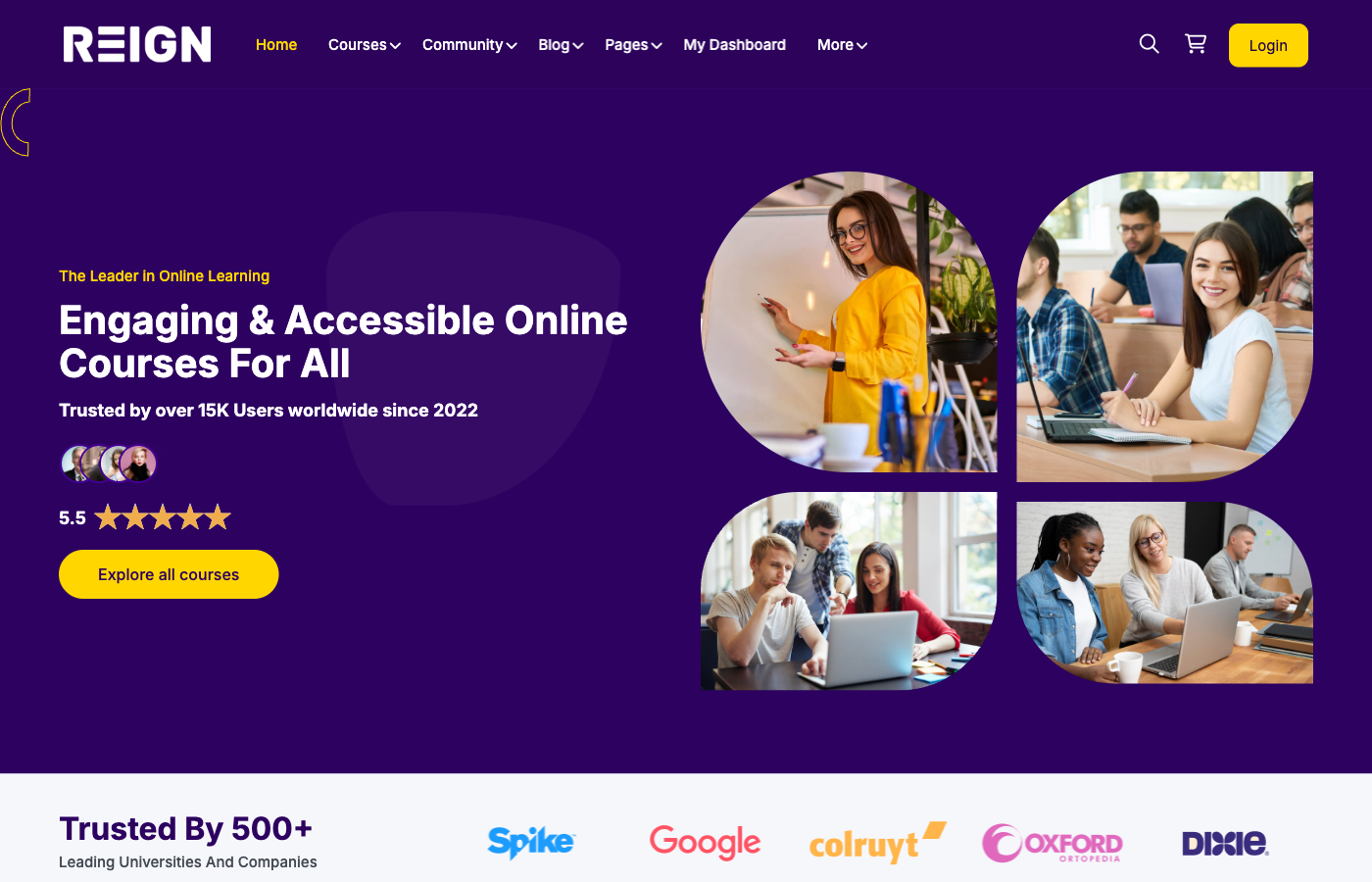
Define your marketplace niche and positioning
Marketplaces that succeed are clear about who they serve. A marketplace focused on one niche often converts better than a general catalog. Choose a niche where demand is strong and competition is low.
Position your marketplace around outcomes, not just topics. For example, “courses for freelance designers” is more compelling than “design courses.” Clear positioning helps with marketing and SEO.
Validate your niche by checking search demand, existing forums, and competitor catalogues. If students already buy similar courses, there is a market to build on.
Essential features of a course marketplace
Your marketplace needs a discovery engine, conversion tools, and community features. Discovery includes categories, filters, and search. Conversion tools include course pages, reviews, and pricing clarity. Community features keep students engaged.
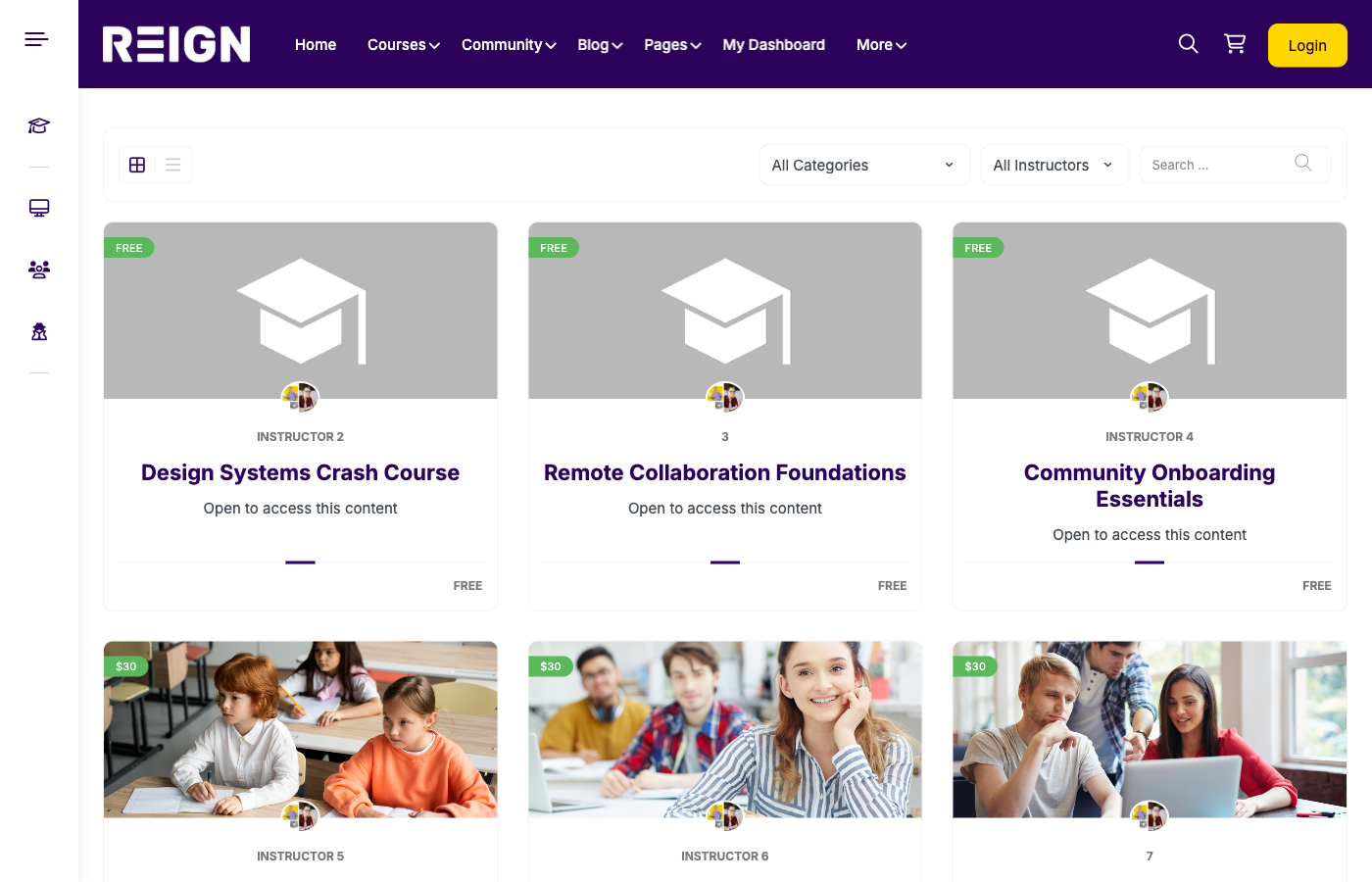
Core marketplace features
- Instructor profiles and dashboards
- Course catalog with filters
- Course detail pages with reviews
- Checkout and enrollment flow
- Community groups and discussions
Choose the right WordPress stack
Reign provides the design layer and marketplace UX. LearnDash powers courses, lessons, quizzes, and access rules. BuddyPress adds profiles, groups, and activity feeds that make the marketplace social and engaging.
Place image: blog-screenshot/how-to-create-course-marketplace-website-detail.png
If you plan subscriptions, add a membership plugin. If you want instructor payouts, use payout tools or accounting workflows. Keep the core stack lean at launch.
Why this stack works
- Reign creates a modern marketplace look
- LearnDash delivers structured courses and tracking
- BuddyPress builds social engagement and retention
Set up instructor onboarding and policies
Instructor onboarding is the backbone of your marketplace. Create an application form and approval process. Require instructors to submit a course outline before publishing.
Set quality guidelines for lessons, video length, and outcomes. Provide a course template so instructors follow a consistent structure.
Establish policies for refunds, content ownership, and revenue sharing. Transparency builds trust with instructors and students.
Instructor onboarding checklist
- Application form and approval process
- Instructor profile setup
- Course template and standards
- Submission review and quality check
- Publishing and marketing guidelines
Build the catalogue and course pages
Your catalogue should be easy to browse. Use categories and filters so students can find the right courses quickly. Highlight featured courses and top instructors for social proof.
Course pages should include outcomes, curriculum, instructor bio, reviews, and pricing. Keep the CTA visible and make the enrollment process simple.
Place image: blog-screenshot/how-to-create-course-marketplace-website-community.png
Course page essentials
- Outcome-driven headline
- Curriculum preview
- Instructor credibility
- Reviews and ratings
- Pricing and refund details
Community and engagement
A marketplace without community feels transactional. Add groups for courses or categories so students can learn together. Encourage instructors to participate in discussions and answer questions.
BuddyPress activity feeds keep engagement visible. Community improves completion rates and increases the likelihood of referrals.
Consider monthly events, challenges, or Q and A sessions to keep the community active and add value beyond lessons.
Payments, commissions, and payouts
Define your commission model. Most marketplaces split revenue between the platform and instructors. A 70/30 or 60/40 split is common.
Be transparent about payouts. Communicate schedules clearly and provide simple reporting for instructors. Use payout tools to automate this process when possible.
Offer incentives for top instructors. Bonuses for high ratings or enrollments encourage quality and participation.
Marketplace UX and trust signals
Marketplace UX should feel consistent across courses. Use the same layout for every course page, consistent buttons, and consistent placement of outcomes and reviews.
Trust signals increase conversions. Highlight verified instructors, show student counts, and display completion badges. Even small cues can lift enrollment rates.
Make the checkout experience fast. Reduce steps, display pricing clearly, and avoid unnecessary fields. Checkout friction is one of the largest conversion killers.
Legal and compliance basics
Publish clear terms of service, refund policies, and content ownership rules. Instructors should know how their content is licensed and how payouts are handled.
For global sales, check VAT and digital goods tax requirements. A simple tax compliance tool can save time and reduce risk.
Marketing and growth strategy
Marketplace growth requires both supply and demand. Recruit high-quality instructors first. Their success stories will attract more instructors and students.
Build SEO content around your categories and high-demand topics. Promote course highlights through email and social media.
Growth channels to test
- SEO category pages
- Email campaigns for new courses
- Instructor-led marketing
- Partnerships and affiliates
SEO architecture for marketplace sites
Create category pages optimised for search terms like “data analysis courses” or “public speaking courses.” These pages should include short intro text, featured courses, and links to instructors.
Optimise course pages for long-tail keywords. Courses that target specific outcomes usually convert better and rank faster.
Use internal linking between blog posts, category pages, and course pages. This improves SEO and increases conversions.
Email and lifecycle marketing
Use email to onboard students and promote new courses. A welcome sequence should guide students to join community groups and start lessons quickly.
Run reactivation campaigns for inactive students. A simple reminder and a new lesson announcement can bring learners back.
Analytics and optimisation
Track enrollment conversion, category performance, and completion rates. Identify which courses deliver the best outcomes and promote them more heavily.
Use feedback to refine onboarding, course templates, and marketing pages. Continuous optimisation is what keeps marketplaces growing.
Common mistakes to avoid
- Allowing low-quality courses early
- Skipping instructor guidelines
- Overcomplicating checkout
- Ignoring community features
- Not tracking conversion metrics
Checklist and FAQ
Pre-launch checklist
- Instructor onboarding flow is tested
- Course submission process is ready
- Catalog filters and search are configured
- Checkout is working
- Community guidelines are published
FAQ
Can I start with a small catalog? Yes. Quality matters more than quantity at launch.
Do I need custom development? No. Reign, LearnDash, and BuddyPress cover most marketplace needs.
How do I handle payouts? You can pay instructors manually or use payout tools to automate the process.
Conclusion
Creating a course marketplace website is about balancing instructor success, student outcomes, and community engagement. With WordPress, LearnDash, BuddyPress, and Reign, you can launch a marketplace that scales.
Build your marketplace with Reign + LearnDash + BuddyPress and create a platform you fully control.