

LearnDash gives you structured courses, while BuddyPress gives you a community layer. When you combine them, you get a complete social learning platform: students enrol in courses, connect with peers, and stay engaged between lessons.
This guide shows how to set up LearnDash with BuddyPress using WordPress and the Reign theme. You will learn the ideal setup order, how to connect courses with groups, and how to build a community experience that improves completion rates.
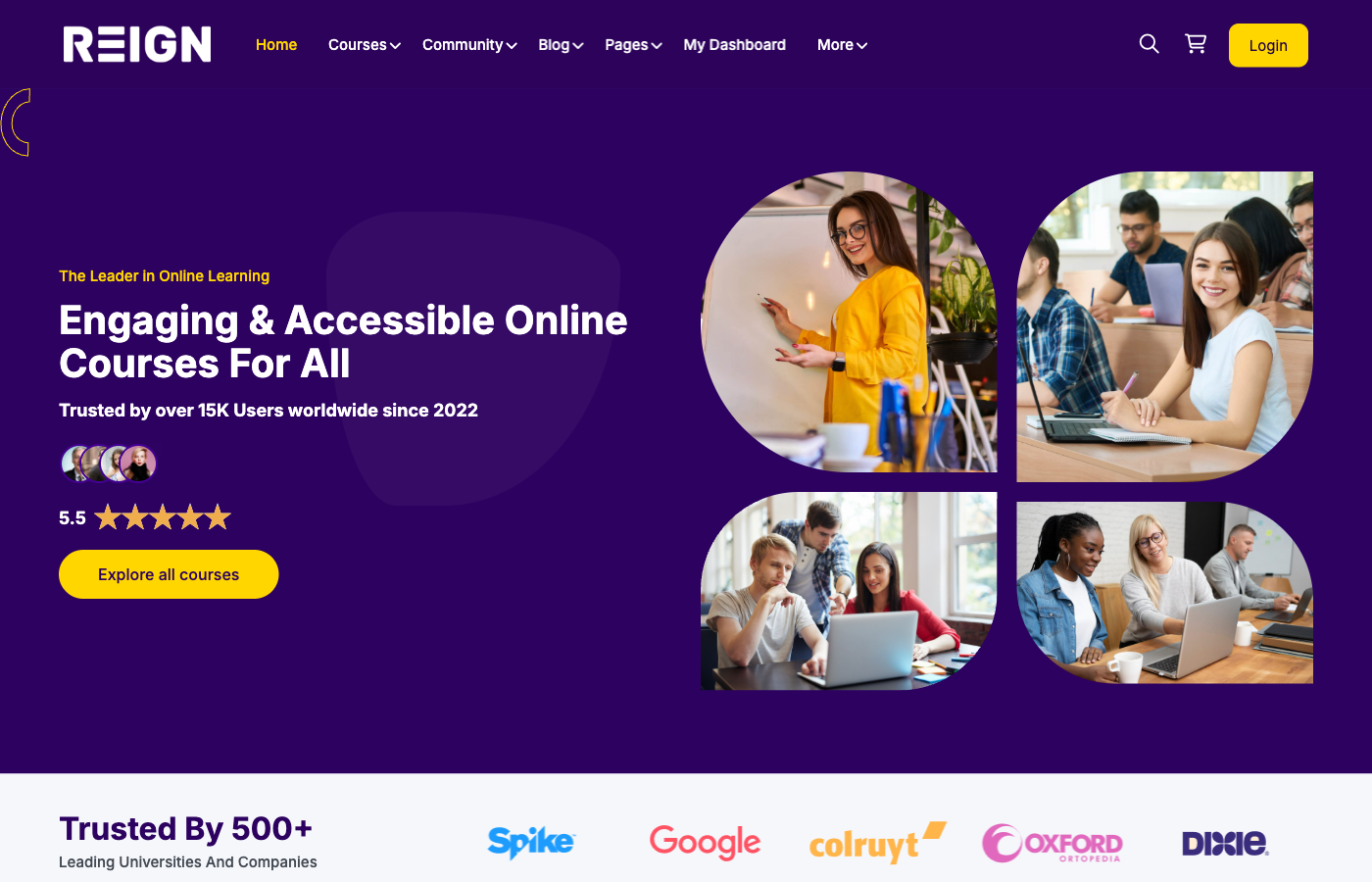
Why combine LearnDash and BuddyPress
LearnDash is excellent at course delivery: lessons, quizzes, certificates, and access rules. BuddyPress adds member profiles, groups, activity feeds, and messaging. Together, they solve the two biggest challenges of online learning: structure and engagement.
With both tools working together, students do not just consume content. They interact, ask questions, and learn from each other. This reduces refunds and creates a stronger brand.
Key benefits
- Higher course completion and engagement
- Community-driven support instead of one-way teaching
- Better student retention and word of mouth
- Stronger instructor credibility and trust
Recommended stack and prerequisites
Start with WordPress, then install Reign, LearnDash, and BuddyPress. Reign provides a community-first design so the integration looks consistent across profiles, groups, and courses.
Ensure your hosting can handle community activity. BuddyPress adds dynamic activity feeds and notifications, so choose a host with caching and good PHP performance.
Minimum requirements
- WordPress has been updated to the latest stable version
- LearnDash is installed and activated
- BuddyPress is installed and activated
- Reign theme for a cohesive UI
Step-by-step setup order
Order matters. Start with BuddyPress so profiles and groups are ready before you configure course access rules.
- Install WordPress and activate Reign
- Install BuddyPress and configure components
- Install LearnDash and configure course settings
- Create a sample course and test enrollment
- Connect groups to courses and test activity flow
Configure BuddyPress for social learning
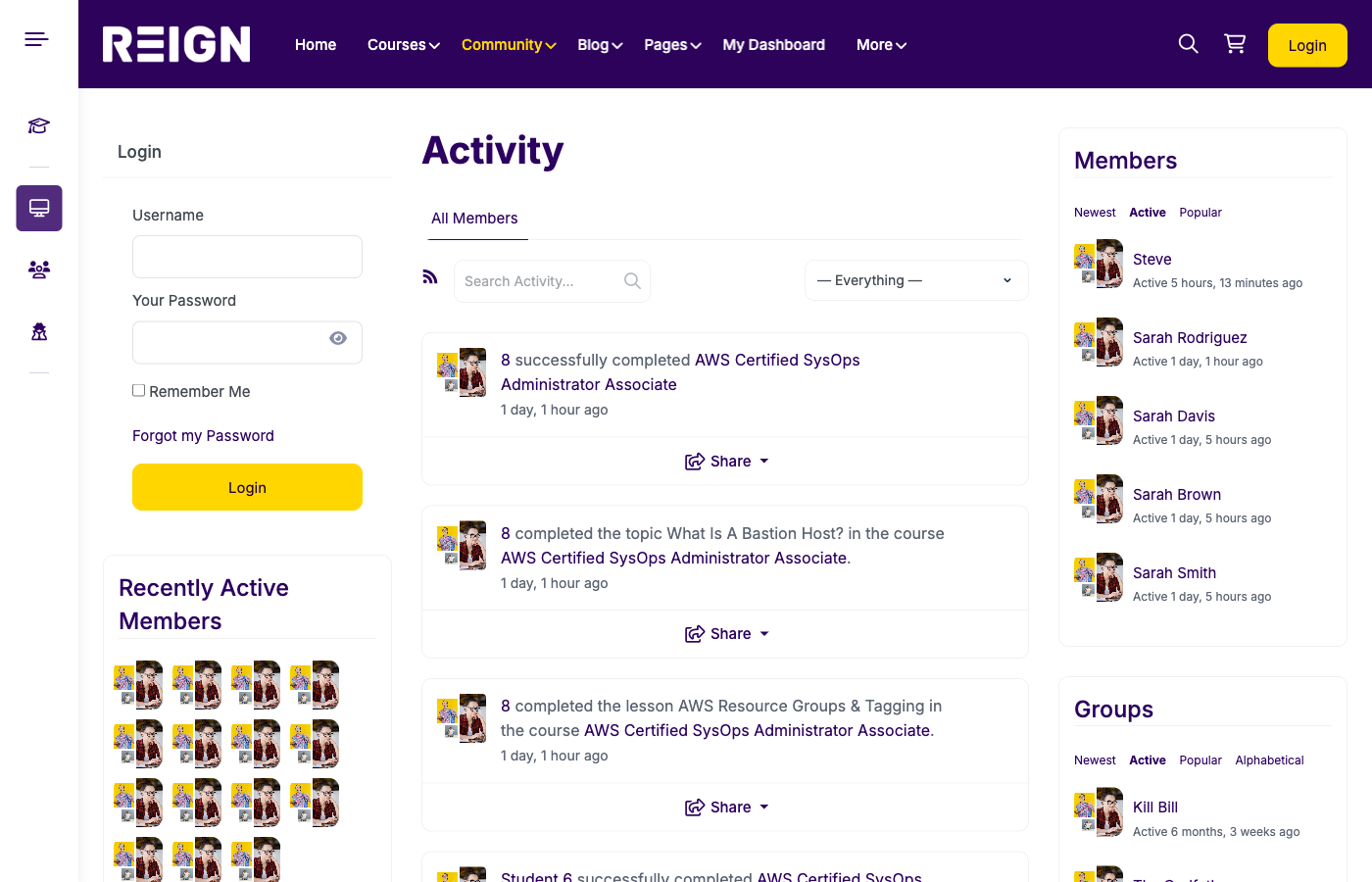
In BuddyPress, enable member profiles, activity streams, and groups. These are the core features that create community interaction.
Customise profile fields to reflect learning goals and expertise. This helps students discover peers with similar interests.
Set group visibility and privacy options. For course groups, you may want private or hidden groups to keep discussions focused on enrolled students.
BuddyPress settings checklist
- Enable member profiles and activity
- Enable groups and group forums if needed
- Configure notifications and email alerts
- Set registration rules and profile fields
Configure LearnDash for course delivery
Create your courses, lessons, topics, and quizzes. Define completion rules so students know what they must finish to progress.
Set access rules for each course. Decide whether courses are open, paid, or membership-based. LearnDash provides granular control for each course.
Add certificates if your audience is professional. Certificates increase perceived value and provide a clear incentive for completion.
LearnDash setup checklist
- Create a sample course with modules and lessons
- Set access rules and pricing
- Configure quizzes and assignments
- Enable certificates for completion
Connect LearnDash courses to BuddyPress groups
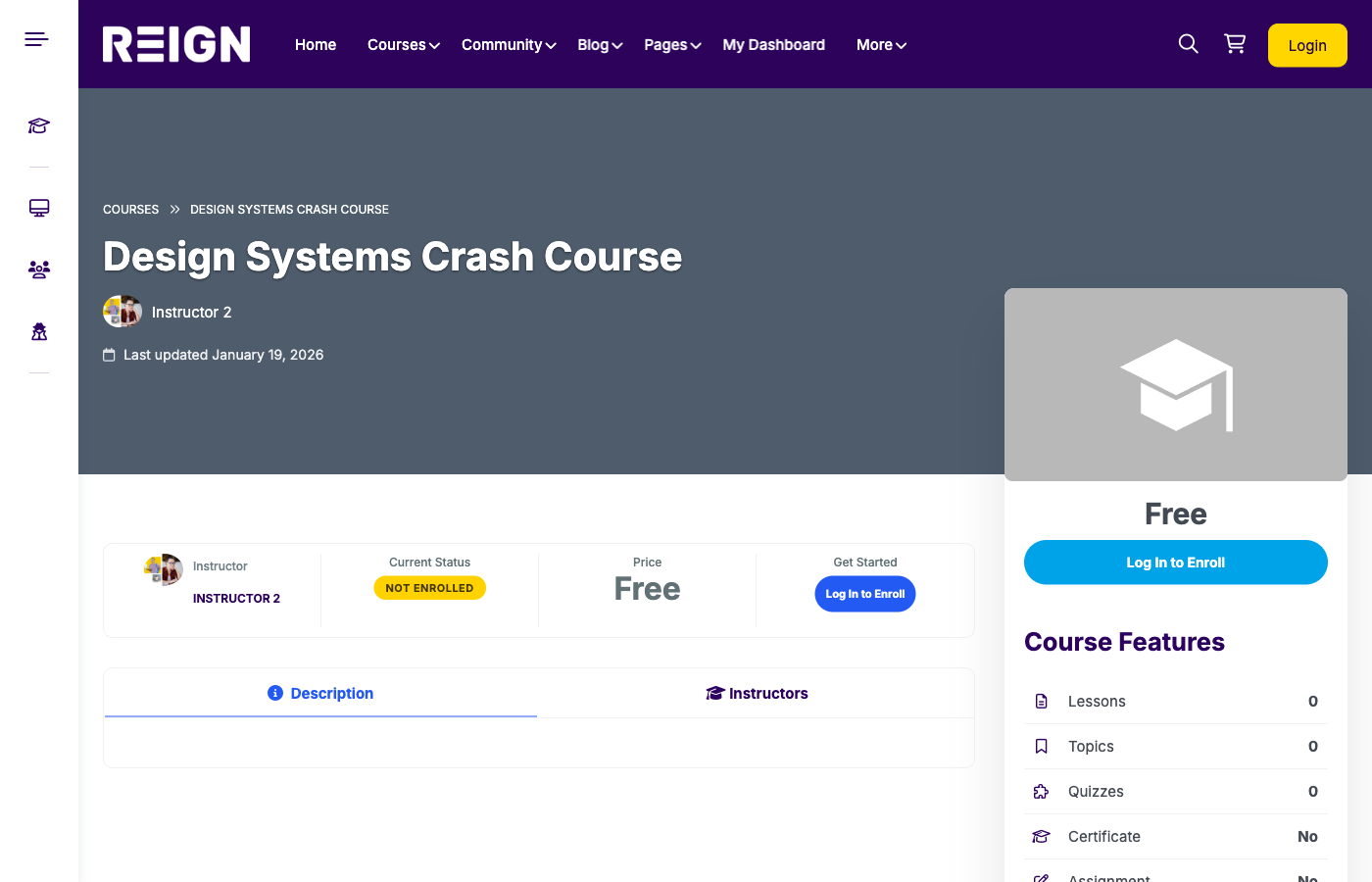
The most powerful setup is to link each course to a BuddyPress group. When students enrol, they gain access to a course group where discussions and peer support happen.
You can connect groups manually or use integration add-ons that sync course enrollment to group membership. This ensures only enrolled students can access discussions.
Group integration options
- Manual group assignment for small cohorts
- Automatic enrollment with integration plugins
- Course-specific group forums for Q&A
Design the member experience
Use Reign to keep the design consistent across courses and community pages. Students should feel like they are navigating one platform, not separate systems.
Add a community hub menu item so students can easily find discussions and profiles. Place it alongside courses in the main navigation.
Include progress indicators in course pages and highlight community activity in the dashboard. This encourages learners to participate.
Engagement strategies that work
Community does not grow without a plan. Use weekly prompts, instructor Q&A sessions, and peer review threads to keep students active.
Create milestones and celebrate achievements. Highlight students who complete modules or contribute helpful feedback.
Engagement ideas
- Weekly discussion prompts
- Monthly live Q&A sessions
- Peer review assignments
- Student spotlight posts
Membership and monetisation options
You can sell courses individually or bundle them inside a membership. If you use a membership plugin, define which courses and groups are included.
Memberships work best when the community offers ongoing value, such as live events, new lessons, or exclusive discussions.
Use tiers if you want to offer a premium level with coaching or direct instructor access.
Notifications and automation
Notifications keep students engaged. Configure BuddyPress emails for group activity and mentions. Use LearnDash notifications for course progression and completion.
Automate welcome emails for new students and group joiners. A simple onboarding sequence increases first-week engagement and reduces drop-off.
Moderation and community guidelines
Publish clear community guidelines. Define acceptable behavior, content rules, and moderation policies. This keeps the environment professional and welcoming.
Assign moderators or community managers. They should monitor groups, answer questions, and resolve conflicts quickly.
Performance and scaling tips
BuddyPress can increase server load because of activity feeds and notifications. Use caching, image optimization, and a reliable host to keep performance smooth.
Limit activity feed items and clean spam regularly. A clean feed improves usability and reduces overhead.
Analytics and optimisation
Track engagement metrics such as group activity, comments per lesson, and completion rates. These metrics show whether the community is improving outcomes.
Survey students to understand what they need from the community. Use feedback to adjust groups, prompts, and instructor involvement.
Common mistakes to avoid
- Launching community without engagement plans
- Not linking courses to groups
- Overloading students with too many discussions
- Ignoring moderation and guidelines
- Skipping performance optimization
Checklist and FAQ
Setup checklist
- BuddyPress profiles, groups, and activity enabled
- LearnDash courses created and tested
- Course groups linked and permissions set
- Community guidelines published
- Engagement plan prepared
FAQ
Do I need extra plugins to connect LearnDash and BuddyPress? Not always. You can link courses to groups manually, but automation plugins save time for larger platforms.
Can I restrict groups to enrolled students? Yes. Use private groups and enrollment-based access.
Is BuddyPress required? No, but it adds the social layer that improves retention and referrals.
Conclusion
Setting up LearnDash with BuddyPress turns your WordPress site into a true social learning platform. With Reign, you can deliver courses and community in one cohesive experience.
Build your social learning platform with Reign + LearnDash + BuddyPress and create a course experience that keeps students coming back.