

A membership + courses website creates predictable revenue and long-term engagement. Instead of selling single courses, you offer ongoing access to courses, community, and updates.
This guide explains how to build a membership and courses website on WordPress with LearnDash, BuddyPress, and the Reign theme. You will learn how to structure tiers, price your membership, and keep members active.
Why memberships outperform one-time sales
Memberships provide recurring revenue and higher lifetime value. Students get continued access to content and community, which increases satisfaction and referrals.
Memberships also reduce marketing pressure. Instead of constantly selling new courses, you focus on retention and engagement.
Membership benefits
- Predictable monthly revenue
- Stronger student loyalty
- Ongoing engagement through updates
- Higher lifetime value per customer
Recommended stack for memberships
LearnDash powers courses and access rules. BuddyPress provides community features. Reign ties the experience together with a social-first design.
You will also need a membership plugin to handle recurring billing and tiered access. Choose one that integrates cleanly with LearnDash.
Define your membership model
Start by defining what members get. Common options include access to all courses, access to a course library, or access to a mix of courses and community events.
Decide whether your membership is evergreen or cohort-based. Evergreen memberships scale better, while cohort memberships can justify higher pricing.
Popular membership structures
- All-access library
- Tiered membership with basic and premium levels
- Cohort-based membership with live sessions
- Hybrid: courses plus coaching or events
Set up membership tiers and pricing
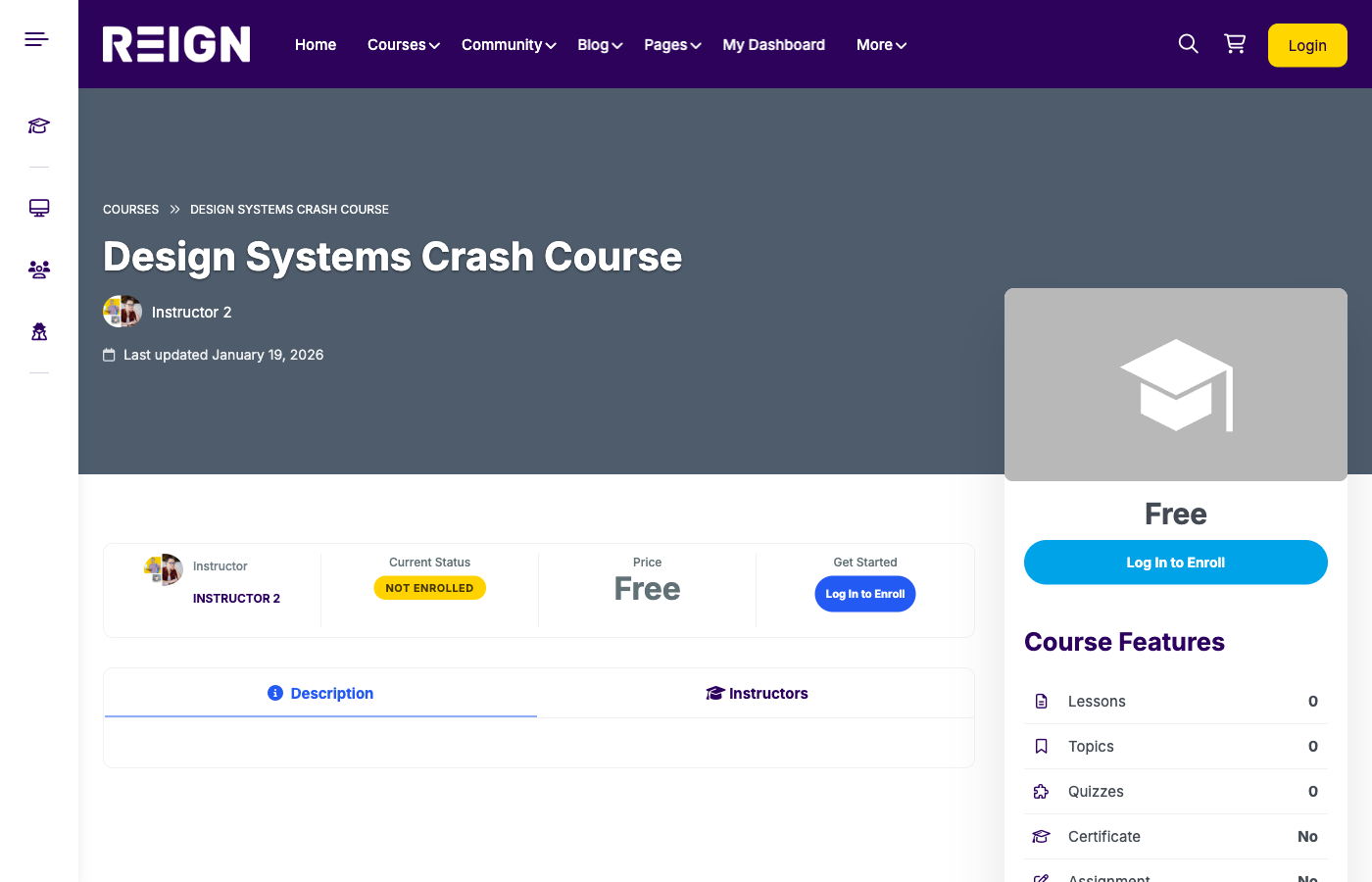
Pricing tiers should match value. A lower tier may include course access only, while a higher tier includes community access, live Q&A, or coaching.
Test pricing with your audience. Start with an introductory price and increase when you prove results.
Pricing framework
- Starter tier: courses only
- Growth tier: courses plus community
- Premium tier: coaching, live sessions, or audits
Build the course library
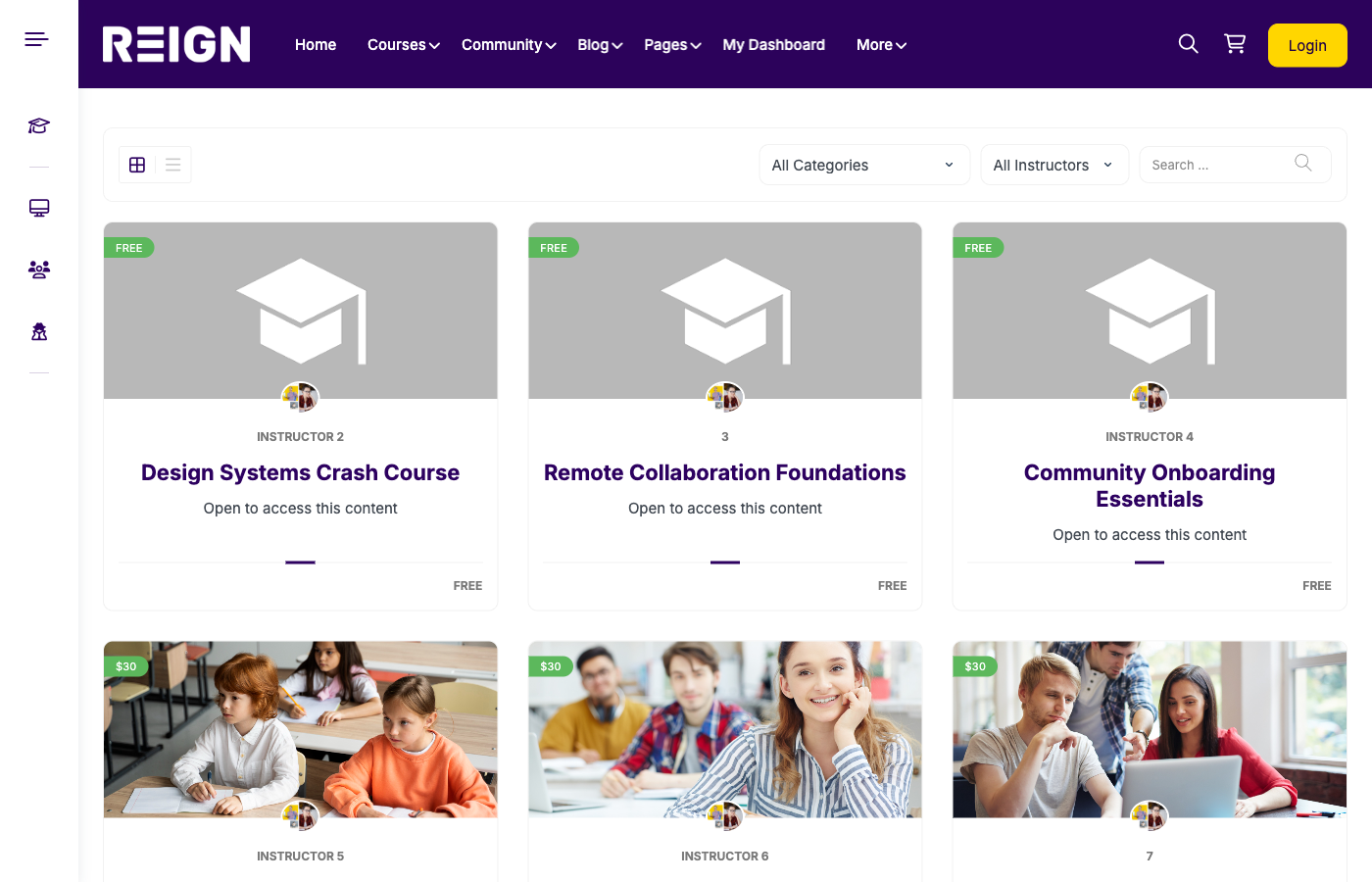
Your membership needs a strong course library. Organise courses by topic, level, and outcome. Use filters so members can find what they need quickly.
Refresh the library regularly. New content is one of the biggest drivers of retention.
Community as a retention engine
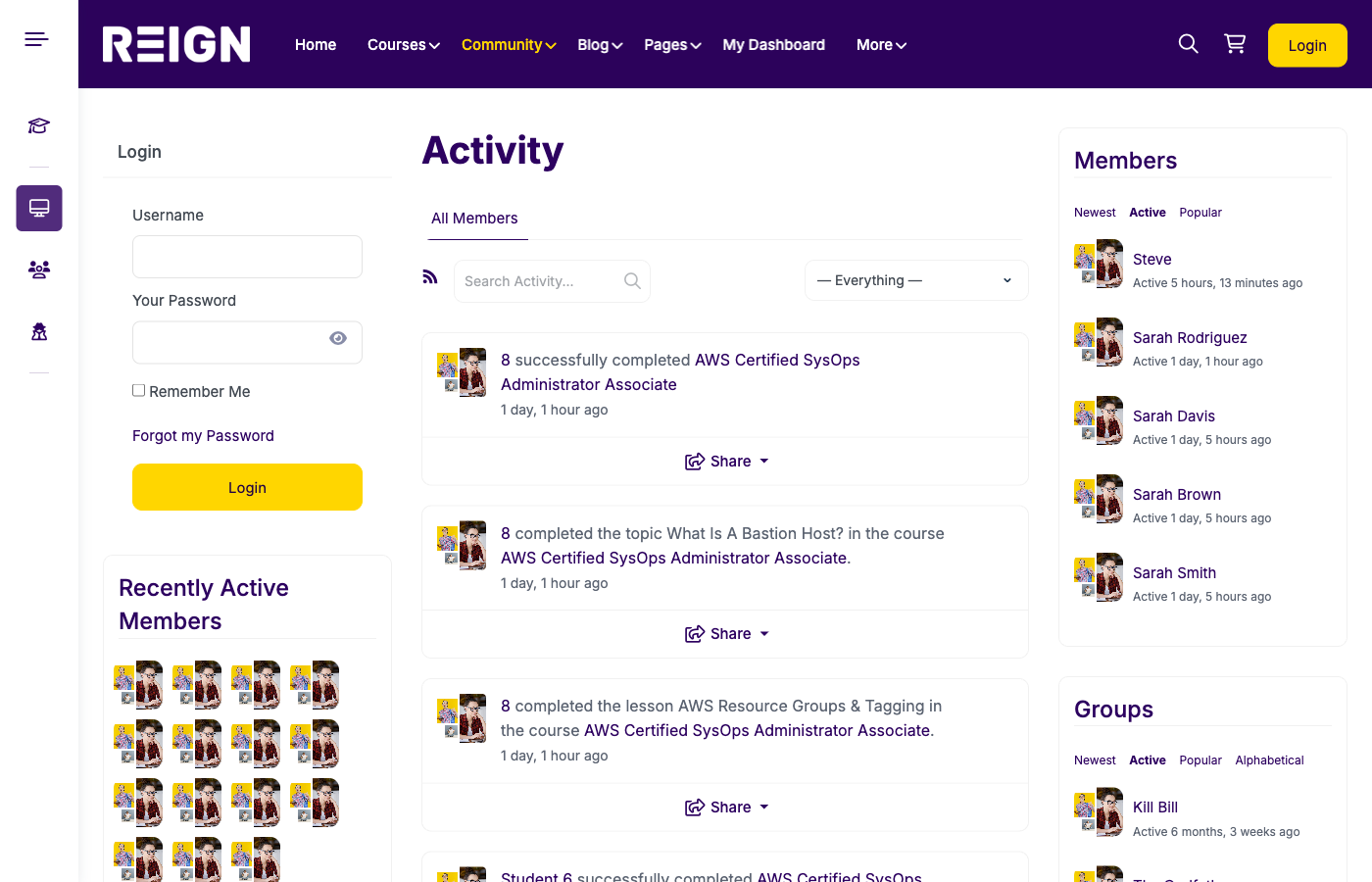
Memberships succeed when the community is active. Use BuddyPress groups, activity feeds, and messaging to keep members connected.
Run monthly events, challenges, or peer review sessions. These give members reasons to return even when they are not consuming lessons.
Onboarding and retention strategy
Onboarding is critical. Send a welcome sequence that explains how to access courses, join groups, and complete their first lesson.
Use progress reminders, milestone emails, and engagement prompts to keep members active. The goal is to make engagement habitual.
Retention ideas
- Monthly new course drops
- Weekly community prompts
- Member spotlight features
- Live Q&A sessions
Content calendar and publishing cadence
Memberships thrive on consistency. Publish a simple content calendar so members know when new lessons, challenges, or live events are coming.
Consistency builds trust. Even small monthly updates can reduce churn if members feel momentum.
Marketing a membership site
Memberships require clear positioning. Focus on outcomes and community value, not just content volume.
Use SEO and content marketing to attract organic traffic. Offer free resources that lead to membership offers.
Affiliate marketing and partnerships can accelerate growth. Provide clear benefits and marketing assets for partners.
Payment and policy considerations
Choose payment gateways that support recurring billing. Stripe and PayPal are common choices.
Define cancellation and refund policies. Make them clear at checkout to reduce disputes.
Offer annual plans with discounts. Annual billing reduces churn and increases cash flow.
Community programming ideas
Keep members active with a predictable rhythm. Run office hours, Q&A events, or themed challenges that align with course content.
Encourage peer mentoring. Assign mentors or group leaders to help new members get started.
Common mistakes to avoid
- Launching without enough content
- Ignoring onboarding and retention
- Overcomplicating pricing tiers
- Not refreshing content regularly
- Failing to build community
Checklist and FAQ
Pre-launch checklist
- Membership tiers defined
- Course library organized
- Community groups created
- Payment system tested
- Onboarding emails ready
FAQ
Do I need a membership plugin? Yes, to handle recurring billing and tiered access.
How many courses should I launch with? Start with at least three to five strong courses.
Can I add coaching to memberships? Yes, coaching is often a premium-tier benefit.
Conclusion
A membership + courses website builds predictable revenue and long-term loyalty. With WordPress, LearnDash, BuddyPress, and Reign, you can build a platform that grows with your community.
Launch your membership platform with Reign + LearnDash + BuddyPress and create a sustainable course business.
