

An online academy website is more than a single course. It is a structured learning destination with multiple programs, instructors, and a community that supports long-term growth.
This guide shows how to launch an online academy on WordPress using LearnDash, BuddyPress, and the Reign theme. You will learn how to plan the academy, build the core pages, publish courses, and launch with confidence.
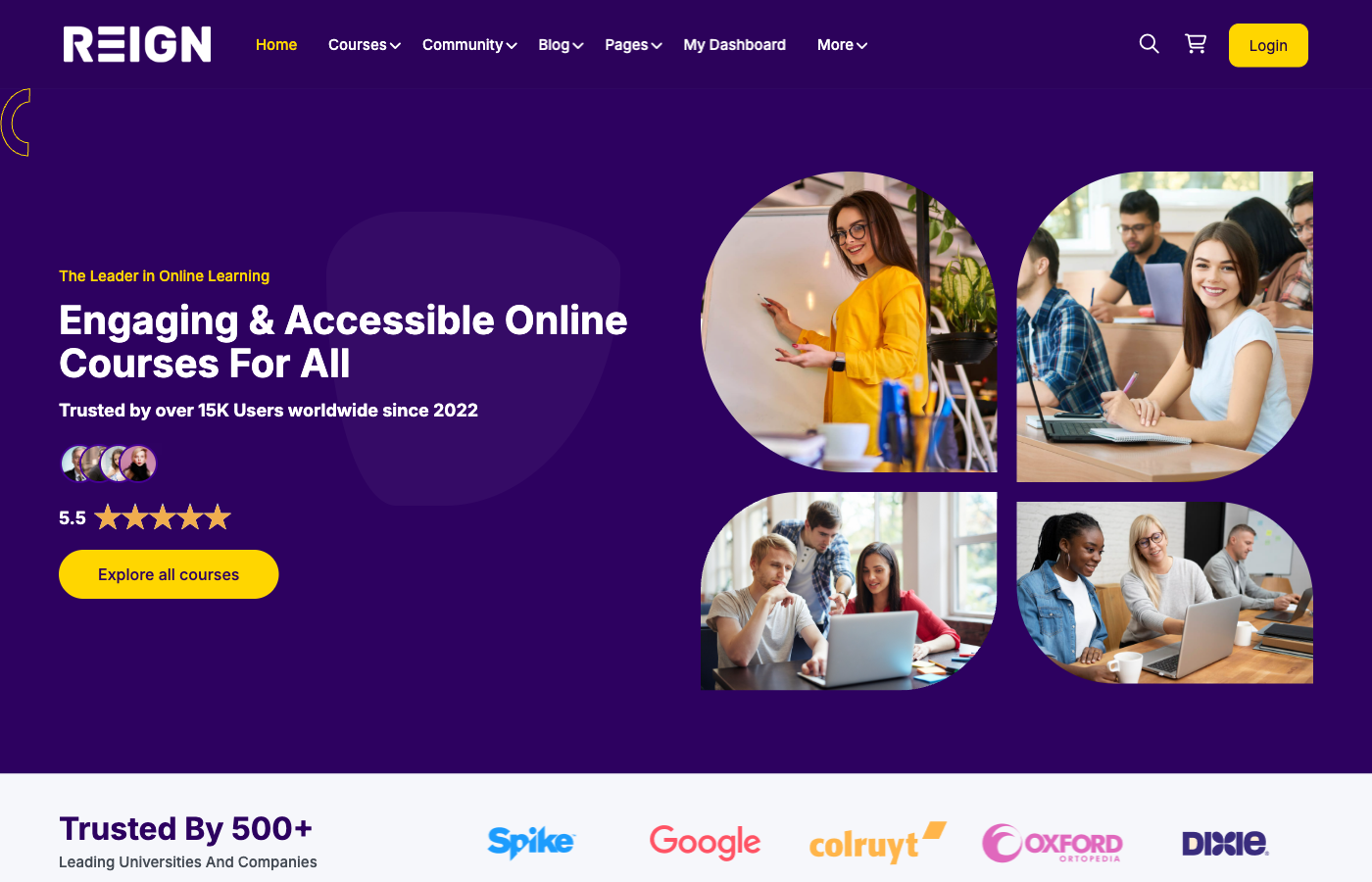
Define your academy vision and audience
Every academy needs a clear purpose. Decide who you serve and what transformation you deliver. A clear audience makes curriculum planning, marketing, and pricing easier.
Outline the journey students will take across courses. Academies work best when courses build on each other and lead to a larger outcome.
Audience questions to answer
- What outcome does your audience want most?
- What level are they starting at?
- How much support do they expect?
Recommended WordPress stack
LearnDash powers courses, quizzes, and progression. BuddyPress adds community, groups, and member profiles. Reign provides the academy design and social learning layout.
Place image: blog-screenshot/how-to-launch-online-academy-website-grid.png
Why this stack works
- LearnDash structures learning into courses and programs
- BuddyPress keeps students connected between lessons
- Reign delivers a cohesive academy experience
Plan your curriculum and course library
Design a course library with clear tracks. Each track should focus on a specific outcome. Start with a core set of courses and expand based on demand.
Use modules, lessons, and milestones to keep students progressing. Add assessments and certificates for professional audiences.
Map prerequisites between courses so students know what to take first. A clear roadmap improves completion and satisfaction.
Curriculum planning checklist
- Define three to five learning tracks
- Outline the core course sequence for each track
- Identify required prerequisites and optional electives
- Decide where assessments and certifications fit
Build core academy pages
Academies need more structure than single-course sites. Build these core pages: home, course catalogue, program tracks, instructor page, community hub, and support centre.
Keep navigation simple. The primary path should be: discover courses, enrol, learn, and engage with the community.
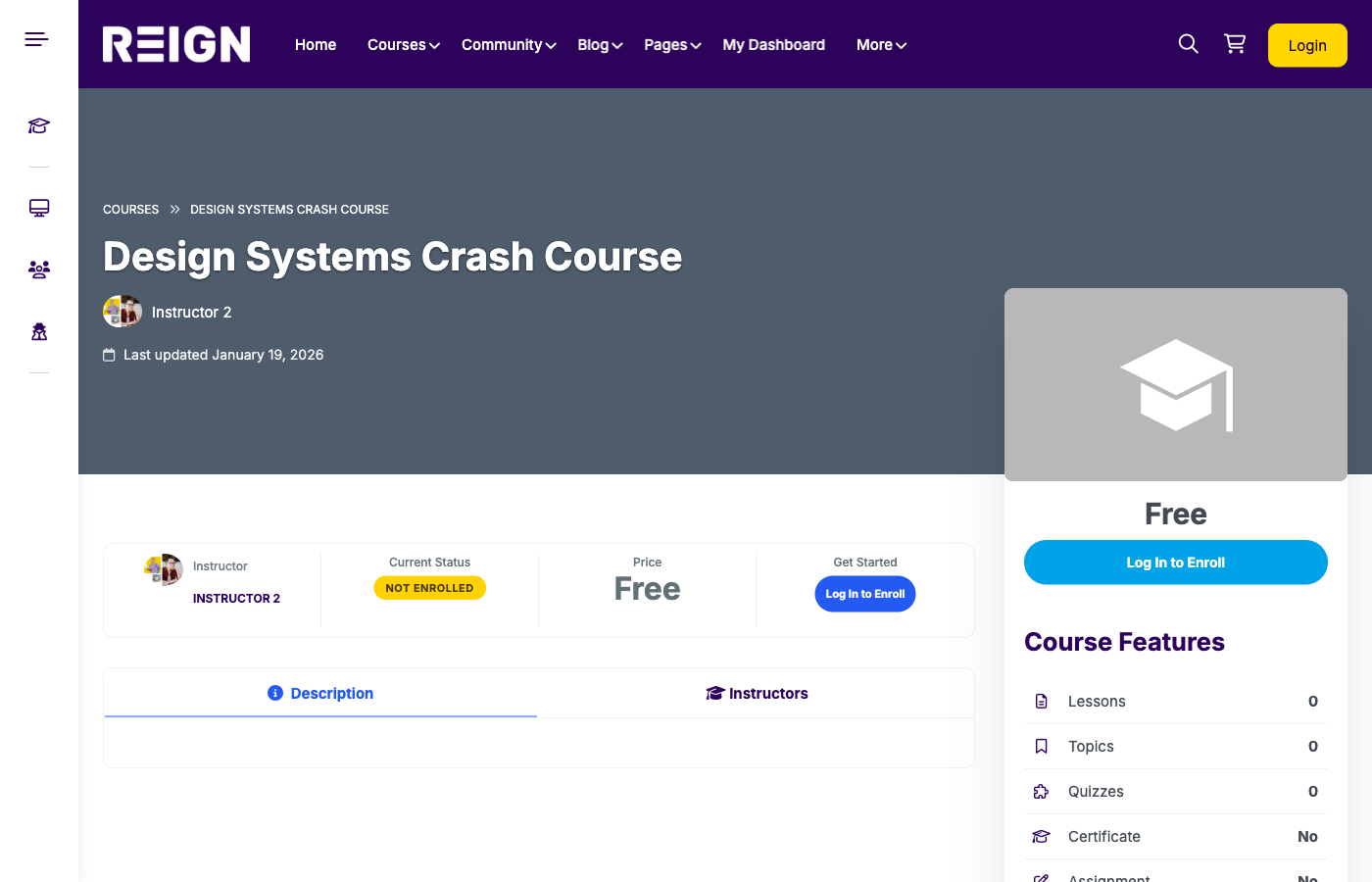
Core pages checklist
- Homepage with a clear academy promise
- Course catalogue with tracks and filters
- Program pages for each learning path
- Instructor page with credibility and bios
- Community hub
- Support and FAQs
Community as the academy engine
Academies thrive on community. Create BuddyPress groups for cohorts, tracks, or levels. Encourage peer support and instructor interaction.
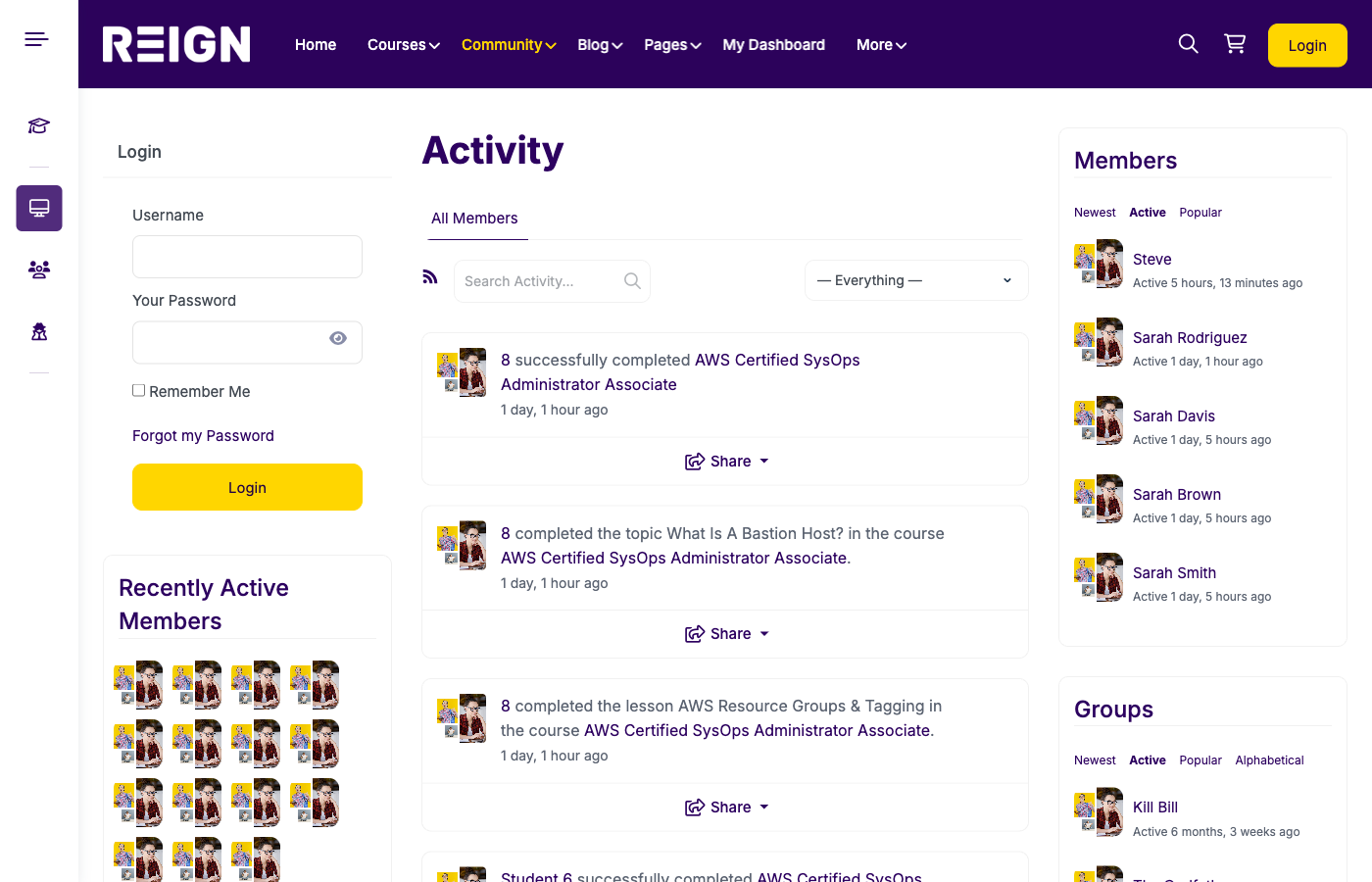
Use weekly prompts, live Q&A sessions, and challenges to keep engagement strong. A vibrant community increases retention and referrals.
Community engagement ideas
- Weekly discussion prompts per track
- Monthly expert interviews or AMAs
- Peer review sessions
- Member spotlights and success stories
Pricing and enrollment strategy
Academies often use memberships, bundles, or multi-course programs. Choose a pricing model that supports recurring revenue and long-term retention.
Offer tiered access: basic course access, premium community access, and coaching options.
Consider annual plans for cash flow and reduced churn. Offer discounts for long-term members.
Pricing models that work
- Monthly membership with full access
- Annual membership with bonuses
- Program-based pricing per track
- Premium tier with coaching or mentoring
Onboarding and student success
Onboarding is critical. Send a welcome sequence that shows students where to start, how to access the community, and what success looks like.
Use progress reminders and milestone emails. Students who see progress stay longer and are more likely to recommend the academy.
Create a simple “Start Here” page and highlight the most important first lessons.
Instructor management and quality control
If you work with multiple instructors, define content standards and review processes. Require course outlines before production and review lessons before publishing.
Provide instructors with templates and brand guidelines so every course feels consistent.
Marketing and launch plan
Launch with a focused audience. Run a pre-launch webinar or free workshop to build interest. Use an email sequence to open enrollment.
Publish content that aligns with your academy topics. SEO articles, YouTube tutorials, and case studies will drive organic traffic over time.
Launch checklist
- Courses tested end-to-end
- Community guidelines published
- Onboarding email sequence ready
- Checkout and payment flow tested
- Analytics installed
Operational essentials
Build a support workflow with FAQs, ticketing, and response templates. Even a small team can deliver great support when processes are clear.
Set a monthly maintenance schedule for plugin updates, backups, and performance checks.
Analytics and optimisation
Track key metrics such as enrollment conversion, completion rates, and community activity. These insights help you improve the academy experience and reduce churn.
Use student feedback to update courses and add new tracks. The best academies evolve with their audience.
Common mistakes to avoid
- Launching without a clear audience
- Creating too many courses at once
- Ignoring community engagement
- Overcomplicating pricing
- Skipping onboarding
Conclusion
Launching an online academy is about delivering outcomes at scale. With WordPress, LearnDash, BuddyPress, and Reign, you can build a professional academy that grows with your audience.
Launch your academy with Reign + LearnDash + BuddyPress and create a trusted learning destination.