
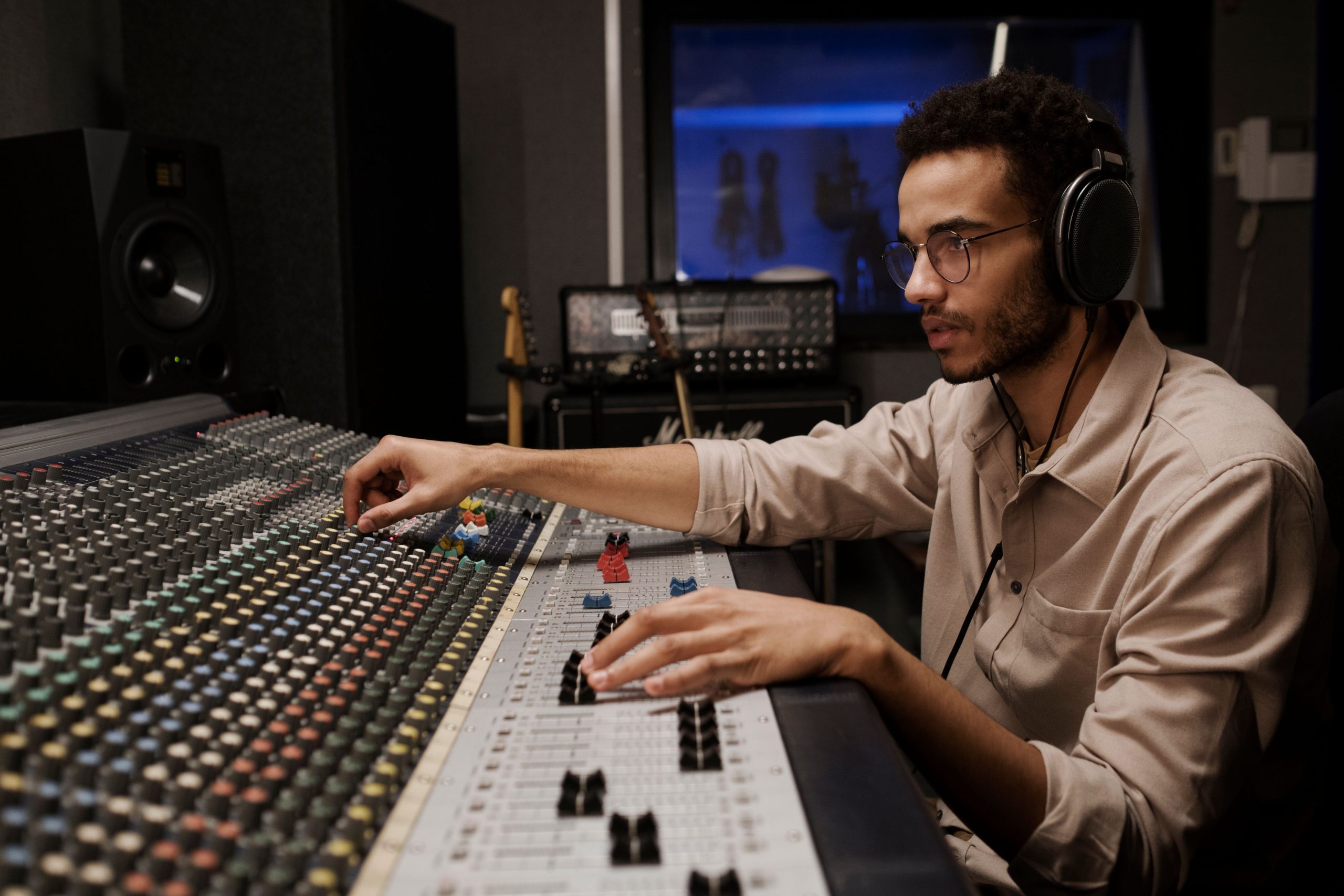
Anyone who has spent an evening trying to salvage a podcast recording ruined by a hissing air conditioner knows how much time audio cleanup used to eat. What used to take a trained sound engineer an afternoon of manual EQ adjustments and noise-gate tweaking can now happen in the time it takes to upload a file. That shift is largely down to AI models trained specifically on the patterns of human speech and music, which let editing software recognize background noise, uneven volume, and vocal clarity issues automatically rather than requiring a human to spot and fix each one by hand. Below are ten tools people actually rely on for that work, what each does differently, and where each one is worth reaching for over the others.
Whether you’re cleaning up a shaky phone recording, mixing a music track, or trying to get a weekly podcast out the door without hiring an engineer, one of these ten covers your situation.

Why This Category Grew So Fast
Before AI-assisted editing became common, cleaning up audio meant learning spectral analysis, understanding how noise gates and compressors interact, and spending real hours per episode or per track just on the technical pass, before you even got to creative decisions like pacing or mixing levels. AI models changed the economics of that work by learning what human speech looks like on a waveform and what background noise looks like by contrast, then separating the two automatically. That doesn’t eliminate the need for a trained ear entirely, a tool can strip out a hum but it can’t tell you your pacing is off or that a joke needs another beat of silence before the punchline, but it does mean a solo podcaster or a small studio can now produce audio that used to require a dedicated engineer on staff.
1. Adobe Audition with AI Features
Adobe Audition has been a professional standard for years, and its AI-assisted features layer on top of an already deep manual toolset rather than replacing it. The automatic noise reduction and voice-clarity enhancement handle the routine cleanup fast, but the real advantage for working editors is that Audition sits inside the Creative Cloud ecosystem, so audio work stays in sync with a Premiere Pro video edit without exporting and re-importing files between apps. The learning curve is real, this isn’t a one-click tool, and casual users often find it has more depth than they need for a simple podcast cleanup.
- Why it’s exceptional: It integrates seamlessly with Adobe’s Creative Cloud, enabling smooth workflows between audio and video projects.
- Best for: Professionals handling podcasts, film, or video content who require advanced editing tools and are already inside the Adobe ecosystem.
2. Auphonic
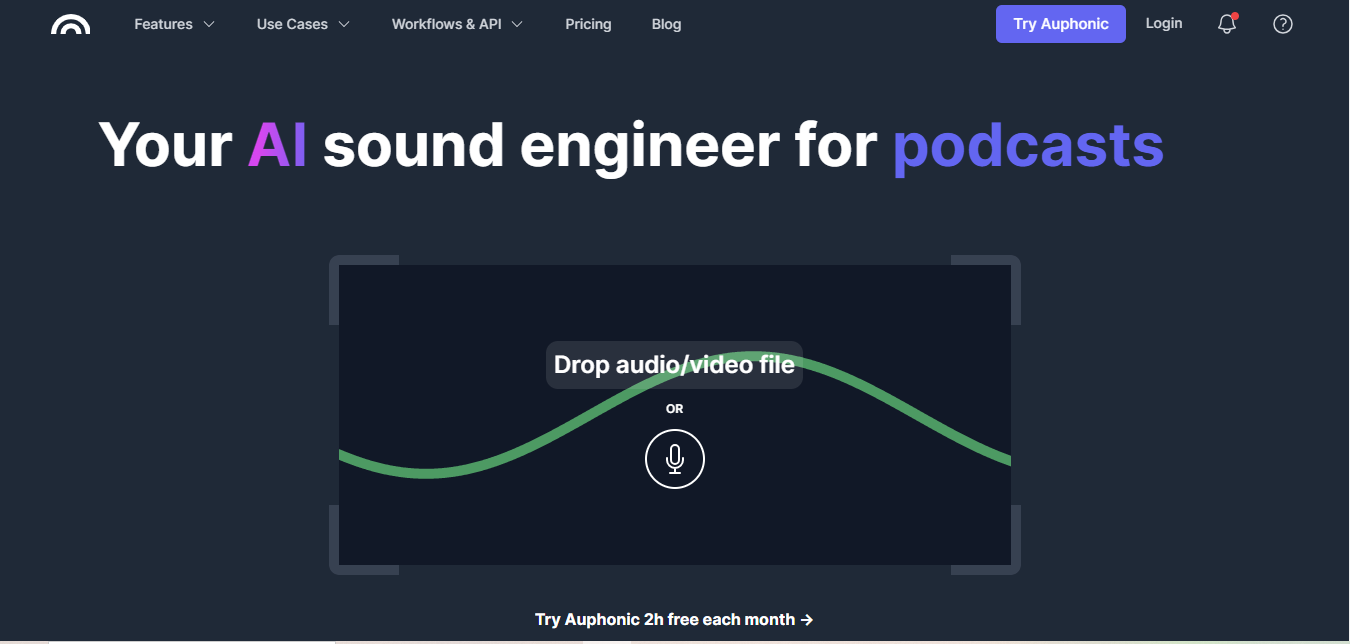
Auphonic built its reputation on one specific problem: episodes recorded with multiple people on different microphones ending up wildly inconsistent in volume. Upload the raw files and it levels everyone automatically, applies noise reduction tuned for spoken word rather than music, and can even publish the finished file directly to your podcast host. It’s a batch-processing tool at heart rather than an interactive editor, so it won’t help you cut a segment or rearrange your episode, but for the specific job of turning uneven raw recordings into a consistent finished master, it’s hard to beat for the effort involved.
- Why it’s unique: Optimized for spoken-word content, making it perfect for podcasters juggling multiple mic sources.
- Best for: Podcast creators needing quick, high-quality audio processing with minimal manual effort.
3. Descript
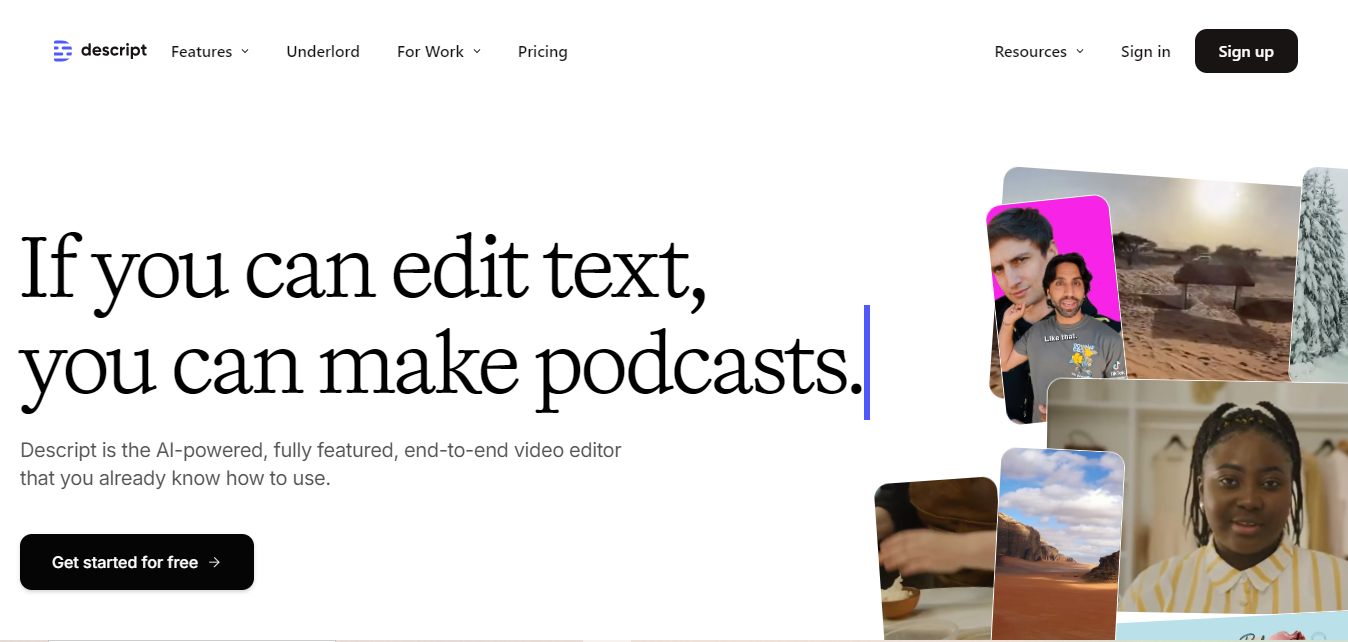
Descript’s core idea is genuinely different from a traditional waveform editor: it transcribes your audio, and you edit the transcript like a text document, delete a sentence from the text and the corresponding audio disappears with it. That approach makes rough cuts dramatically faster than scrubbing through a timeline by ear. Its “Overdub” voice-cloning feature, which lets you fix a flubbed line by typing the correction instead of re-recording, is powerful but worth using carefully, since voice-cloning technology raises real consent and disclosure questions if you’re recreating someone else’s voice.
- Why it stands out: It handles both audio and video editing in one platform, edited through a text transcript.
- Best for: Content creators needing a versatile tool for audio and video editing who want to cut by editing text rather than scrubbing a waveform.
4. iZotope RX 9
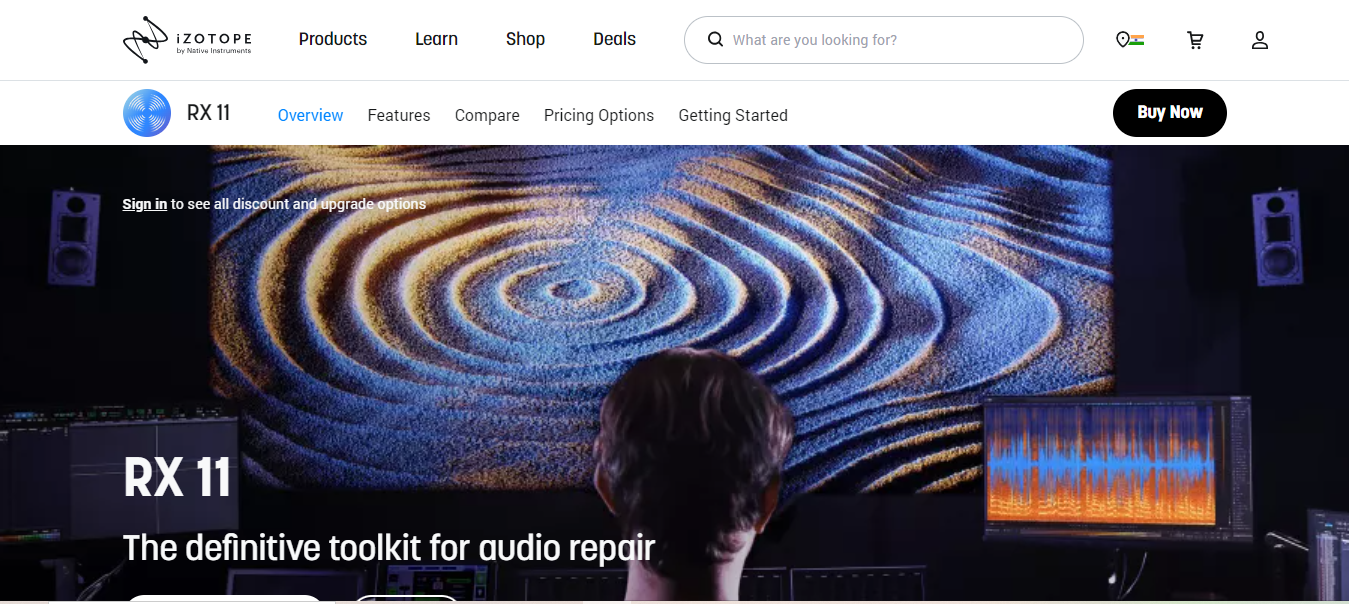
iZotope RX 9 exists for the audio you can’t just re-record: an old interview tape, a location recording ruined by wind noise, a voiceover session with a persistent hum that no one noticed until playback. Its restoration algorithms can isolate and remove specific problem frequencies with a precision that generic noise reduction tools can’t match, which is why film and music post-production houses lean on it for archival and rescue work specifically. This is a specialist’s tool, not something you’d reach for on a routine podcast episode, but when audio is genuinely damaged, it’s often the difference between usable and unusable.
- Why it shines: Exceptional audio restoration makes it ideal for professionals in film and music production dealing with damaged source audio.
- Best for: Advanced noise reduction and sound repair in professional environments where re-recording isn’t an option.
5. Krisp
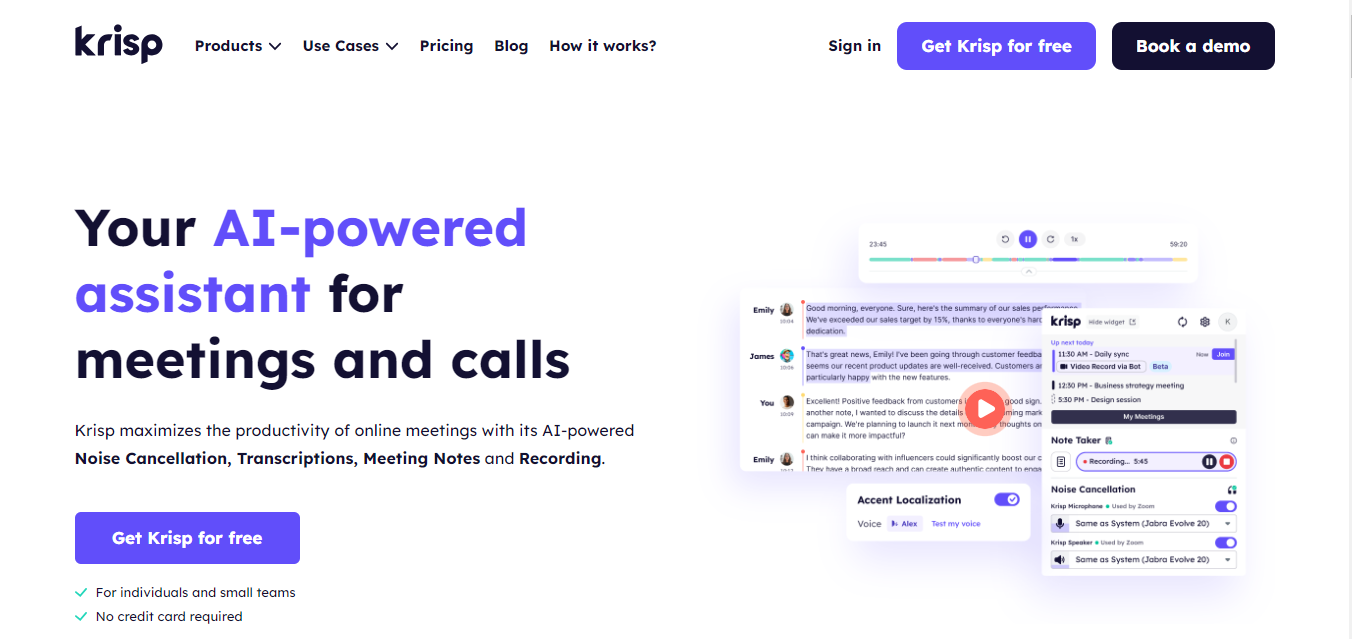
Krisp works differently from everything else on this list because it operates live, during the call or recording itself, rather than as a post-production step. It sits between your microphone and whatever app you’re using, stripping out barking dogs, keyboard clatter, and traffic noise in real time. That makes it invaluable for remote interviews and live-recorded podcast segments where a second take isn’t an option, but it’s not a substitute for the deeper cleanup and leveling tools above once the recording is done.
- Why it’s a favorite: Real-time noise cancellation without any post-production effort required.
- Best for: Podcasters and remote professionals seeking clear, distraction-free audio during live sessions and calls.
6. Cleanvoice
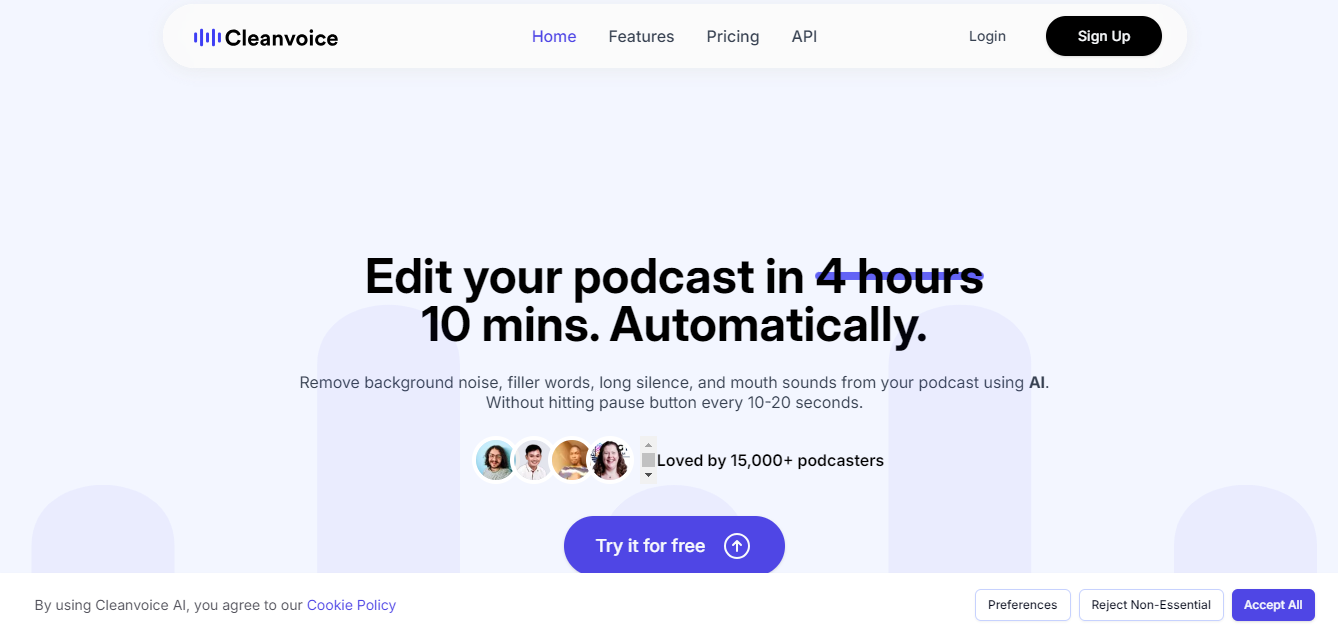
Every interview-format podcast has the same problem: “um,” “uh,” long thinking pauses, and the mouth-clicks that happen when someone talks for forty minutes straight. Manually cutting every one of those out is tedious in a way that burns editors out fast. Cleanvoice automates exactly that, scanning a full episode and removing filler sounds and dead air with a level of accuracy that holds up even in conversational, overlapping dialogue, which is the scenario where cruder noise-gate approaches tend to clip words accidentally.
- Why it stands out: Accurate filler sound detection and removal, even in overlapping conversational audio.
- Best for: Editors working on dialogue-heavy projects like interview podcasts.
7. Sonix
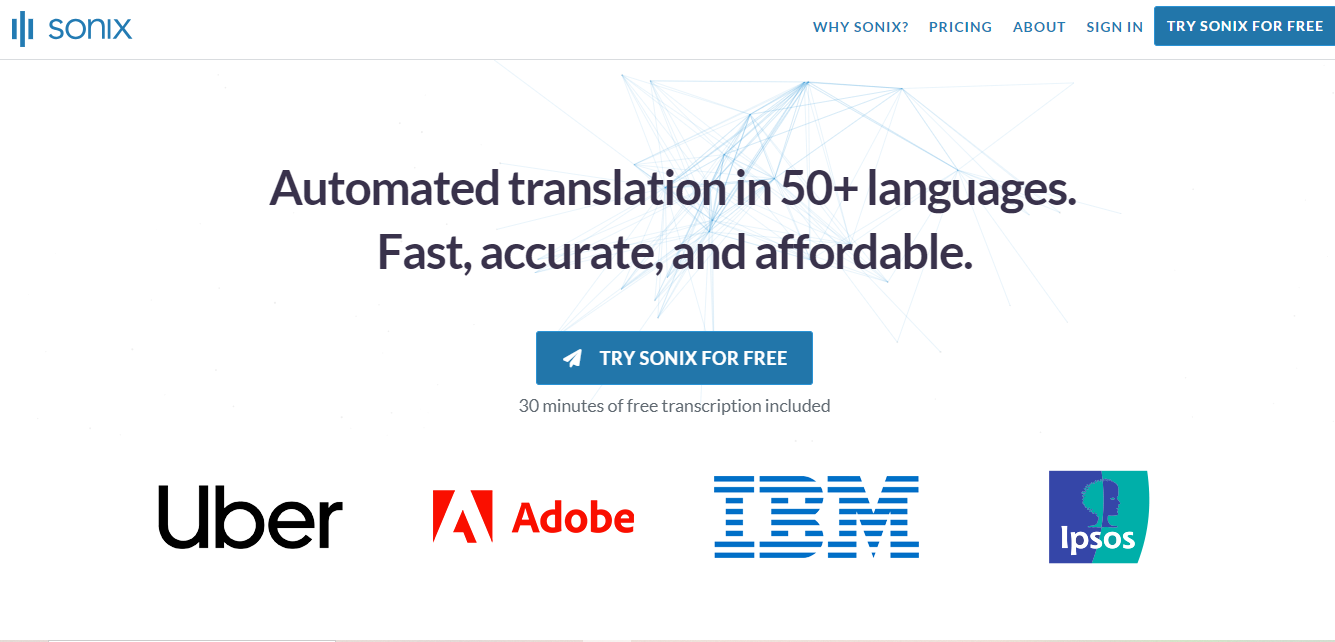
Sonix shares Descript’s text-based editing concept but leans harder into transcription accuracy and multi-language support, which matters if you’re producing content for an international audience or need searchable transcripts for accessibility and SEO purposes on top of the audio itself. Editing by deleting text rather than scrubbing a timeline speeds up rough cuts considerably, though for finer audio work like precise volume automation, you’ll still want to hand off to a dedicated audio editor once the structural cut is done.
- Why it excels: Audio editing through text is a genuine time-saver for transcriptionists and audio editors alike.
- Best for: Those needing accurate multi-language transcription and editing capabilities in one tool.
8. Podcastle
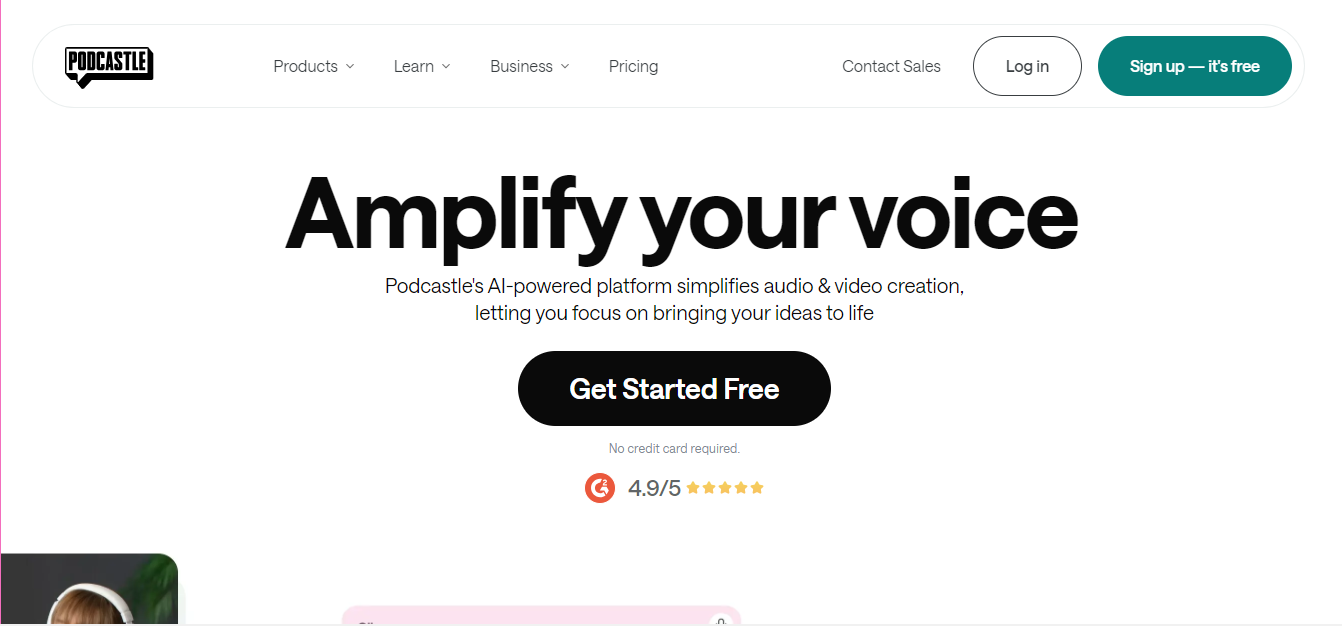
Podcastle was built specifically for the podcaster who doesn’t want to stitch together five different tools for recording, remote guest capture, and editing. Guests can join a session through a browser link and record locally on their own device, which avoids the choppy audio quality that comes from recording over a standard video call, and the AI-driven cleanup and enhancement happens automatically once the session ends. It’s less flexible than a general-purpose DAW, but for a solo podcaster who just wants to record an episode and get a clean file out the other end without a steep learning curve, that narrower focus is the point.
- Why it’s ideal: Combines remote recording and editing on one platform, avoiding video-call audio quality issues.
- Best for: Podcast creators in need of an all-in-one recording and editing solution.
9. LALAL.AI
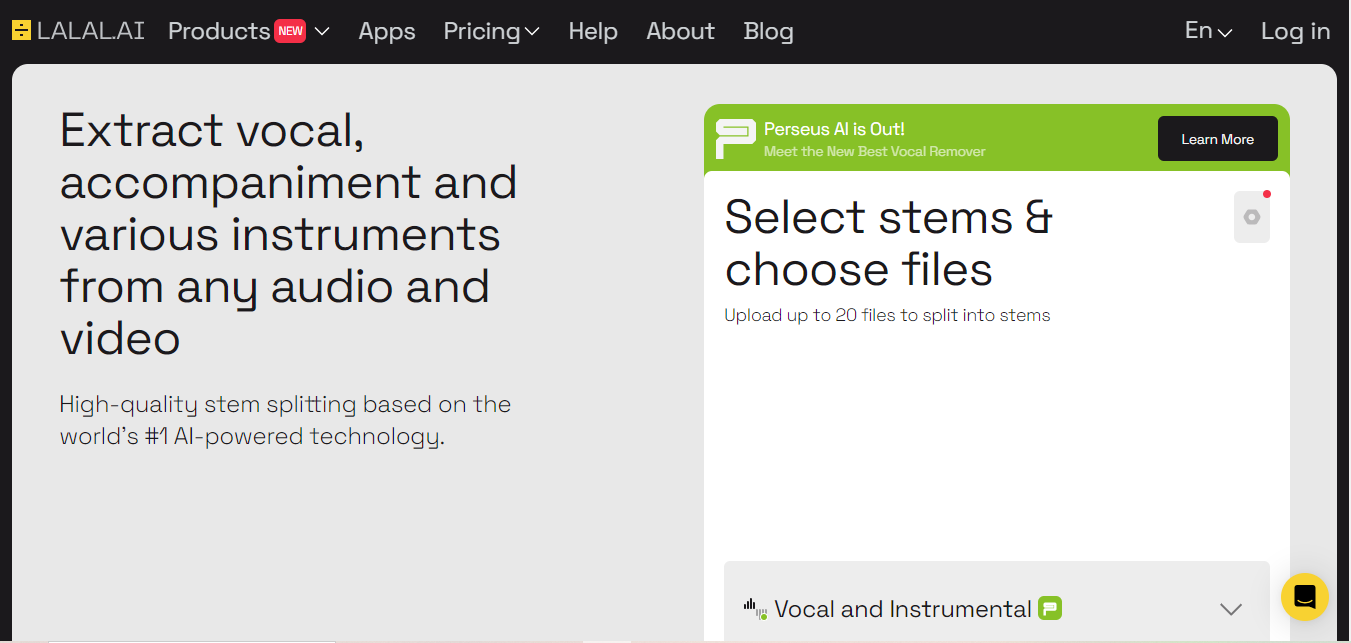
LALAL.AI solves a problem that used to require expensive studio-grade software: pulling a vocal track cleanly out of a finished mix, or isolating drums, bass, and instrumentals from each other. Musicians use it to create acapella versions for remixing, DJs use it to build mashups, and podcasters occasionally use it to strip music from an interview clip that was recorded with background audio playing. The separation quality varies with how densely mixed the original source is, a sparse acoustic track separates more cleanly than a wall-of-sound production, but for most practical remix and sampling work it holds up well.
- Why it stands out: Accurate stem separation, useful for remixing and isolating specific elements from a finished mix.
- Best for: Music producers and remixers who need to isolate specific elements from a track.
10. Audio Intelligence by Dolby
Dolby’s decades of sound engineering research feed directly into this tool’s approach to leveling, noise reduction, and auto-mastering. It’s aimed at people who need output that sounds broadcast-ready without manually riding faders through an entire session, and the auto-leveling in particular does a genuinely good job of balancing dialogue against music beds without the pumping artifacts that cruder compressors introduce. For a hobbyist recording a casual show, this is more polish than you strictly need, but for anyone producing audio that needs to sound consistent across platforms and playback devices, it’s a meaningful upgrade.
- Why it’s top-tier: Dolby’s renowned sound engineering enhances both soundtracks and dialogue for high-end audio projects.
- Best for: Professionals in the film and music industries needing broadcast-ready sound quality.
Matching the Tool to Your Actual Workflow
With ten options on the table, the fastest way to narrow it down is to think about where in your process the pain actually is, not which tool has the longest feature list.
- Best for Beginners: Auphonic, Krisp
- Best for Professionals: iZotope RX 9, Dolby Audio Intelligence
- Best for Podcasters: Descript, Cleanvoice, Podcastle
- Best for Music Producers: LALAL.AI, iZotope RX 9
Comparison Table
| Name of Tool | Description | Standout Features | Best For |
|---|---|---|---|
| Adobe Audition | A well-known audio editing software with AI-powered features that reduce background noise and enhance vocal clarity. | Seamless integration with Adobe Creative Cloud, robust audio restoration tools. | Professionals in podcasts, films, or video content needing advanced editing. |
| iZotope RX 9 | A powerhouse in audio repair known for its exceptional AI-driven features for noise reduction and unwanted sound removal. | Exceptional noise reduction, specialized tools for dialogue and music restoration. | Audio engineers and producers requiring advanced sound repair. |
| Auphonic | Designed for podcasters, Auphonic balances volume levels and reduces noise automatically. | User-friendly interface, fast processing, tailored for spoken-word content. | Podcasters seeking high-quality audio with minimal effort. |
| Descript | An all-in-one audio and video editing solution that allows editing through text. | Automatic filler word removal, combines audio and video editing. | Content creators working across multiple media formats. |
| Krisp | Specializes in real-time noise cancellation during calls and recordings. | Real-time noise removal, easy-to-use interface. | Remote workers and podcasters needing distraction-free audio. |
| Cleanvoice | Focuses on removing filler sounds and stutters, ideal for dialogue-heavy projects. | High accuracy in sound detection and removal, fast processing times. | Podcast editors and content creators focused on spoken content. |
| Sonix | An AI-powered transcription and audio editing tool that allows audio editing via text. | Multi-language transcription capabilities, easy audio editing by text. | Transcriptionists and audio editors needing seamless audio and text integration. |
| Podcastle | A specialized tool for podcast creators, offering noise removal and voice enhancement. | Tailored for podcasters, integrated remote recording capabilities. | Podcasters needing an all-in-one recording and editing solution. |
| LALAL.AI | Uses AI to separate audio stems, excellent for remixing and isolating sounds. | High accuracy in isolating vocals, user-friendly for quick stem separation. | Music producers and remixers manipulating audio tracks. |
| Dolby Audio Intelligence | Offers AI-driven noise reduction, sound leveling, and enhancement features for high-quality audio production. | Exceptional sound engineering quality, great for enhancing soundtracks. | Professionals in the film and music industries aiming for top-tier sound quality. |
Mistakes That Waste the Time These Tools Are Supposed to Save
The most common mistake is running noise reduction too aggressively on a first pass. Every one of these tools lets you dial the intensity up or down, and cranking it to maximum on a recording that only has mild background hiss introduces its own artifacts, a warbly, underwater quality to voices that’s often worse than the noise it removed. Start conservative, listen back, and increase only as needed.
The second mistake is skipping a listen-through of the final export. Automated cleanup occasionally clips the start or end of a word it mistakes for filler, especially with fast talkers or accents the model wasn’t trained heavily on. A five-minute listen before publishing catches this before your audience does.
The third is assuming AI cleanup fixes a genuinely bad recording setup. No amount of noise reduction fully rescues audio recorded three feet from the microphone in an echoey room. These tools are best treated as a polish step on a reasonably decent recording, not a fix for recording fundamentals gone wrong.
Frequently Asked Questions
Do I need a professional microphone to get good results from these tools?
No, but the input quality still matters. A decent USB microphone in a quiet room gives any of these tools far more to work with than a laptop’s built-in mic in an echoey space, and no AI cleanup fully closes that gap.
Can I use more than one of these tools together?
Yes, and many editors do, real-time cancellation during recording with Krisp, then a cleanup and leveling pass with Auphonic or Adobe Audition afterward, is a common combination.
Is free software enough for a casual hobby podcast?
Often yes. Auphonic and Cleanvoice both offer usable free or low-cost tiers that handle basic leveling and filler removal well enough for a casual show, professional-tier tools mostly matter once you’re producing at volume or for paying clients.
Will AI cleanup make my voice sound artificial or robotic?
It can, if you push noise reduction or de-essing too hard. The telltale sign is a slightly hollow, processed quality to vowel sounds. If you hear that on playback, back off the intensity setting rather than accepting it, most tools sound completely natural at moderate settings and only start sounding processed once you push them toward their maximum strength.
How much manual editing do I still need to do after running AI cleanup?
Plan on at least a listen-through and some manual trimming, even with the best tools. AI handles the repetitive, rule-based parts of cleanup well, noise, filler words, leveling, but pacing decisions, deciding which take to keep, and spotting where a segment genuinely needs a human edit still require someone actually listening to the finished piece.
The Future of AI in Audio Editing
This category keeps moving. Fully automated mixing and mastering are already showing up in early form, and real-time sound design tools are getting good enough to use live rather than only in post-production. For now, the tools above cover the practical needs of most creators, from a solo podcaster cleaning up a single-mic recording to a music producer isolating stems for a remix, without requiring a dedicated audio engineer on staff.



