Staring at a blank document with a deadline closing in is one of the most familiar forms of dread in school and in office work alike. The essay itself is rarely the hard part conceptually, it’s getting from a scattered set of thoughts to a structured page of paragraphs that actually says something. Over the past few years, a wave of AI writing tools has moved into that gap, not to write your essay for you (most of them are explicit that this isn’t the goal) but to remove the friction between having an idea and getting it onto the page in readable form. Below are ten tools people actually use for essay work, what each one is genuinely good at, and where each one falls short, so you can pick based on your actual workflow instead of a marketing page.

What These Tools Are Actually Good For
It helps to separate what AI writing tools do well from what they can’t responsibly do. None of them understand your argument the way you do, and none of them should be trusted to submit work in your name without your own editing pass on top. What they’re genuinely strong at is the mechanical and structural side of writing: catching a dangling modifier you’ve read past six times, suggesting a tighter way to phrase a clunky sentence, turning a rough outline into a first draft you can then argue with and rewrite, or flagging where a paragraph wanders off its own topic sentence. Used that way, these tools save the hours that used to go into low-value editing passes and put them back into the thinking that actually improves an essay.
A second thing worth knowing before you pick one: these tools split roughly into two camps. Editing tools (Grammarly, ProWritingAid, Wordtune) work on writing you’ve already produced, tightening and correcting it. Generation tools (Jasper, Copy.ai, EssayBot, Rytr) produce new text from a prompt or outline, which is faster but requires more of your own fact-checking and voice-matching afterward. Most people end up using one from each category rather than relying on a single tool for the whole process.
1. Grammarly
Grammarly is the tool most people meet first, usually as a browser extension that quietly underlines problems as you type. Beyond spelling and grammar, it flags passive voice overuse, inconsistent tense, and sentences that run long enough to lose the reader. The plagiarism checker is useful for students specifically, since it compares your draft against a large database before a professor’s own checker does, giving you a chance to fix accidental overlap. Where it falls short: it can be overly aggressive about style suggestions that don’t actually fit an academic register, so treat every suggestion as optional rather than a rule.
Why Choose Grammarly?
- Real-time suggestions that catch errors as you write, not after.
- Built-in plagiarism detection, useful before you submit anything.
- Tone detection that flags when a sentence reads more casual or more aggressive than you intended.
2. Jasper
Jasper leans heavily toward generation rather than editing. Give it a topic and a rough angle, and it will produce an outline or a full draft you can then work from. It was originally built for marketing copy, and that heritage still shows in the tone it defaults to, so essay writers usually need to dial back the persuasive flourishes it adds automatically. Where it earns its keep is in beating the blank page: turning a vague assignment prompt into three or four possible thesis directions in under a minute gives you something concrete to react to, which is often the hardest part of starting.
Why Choose Jasper?
- Fast draft generation from a short prompt, useful for breaking through a stalled start.
- Learns your preferred tone over repeated use within a project.
- Templates for different essay and article structures.
3. Copy.ai
Copy.ai works best as a brainstorming partner rather than a drafting tool. Type in a short description of your topic and it returns several different angles or opening lines to choose from, which is genuinely useful when you know your subject but can’t find a way into it. Students working on argumentative essays often use it specifically to generate counterarguments they hadn’t considered, since a tool with no stake in your position will happily list objections to it. It’s less useful for long-form generation than Jasper, and it knows this, it’s built around short, punchy outputs rather than sustained essay drafts.
Why Choose Copy.ai?
- Multiple angle suggestions from one prompt, good for finding a thesis.
- Useful for surfacing counterarguments you might have missed.
- Simple interface with a workable free tier for occasional use.
4. Wordtune

Wordtune’s whole job is rephrasing, you highlight a sentence you’re not happy with, and it returns several alternative versions ranging from more formal to more concise. This is a different skill from what Grammarly does; Grammarly tells you something is wrong, Wordtune shows you what right could look like. It’s particularly good for non-native English speakers who can construct a grammatically correct sentence but want it to read more naturally, and for anyone who tends to write long, tangled sentences and wants a quick way to see a shorter version side by side.
Why Choose Wordtune?
- Shows multiple phrasing alternatives instead of one fixed correction.
- Adjustable tone sliders, from casual to formal.
- Works sentence by sentence, so it fits into an existing draft rather than replacing it.
5. ProWritingAid
ProWritingAid goes deeper than a spot-check tool, it generates full reports on patterns across your entire document: how often you rely on the same sentence opener, where your vocabulary gets repetitive, how your pacing shifts between sections. For a longer essay or a thesis chapter, that document-level view catches habits you’d never notice reading paragraph by paragraph. The tradeoff is that the reports take some getting used to; a first-time user can feel overwhelmed by the sheer number of metrics on offer, so it’s worth focusing on two or three report types rather than trying to act on all of them at once.
Why Choose ProWritingAid?
- Document-level reports on style patterns most editors won’t catch by eye.
- Integrates with Google Docs and Scrivener, not just a standalone editor.
- Good for writers revising a long piece over multiple sessions.
6. EssayBot
EssayBot pulls source material and citations related to your topic and assembles a first draft around them, which makes it fast but also the tool on this list you need to handle most carefully. Citation accuracy from any automated tool should be verified against the original source before you use it, since misattributed quotes or invented sources are a real risk with generation tools and a serious problem in an academic submission. Treat what it produces as raw material for your own research and rewriting, not a finished citation list.
Why Choose EssayBot?
- Fast first drafts with source suggestions attached.
- Straightforward interface aimed at students under time pressure.
- Useful for structure even when you rewrite most of the actual sentences.
7. Snazzy AI
Snazzy AI started as a marketing copy tool, and that background is actually an asset for essay openings specifically, since marketing copy lives or dies on the first line grabbing attention, the same problem an essay introduction has to solve. Where it’s weaker is sustained argumentative writing; it tends to produce short punchy fragments rather than the connected reasoning an essay body needs, so most people use it narrowly, for hooks and headline-style section titles, then switch to a different tool for the body paragraphs.
Why Choose Snazzy AI?
- Strong at generating attention-grabbing opening lines.
- Quick to use for short bursts of copy rather than long drafts.
- Flexible across different tones, from serious to conversational.
8. Rytr
Rytr’s biggest advantage is price, it’s usually the cheapest tool on this list with a genuinely usable free tier, which matters if you’re a student trying every option before committing to a paid subscription. The template library covers a wide range of writing types beyond essays, and the interface is simple enough that you’re not fighting the tool to figure out how to use it. What you give up compared to Jasper or ProWritingAid is depth, Rytr’s outputs tend to need more manual rewriting to sound like a finished academic voice rather than a generic summary.
Why Choose Rytr?
- Genuinely usable free tier, good for testing before you commit.
- Wide template library covering more than just essays.
- Low learning curve, useful if this is your first AI writing tool.
9. Write with Transformer
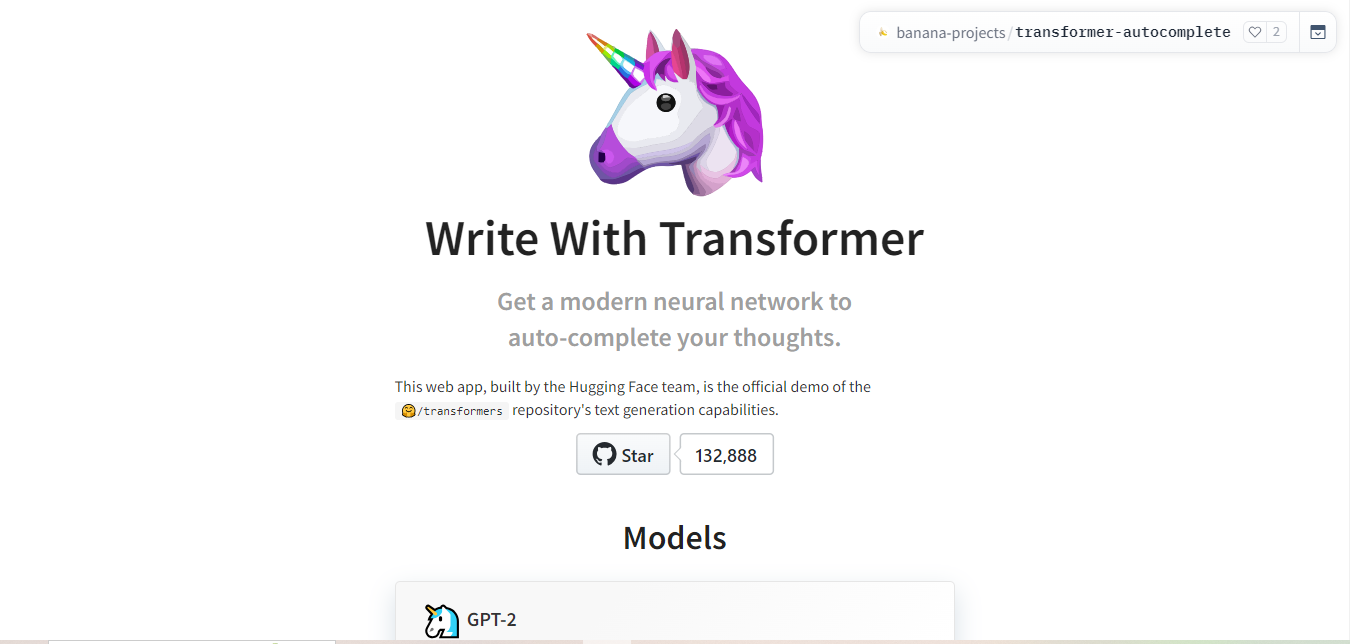
This one is closer to a toy than a production tool, and that’s precisely its value. You type a sentence, it suggests a continuation, you accept or reject it and keep going. There’s no account required and no cost, which makes it a low-stakes place to fight through a stuck paragraph without the pressure of a “real” draft attached. Nobody should submit its raw output anywhere, but as a five-minute exercise for shaking loose a sentence that’s been stuck in your head for twenty minutes, it does exactly one job well.
Why Choose Write with Transformer?
- Completely free, no account needed.
- Good for breaking a specific stuck sentence rather than drafting a whole section.
- Low pressure, since nobody expects to keep its raw output.
10. Scribe
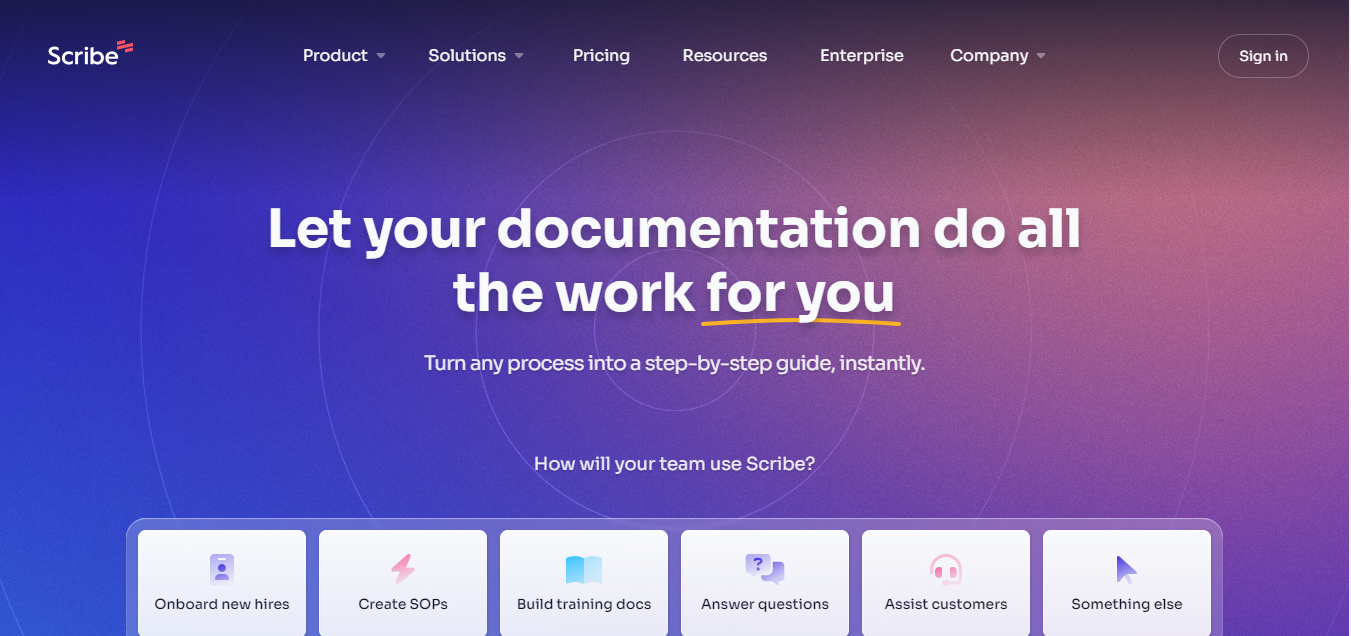
Scribe sits before the writing stage entirely, its job is gathering and organizing research so you’re not starting a draft with a blank outline and a dozen open browser tabs. Feed it a topic and it pulls together relevant material into something closer to an annotated bibliography than a finished essay. This is genuinely useful for research papers where the sourcing takes longer than the writing itself, though as with any research aggregator, you still need to go back to the primary sources yourself before citing anything, since a summarized version can drop context that matters.
Why Choose Scribe?
- Speeds up the research-gathering phase before you start drafting.
- Organizes sources in a way that’s easier to reference while writing.
- Useful specifically for research-heavy essays and papers.
How to Actually Pick One
Don’t start by trying to find “the best” tool in the abstract, start with where your own writing process actually breaks down. If you can write a full draft but it comes out clunky, an editing tool like Grammarly or Wordtune will do more for you than a generator. If the blank page itself is the problem, a generation tool like Jasper or Copy.ai gets you unstuck faster. If your issue is research organization rather than sentence-level writing, Scribe solves a different problem than either camp. Most experienced users end up running two tools in sequence, one for the first draft or outline, one for the polish pass, rather than expecting a single subscription to cover the whole process.
Where People Get This Wrong
The most common mistake isn’t picking the wrong tool, it’s treating any of these as a substitute for actually understanding your own argument. An AI tool can smooth your prose or suggest a structure, but it can’t verify that your thesis is defensible or that your evidence actually supports your claim, that’s still your job. The second common mistake is skipping the fact-check step on anything a generation tool produces, particularly citations and specific claims, since these tools can produce confident-sounding text that’s factually wrong. Treat AI output the way you’d treat a first draft from a classmate: useful as a starting point, not something you submit unread.
The third mistake is subtler: letting a generation tool flatten your own voice. Every writer has habits, a particular way of building toward a point, favorite transition phrases, a rhythm to their sentences, and heavy reliance on AI-generated paragraphs tends to sand all of that down into a generic, interchangeable style. If an instructor or reader already knows how you write, a sudden shift to smoother, more generic prose is often the first thing they notice, before they even suspect the reason. The fix isn’t avoiding these tools, it’s using them as a starting point you then rewrite in your own words rather than a finished product you paste in unchanged.
What These Tools Cost
Pricing across this category changes often enough that specific numbers go stale fast, but the general pattern holds steady. Editing tools like Grammarly and ProWritingAid typically offer a genuinely usable free tier for basic corrections, with paid plans unlocking deeper style and plagiarism checks. Generation tools like Jasper tend to charge based on word volume or number of generations per month, which matters if you’re using one across an entire semester rather than a single assignment. Rytr and Write with Transformer sit at the accessible end for students on a budget, while professional-grade tools aimed at publishers or agencies, Adobe-adjacent products included, price accordingly. Before subscribing to anything, run a real assignment through the free tier first, since the difference between tiers is often smaller than the marketing page suggests.
Frequently Asked Questions
Will using an AI writing tool get flagged as plagiarism?
It depends on your institution’s policy and on how you use the tool. Editing tools like Grammarly, which improve your own writing rather than generating new content, are generally fine everywhere. Generation tools that write substantial new text on your behalf fall into a gray area that varies by school and by assignment, check your syllabus or ask your instructor directly before relying on one for graded work.
Can these tools actually replace a human editor?
For grammar, spelling, and basic style issues, yes, largely. For structural feedback on whether your argument holds together, no, that still benefits from a person who understands the subject matter reading your draft with a critical eye.
Is it worth paying for more than one tool?
Usually not more than two. One editing tool and one generation or research tool covers most workflows without redundant subscriptions.
Do these tools work for languages other than English?
Most of the major ones, Grammarly, Wordtune, and Sonix-style transcription tools among them, support at least a handful of additional languages, though quality and coverage vary noticeably by language. If you’re writing in a language other than English, test the free tier on a real paragraph before trusting it with a graded assignment.
What happens if I rely on one of these tools and my writing gets worse over time?
This is a real risk with any tool that does structural or stylistic thinking for you. The safest habit is reading every suggestion and asking why it’s better, rather than accepting changes automatically, that way the tool teaches you something instead of just editing around you.
Final Thoughts
The right AI writing tool doesn’t write your essay for you, it clears away the mechanical friction so you can spend your time on the part that actually matters: having something worth saying and saying it clearly. Try two or three of the tools above against a real assignment rather than a hypothetical one, since how a tool handles your actual writing style tells you more in ten minutes than any comparison list can.

Interesting Reads:
How to Add AI to Your WordPress Website