
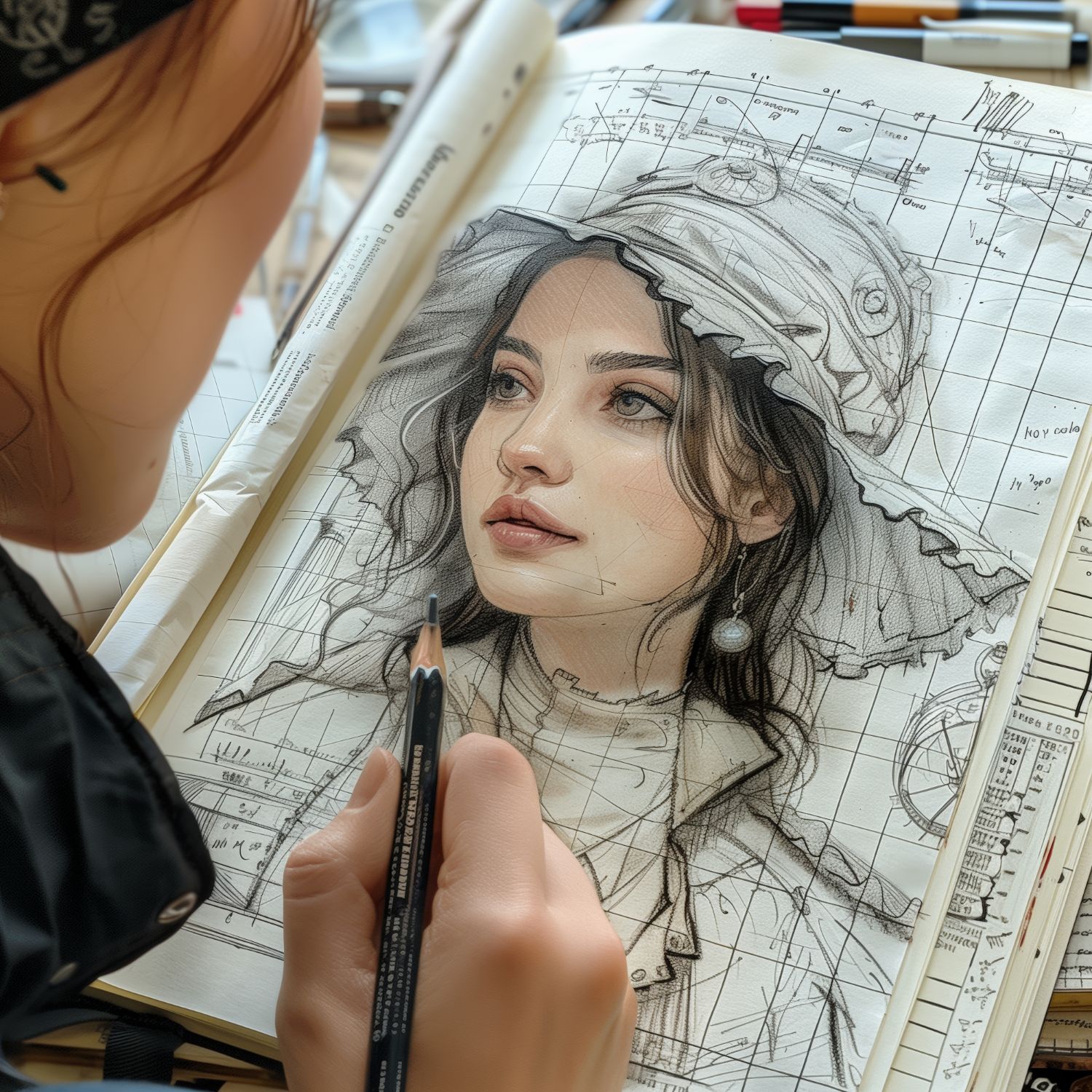
Coloring books used to mean picking from whatever the store happened to stock, usually the same dozen licensed characters and generic mandalas every other store carried too. AI image generators changed that equation entirely: describe a scene, a character, or a mood, and you get a printable outline built around exactly what you had in mind, not the closest thing a publisher decided to mass-produce. That shift matters for parents looking for a specific theme their kid is obsessed with this month, for adults using coloring as a genuine stress-relief practice, and for teachers who want a worksheet tied to whatever the class is studying that week. Below are ten tools that actually produce usable coloring-page output, what each is good at, and where each one falls short.

What Makes a Good Coloring Page, Technically
Not every AI image generator produces something you can actually print and color. A finished coloring page needs clean line art with closed shapes, not the shaded, gradient-filled illustrations most general-purpose image generators default to. Some of the tools below are purpose-built for line art and outline generation, others are general creative tools you have to nudge toward the right output with specific prompt wording, like adding “black and white line art, no shading, coloring book style” to whatever you type in. Knowing which category a tool falls into before you start saves a lot of frustrating trial and error.
1. Deep Dream Generator
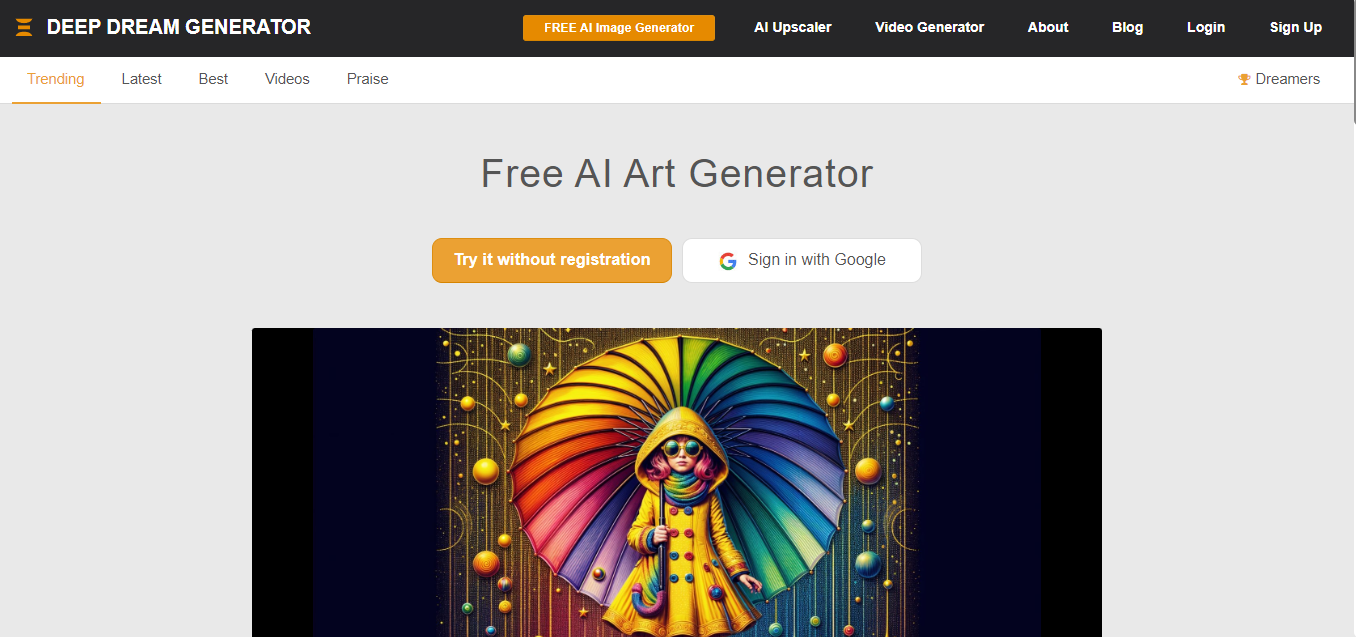
Deep Dream Generator leans toward surreal, dreamlike imagery rather than clean outlines by default, which makes it better suited to abstract, pattern-heavy coloring pages than to a recognizable scene like “a dragon flying over a castle.” Type in a theme, and it returns something visually striking but often needs a second pass through an image editor to convert into clean colorable lines. Treat it as a starting point for unusual, artistic pages rather than your first stop for a straightforward request.
Why Choose Deep Dream Generator?
- Unique, surreal results well suited to abstract or pattern-style coloring pages.
- Multiple artistic style options to match different moods.
- Simple enough to use without any design background.
2. Artbreeder
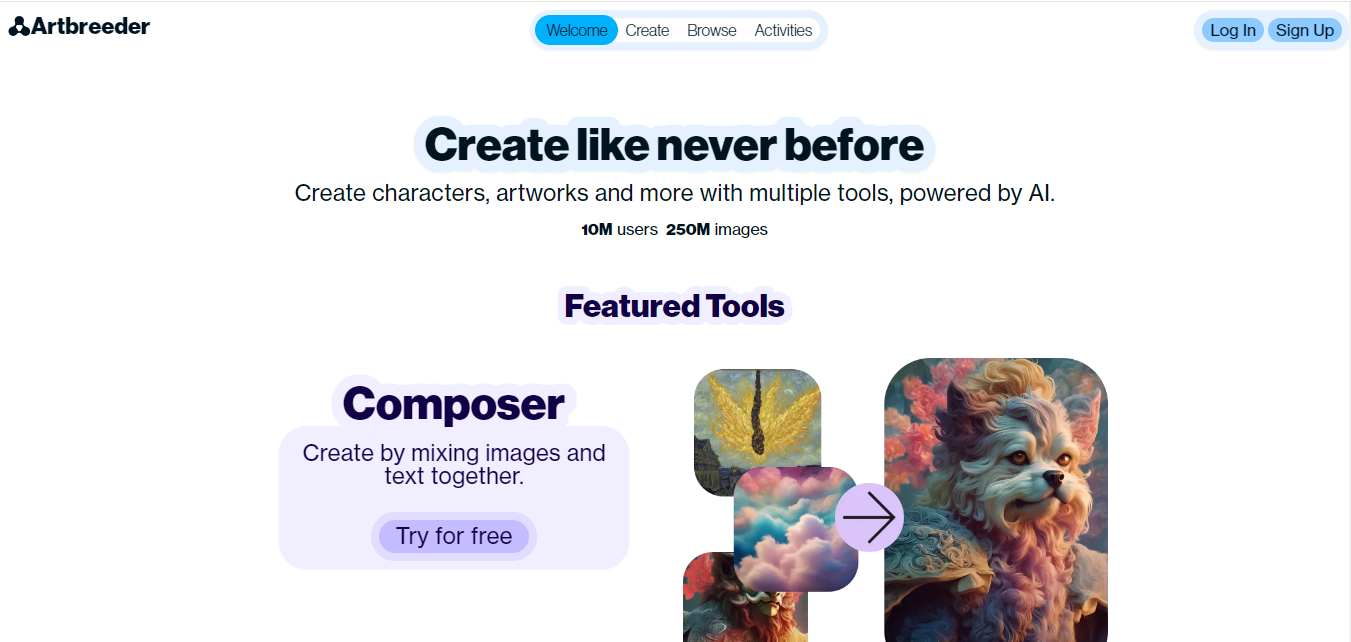
Artbreeder’s whole mechanic is blending, you start from an existing image or character and adjust sliders that morph its features, gradually shaping it into something new. This is genuinely fun for building a recurring character across multiple coloring pages, adjust the sliders slightly each time and you get a family of related designs rather than ten unrelated images. It’s also worth browsing the community gallery first; many users share source images specifically meant to be remixed, which saves you the step of starting from a blank slate.
Why Choose Artbreeder?
- Blend existing images together to create new, related designs.
- Slider-based adjustments make iterating on a character fast.
- Community gallery gives you starting points instead of a blank page.
3. DALL-E 2
DALL-E 2 is the most reliable option here for producing exactly what you describe, a specific animal, a specific scene, a specific combination of elements that wouldn’t exist naturally. The key to getting a usable coloring page out of it is the prompt itself: adding phrasing like “simple black and white line art, no shading, thick outlines” pushes the output toward something printable instead of a fully rendered, shaded illustration. Skip that step and you’ll likely get a beautiful image that’s much harder to actually color in.
Why Choose DALL-E 2?
- Highly accurate to specific, detailed prompts.
- Works for almost any theme or subject you can describe.
- Prompt-based, so no design skill is required, just clear wording.
4. NightCafe Studio
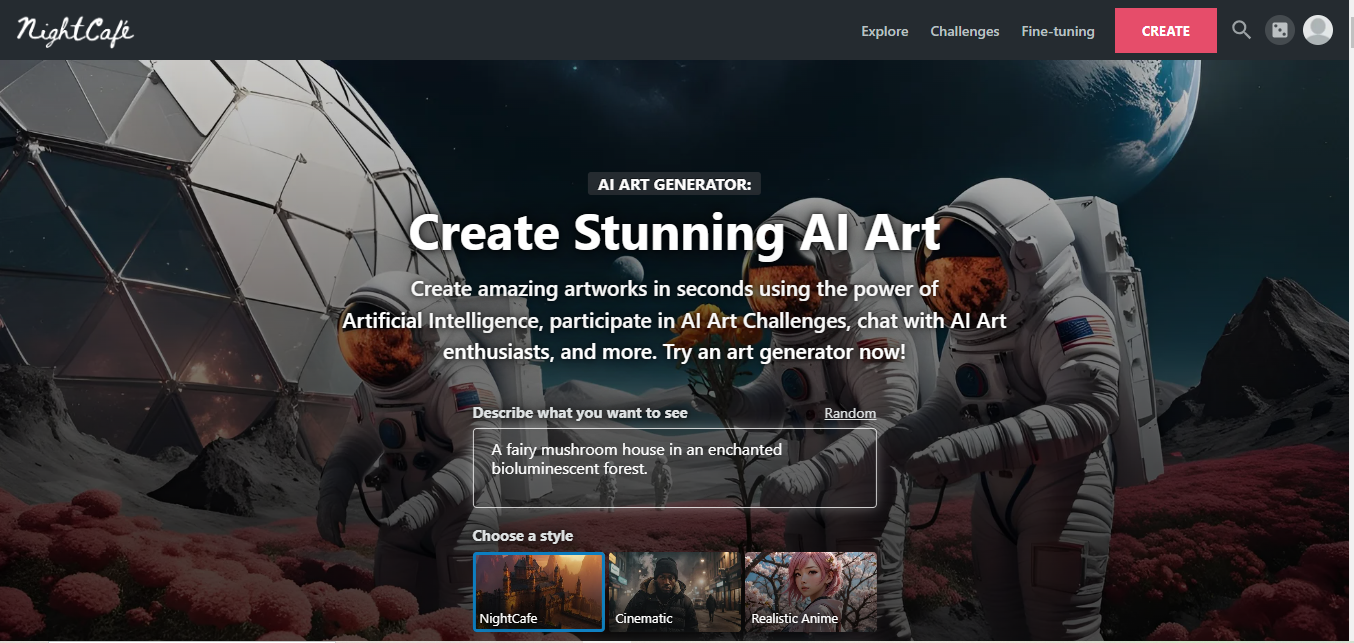
NightCafe Studio runs several different generation models under one roof, which means you can try the same prompt across multiple art styles and compare results side by side before settling on one. That flexibility is useful specifically for coloring pages, since a style tuned for detailed illustration and a style tuned for simple linework will handle the same prompt very differently, and you often won’t know which suits your idea until you see both.
Why Choose NightCafe Studio?
- Multiple generation models to compare styles on the same prompt.
- Fast turnaround, usually results in a couple of minutes.
- Active community for browsing style inspiration.
5. Sketch.io
Sketch.io isn’t AI-generative in the same sense as the other tools here, it’s a browser-based drawing canvas, but it earns its place on this list because it’s where you finish what the AI tools start. Import a generated image, trace over messy or shaded areas to clean up the linework, or draw entirely from scratch if you have a specific idea an AI generator keeps getting wrong. For anyone who wants full manual control over the final output, this is the tool that gets you there.
Why Choose Sketch.io?
- Clean up or trace over AI-generated images to fix messy lines.
- Draw entirely from scratch when you need full control.
- No install required, works directly in the browser.
6. Craiyon
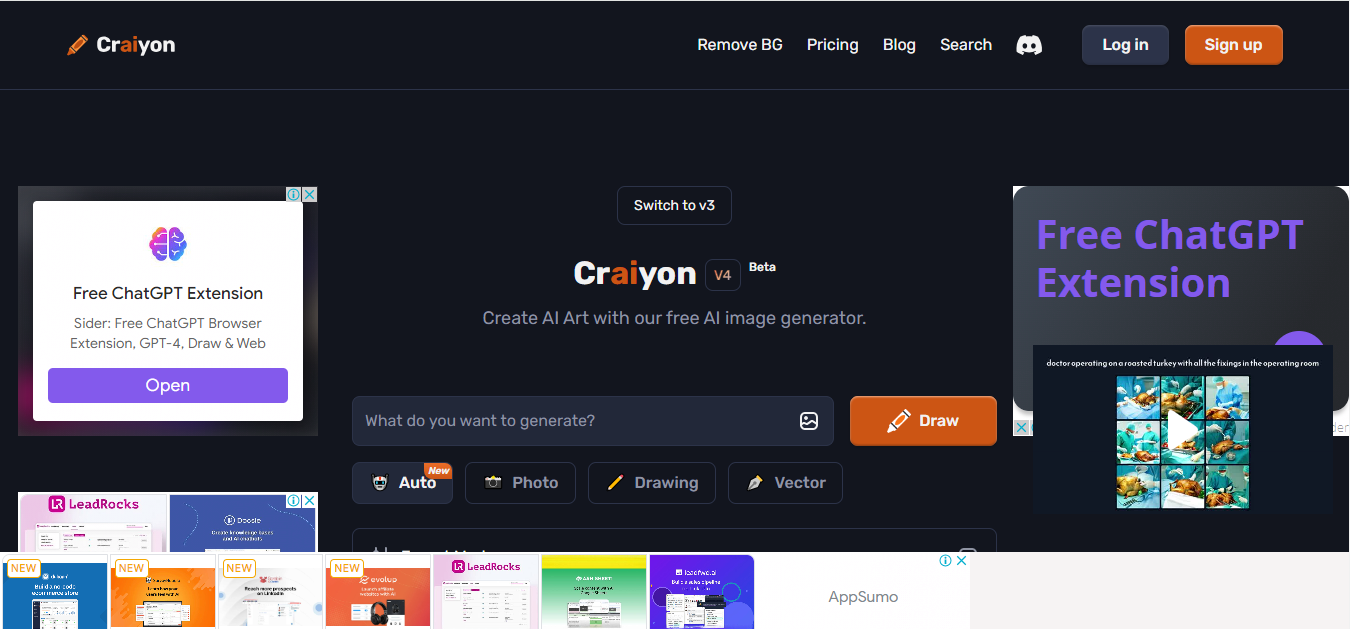
Craiyon, formerly DALL-E Mini, trades precision for accessibility, it’s free, requires no account for basic use, and generates results fast. The image quality doesn’t match DALL-E 2’s accuracy to a detailed prompt, outputs tend to be rougher and less predictable, which actually works in its favor for a specific use case: quick, low-stakes generation with kids, where the fun is in seeing what the AI comes up with rather than getting a pixel-perfect result on the first try.
Why Choose Craiyon?
- Completely free with no account required for basic use.
- Fast results, good for casual or spontaneous use with kids.
- Simple text-prompt interface, no learning curve.
7. Colorfy
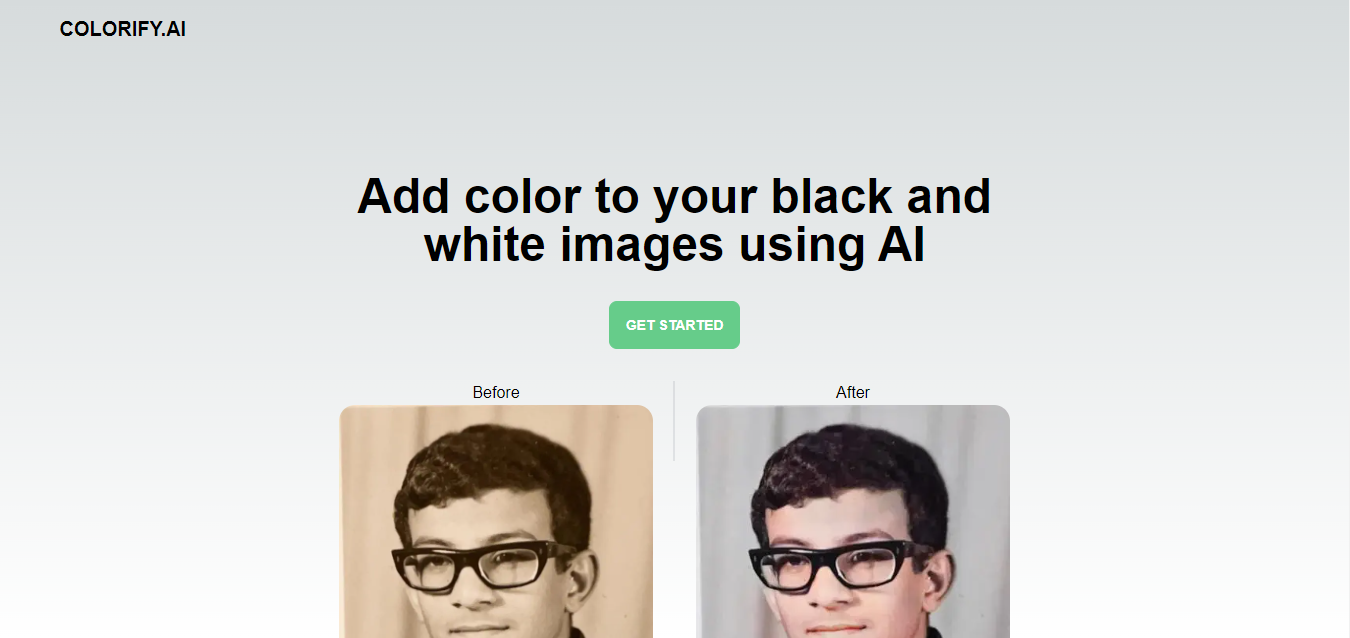
Colorfy is really a mobile coloring app first, with generation features layered in as a bonus rather than the main event. If your end goal is coloring digitally on a phone or tablet rather than printing a physical page, it closes the loop in a way none of the purely generative tools do, you can generate a design and immediately start coloring it in the same app without exporting anywhere.
Why Choose Colorfy?
- Generate and color in the same app, no export step needed.
- Wide theme library for browsing beyond just AI generation.
- Built for touchscreen coloring, not just printing.
8. ColorMe
ColorMe solves a different problem entirely from the pure text-to-image tools: turning a real photo into a coloring page. Upload a photo of your kid’s drawing, a family pet, or a favorite vacation snapshot, and it converts it into a clean outline you can print and color. This is the tool to reach for when the source material already exists and you just need it converted, rather than generating something new from a description.
Why Choose ColorMe?
- Converts your own photos into printable outlines.
- Good for personalized pages built around real photos, not generic scenes.
- Straightforward upload-and-convert workflow.
9. PaintsChainer
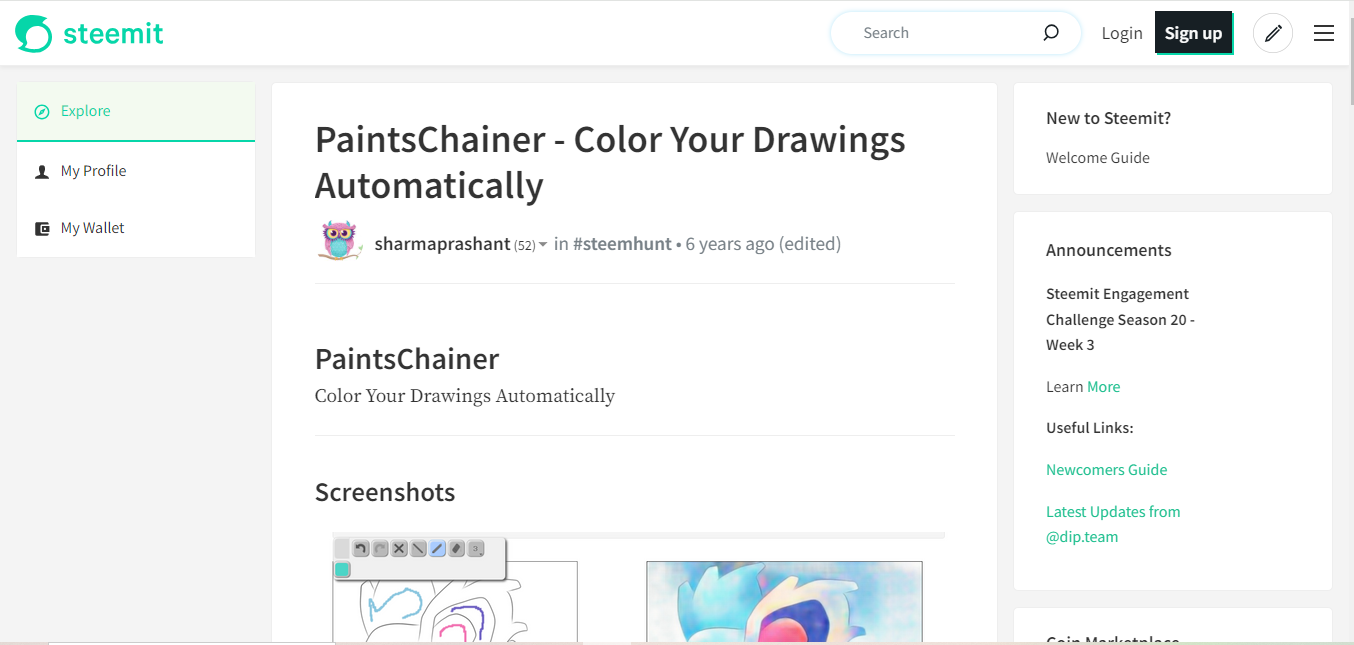
PaintsChainer works in reverse from most of the tools on this list, you draw or upload a rough black-and-white sketch, and it auto-fills plausible colors onto it. That’s not directly a coloring-page generator, but it’s genuinely useful as an inspiration step, run one of your own sketches through it to see color combinations you wouldn’t have thought of, then use those ideas as a reference when you sit down to color the actual page by hand.
Why Choose PaintsChainer?
- Gives you color-scheme ideas by auto-filling a rough sketch.
- Fun to experiment with even outside its core use case.
- Straightforward to use, no account setup required for basic tries.
10. Inkscape
Inkscape isn’t AI-driven at all, it’s a free, open-source vector graphics editor, but it’s the tool serious hobbyists reach for once AI generation gets them 80% of the way there and they want full control over the final 20%. Vector line art scales to any print size without getting blurry or pixelated, which matters if you’re printing a coloring page at poster size rather than a standard sheet. The learning curve is real, this is closer to professional design software than a quick app, but for anyone building a library of reusable, precisely controlled designs, it’s worth the investment.
Why Choose Inkscape?
- Full creative control over every line and shape.
- Vector output scales cleanly to any print size.
- Completely free and open-source.
Comparison Table
| Tool | Unique Features | Best For | User-Friendly |
|---|---|---|---|
| Deep Dream Generator | Transforms ideas into dreamy images; multiple artistic styles | Whimsical and surreal designs | Yes |
| Artbreeder | Blend different images together; easy adjustments with sliders | Personalized coloring pages | Yes |
| DALL-E 2 | Generates images from text descriptions; highly detailed | Specific and imaginative themes | Yes |
| NightCafe Studio | Various art styles; quick image generation | Intricate coloring designs | Yes |
| Sketch.io | Direct editing; variety of drawing tools | Creating from scratch or modifying templates | Yes |
| Craiyon | Generates images from text prompts; quick and simple | Specific images for all ages | Yes |
| Colorfy | Create and color digital images; wide range of themes | Engaging for all ages | Yes |
| ColorMe | Upload images to create outlines; various styles | Custom designs from favorite pictures | Yes |
| PaintsChainer | Automatically colors sketches; provides color ideas | Inspiration for coloring pages | Yes |
| Inkscape | Full creative control; ideal for detailed designs | Complex coloring images | No (more complex) |
Getting a Print-Ready Result
A generated image and a print-ready coloring page aren’t automatically the same thing. Once you have output you like, check three things before printing: that the lines are closed shapes rather than broken or faint (broken lines make coloring inside the lines nearly impossible), that there’s no background shading or gradient left over from a generative tool that wasn’t fully switched to line-art mode, and that the resolution holds up at your intended print size, a small preview image can look fine on screen and turn blurry once printed at full page size. A quick pass in a free image editor to boost contrast and clean stray marks solves most of these issues in a couple of minutes.
Prompt Ideas Worth Stealing
If you’re staring at a blank prompt box unsure what to type, a few starting patterns tend to work reliably across most of these tools. For kids’ pages, combine a simple subject with an action and a setting: “a friendly dinosaur reading a book in a treehouse, line art, no shading.” For mandala-style relaxation pages, describe a structure and a level of detail: “a symmetrical mandala with flowers and geometric patterns, black and white outline.” For a personalized gift, name a specific hobby or interest directly: “a cat playing guitar on a stage, cartoon style, thick outlines for coloring.” The pattern that works across all of these is subject plus setting plus an explicit instruction that you want line art, not a finished illustration.
It’s also worth generating three or four variations of the same prompt before settling on one. Most of these tools produce a different result every time even with identical wording, and the difference between a mediocre first attempt and a genuinely good coloring page is often just running the same idea two or three more times and picking the best one.
Digital Coloring vs Printing
Not everyone wants a physical printed page, and several tools on this list, Colorfy especially, are built around coloring directly on a screen with a stylus or finger rather than printing anything at all. Digital coloring has real advantages: no printer or paper cost, instant color changes if you don’t like a choice, and easy sharing afterward. Print still wins for anyone who finds a physical, tactile activity more relaxing than screen time, or for classroom use where handing out a stack of printed pages is simpler than managing device access for a room full of kids. Neither is objectively better, it depends entirely on what you’re actually trying to get out of the activity.
Common Mistakes When Generating Coloring Pages
The most frequent one is under-specifying the prompt and getting a fully shaded illustration back instead of line art, then being confused why it doesn’t print or color well. Always specify “line art,” “outline only,” or “coloring book style” explicitly rather than assuming the tool will guess your intent. The second is generating at too low a resolution for print, always check the output dimensions before printing at full page size rather than after. The third, specific to tools like ColorMe that convert real photos, is expecting a perfect outline from a busy or low-contrast source photo, simple photos with clear subject edges convert far more cleanly than cluttered ones.
Frequently Asked Questions
Can kids use these tools directly, or do they need adult supervision?
Most of these are simple enough for older kids to use with light supervision, but text-prompt tools without content filters can occasionally produce unexpected results, so a parent reviewing the output before printing is a reasonable habit, especially with younger children.
Do I need to pay for any of these to get good results?
No. Craiyon, Colorfy’s basic tier, and Sketch.io are all free and cover most casual needs. Paid tiers on the others mainly unlock higher resolution exports, faster generation, or fewer daily limits, useful if you’re producing pages regularly rather than occasionally.
Is it okay to sell coloring pages made with these tools?
This depends entirely on each tool’s specific terms of service, which vary and change over time, so check the current terms for whichever tool you use before selling anything commercially, rather than assuming a blanket answer applies across all of them.
Why does my generated coloring page have gray shading instead of clean white space?
This usually means the tool defaulted to its normal illustration mode instead of a line-art mode. Re-run the prompt with explicit wording like “flat black outline, no gray, no shading” added to the end, and if that still doesn’t work, run the result through a free image editor’s threshold or black-and-white filter to force everything to pure black and white.
What’s the best file format to save a coloring page in?
PNG holds up better than JPEG for line art specifically, since JPEG compression can introduce fuzzy artifacts around clean lines that make the edges look blurred once printed. If a tool offers a choice, PNG is the safer pick for anything you intend to print rather than just view on screen.

Building a Themed Set Instead of One-Off Pages
If you’re making pages for a classroom, a birthday party, or a specific project rather than a single one-off page, plan the set before generating anything. Pick a consistent art style and stick with the same tool and similar prompt wording across the whole batch, mixing outputs from different generators in one set tends to look visibly inconsistent once printed side by side, since each tool has its own default line weight and level of detail. Number your prompts as you go so you can regenerate a specific page later if a child loses theirs or you want to reprint the set for a second group.
Start Your Creative Journey Today
Whichever tool fits your situation, from Craiyon’s free-and-fast approach to Inkscape’s full manual control, the barrier to making a genuinely custom coloring page has dropped from “hire an illustrator” to “describe what you want and wait a minute.” Try two or three of these against the same idea and compare the results, since prompt wording and personal taste matter more than any single tool’s marketing claims.
Interesting Reads:
How to Add AI to Your WordPress Website


