
In today’s digital age, we are capturing more photos than ever before. Whether you’re a professional photographer, a hobbyist, or simply someone who enjoys documenting memories, having the Best Software for Photo Organizing and Editing Features is essential. The sheer volume of photos can quickly become overwhelming, making it challenging to manage and edit them efficiently. This article explores the Best Software for Photo Organizing and Editing Features to help you streamline your workflow, enhance your images, and keep your photo library in order.
A phone that has been in use for three or four years commonly holds tens of thousands of photos, most of them duplicates, blurry accidents, or near-identical bursts, with the handful of genuinely good shots buried somewhere in the middle. Manual folder-based sorting stops scaling around the point your library crosses a few thousand images, which is exactly where automated tagging, facial recognition, and AI-assisted culling start to earn their keep. The tools below split between platforms built primarily for organization, editing, or a genuine mix of both, so matching the tool to whichever problem is actually costing you time matters more than picking whichever name is most familiar.

Why You Need the Best Software for Photo Organizing and Editing Features
With countless photos scattered across devices, keeping everything organized can feel like a daunting task. The Best Software for Photo Organizing and Editing Features can help you categorize, tag, and quickly locate your images while providing the editing tools needed to make your photos look their best.
Here are some key benefits of using the Best Software for Photo Organizing and Editing Features:
- Enhanced Efficiency: With the right tools, you can organize your photos quickly, allowing you to spend more time enjoying your memories instead of searching for them.
- Improved Editing Capabilities: Many software options provide advanced editing features that can elevate your photos from ordinary to extraordinary.
- Easy Sharing: Organized photos are easier to share with friends, family, or clients, making it simple to showcase your work or share memories.
Finding the right software can be challenging with so many options available. To help you navigate this process, we’ve compiled a list of the Best Software for Photo Organizing and Editing Features that combine powerful organizational tools with robust editing capabilities.
Cloud Sync Versus Local Storage: What Actually Matters
Before committing to one platform, it is worth deciding upfront whether you want your library synced to the cloud or kept entirely on local hardware. Cloud-based tools like Adobe Lightroom and Google Photos give you access from any device and automatic backup protection against a lost or damaged computer, at the cost of an ongoing subscription and, in Lightroom’s case, storage limits that fill up faster than expected once you shoot in RAW format. Locally stored libraries through digiKam or Mylio give you full ownership with no recurring fee, but you become responsible for your own backup strategy, since a single hard drive failure without a backup means the photos are simply gone.
1. Adobe Lightroom
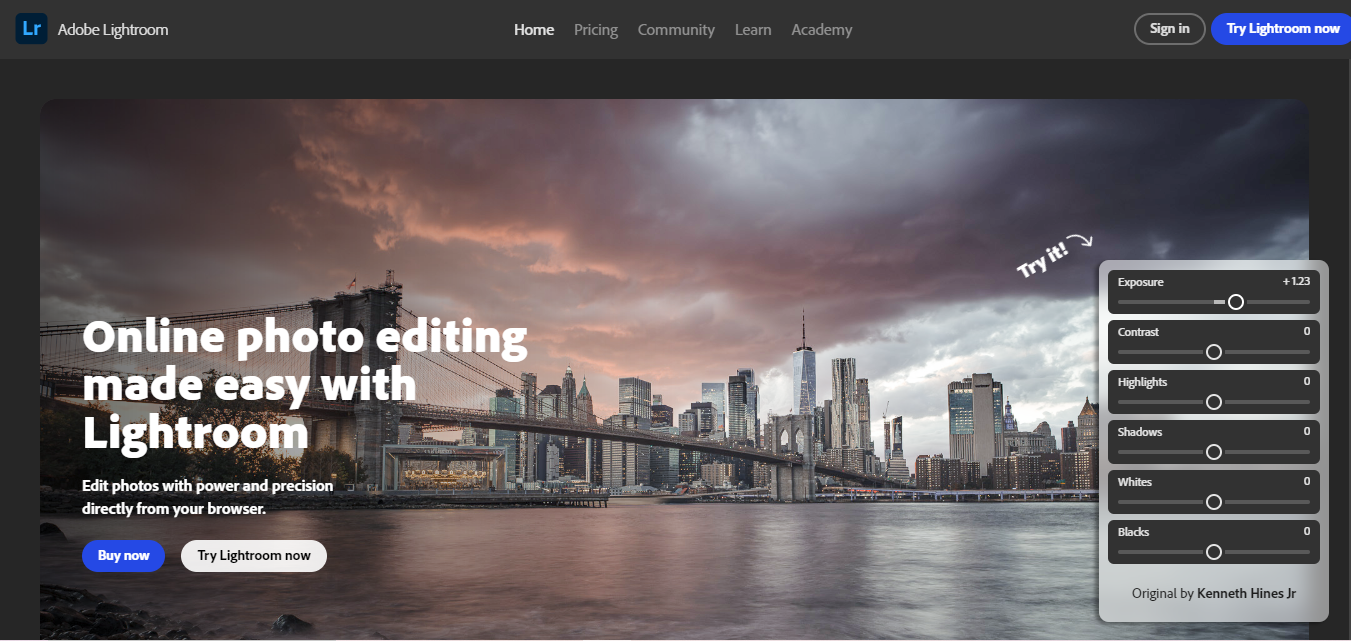
Adobe Lightroom is often hailed as one of the Best Software for Photo Organizing and Editing Features. It provides seamless cloud storage, allowing you to access your photos from any device. Lightroom’s organizational capabilities, such as collections and tagging, make it easy to keep your photos in order. The editing tools are comprehensive, including features for adjusting exposure, color balance, and applying presets.
Key Features:
- Cloud-Based Access: Work on your photos from anywhere.
- Batch Processing: Edit multiple photos at once to save time.
- Advanced Editing Tools: Enhance your images with precision.
Its non-destructive editing model means every adjustment is stored as instructions layered on top of the original file rather than baked in, so you can revisit a photo edited years ago and still tweak the original settings without any quality loss, a genuinely important feature professionals rely on heavily.
2. Google Photos

Google Photos is a free option that offers incredible value for anyone looking for the Best Software for Photo Organizing and Editing Features. It provides unlimited storage (for compressed photos) and uses AI to automatically categorize your images by faces, locations, and objects. The basic editing tools are user-friendly and allow for quick adjustments.
Key Features:
- Unlimited Free Storage: Keep your photos safe without worrying about space.
- Automatic Categorization: Easily find photos using AI.
- Simple Editing Tools: Enhance photos with a few clicks.
Its search function is the real differentiator: typing a plain-language query like “dog on beach” or “birthday cake” surfaces relevant photos without any manual tagging on your part, which is remarkably effective even across a library of tens of thousands of untitled, unsorted images.
3. Apple Photos

For Mac and iPhone users, Apple Photos is a fantastic choice that combines both organization and editing. It automatically organizes your images based on various criteria, including date and location. While its editing features may not be as robust as some competitors, it provides enough functionality for most users.
Key Features:
- Seamless Integration: Syncs effortlessly across Apple devices.
- Smart Organization: Automatically categorizes images.
- Basic Editing Features: Simple tools for quick adjustments.
Its Memories feature automatically assembles short slideshow videos from related photos, a birthday, a trip, a specific person, with music and transitions applied automatically, turning a passive photo library into something you actually revisit and enjoy rather than just a storage archive.
4. Adobe Bridge
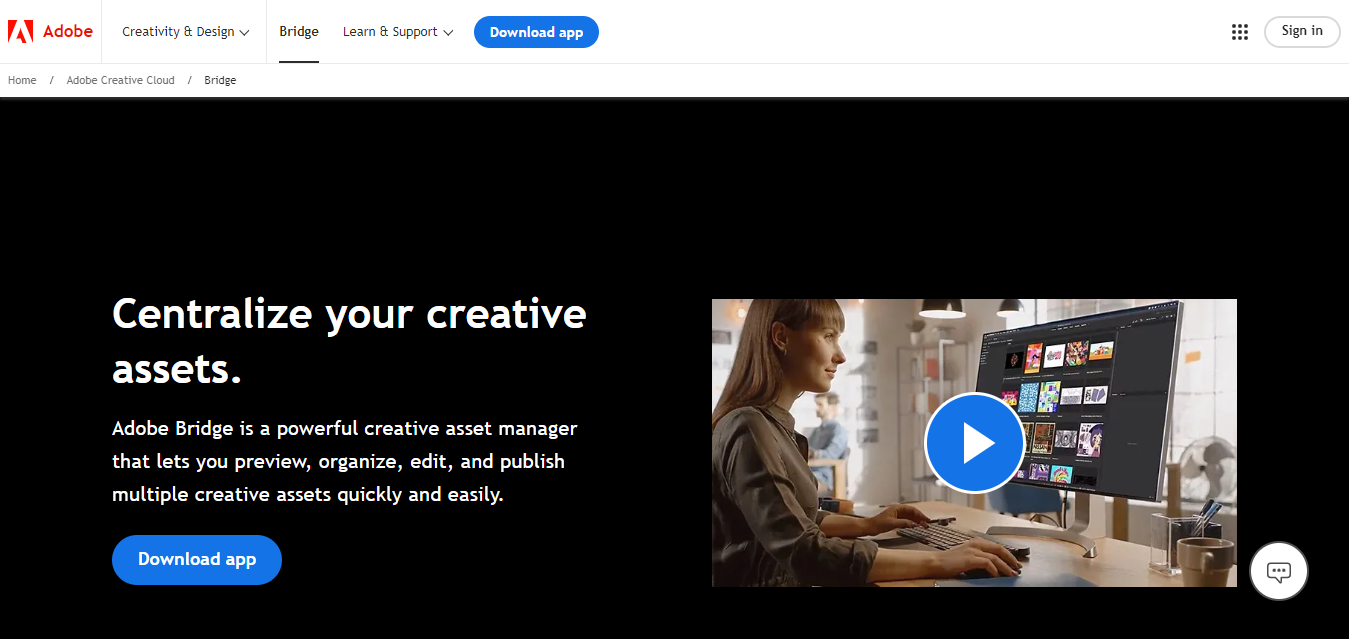
Adobe Bridge excels in photo organization, making it one of the Best Software for Photo Organizing and Editing Features. While it lacks deep editing capabilities, its powerful organizational tools allow you to tag, sort, and manage photos efficiently. It integrates well with other Adobe products, making it an excellent addition to your workflow.
Key Features:
- Advanced Metadata Sorting: Sort photos based on various data points.
- Batch Renaming and Tagging: Organize photos efficiently.
- Integration with Adobe Products: Seamlessly work with other Adobe software.
Photographers who shoot professional jobs regularly use Bridge specifically for its batch rename function, converting thousands of generic camera-assigned filenames into a consistent, client-friendly naming scheme in one pass before delivery, a task that would be genuinely painful to do manually.
5. ACDSee Photo Studio
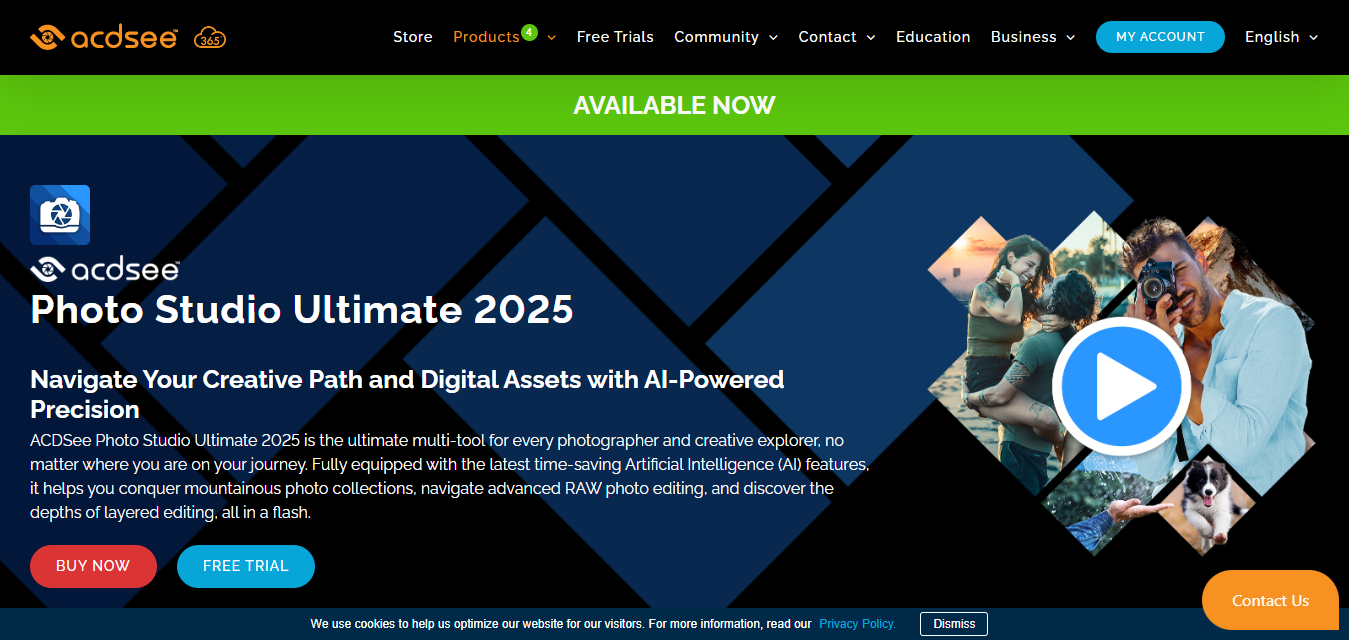
ACDSee Photo Studio is another strong contender in the Best Software for Photo Organizing and Editing Features category. It offers robust organizational tools, including folder-based management and tagging. Its editing capabilities are also impressive, covering everything from basic adjustments to advanced features like RAW support.
Key Features:
- Folder-Based Organization: Keep photos organized in a familiar format.
- Advanced Editing Tools: Edit images with precision.
- Facial Recognition: Automatically tag people in your photos.
Because it offers a one-time license option rather than forcing a subscription, it appeals specifically to photographers who want Lightroom-comparable editing power without an ongoing monthly cost, which adds up meaningfully over several years of use.
6. CyberLink PhotoDirector
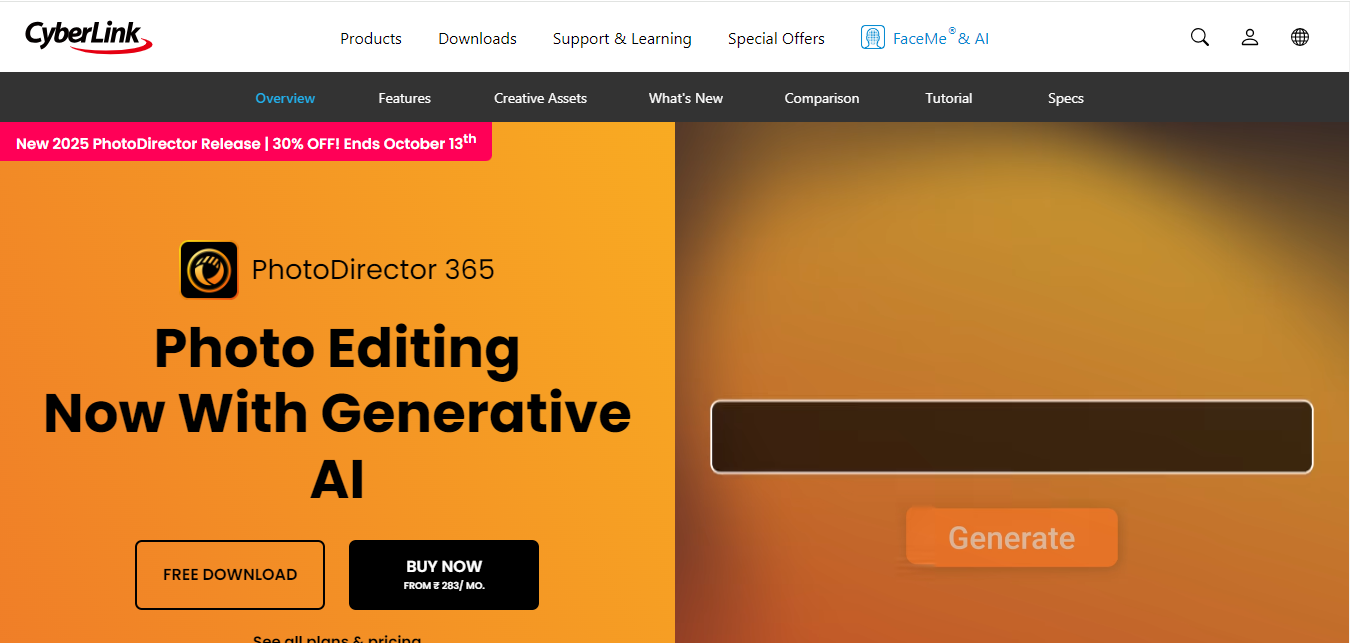
CyberLink PhotoDirector combines powerful editing features with organizational tools, making it one of the Best Software for Photo Organizing and Editing Features available. Its AI-driven editing tools allow for quick enhancements, while its organizational capabilities make it easy to manage your photo library.
Key Features:
- AI-Powered Editing: Enhance images with minimal effort.
- Facial Recognition: Easily sort photos by people.
- Wide Format Support: Works with various file types, including RAW.
Its sky replacement and AI object removal tools are noticeably more accessible for beginners than the equivalent features in Photoshop, using guided sliders instead of manual masking, which makes advanced composite edits achievable without a steep learning curve.
7. Zoner Photo Studio
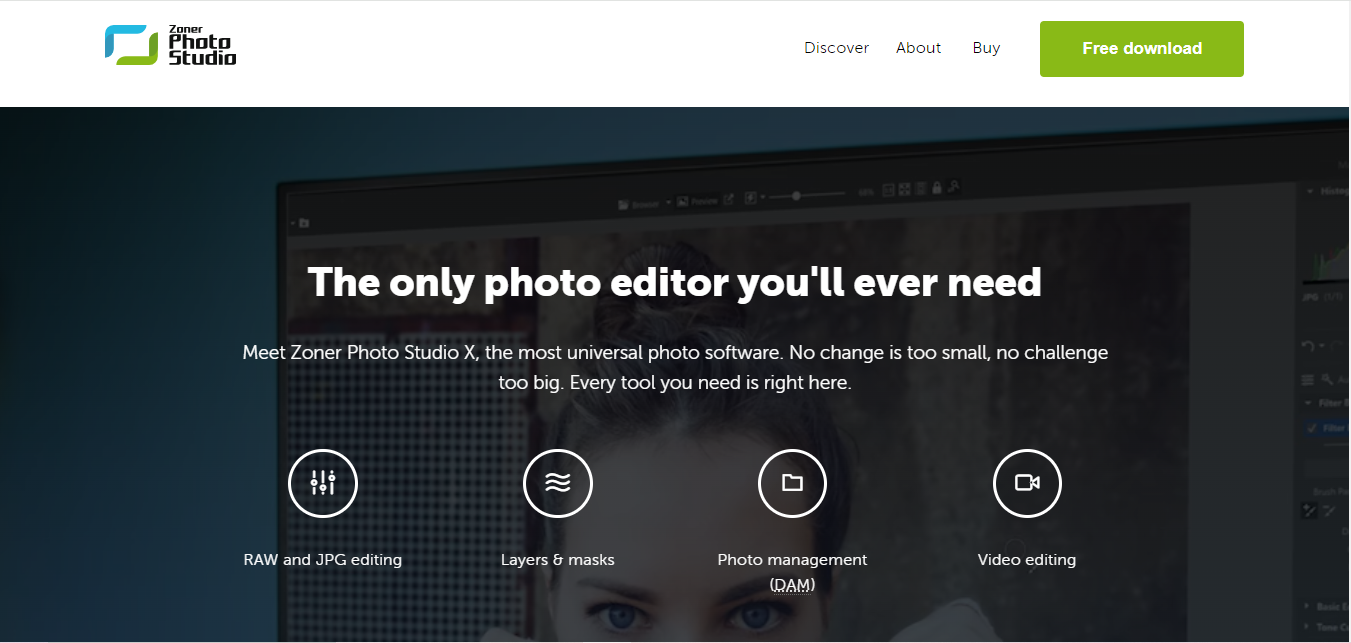
For those just starting, Zoner Photo Studio offers an intuitive interface and a good mix of organizing and editing features. It allows for easy tagging and categorization of photos, and its editing capabilities cover all the essentials, making it suitable for beginners.
Key Features:
- User-Friendly Interface: Easy to navigate for all skill levels.
- Organizing Tools: Tag and rate photos for easy searching.
- Comprehensive Editing Features: Adjust colors, exposure, and more.
Its star-rating and color-label system, borrowed conceptually from professional culling workflows, makes it straightforward to flag your best shots from a large shoot on a first pass and then filter down to just the keepers before spending time on detailed edits.
8. Luminar AI

Luminar AI focuses heavily on AI-driven photo editing, but its organizing tools are also commendable. It allows users to categorize photos, tag them, and even use facial recognition for easy sorting. The software’s AI-powered editing solutions make it a top choice for those seeking quick, professional-looking results.
Key Features:
- AI-Powered Editing Tools: Make adjustments with a single click.
- Tagging and Sorting: Easily find and organize photos.
- User-Friendly Interface: Designed for photographers of all skill levels.
Its one-click sky and portrait enhancement templates are trained specifically to recognize common scene types, landscapes, portraits, architecture, and apply an appropriate style automatically, which shortcuts the manual adjustment process most editors require for a similar result.
9. Mylio

Mylio offers excellent photo organization with its impressive cataloging and sync capabilities across devices. Although its editing features are more basic compared to other options, it excels in keeping your photo library in check, making it one of the Best Software for Photo Organizing and Editing Features available.
Key Features:
- Cross-Device Syncing: Access your library from multiple devices.
- Easy Organization: Sort photos by folders, dates, or tags.
- Basic Editing Options: Quick tools for adjustments.
Unlike cloud-first alternatives, Mylio syncs full-resolution originals directly between your own devices without necessarily routing everything through a third-party cloud server, giving privacy-conscious users a middle ground between fully local storage and full cloud dependency.
10. digiKam
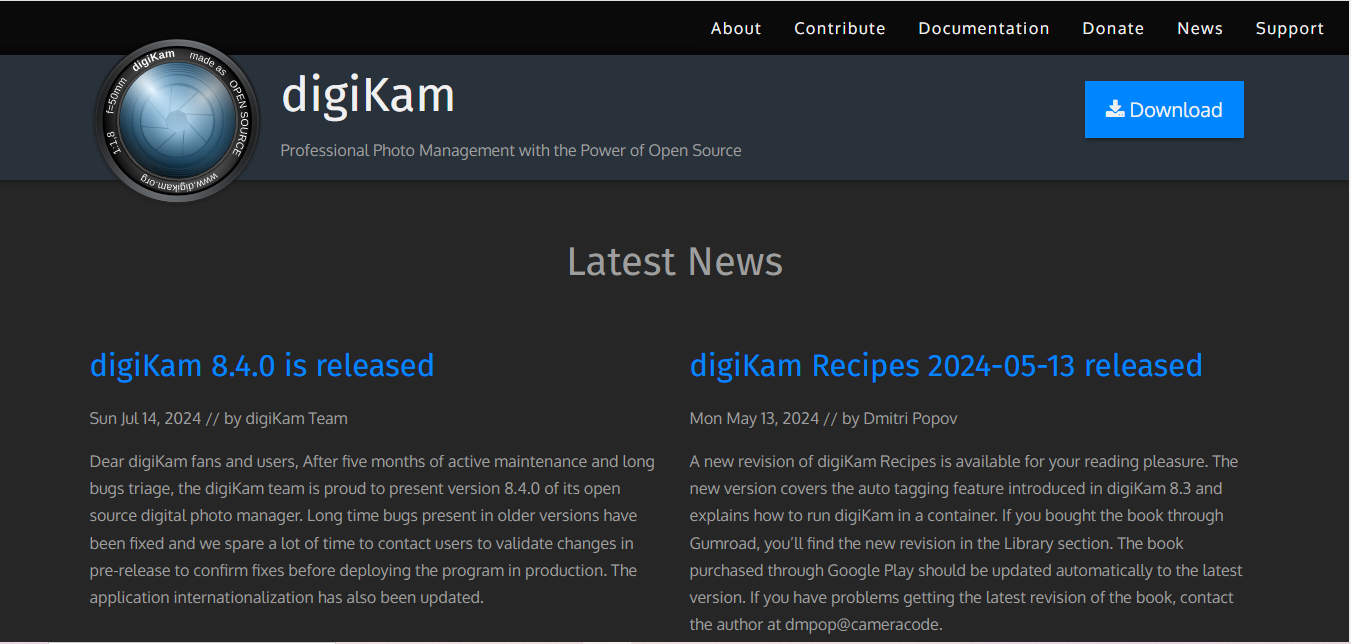
For those looking for a free option, digiKam is an open-source software that offers robust photo organizing features. It allows you to categorize, tag, and sort images effectively. While its editing tools may not be as extensive as some premium software, it provides enough functionality for basic enhancements, making it one of the Best Software for Photo Organizing and Editing Features in the free category.
Key Features:
- Open-Source and Free: No cost to use.
- Powerful Tagging and Sorting: Organize your photos efficiently.
- Basic Editing Features: Adjust exposure and colors easily.
Because it is entirely local and free with no subscription, no company can discontinue the service or move your library behind a paywall later, an appealing property for archivists managing decades of family photos who want long-term stability over the newest features.
Comparison Table
| Name of Tool | Best For | Standout Feature | Pricing |
|---|---|---|---|
| Adobe Lightroom | Photo organizing and editing | Cloud-based access, batch processing | Subscription starting at $9.99/month |
| Google Photos | Free photo storage and editing | Unlimited free storage (compressed) | Free |
| Apple Photos | Mac and iPhone users | Seamless integration across Apple devices | Free (included with Apple devices) |
| Adobe Bridge | Photo organization | Advanced metadata sorting | Free |
| ACDSee Photo Studio | Robust organizing and editing | Folder-based organization and facial recognition | Starts at $59.99 (one-time payment) |
| CyberLink PhotoDirector | Powerful editing and organizing | AI-powered editing tools | Starts at $99.99 (one-time payment) |
| Zoner Photo Studio | Beginners | User-friendly interface | Starts at $49/year |
| Luminar AI | AI-driven photo editing | One-click AI-powered adjustments | Starts at $79 (one-time payment) |
| Mylio | Cross-device photo organization | Impressive cataloging and sync capabilities | Free for up to 3 devices, starts at $99/year for more |
| digiKam | Free open-source option | Powerful tagging and sorting features | Free |
Frequently Asked Questions
How do I choose between Lightroom and Google Photos for daily use?
Lightroom is built for photographers who want precise editing control, especially with RAW files. Google Photos is better suited for casual users who mainly want automatic organization and search rather than detailed manual editing tools.
What is the safest way to back up a large photo library?
Follow the 3-2-1 principle: three total copies, on two different types of storage, with one copy stored offsite or in the cloud. Relying on a single external hard drive, even with organizing software installed, still leaves you exposed to a single point of failure.
Can I switch between these tools without losing my organization work?
Tags and star ratings embedded directly into a photo’s metadata, rather than stored in a proprietary database, transfer between compatible tools. Lightroom, Bridge, and digiKam all read standard IPTC metadata, though some proprietary features like Lightroom’s collections do not migrate automatically.
Is facial recognition in these tools accurate enough to trust?
Modern facial recognition in Google Photos, Apple Photos, and ACDSee is generally quite accurate for family-sized libraries, though it can occasionally misidentify siblings or confuse similar-looking strangers in a crowd photo, so a manual review pass is still worthwhile for critical tagging.
Which of these tools works best for a professional photographer delivering client galleries?
Adobe Lightroom remains the industry standard for professional delivery workflows, given its wide compatibility with client gallery plugins and its non-destructive RAW editing pipeline that most studios are already built around.

Choosing the Best Software for Photo Organizing and Editing Features
Finding the Best Software for Photo Organizing and Editing Features will depend on your specific needs and preferences. Whether you’re looking for professional-grade tools like Adobe Lightroom or more accessible options like Google Photos, there’s something for everyone.
Investing in the right software can significantly improve your workflow, enhance your photography skills, and make it easier to preserve and share your precious memories. Take the time to explore these options and choose the one that aligns best with your requirements. By doing so, you can streamline your photo management process and focus on what really matters, capturing beautiful moments!