If you’re a passionate gamer, capturing your gameplay moments is essential. The Best Software to Record Gameplay can help you save those epic battles and incredible victories to share with friends or upload to platforms like YouTube and Twitch. In this post, we’ll explore the Best Software to Record Gameplay, highlighting their features, ease of use, and why they stand out in the crowded market of screen recording tools.
Recording gameplay is a different challenge than recording a regular screencast. Games push your GPU and CPU hard already, and a poorly chosen capture tool can introduce stutter, dropped frames, or audio desync that ruins an otherwise perfect run. The right software captures footage without stealing performance your game needs, which is why hardware-accelerated encoders and GPU-based capture have become the standard rather than the exception among the tools below.

What Actually Matters When Choosing a Recorder
Before jumping into the list, it helps to know which specs actually affect your footage:
- Hardware encoding (NVENC, AMF, Quick Sync): offloads the recording process to a dedicated chip on your GPU, keeping your frame rate stable while capturing.
- Bitrate and resolution ceiling: determines how crisp fast-motion scenes look after upload compression on YouTube or Twitch strips away some quality.
- Instant replay buffer: continuously records the last 30 to 60 seconds in the background so you can save a clip after the fact instead of recording your whole session.
- Editing built in versus separate app: some tools like Camtasia combine recording and editing, which saves time if you plan to publish highlight reels regularly.
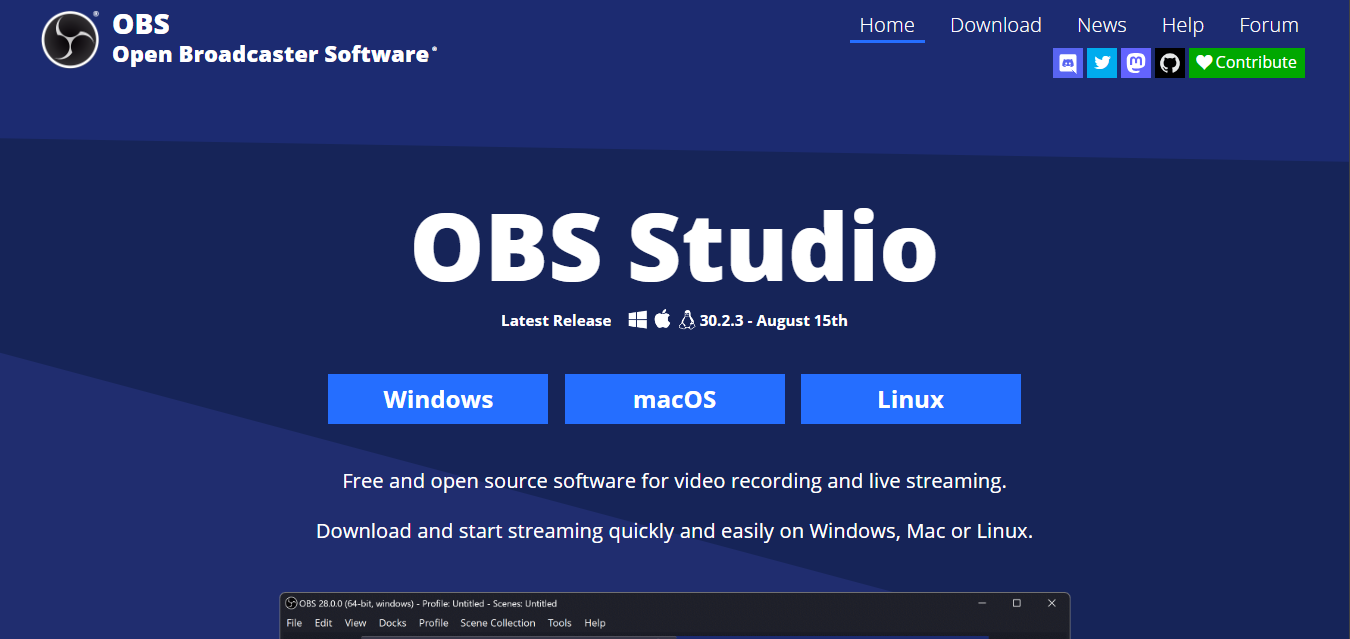
1. OBS Studio
Key Features:
- Free and Open-Source: OBS Studio is completely free, making it accessible for everyone.
- High Customizability: You can tweak settings like resolution, frame rates, and more to suit your needs.
- Live Streaming Capabilities: It integrates seamlessly with platforms like Twitch and YouTube.
Overview: OBS Studio is often the go-to choice for gamers looking for the Best Software to Record Gameplay. Its powerful features, including high-definition recording and customizable settings, make it suitable for beginners and pros alike. The interface is user-friendly, which helps new users get started quickly. Its scene and source system means you can build a multi-camera streaming layout, complete with webcam overlay and alert widgets, using the same free tool you use for simple local recording, which is why it has become the de facto standard among Twitch streamers.
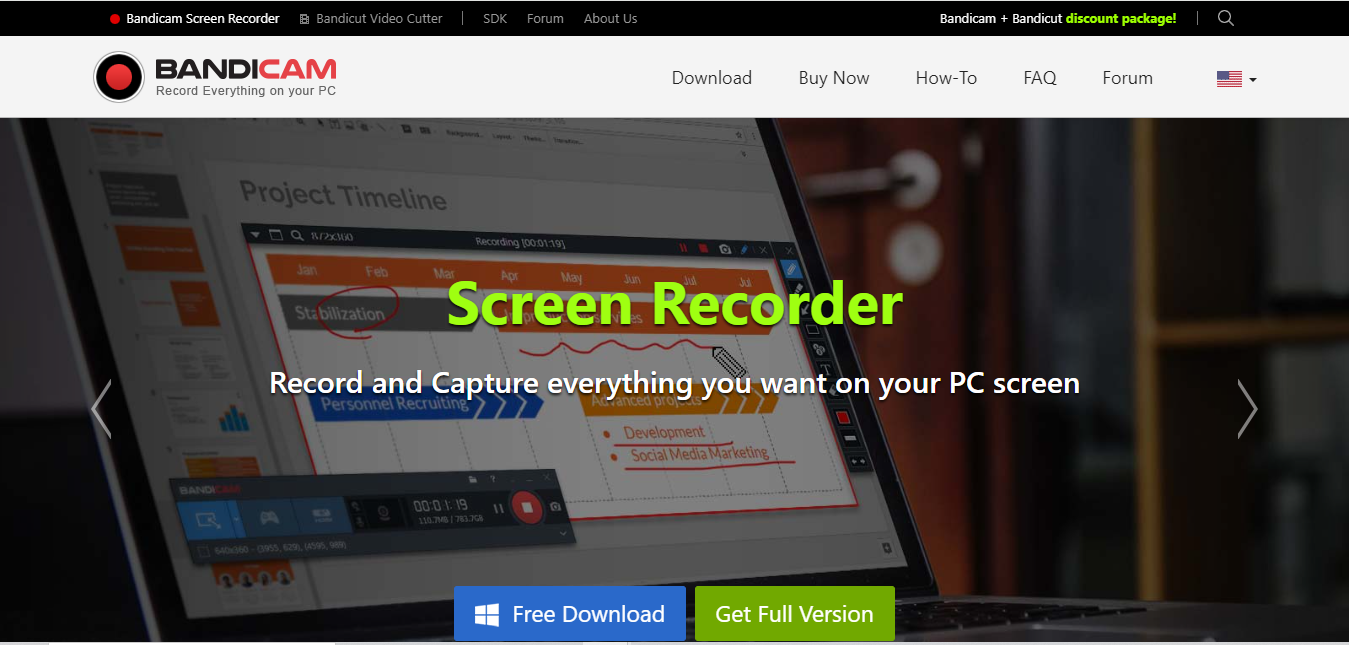
2. Bandicam
Key Features:
- 4K Ultra HD Recording: Capture stunning videos in incredible detail.
- Real-Time Drawing: Annotate your recordings as you play.
- Game Recording Mode: Specifically designed to optimize gameplay recording.
Overview: Bandicam stands out as one of the Best Software to Record Gameplay for capturing high-quality videos. It’s easy to use and provides options for recording your screen or specific applications. Whether you’re gaming or creating tutorials, Bandicam delivers impressive results that are sure to please. Its dedicated game recording mode hooks directly into DirectX and OpenGL rendering, which tends to produce smoother capture than generic screen recorders on graphically demanding titles, while keeping file sizes manageable through efficient compression.
3. NVIDIA ShadowPlay
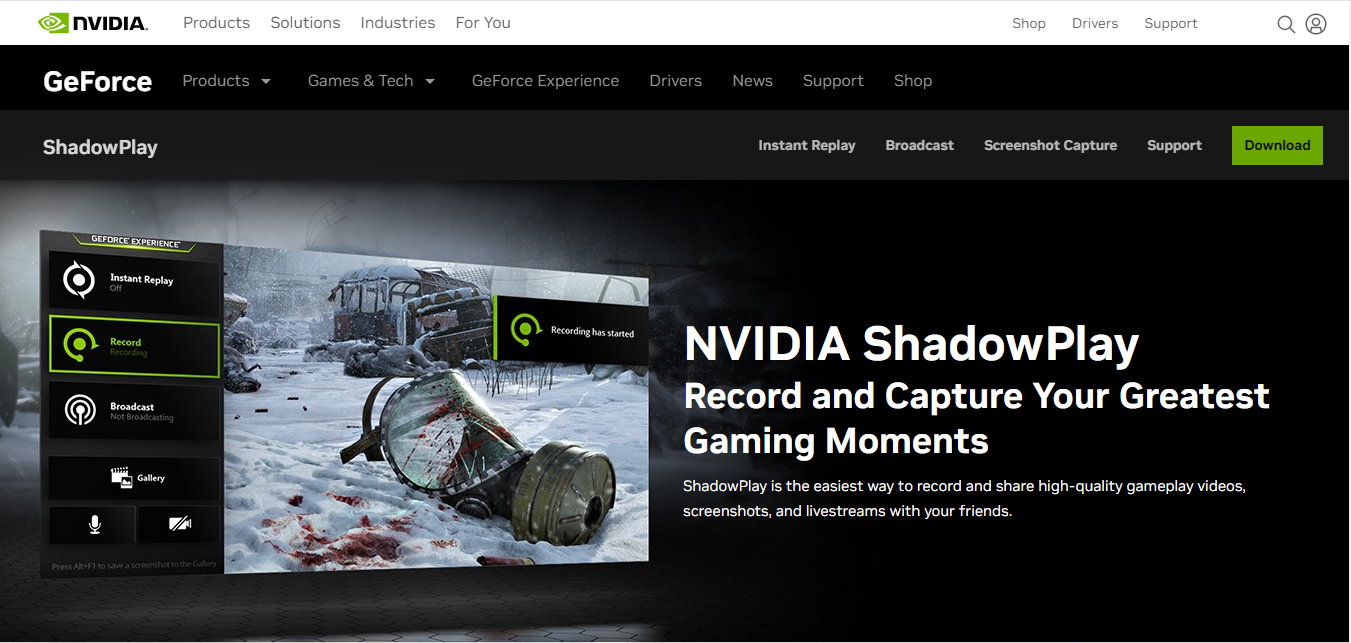
Key Features:
- Instant Replay Feature: Automatically saves the last 30 seconds of your gameplay.
- Minimal Performance Impact: Uses GPU to record, ensuring smooth gameplay.
- High-Quality Recording: Supports resolutions up to 4K at 60 FPS.
Overview: If you have an NVIDIA graphics card, ShadowPlay is an excellent option for the Best Software to Record Gameplay. It’s designed to have little to no impact on your system’s performance, allowing you to focus on your game. The instant replay feature is particularly popular for capturing unexpected moments during gameplay. Because it uses NVENC, the dedicated encoding hardware built into modern NVIDIA GPUs, the performance cost is typically under two percent of your frame rate, making it the practical choice for competitive players who cannot afford any capture-related stutter.
4. Fraps
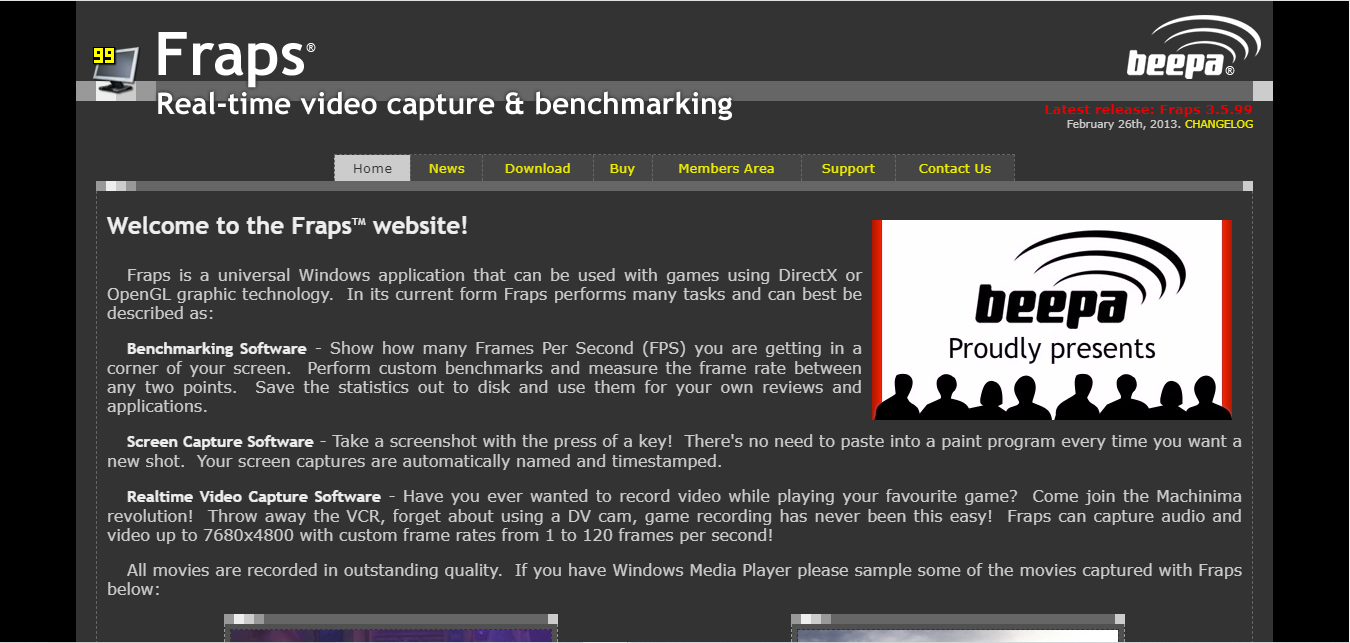
Key Features:
- High-Definition Video Capture: Supports recording in full HD and higher.
- Screenshot Capability: Take high-quality screenshots during your gameplay.
- User-Friendly Interface: Simple to navigate for quick recordings.
Overview: Fraps has been around for years and remains a favorite among gamers looking for a straightforward option. While it may not have all the bells and whistles of newer software, its simplicity and effectiveness make it one of the Best Software to Record Gameplay. It’s perfect for users who want to focus on recording without unnecessary complexity. It also doubles as a frame rate counter overlay, which benchmarkers and hardware reviewers still use even when they are not recording, simply to keep an eye on performance while testing settings.
5. Camtasia

Key Features:
- All-in-One Solution: Combines screen recording and editing features.
- Customizable Annotations: Easily add text and effects to your videos.
- Extensive Format Support: Export your videos in various formats.
Overview: Camtasia is not just for gameplay; it’s a versatile tool for creating tutorials and presentations. While it’s a paid software, its comprehensive features, including editing capabilities, make it worth the investment. For those seeking an all-in-one solution, Camtasia is undoubtedly among the Best Software to Record Gameplay. Its real strength shows once recording is done: the built-in timeline editor, transitions, and callout library mean you can go from raw gameplay footage to a polished highlight reel without ever opening a second application.
6. Action!

Key Features:
- 4K Video Recording: Capture your gameplay in stunning quality.
- Multi-Source Recording: Record from multiple sources, including webcams.
- In-Game Overlay: Monitor performance while recording.
Overview: Action! by Mirillis is a powerful tool that allows gamers to record in high quality. Its user-friendly interface and ability to capture from various sources make it a fantastic option. Whether you’re looking to share your gameplay or stream live, Action! is among the Best Software to Record Gameplay. It supports simultaneous webcam and gameplay capture out of the box, which is convenient for creators who want a reaction-cam style overlay without configuring a separate compositing tool like OBS.
7. ShareX
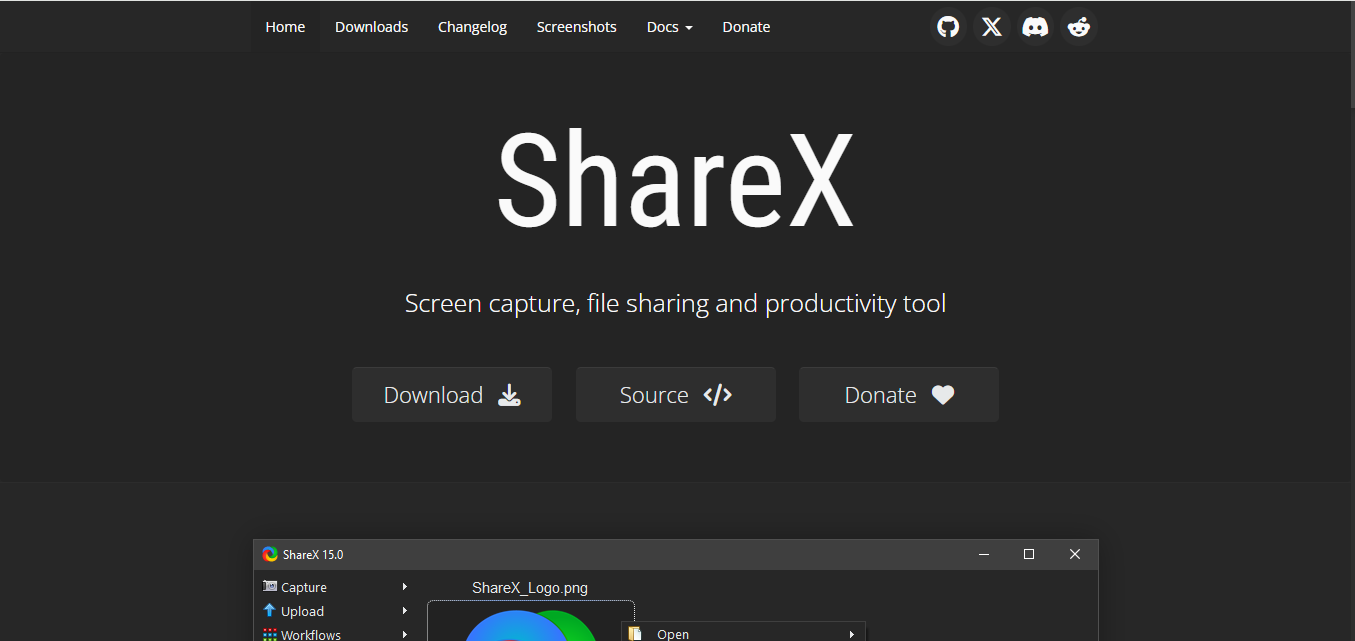
Key Features:
- Free and Open-Source: Offers powerful features without any cost.
- Multiple Output Formats: Save your recordings in various formats.
- Customizable Shortcuts: Set up shortcuts for quick access to functions.
Overview: ShareX is a robust screen recording tool that is great for both casual users and advanced gamers. Its range of features, including customizable shortcuts and various output formats, makes it a versatile choice. For those seeking a free and powerful tool, ShareX is one of the Best Software to Record Gameplay. Beyond recording, it includes a built-in workflow for instantly uploading clips to hosting services and copying a shareable link to your clipboard, which is a genuinely useful shortcut for gamers who post clips to Discord servers throughout a session.
8. XSplit Gamecaster
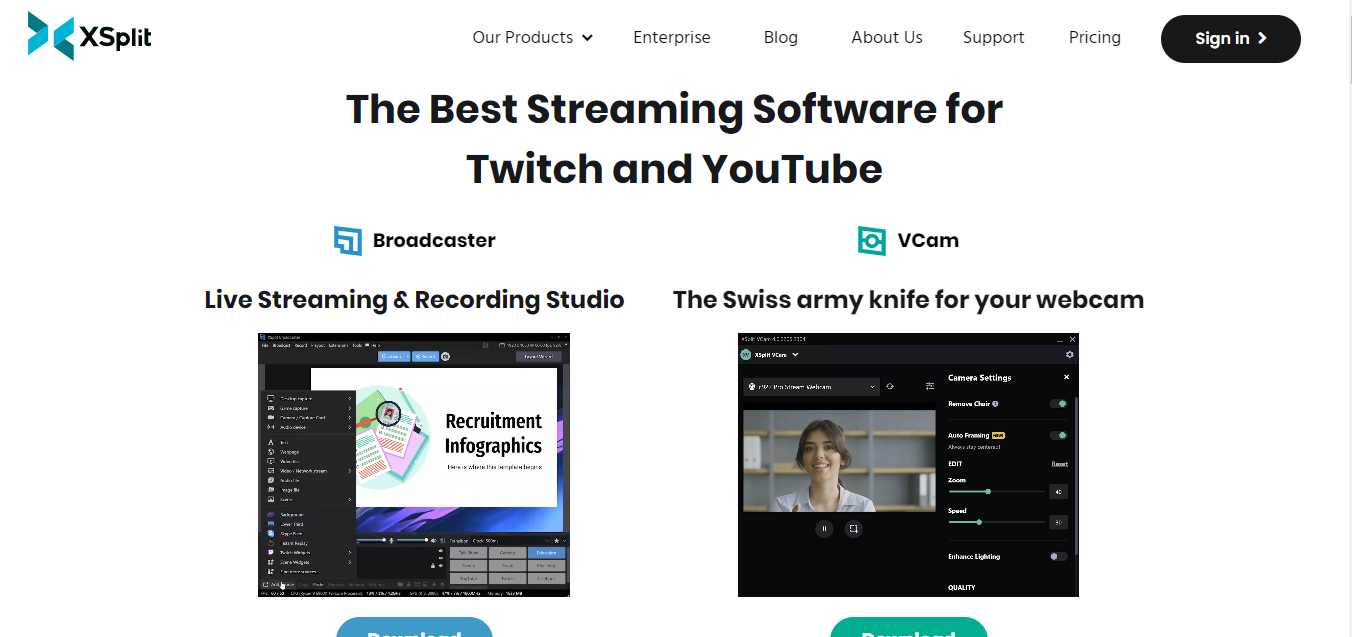
Key Features:
- User-Friendly Interface: Designed for quick and easy setup.
- Integrated Social Media Sharing: Instantly share your gameplay on social platforms.
- Customization Options: Add overlays and effects to enhance your streams.
Overview: XSplit Gamecaster is tailored for gamers who want an easy-to-use recording tool. Its straightforward setup and intuitive interface make it a hit with beginners. If you want to share your gameplay quickly and effectively, XSplit is among the Best Software to Record Gameplay. Its overlay marketplace includes premade webcam frames and alert packs, so new streamers can achieve a professional-looking layout in minutes rather than designing graphics from scratch.
9. Screencast-O-Matic
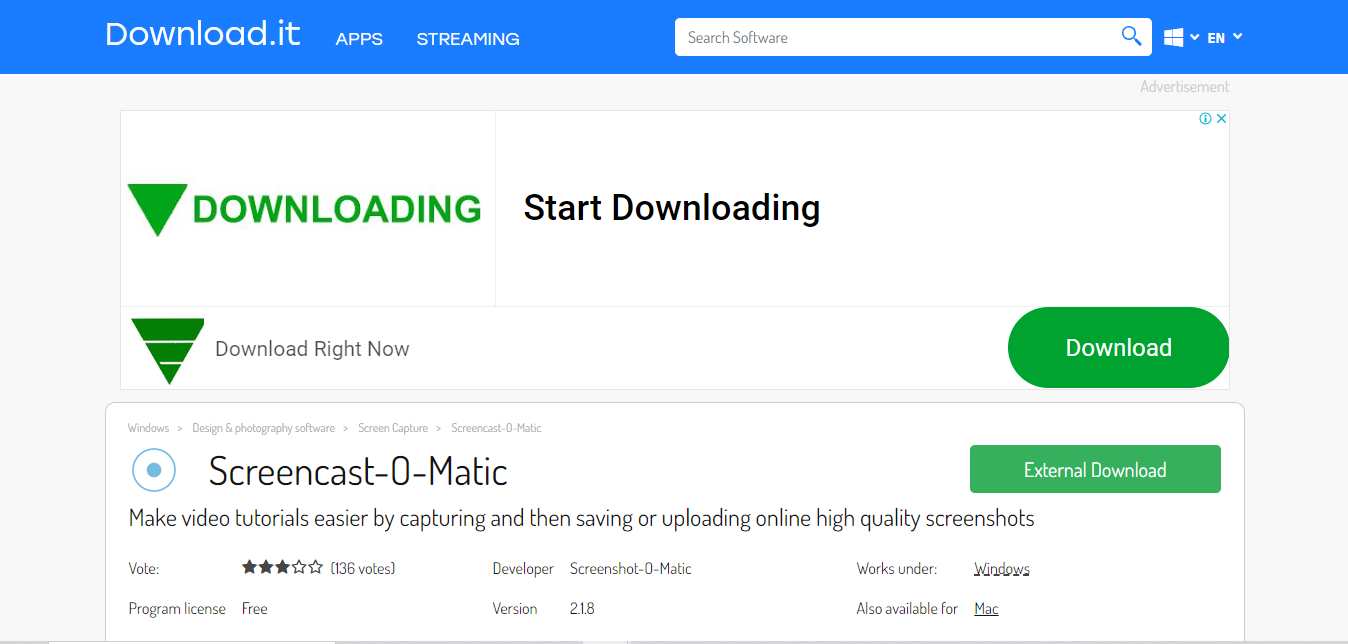
Key Features:
- Easy-to-Use Interface: Perfect for quick screen captures and recordings.
- Webcam Integration: Record your webcam alongside your gameplay.
- Basic Editing Tools: Trim and edit your recordings directly within the software.
Overview: Screencast-O-Matic is an excellent choice for those looking for user-friendly recording software. Its integration of webcam recording and basic editing features makes it a solid option for content creators. With its accessibility, Screencast-O-Matic ranks high among the Best Software to Record Gameplay. It runs entirely in the browser for shorter clips, which makes it a convenient pick on a Chromebook or a work laptop where installing dedicated gaming software is not practical.
10. Movavi Game Capture
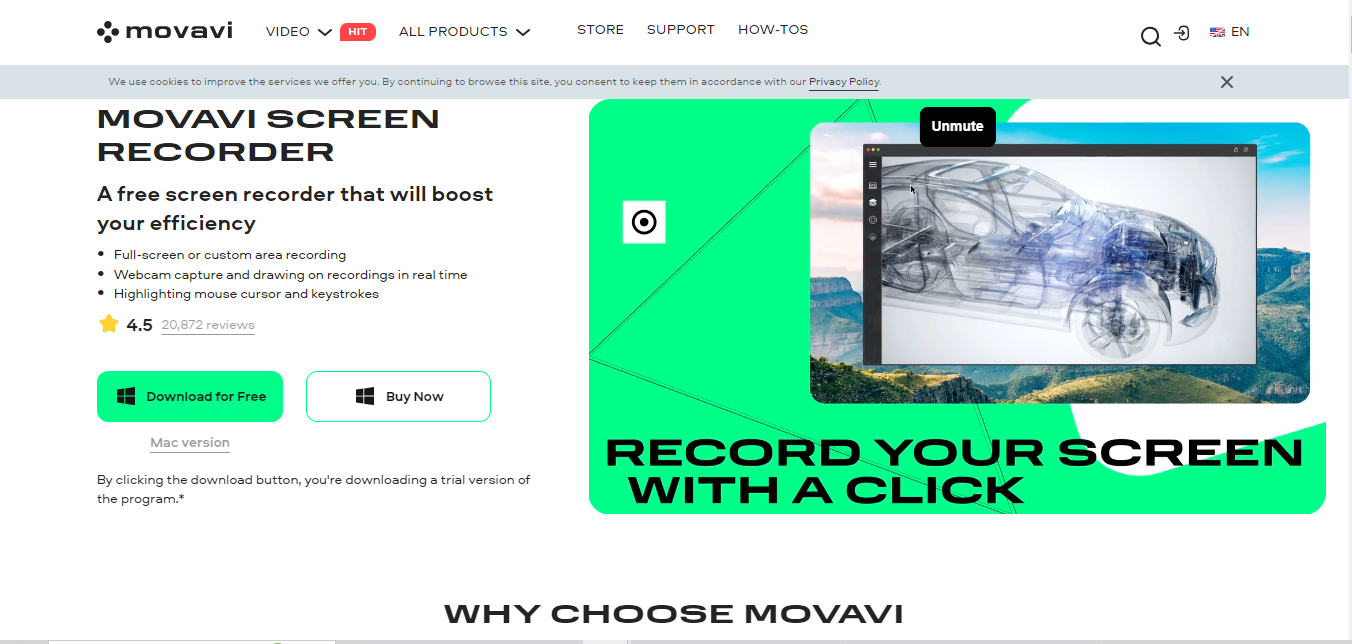
Key Features:
- High-Quality Recording: Capture gameplay in HD with minimal performance impact.
- Editing Features: Easily trim, edit, and enhance your videos.
- Scheduled Recording: Set timers to automatically start and stop recording.
Overview: Movavi Game Capture is perfect for gamers who want a simple yet powerful tool for recording gameplay. It allows for high-quality recording along with easy editing features, making it ideal for content creators. If you’re looking for effective recording software, Movavi Game Capture is a top contender in the Best Software to Record Gameplay. The scheduled recording option is a small but genuinely practical feature for capturing long grinding sessions or overnight farming runs without needing to babysit the start button.
Frequently Asked Questions
Will recording gameplay lower my frame rate?
With hardware-accelerated tools like NVIDIA ShadowPlay or Bandicam’s game mode, the impact is typically minimal, often under five percent. Software-only encoders on CPU-limited systems can drop frame rate more noticeably, so matching the tool to your hardware matters.
What is the best free option for someone just starting out?
OBS Studio is the strongest all-around free choice; it handles both local recording and live streaming without watermarks or time limits. ShareX is a good lightweight alternative if you mainly need quick clips rather than full streaming setups.
Do I need a capture card to record console gameplay?
Yes, for PlayStation or Xbox gameplay you need a capture card to bring the video signal into your PC, since these consoles do not run the recording software directly. Once captured, any of the tools above, particularly OBS or Camtasia, can process and edit that footage.
Which format should I export my recordings in for YouTube?
MP4 with H.264 encoding is the safest universal choice; nearly every tool on this list supports it by default, and YouTube’s upload pipeline is optimized for it.
Can I record and stream at the same time without a second PC?
Yes, OBS Studio and XSplit both support simultaneous local recording and live streaming from a single machine, though a system with hardware encoding support handles the dual workload far more comfortably than an older CPU-only setup.

Final Reflections-Find the Best Software to Capture Your Game
Finding the Best Software to Record Gameplay is crucial for anyone looking to capture their gaming adventures. Each option offers unique features tailored to different needs, whether you prioritize ease of use, video quality, or editing capabilities.
For instance, if you’re new to recording, OBS Studio or Bandicam might be the best starting points. If you’re looking for robust editing options, Camtasia stands out as a top choice. Similarly, NVIDIA ShadowPlay is perfect for gamers with NVIDIA cards, offering excellent performance with minimal system impact.
Whichever tool you choose, the real payoff comes once you build the habit of recording. Highlight-worthy moments in games tend to happen without warning, and having your capture software already configured and running in the background is the difference between saving a great clip and watching it slip away because you had to fumble through settings first.
Interesting Reads
10 Best AI Ask Research Tools Today