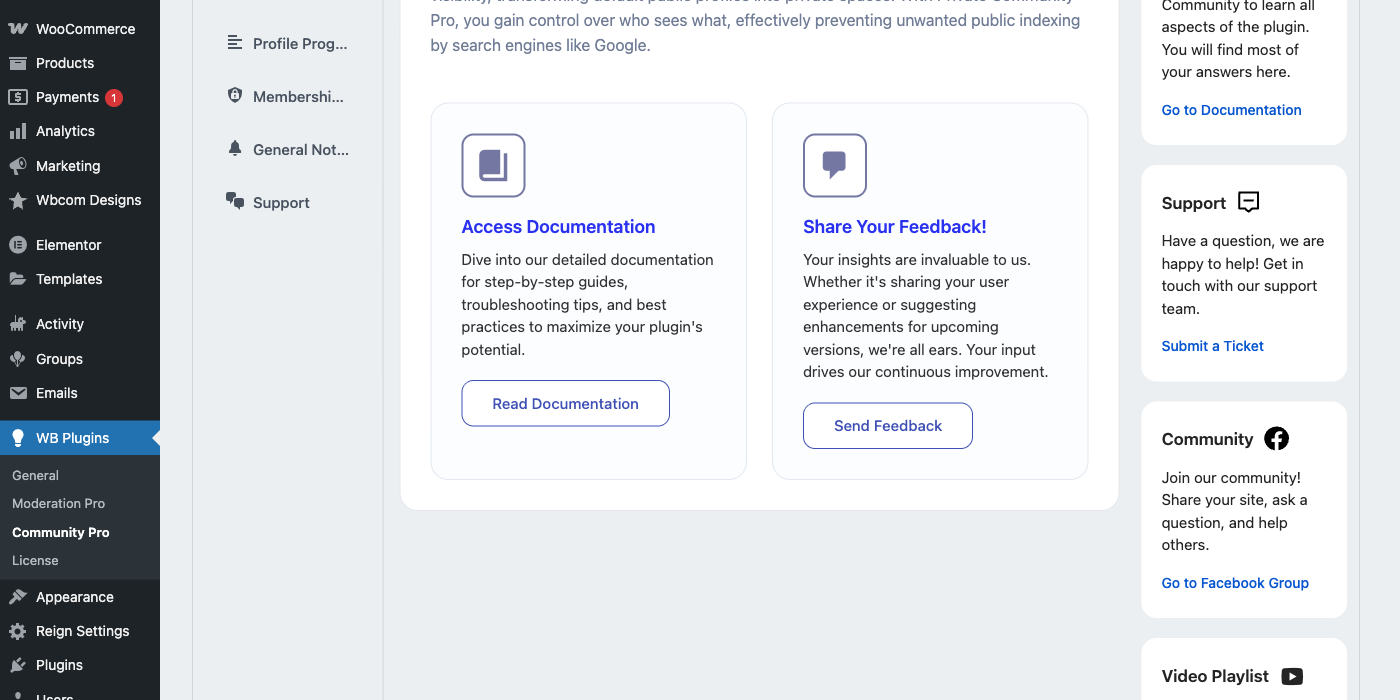
Want to build a Udemy-like platform without giving up control, margins, or your brand? You can do it on WordPress with a proven stack: a learning-first theme, LearnDash as the LMS engine, LearnDash Dashboard for instructor and student workflows, and BuddyPress for social learning. Below is a practical, beginner-friendly guide based on our live demo build.
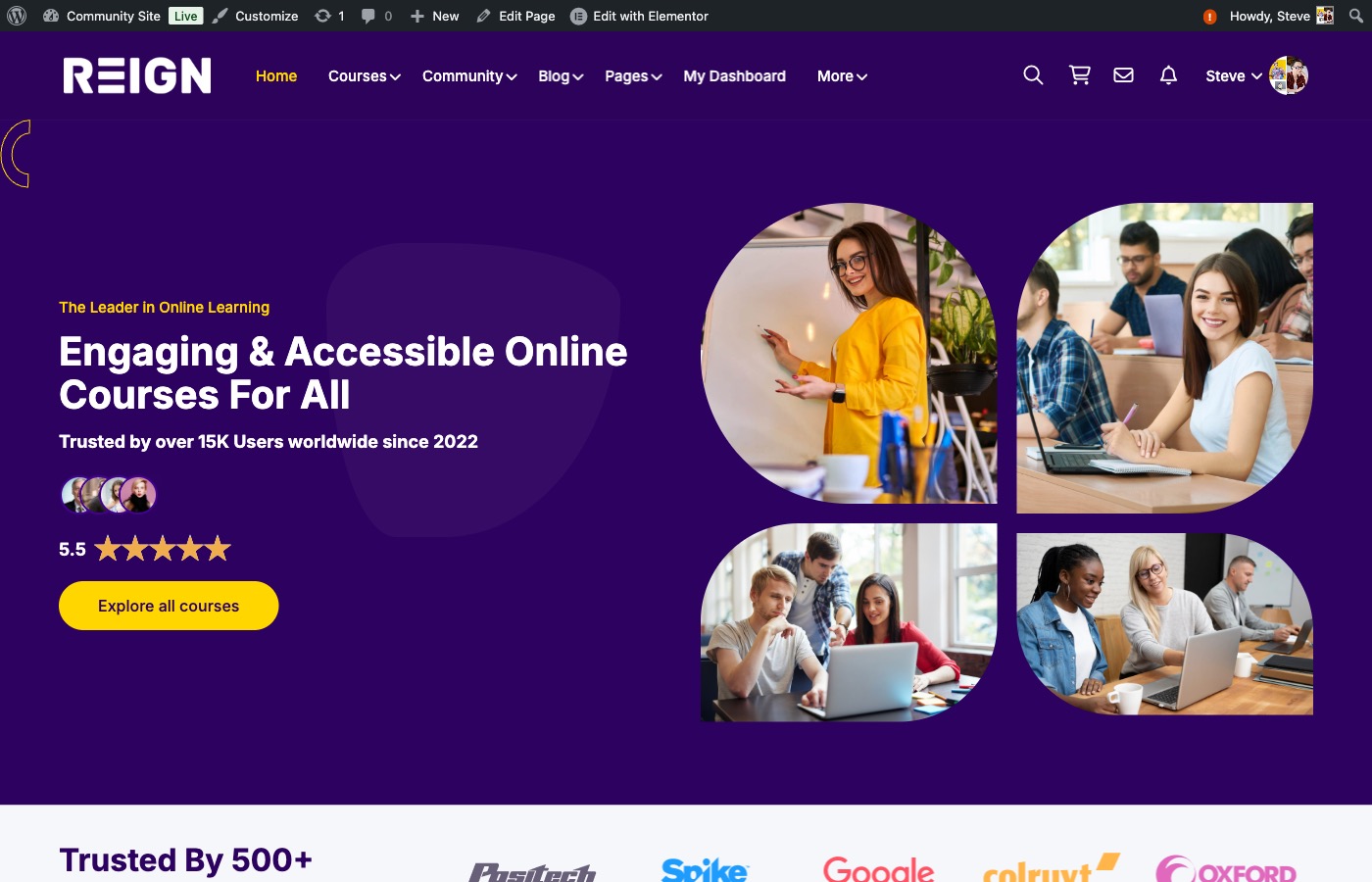
What you will build (in plain English)
- A course marketplace: a clean catalog where learners can browse, filter, and enroll.
- Instructor onboarding: instructors can apply, get approved, and create courses from the front end.
- Student progress tracking: learners see their lessons, quizzes, and completion stats.
- Instructor analytics: see enrollments, progress, and course performance.
- Community features: profiles, groups, and activity feeds to keep learners engaged.
Who this guide is for
- Creators who want to keep more revenue than marketplaces allow.
- Agencies building an LMS for a client with multiple instructors.
- Course businesses ready to add community and improve retention.
The stack we recommend (Udemy-style foundation)
- Theme: Reign (education-ready layout, course grids, community UI).
- LMS Engine: LearnDash (courses, lessons, topics, quizzes, assignments, certificates).
- Instructor/Student Portal: LearnDash Dashboard (front-end management, reports, and communication).
- Community Layer: BuddyPress (profiles, activity streams, groups, messaging). If you are new to BuddyPress, see our beginner guide.
- Payments: WooCommerce + Stripe/PayPal (course sales, bundles, subscriptions).
Before you begin: plan the business model
Udemy-style platforms usually follow one of these models:
- Marketplace model: multiple instructors, revenue split per sale.
- School model: single brand, in-house instructors only.
- Membership model: monthly access to all courses.
- Cohort model: timed courses with groups and weekly milestones.
Decide this early because it impacts pricing, instructor roles, and how you structure courses.
Step 1: Install the theme and LMS
First, install the Reign theme and LearnDash. The theme controls how your site looks (catalog, course pages, instructor cards), while LearnDash manages the actual learning experience.
- Create a few starter courses with lessons and quizzes.
- Set completion rules and certificates (optional).
- Choose “open,” “free,” “paid,” or “subscription” access based on your business model.
Step 2: Build the course marketplace experience
Most learners decide within seconds whether your platform feels trustworthy. A clean, filterable course catalog goes a long way.
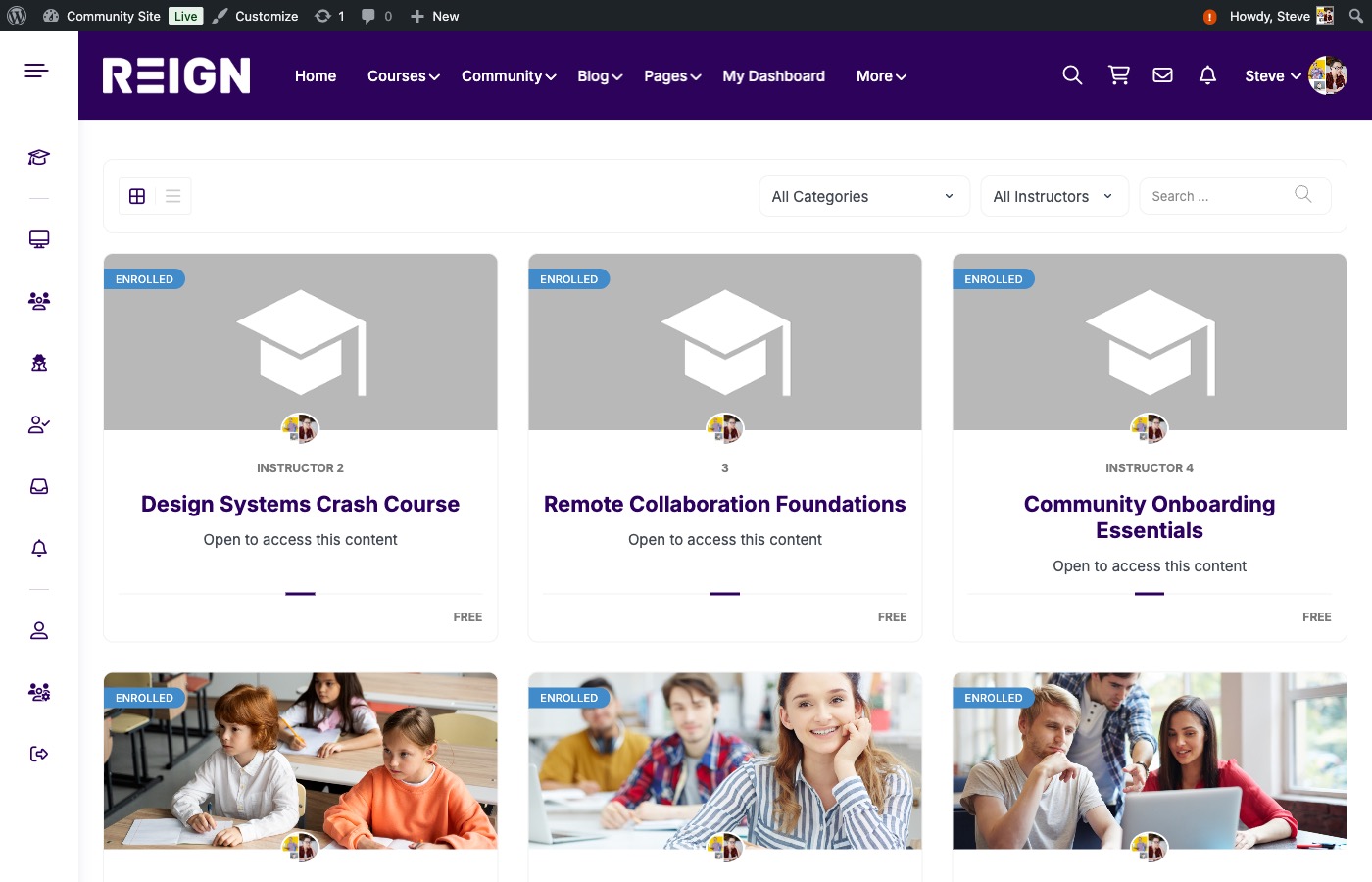
- Enable course filters (categories, instructors, search).
- Show price, instructor name, and rating on course cards.
- Organize courses into categories for easy discovery and SEO.
Step 3: Create clear course structure
Udemy-like courses feel structured. Use a simple, repeatable format:
- Course → modules (lessons)
- Lessons → topics (smaller chunks)
- Topics → quizzes or assignments
This structure makes it easy for learners to track progress and for instructors to create content consistently.
Step 4: Set up instructor onboarding
A Udemy-like platform needs instructors who can manage their own courses. LearnDash Dashboard makes this easy.
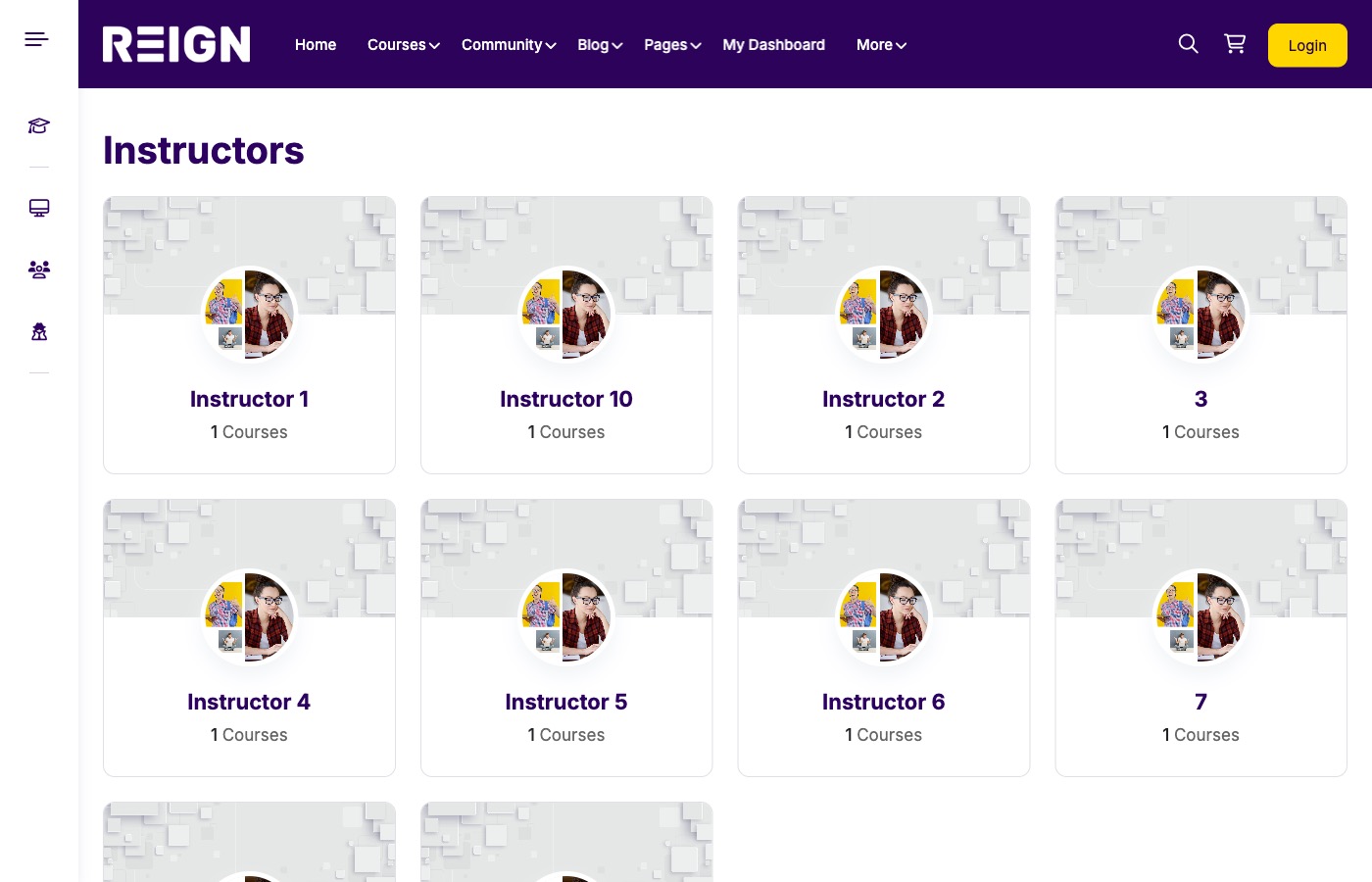
- Add an instructor application page (with approvals if required).
- Allow front-end course creation for approved instructors.
- Show instructor profiles and a public instructor directory.
Step 5: Add dashboards and reporting
Dashboards help both instructors and students stay organized. Students see what they need to complete. Instructors see how their courses perform.
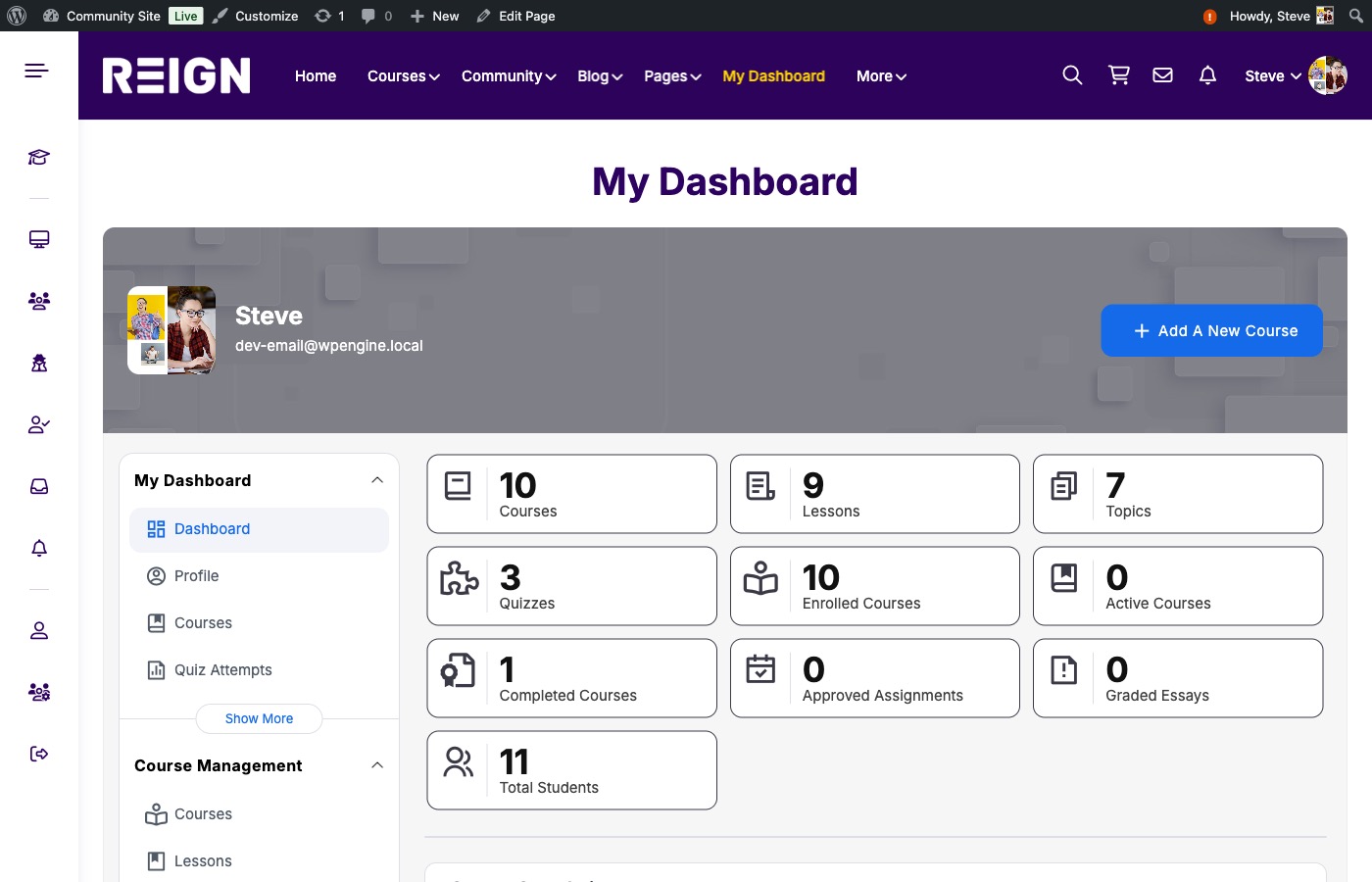
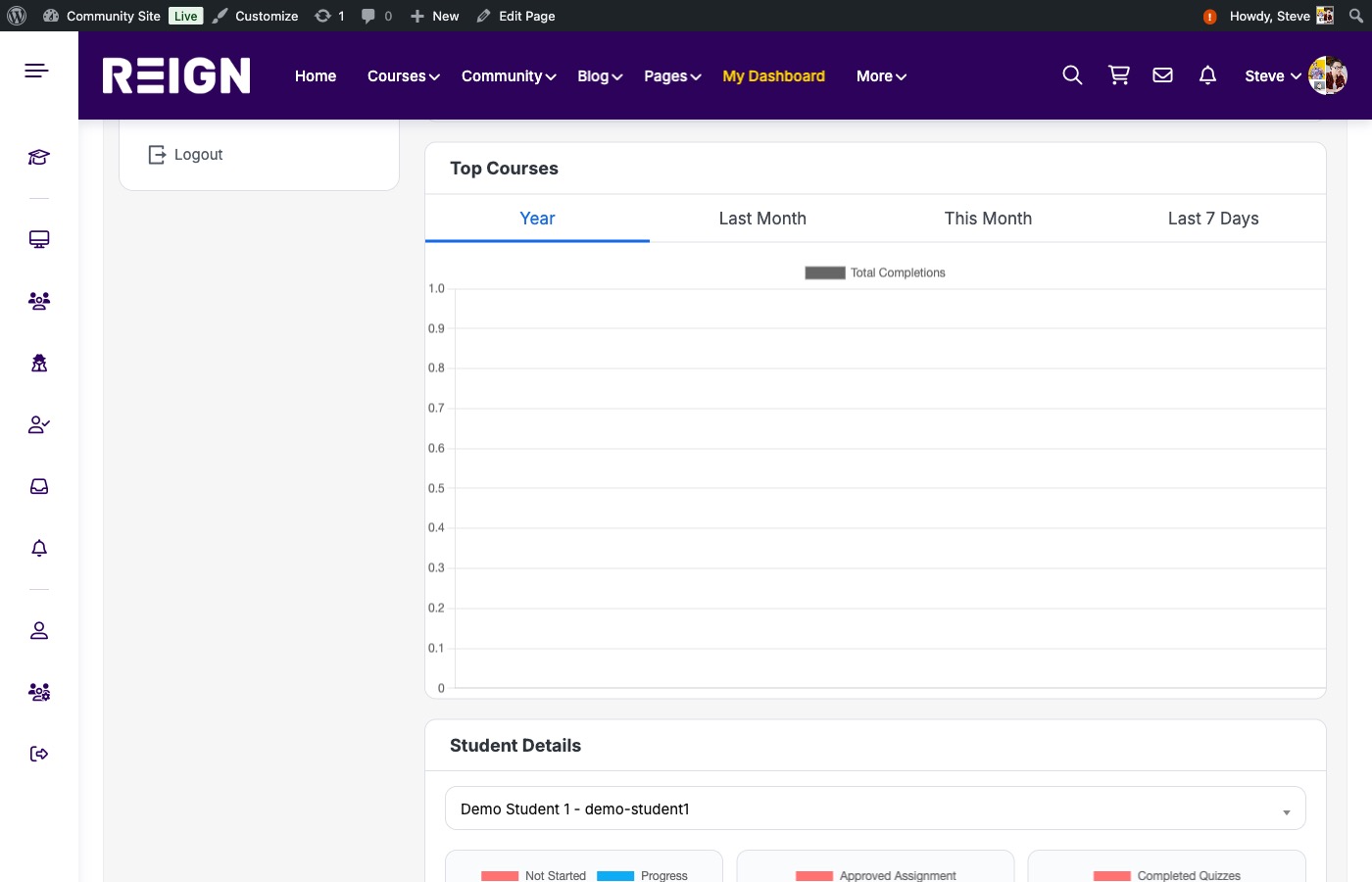
- Instructor tiles: courses, lessons, quizzes, enrollments, and completions.
- Student view: progress by course, quizzes, assignments, and completion status.
- Exportable reports for instructors and admins.
Step 6: Set up commissions and payouts
If you plan to run a marketplace, you need revenue sharing. You can set this up with a commission add-on or WooCommerce-based rules.
- Define a default instructor commission (for example, 60/40).
- Override commission for featured instructors or special courses.
- Pay out monthly or per enrollment, depending on your model.
Step 7: Add social learning with BuddyPress
Social learning keeps students engaged. BuddyPress adds profiles, activity updates, groups, and messaging so learners can connect around your courses. If you are deciding whether BuddyPress and LearnDash belong together, read BuddyPress for Courses: Do I Need LearnDash?.
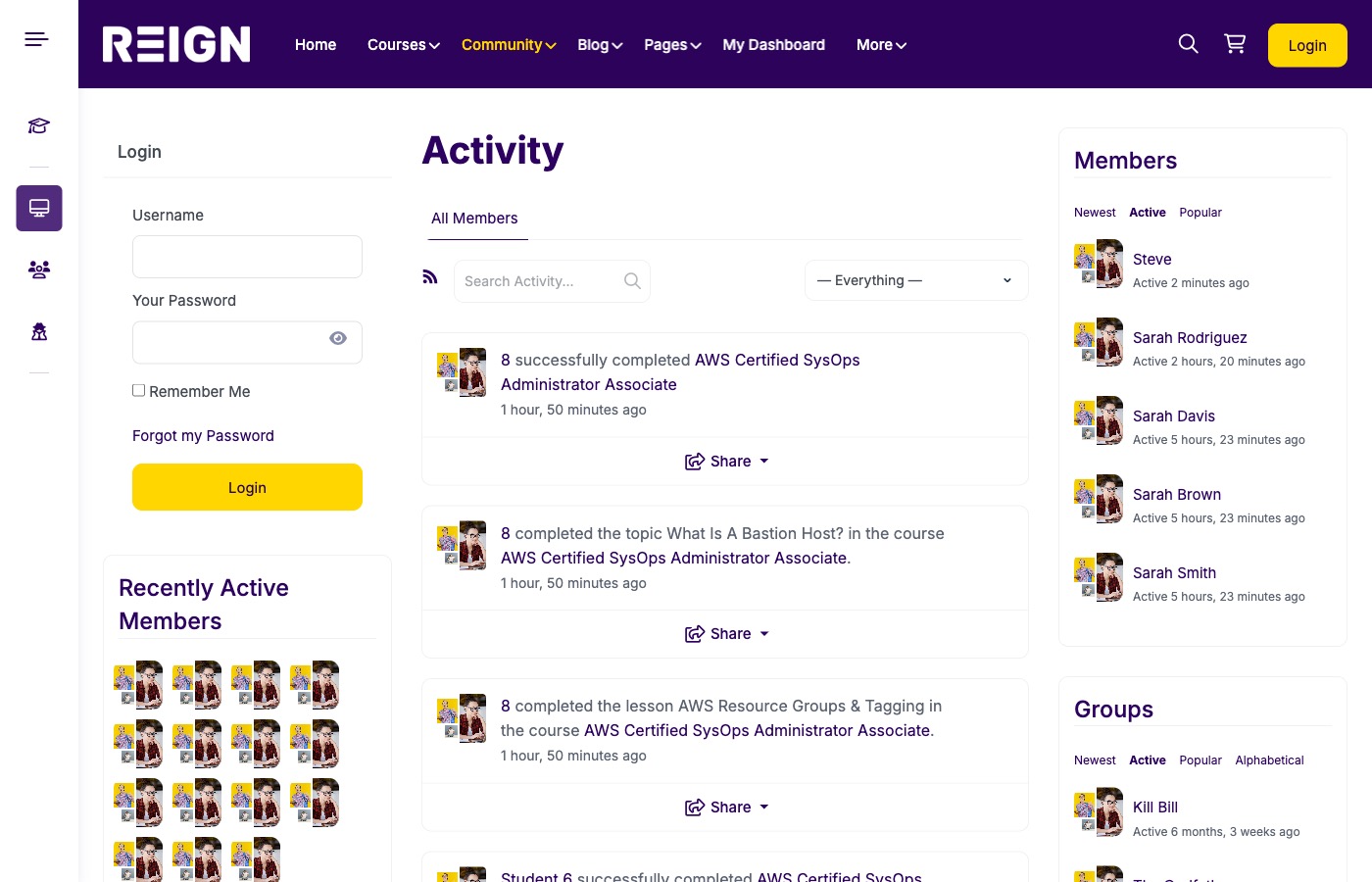
- Activity feeds for course progress and achievements.
- Member profiles with course history and engagement.
- Groups for cohorts, mentorship, or community challenges.
Step 8: Payments, checkout, and pricing ideas
Pricing can make or break conversions. Common options:
- One-time purchase: best for evergreen courses.
- Subscription: best for libraries or ongoing training.
- Bundles: combine related courses for higher AOV.
- Free + paid upsells: great for lead generation.
Step 9: Performance, SEO, and trust signals
Course sites are content-heavy. Focus on:
- Fast hosting and image optimization.
- Clear course descriptions with outcomes and FAQs.
- Instructor bios and social proof (ratings, testimonials).
Step 10: Polish the experience (small details matter)
Consistency builds trust. Simple improvements like menus, default avatars, and a clear dashboard link make your platform feel professional.
- Menu links: Courses, Community, Instructor Directory, My Dashboard.
- Default profile avatar and cover images for new users.
- Consistent typography and spacing across course cards.
Why this approach is better than Udemy for creators
- Ownership: you own your audience and data.
- Margins: keep more revenue instead of paying marketplace fees.
- Brand: full control of design, pricing, and user experience.
- Community: deeper engagement and better retention.
- Flexibility: sell memberships, cohorts, bundles, or one-off courses.
Build checklist (copy this)
- Install Reign, LearnDash, LearnDash Dashboard, and BuddyPress.
- Create courses, lessons, quizzes, and certificates.
- Set up instructor roles and approval workflows.
- Enable instructor and student dashboards with reporting tiles.
- Configure commissions and payouts.
- Enable BuddyPress activity, groups, and messaging.
- Polish menus, profiles, and default avatars.
FAQ
Do I need LearnDash if I already use BuddyPress?
Yes. BuddyPress is for community and social features, while LearnDash is the LMS engine that powers courses, quizzes, and completion logic.
Can instructors create courses without admin access?
Yes. LearnDash Dashboard provides front-end course creation and management so instructors can build content without entering wp-admin.
Can I run a marketplace with multiple instructors?
Yes. You can onboard instructors, allow them to publish courses, and share revenue using a commission model.
Is WooCommerce required?
If you sell paid courses or subscriptions, WooCommerce is the most common option. For free courses, you can run LearnDash without it.
How do I keep the community private?
You can restrict access by role or use a privacy plugin. For a deeper dive, see BuddyPress Private Community Pro.
Final recommendation
If you want a fast, reliable way to build a Udemy-like platform on WordPress, this stack is the shortest path: Reign for UI, LearnDash for the LMS backbone, LearnDash Dashboard for instructor and student workflows, and BuddyPress for social learning. You get ownership, flexibility, and a platform that grows with your course business.
Next step: if you want help configuring the stack or customizing the experience, reach out and we can help you launch a fully branded LMS quickly.