

The biggest decision in online education is not the course topic. It is the platform model. Hosted platforms like Kajabi and Thinkific make setup easy, while self-hosted platforms like WordPress give you full ownership and flexibility. This guide compares the two so you can choose the right foundation for your course business.
Hosted vs self-hosted: simple definition
Hosted platform: A third-party service provides the software, hosting, and updates. You pay a subscription and run everything inside their system.
Self-hosted platform: You run the software on your own hosting. You control the data, design, and feature roadmap.
Hosted platforms: pros and cons
Pros
- Fast to launch with minimal technical setup
- All-in-one dashboards for courses, payments, and marketing
- Support and updates handled by the vendor
Cons
- Monthly fees increase as you grow
- Limited customization and branding control
- Basic community features
- Less SEO flexibility
- You do not fully own the platform or data
Self-hosted platforms: pros and cons
Pros
- Full ownership of data, content, and design
- Flexible monetisation options and integrations
- Strong community features with the right stack
- Lower long-term costs at scale
- SEO control for sustainable traffic growth
Cons
- Requires hosting and initial setup
- More decisions up front about plugins and integrations
- Maintenance is your responsibility or your team’s
Cost comparison over time
Hosted platforms seem cheaper at the beginning, but become expensive as your audience grows. Self-hosted platforms require a setup cost, but the long-term expense is often much lower because you are not paying a high monthly fee forever.
Cost example scenario
A creator with 3 courses and 2,000 students might pay a growing monthly fee on hosted platforms. On self-hosted WordPress, the costs are tied to hosting and plugins, which do not increase with each student. Over two years, the gap can be significant.
Ownership and control
Self-hosted platforms win on ownership. You own the student data, the course content, and the brand experience. If you ever want to change direction, migrate, or sell your business, you are not tied to a vendor’s ecosystem.
Customisation and brand experience
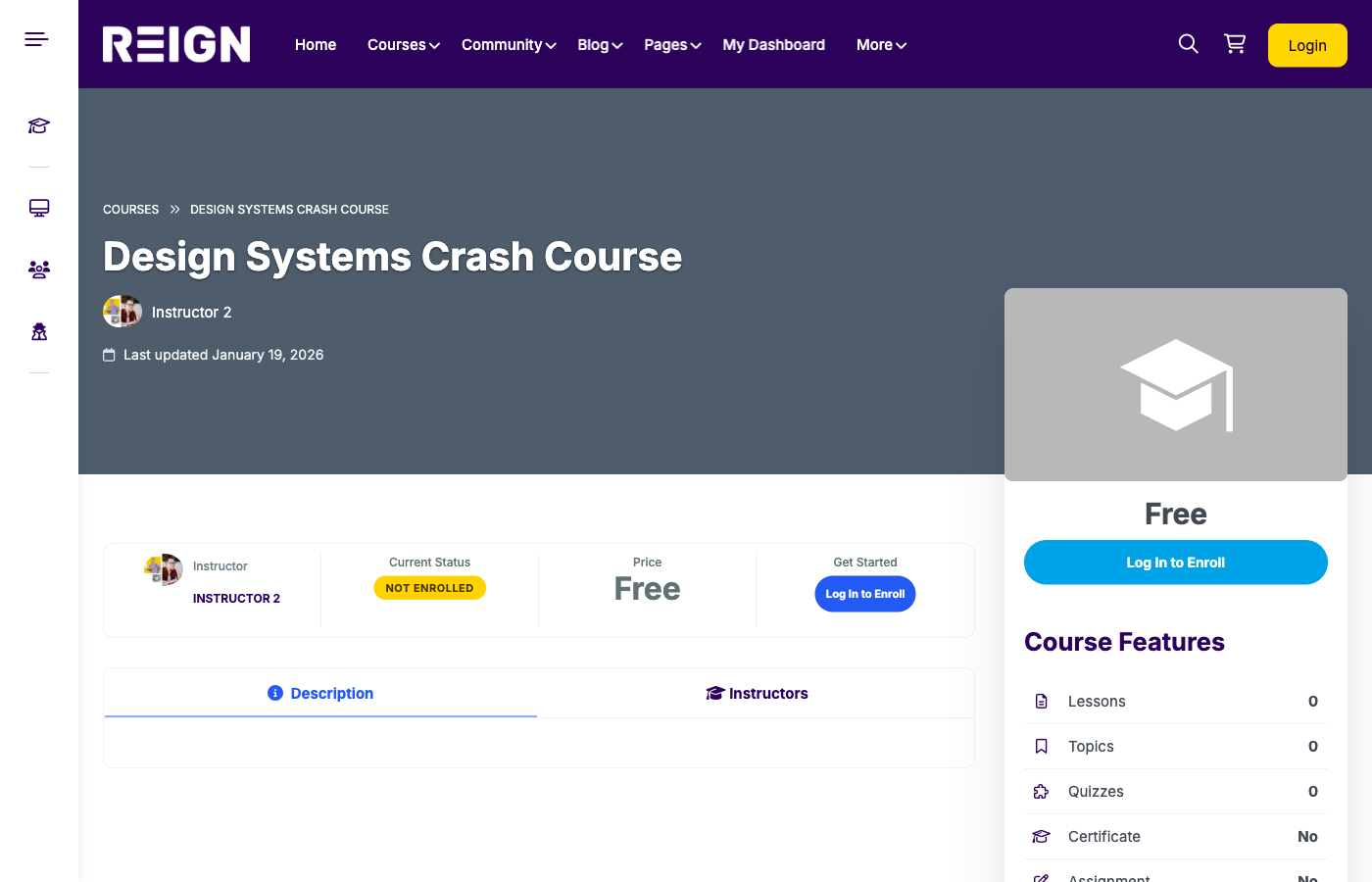
Hosted platforms give you limited templates. Self-hosted platforms let you build a branded experience that feels unique. With WordPress, you can create a learning experience that feels like a product, not a template.
Community and retention
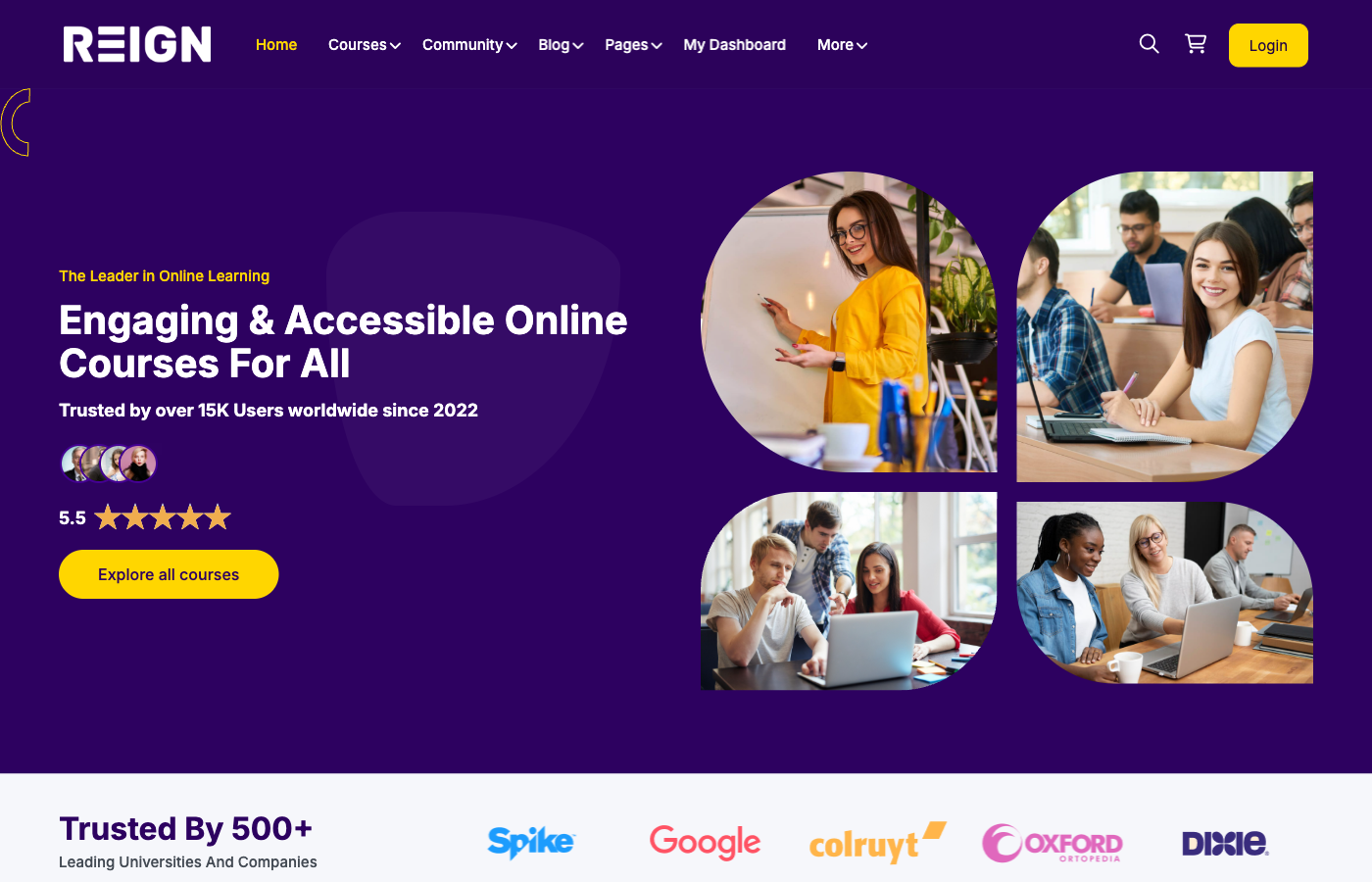
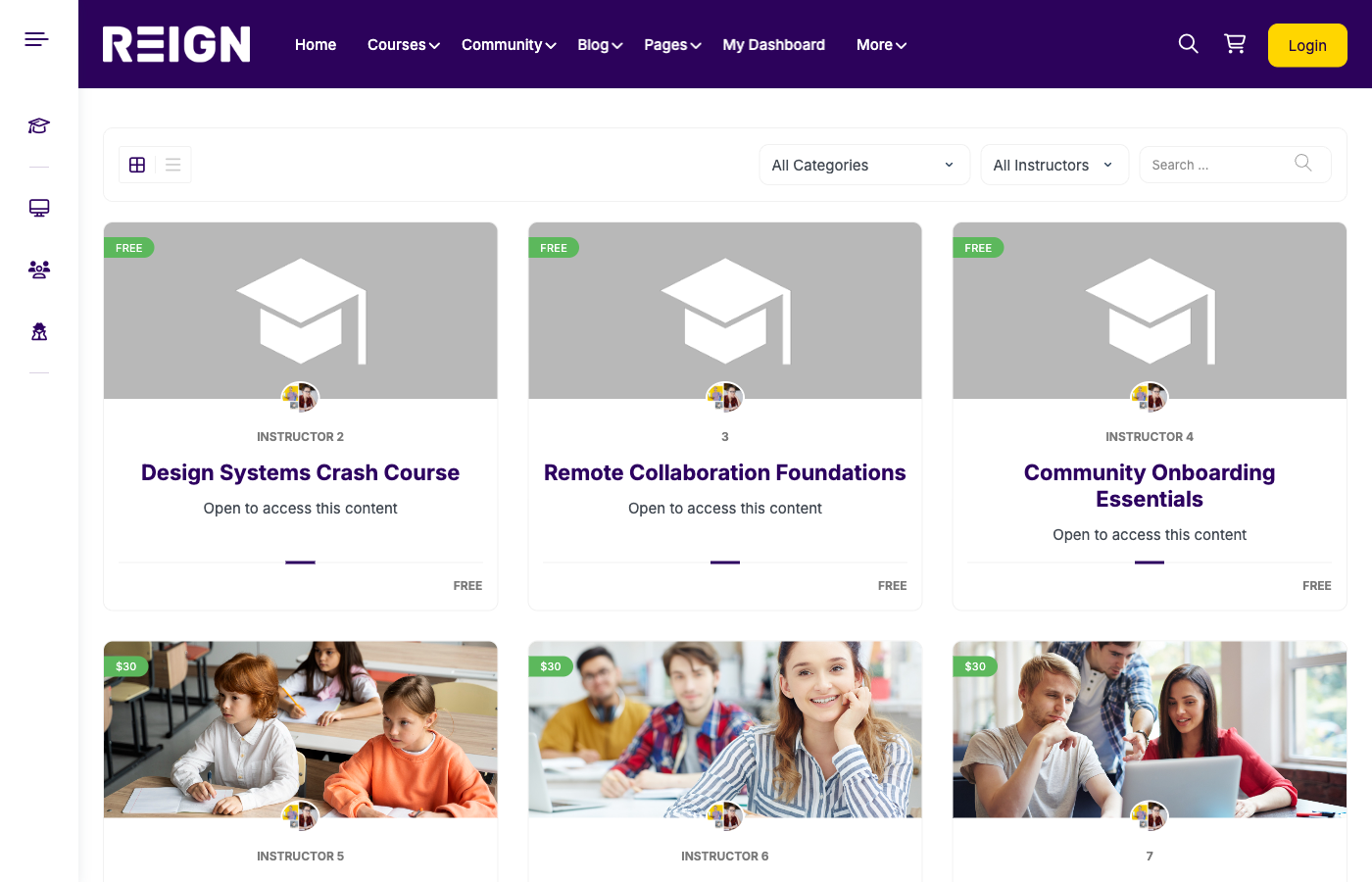
Community is critical for retention and lifetime value. Hosted platforms often have only basic community options. WordPress with BuddyPress and Reign supports member profiles, groups, activity feeds, forums, and private spaces for cohorts or mentorship.
SEO and long-term growth
If you want organic traffic, WordPress is the best option. You can optimize content, create a full content strategy, and build a brand that is discoverable. Hosted platforms rarely offer the SEO depth you need for long-term visibility.
Tech stack choices for self-hosted platforms
- WordPress: Core platform and content engine
- LearnDash: LMS for structured courses, quizzes, and certificates
- BuddyPress: Community layer with groups and forums
- Reign: Professional UX for courses and communities
- WooCommerce or Memberships: Monetization setup
Hosted vs self-hosted decision matrix
| Need | Hosted | Self-hosted |
|---|---|---|
| Launch fast with minimal setup | Best choice | Possible, but requires setup |
| Full control of branding | Limited | Best choice |
| Community-first experience | Basic | Best choice |
| Long-term cost efficiency | Lower at start | Lower at scale |
| Data ownership | Limited | Best choice |
Performance and scalability
Hosted platforms handle infrastructure for you but you have little control. Self-hosted platforms can scale with better hosting, caching, and CDN choices. You can optimize for speed, stability, and global access as you grow.
Security and compliance
Hosted platforms provide managed security but limited customization. Self-hosted platforms can meet advanced security and compliance needs when paired with managed hosting and regular updates.
Marketing flexibility
Hosted platforms often include built-in marketing tools, but you are locked into their system. Self-hosted WordPress lets you integrate best-in-class email tools, CRMs, and analytics platforms without restrictions.
Which model is right for you?
Choose hosted if:
- You need to launch fast with minimal setup
- You are testing a small idea or MVP
- You do not want to manage hosting or plugins
Choose self-hosted if:
- You want full control of your brand and data
- You need strong community features
- You plan to scale with multiple courses or instructors
- You want lower long-term costs and higher margins
Build a self-hosted platform the right way
- WordPress foundation: Own the platform and content.
- LearnDash LMS: Structure courses with quizzes, drip, and certificates.
- BuddyPress community: Add groups, forums, and activity streams.
- Reign theme: Deliver a modern learner experience with strong UX.
- Monetization: Use WooCommerce or memberships for pricing models.
- Analytics: Track engagement, completion rates, and retention.
Migration path if you start hosted
- Export content, students, and purchases from your hosted LMS.
- Recreate courses inside LearnDash.
- Set access rules and memberships for existing learners.
- Communicate the transition and provide new login steps.
Common mistakes to avoid
- Overpaying for hosted tools long after you have outgrown them
- Skipping community features that drive retention
- Underestimating SEO and content marketing impact
- Launching without onboarding and support workflows
FAQ: hosted vs self-hosted platforms
Is self-hosted always better?
Not always. If you need speed and simplicity above all else, hosted can be fine. But for long-term ownership and scalability, self-hosted is usually better.
Is WordPress secure enough for selling courses?
Yes, with managed hosting, SSL, and trusted plugins, WordPress is secure for course platforms.
How long does it take to build a self-hosted platform?
Most launches take 2 to 4 weeks depending on content volume and customization needs.
Final recommendation
Hosted platforms are good for speed. Self-hosted platforms are better for ownership, flexibility, and long-term growth. If you want a real learning business rather than a temporary course page, self-hosted wins.
Launch with Reign + LearnDash + BuddyPress
Want the benefits of self-hosting without the complexity? Use Reign for design, LearnDash for LMS, and BuddyPress for community. You get a polished, scalable course platform with full control.
CTA: Build a self-hosted course platform with Reign + LearnDash + BuddyPress and grow on your own terms.
