
Selling courses on your own website means full control over branding, pricing, and customer data. It also means you keep more revenue and build a durable asset instead of renting space on a marketplace.
This guide shows how to sell courses directly from your website using WordPress. You will learn the best stack, the build steps, pricing options, marketing tactics, and the community features that increase retention and referrals.
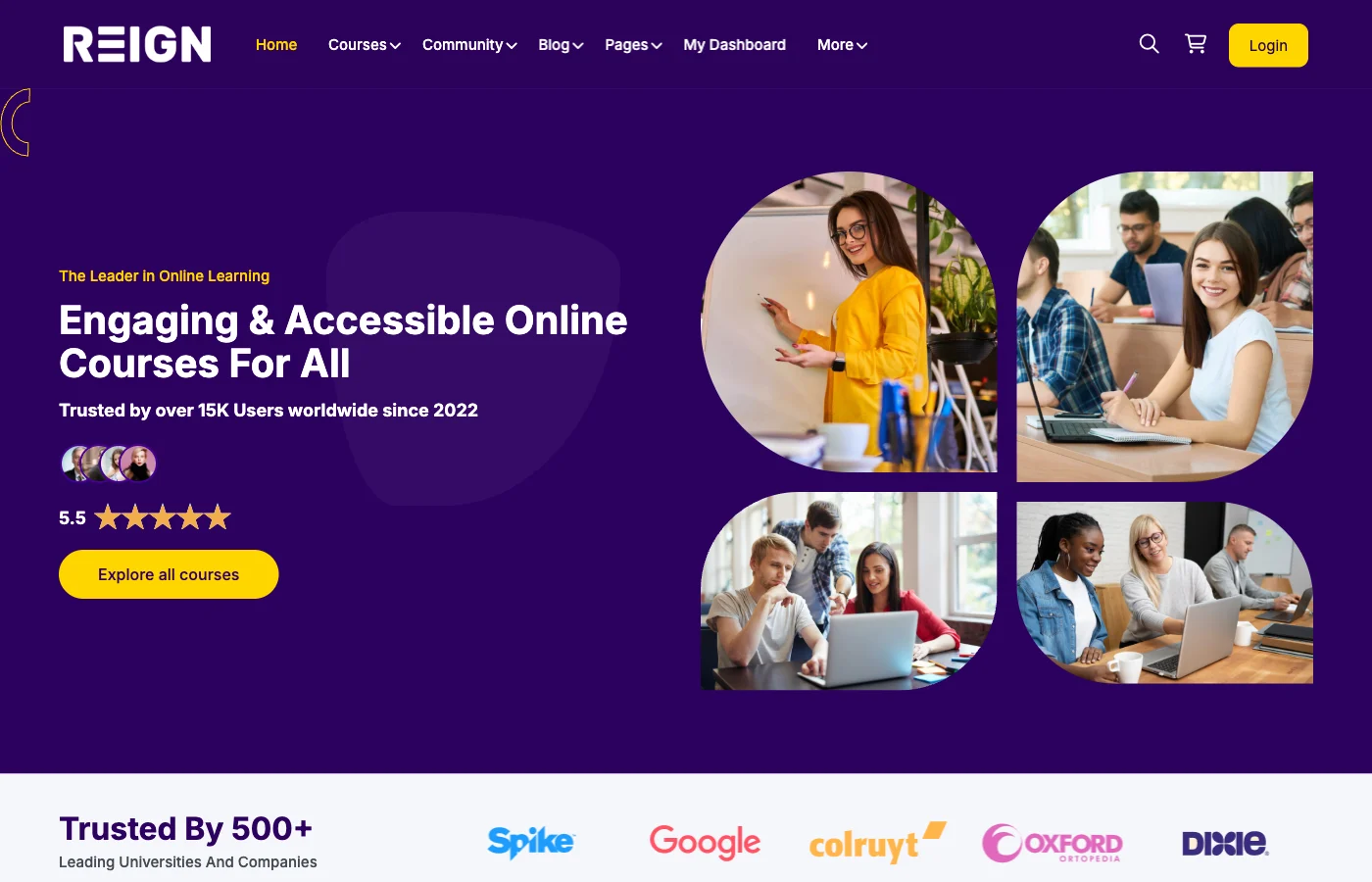
Place image: blog-screenshot/how-to-sell-courses-on-your-own-website-hero.png
Why selling on your own site beats marketplaces
Marketplaces offer exposure, but they take a percentage of every sale and limit branding. When you sell on your own site, you control the entire customer journey and can build a long-term relationship with students.
You also own your audience. Email lists, behavioural data, and customer feedback are yours. That data is invaluable for upsells, future products, and better course outcomes.
Finally, you can create pricing and product structures that marketplaces cannot support, such as memberships, bundles, and private cohorts.
Key advantages
- Keep more revenue per sale
- Own customer data and communication
- Full control over branding and messaging
- Flexibility in pricing and offers
Choose the right platform and tech stack
WordPress is ideal for course businesses because it is flexible, widely supported, and cost effective. You can start small and expand as your business grows.
LearnDash provides the LMS layer with lessons, quizzes, certificates, and access rules. Reign gives you a modern course and community design. BuddyPress adds profiles, groups, and activity feeds that help students learn together.
Place image: blog-screenshot/how-to-sell-courses-on-your-own-website-grid.png
If you want subscriptions, add a membership plugin. If you need payments, integrate a gateway like Stripe or PayPal. The advantage of WordPress is the ability to pick only what you need.
Recommended add-ons
- Email marketing integration for onboarding
- Video hosting or CDN for fast lesson delivery
- Analytics for conversion and engagement tracking
- Affiliate tools if you plan partnerships
Step-by-step build: from idea to live site
Start with hosting, SSL, and a clean WordPress install. Install Reign, LearnDash, and BuddyPress. Configure basic settings such as user registration, profile fields, and course access rules.
Create the core pages: homepage, course catalogue, course detail template, community hub, about page, and contact page. This is your public-facing storefront.
Next, build your first course. Upload lessons, add quizzes, set completion rules, and test the learner flow. Use a test account to verify registration, access, and progress tracking.
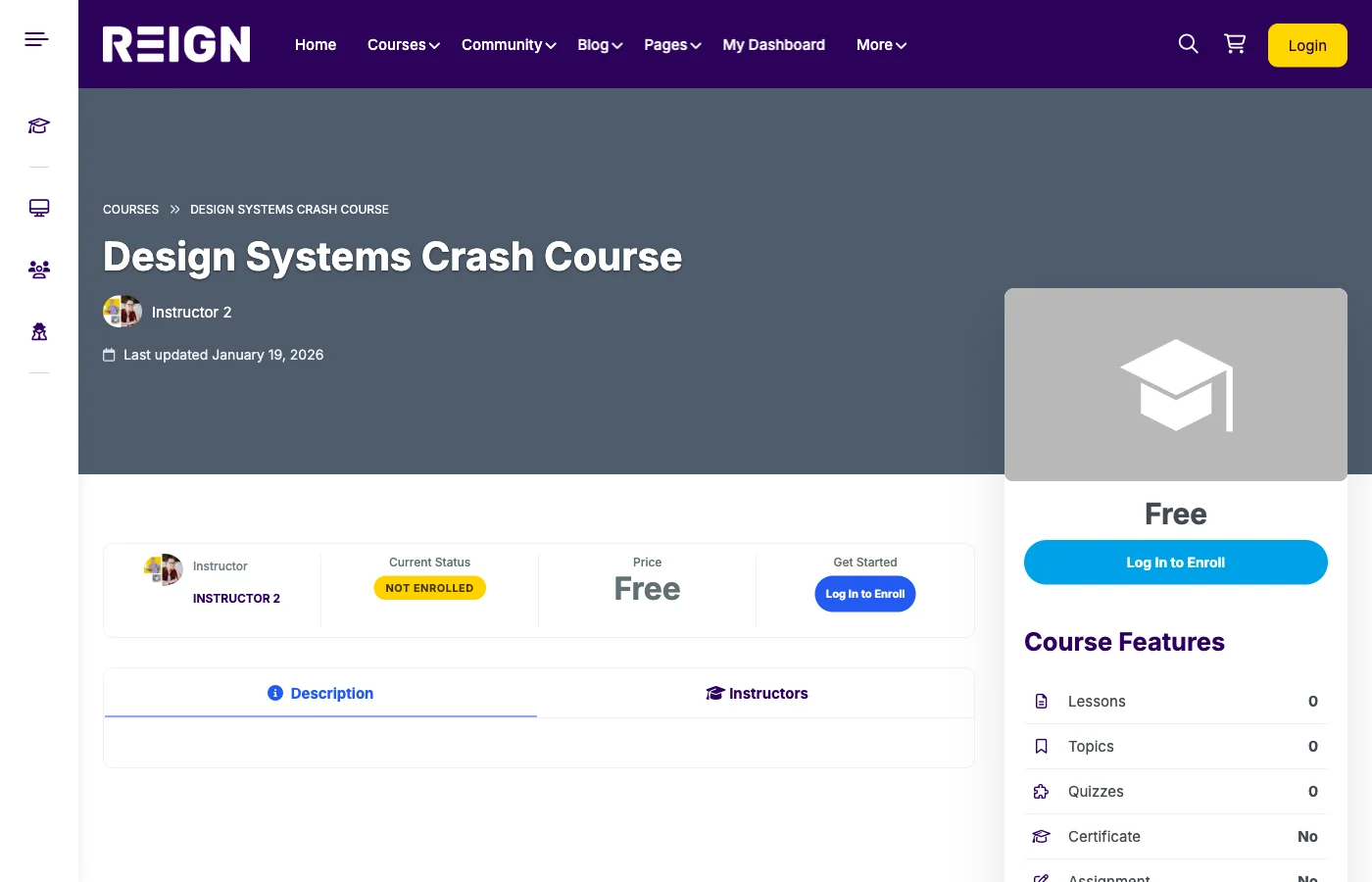
Place image: blog-screenshot/how-to-sell-courses-on-your-own-website-detail.png
Quick build checklist
- Install Reign, LearnDash, BuddyPress
- Create pages and menus
- Build one pilot course
- Configure payment and enrollment
- Test user flow end-to-end
Plan your content and course structure
Your course structure should match how students learn. Use modules and lessons to create momentum and avoid overwhelming learners. Each module should solve a sub-problem and include a small win.
Decide on assessments early. Short quizzes, assignments, or projects increase completion. If your audience is professional, certificates add credibility.
Include downloadable resources like templates, checklists, or worksheets. These assets improve perceived value and encourage referrals.
Build high-converting course pages
Your course page is your sales page. Lead with the outcome, not the features. Explain who the course is for, what they will achieve, and why your approach works.
Use curriculum previews to show structure and depth. Add instructor credibility with a short bio and results. Include testimonials if you have them, and make the call to action easy to find.
Make the pricing clear. Avoid forcing users to click multiple times just to see the price. Transparency improves trust and reduces drop-off.
Conversion elements to include
- Outcome-driven headline
- Three to five clear learning outcomes
- Lesson count and total duration
- Instructor credentials and story
- Testimonials or case studies
- Pricing and CTA above the fold
Pricing models that work
Pricing is a strategy, not just a number. Consider your audience and their willingness to pay. Professional audiences tolerate higher prices if outcomes are strong. Hobby audiences often prefer lower-cost, self-paced courses.
Common pricing models include one-time purchase, subscription, and bundles. A one-time purchase is simple. Subscriptions provide recurring revenue. Bundles increase average order value.
Experiment with pricing tiers. You can offer a basic tier and a premium tier with community access, coaching, or bonus content.
Pricing examples
- Starter course: low-cost entry and lead generator
- Core course: main revenue driver with full content
- Premium cohort: live sessions, feedback, and community
- Membership: ongoing access to all courses and the community
Payments, taxes, and policies
Enable payment gateways that match your audience. Stripe and PayPal cover most countries and are easy to integrate. If you sell subscriptions, ensure your payment system supports recurring billing.
Set refund policies that are fair but protective. Clear policies reduce disputes and improve trust. Make your policies visible on the checkout page.
If you sell internationally, review tax and VAT rules. Many creators use services that calculate taxes automatically to reduce compliance work.
Add community to improve completion
Community can double completion rates. Create groups for each course or cohort so students can ask questions and share progress. A community also increases perceived value.
Use BuddyPress to add activity feeds, messaging, and member profiles. Encourage instructors to participate weekly, and create prompts or challenges to keep learners active.
Place image: blog-screenshot/how-to-sell-courses-on-your-own-website-community.png
Start small if needed. Even a simple group and weekly discussion can make a big difference in completion and satisfaction.
Marketing and traffic sources
Great courses do not sell themselves. Start with SEO content that targets your audience. Tutorials, guides, and case studies build trust and attract search traffic.
Use email marketing to convert visitors into students. Offer a lead magnet, deliver value, and then introduce your course as the next step.
Partnerships also work well. Collaborate with creators in adjacent niches, run joint webinars, or offer affiliate commissions.
Marketing channels to test
- SEO content and YouTube tutorials
- Email list building and nurture sequences
- Partnerships and affiliate marketing
- Paid ads for validated offers
Email funnel blueprint
An email funnel makes your marketing consistent and measurable. Start with a lead magnet that solves a small problem. Then send a short sequence of lessons that build trust.
After value emails, introduce the course with a clear outcome and a limited-time bonus. Follow with a few case studies or testimonials to reduce hesitation. Close the sequence with a reminder and a final call to action.
Retention and upsell strategy
Retention is where profit grows. Add follow-up content and community events to keep students engaged after the course ends. Offer advanced courses or coaching for students who want more support.
Create a clear next step. If your first course helps students reach point A, your second course should help them reach point B. This makes your product ladder logical and easy to buy.
Upsells can be simple: templates, private sessions, or a premium community tier. Make the upsell relevant to the outcome the student already wants.
Operations and support
Support is part of the product. Create FAQs, tutorials, and a simple help desk workflow. Even a small team can provide high-quality support with templates and clear response times.
Track performance metrics such as conversion rate, completion rate, and refunds. Use this data to improve your course and marketing.
Schedule monthly maintenance to update plugins, create backups, and test checkout flows. A reliable platform prevents lost revenue.
Course production workflow
Consistency helps students learn faster. Use a repeatable lesson template with intros, key points, and a summary. Keep lessons short where possible and group related lessons into modules.
Batch record lessons to reduce setup time. Use the same lighting and audio setup for consistent production quality. Provide downloadable materials at the end of each module.
Run a beta cohort to collect feedback before a full launch. Early feedback helps you refine content and reduce refund rates.
Legal and compliance basics
Publish clear terms of service, privacy policy, and refund policy. These documents reduce disputes and build trust.
If you collect user data, explain how it is used. If you operate in multiple regions, check local requirements for digital products and VAT.
Make sure your content does not violate copyright. Use licensed music and images, and create original materials whenever possible.
Common mistakes to avoid
- Launching without a validated offer
- Overloading the course with too much content
- Hiding pricing or making checkout complicated
- Ignoring community and support
- Not tracking conversions and drop-off points
Checklist and FAQ
Pre-launch checklist
- Course content is complete and tested
- Checkout and payments are working
- Email onboarding is configured
- Community rules are published
- Support docs and FAQs are ready
- Tracking and analytics are enabled
FAQ
Do I need a developer? Not always. Most course sites can be built with WordPress themes and plugins. A developer helps if you need custom workflows.
How long does it take to launch? A simple course site can launch in a few weeks. More complex platforms take longer.
Can I sell globally? Yes, but check payment gateways and tax compliance for your target regions.
What is the best LMS for WordPress? LearnDash is a reliable LMS with robust course controls and reporting.
Conclusion
Selling courses on your own website gives you control, flexibility, and long-term value. With WordPress, LearnDash, BuddyPress, and Reign, you can create a professional course business that scales.
If you want full control and better margins, build your course site with Reign + LearnDash + BuddyPress and sell directly.













