

Choosing between Kajabi and WordPress is a real fork in the road for course creators. Both can sell courses, take payments, and deliver lessons, but the long-term outcomes are very different. One option is a hosted, all-in-one platform with limits. The other is a self-hosted system where you own the stack, the data, and the growth path. This guide breaks down the differences so you can decide with confidence.
Quick answer: Kajabi vs WordPress in one sentence
Kajabi is fast to launch but locked down, while WordPress is flexible and fully owned, making it the better choice for creators who want control, community, and long-term scaling.
Who this comparison is for
- Creators who want to sell courses without marketplace fees
- Coaches and educators building a long-term learning brand
- Businesses that need a scalable, multi-course platform
- Anyone deciding between a hosted LMS and a self-hosted WordPress
What Kajabi is best for
Kajabi works well for solo creators who want a turnkey system without touching plugins or hosting. You get landing pages, email marketing, course delivery, and checkout in one dashboard. The tradeoff is cost and flexibility. You pay a premium to stay inside Kajabi’s ecosystem, and you can’t fully customise the learning experience or community beyond what the platform allows.
Kajabi strengths
- All-in-one setup with minimal technical work
- Built-in email marketing and sales funnels
- Solid course delivery for straightforward programs
- Fast launch for MVPs and single-course creators
Kajabi limitations
- High monthly cost, especially as you scale
- Limited design and layout flexibility
- Community features are basic compared to dedicated community tools
- No full ownership of the platform or extensibility
What WordPress is best for
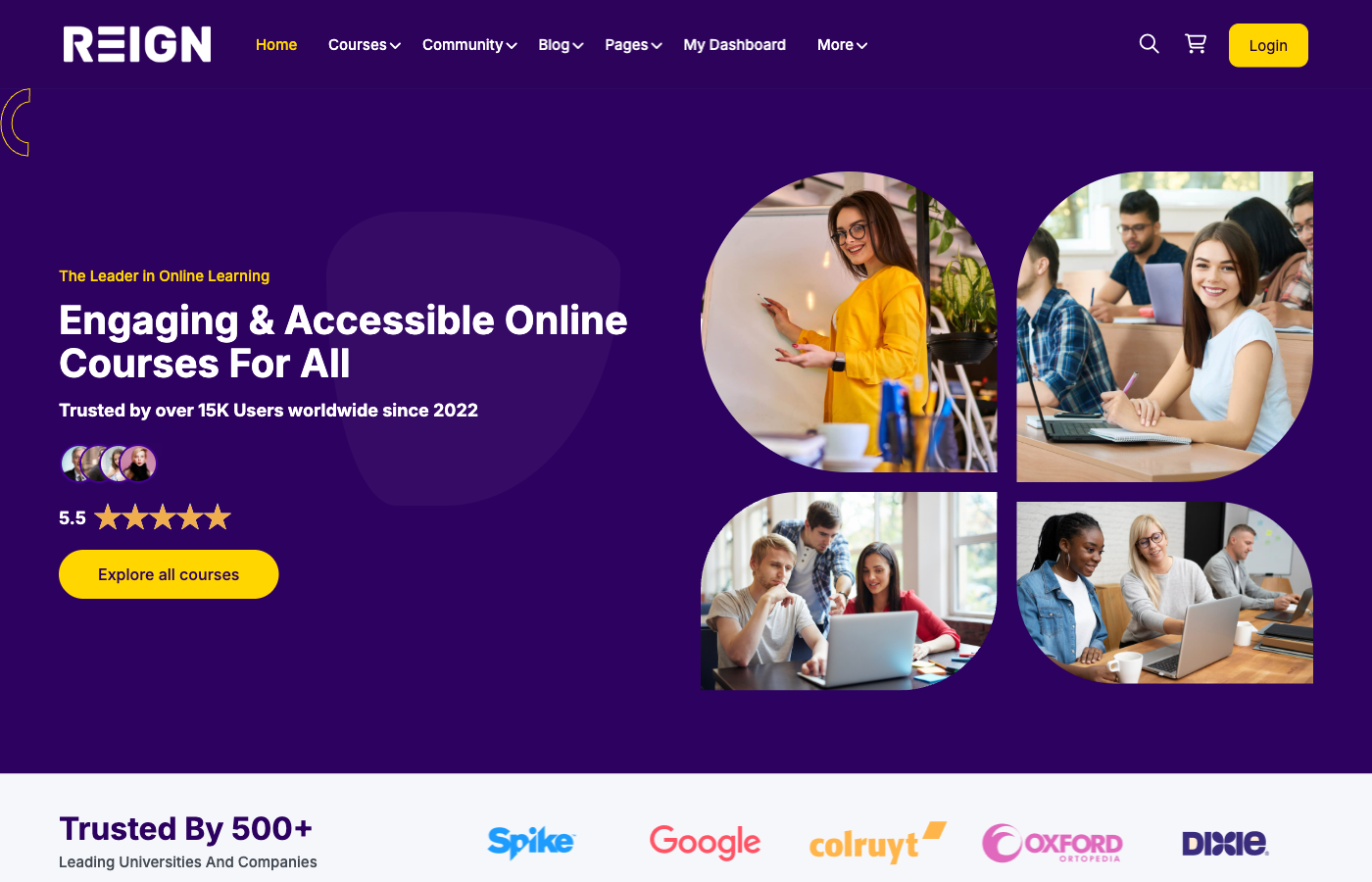
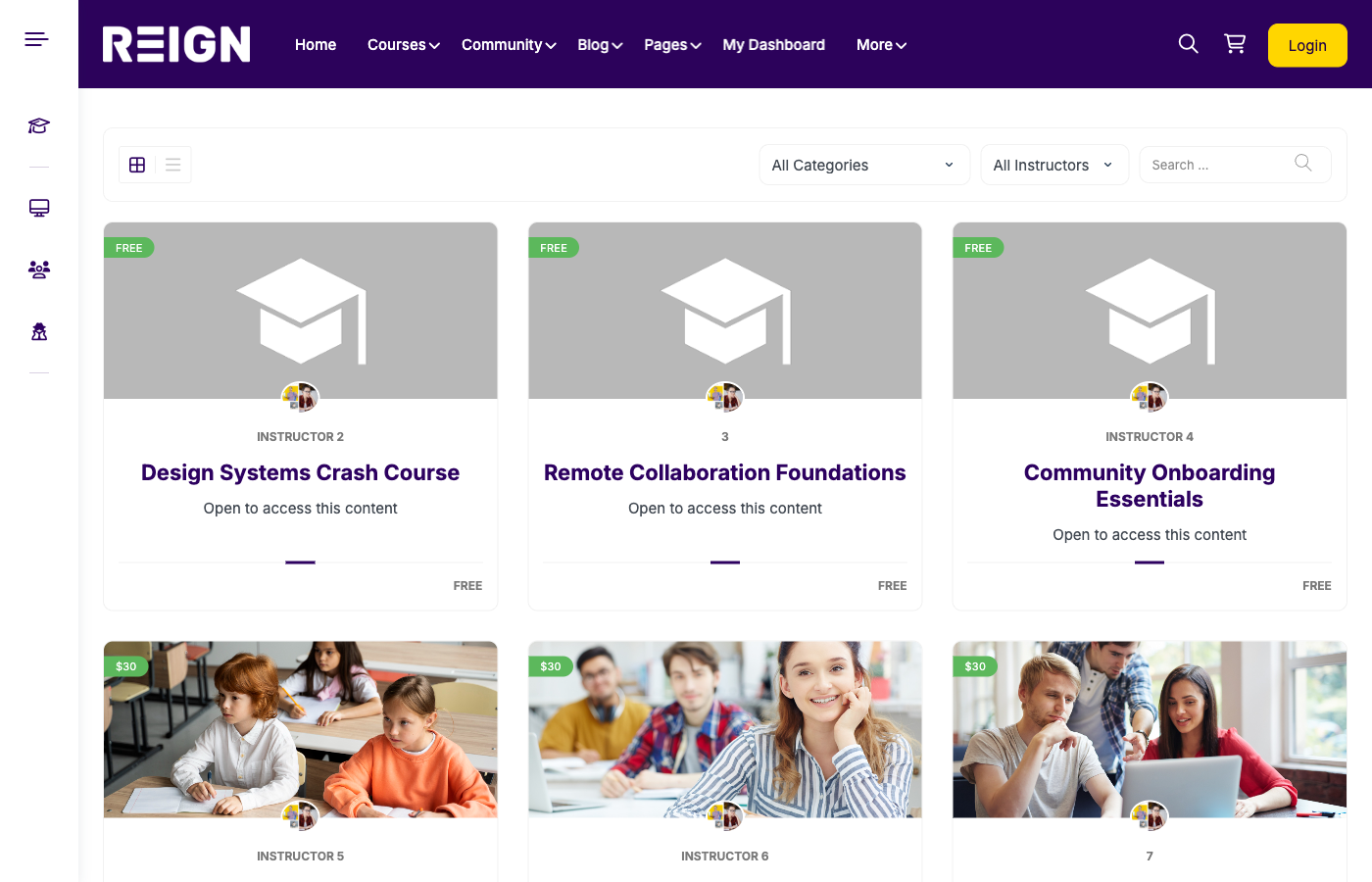
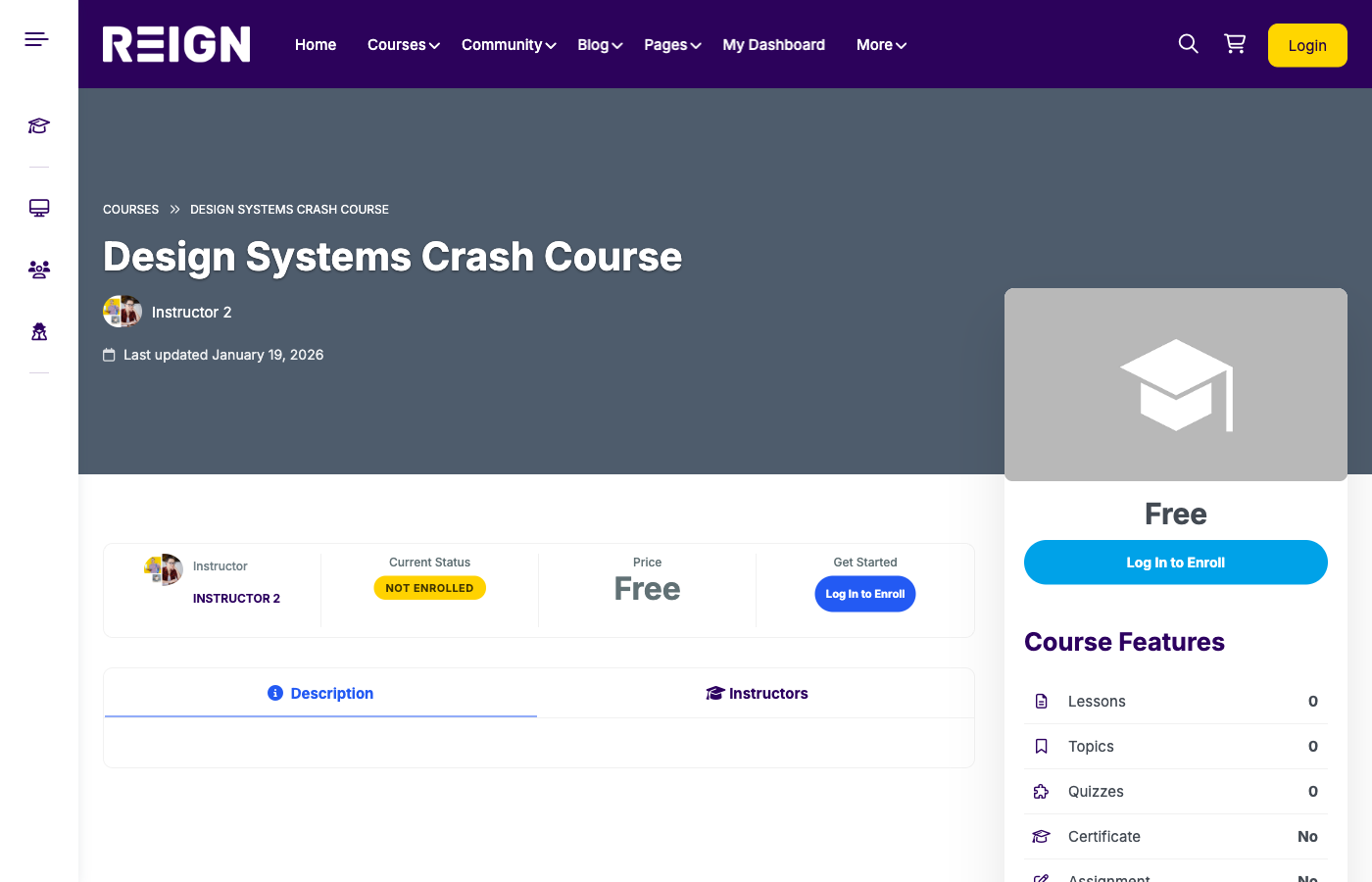
WordPress is best for creators, coaches, and education businesses who want a long-term platform that grows with their business. You control the content, the user data, and the product roadmap. With LearnDash for LMS, BuddyPress for community, and a theme like Reign for the experience layer, you can build a complete, branded course platform that doesn’t feel generic.
WordPress strengths
- Full ownership of your platform and data
- Custom design and UX with no brand limitations
- Advanced community options with groups, forums, and profiles
- Flexible monetisation: one-time, membership, bundles, cohorts
- Extensible with plugins and custom features
WordPress considerations
- Requires hosting and plugin setup
- More choices to make up front (stack, payments, integrations)
- Best results come from a clear implementation plan
Feature comparison: Kajabi vs WordPress
| Feature | Kajabi | WordPress (LearnDash + BuddyPress + Reign) |
|---|---|---|
| Ownership | Platform is hosted by Kajabi | You own the platform and data |
| Customization | Limited templates and layouts | Fully customizable design and flows |
| Community | Basic comments and community feed | Full social community with groups, forums, and profiles |
| Course structure | Good for linear courses | Limited to the Kajabi ecosystem |
| Monetization | Limited pricing models | Subscriptions, bundles, cohorts, memberships |
| Cost over time | High monthly fees forever | Lower ongoing cost with scale benefits |
| SEO | Basic SEO controls | Full SEO stack with Rank Math |
| Integrations | Limited to Kajabi ecosystem | Open ecosystem and custom integrations |
Cost breakdown: short-term vs long-term
Kajabi looks simple at first because you pay one subscription fee and get everything. But the monthly fee keeps rising as your list grows and you need more admin seats. On WordPress, the upfront work is higher, but you avoid lifetime platform fees. Over a year or two, WordPress often costs less while giving you more freedom.
Typical Kajabi costs
- Monthly subscription that increases with scale
- Limits on contacts, admin users, and products per tier
- Extra costs if you need custom integrations
Typical WordPress costs
- Hosting + domain
- Premium LMS plugin (LearnDash)
- Theme and add-ons (Reign, BuddyPress, memberships)
- Optional development support for customization
Cost example scenario
Imagine a creator with 5,000 students, 3 courses, and an active community. Kajabi tiers scale up quickly. With WordPress, the cost is more stable and tied to hosting and plugins, which do not increase per subscriber. Over time, WordPress often yields higher margins.
Community: the biggest differentiator
If your course platform depends on engagement, peer learning, or member retention, community is the deciding factor. Kajabi’s community features are fine for light conversation. WordPress lets you build a real social layer with member profiles, activity feeds, private groups, forums, and mentorship spaces. This is where Reign + BuddyPress shines, because it gives you a modern community UX without building from scratch.
Marketing and growth flexibility
Kajabi includes email campaigns and pipelines, which are convenient but not always the best tools. WordPress gives you the freedom to choose best-in-class options like FluentCRM, Mailchimp, ConvertKit, or custom integrations. If you want to own your audience and reduce dependency on a single vendor, WordPress is more flexible.
SEO and content strategy
WordPress is the clear winner for SEO. You can structure content, build a blog strategy, optimise with Rank Math, and create supporting pages for organic growth. Kajabi has limited SEO control and fewer options for deep content marketing. For long-term discoverability, WordPress is stronger.
Brand experience and design flexibility
Kajabi templates can look good, but they are still templates. WordPress lets you design the full user journey, from landing pages to course libraries, from community spaces to instructor profiles. Reign helps you deliver a polished experience that feels like a custom product.
Data ownership and portability
WordPress gives you raw access to your data. You can export student records, customise analytics, and integrate your learning data with other tools. On Kajabi, you are limited by what the platform exposes and how it allows you to export data.
Performance and scalability
Hosted platforms handle performance for you, but you are still limited by their architecture. With WordPress, you can scale with better hosting, caching, and CDN setups. If you expect growth, self-hosting gives you more control over performance and user experience.
Security and compliance considerations
- Kajabi: Security is handled by the platform, but is not customizable.
- WordPress: You control security, backups, and compliance. Managed hosting and security plugins can make this easy.
Use-case scenarios
Scenario 1: Solo creator launching a first course
Kajabi can be a quick win for a simple launch. If the goal is speed over control, Kajabi is fine. But if you plan to build a long-term content hub, WordPress is better even for the first launch.
Scenario 2: Coach building a community-based program
WordPress is the clear choice. A community-driven program needs forums, groups, and member profiles that go beyond Kajabi’s basic tools.
Scenario 3: Academy with multiple instructors
WordPress wins because LearnDash supports multi-instructor workflows and BuddyPress creates a social layer that scales across cohorts.
How to build a Kajabi-level platform on WordPress
- Pick the core stack: WordPress + LearnDash for LMS + BuddyPress for community.
- Add a conversion-ready theme: Reign gives you a modern learning and community layout.
- Configure monetisation: Use WooCommerce or memberships for subscriptions, bundles, and access levels.
- Design your learning flow: Structured lessons, drip scheduling, quizzes, and certificates.
- Launch with a content strategy: SEO blogs, landing pages, and email capture.
- Measure success: Add analytics for course completion, churn, and cohort engagement.
Migration plan if you are leaving Kajabi
- Export students and purchases from Kajabi.
- Map courses and lessons to LearnDash equivalents.
- Set up membership access for existing students.
- Rebuild landing pages with WordPress blocks or a builder.
- Notify students with a simple onboarding guide.
Common mistakes to avoid
- Launching without a clear course onboarding flow
- Ignoring community features until after launch
- Using too many plugins without a plan
- Skipping analytics and retention tracking
- Overbuilding before validating your core offer
FAQ: Kajabi vs WordPress
Is WordPress harder to use than Kajabi?
WordPress requires more setup, but with the right stack and theme, it is straightforward. The extra control is worth the initial effort.
Can WordPress match Kajabi’s all-in-one marketing tools?
Yes. WordPress can integrate with best-in-class email and CRM tools. You are not locked into one vendor.
Is WordPress secure for selling courses?
Yes, with managed hosting, SSL, and trusted plugins. Many enterprise sites run on WordPress securely.
Do I need a developer?
Not always. Many creators launch on WordPress without a developer, but custom branding or advanced workflows may require one.
Final verdict
Kajabi is fine for speed, but WordPress is better for creators who want to own the platform, scale beyond a single course, and build a real learning community. If you want your course platform to feel like a product instead of a template, WordPress is the stronger foundation.
Launch with Reign + LearnDash + BuddyPress
If you want a polished, community-ready course platform without marketplace fees, launch on WordPress with Reign, LearnDash, and BuddyPress. You get a complete LMS + community stack with full ownership and the flexibility to grow into memberships, coaching, and multi-instructor programs.
CTA: Build your own Kajabi-level platform on WordPress with Reign + LearnDash + BuddyPress.