Do you want to give your members the ability to add quotes to their social networking website? Quotes are genuinely engaging for a community website. They make your community feel more alive and can go viral quickly. Here’s how to add quotes to your BuddyPress community website.
Reasons To Use Quotes On Your Social Network
Quotes are those short, often inspirational or humorous lines and snippets you see all the time on social media.
Social networks like Facebook or Instagram already let people post quotes as status updates or stories, and they work well because they give followers content that’s informative, positive, humorous, or inspirational.
In a world with plenty of negativity, people want content that makes them feel good, and a well-placed motivational quote can do exactly that.
Here are a few reasons to use quotes on your social network:
1. Quotes are brief and easy to consume. They say a lot in just a few words.
2. Quotes trigger an emotional response, since people connect with lines they find relatable or inspiring.
3. Quotes can boost your site’s traffic and help an activity go viral. A well-designed quote is engaging and tends to improve interaction.
4. Quotes make for easy visuals, since an image with a good background gets processed faster than a text-only post.
5. Quotes are educational too. They’re an efficient way to convey an idea or teach members something new.
Adding A Quotes Feature To Your BuddyPress Website
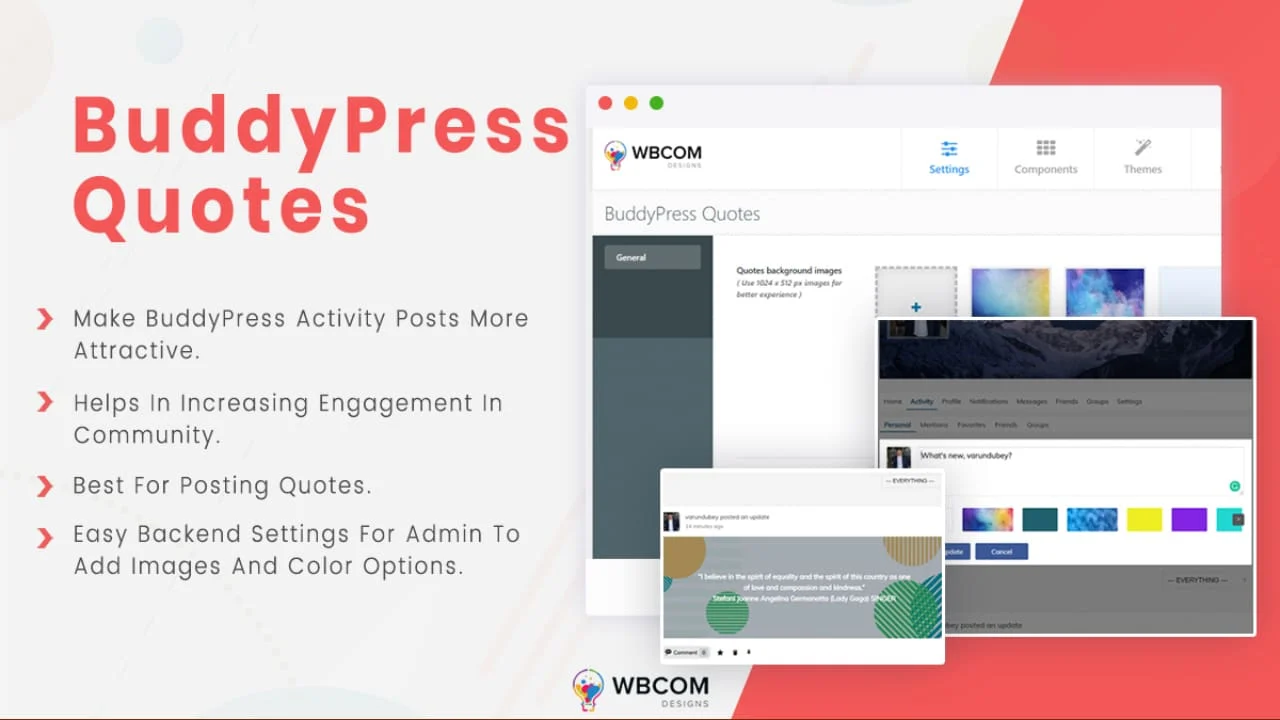
For this, install the BuddyPress Quotes plugin, a dedicated BuddyPress add-on that lets members post activity updates with an interactive background, choosing from colors and images. If you’d also like to add status and moods to your community, see our guide: How To Add Status And Moods To BuddyPress Website?
Once the plugin is activated, configure its backend settings under Dashboard > WB Plugins > BP Quotes.
Here you’ll find general settings including:
Quotes Background Images: upload the background images you want available to members.
Quotes background color: set the background colors you want to offer on the front end.
Front-end Posting
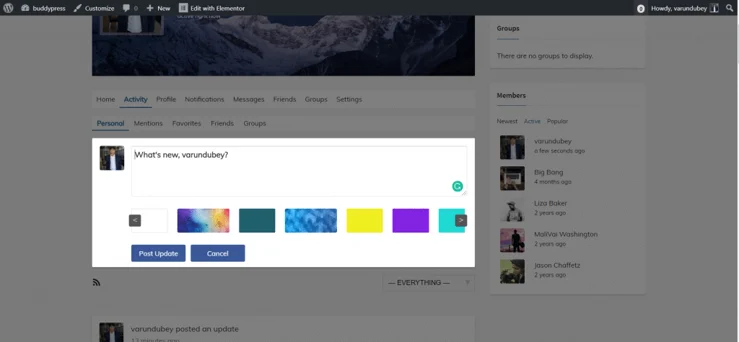
Members can add quotes from the front end through the Activity section. While posting an update, they can choose from the available images and colors for the background.
See the plugin live in action:
Get BuddyPress Quotes Today
We hope you found this article useful. If you have any suggestions, let us know in the comments below.
Interesting Read: How To Enable Check-In Feature On BuddyPress Website?