Not every new signup on a community site is a real person looking to participate. Some are bots or spam accounts testing whether they can slip through unnoticed. BP Registration Options gives admins a way to catch and manage that at the point of registration, moderating new members before they get full access to your BuddyPress or bbPress pages.
Benefits of BuddyPress Registration Options Plugin
- This BuddyPress/bbPress extension lets the administrator moderate new members and turn the network private.
- The admin decides who gets access and who doesn’t.
- Access can also be scoped by user role, assigned by the site administrator.
- New members must be approved before they show up on the public members list.
- The user’s IP address is stored temporarily during registration and removed once they’re accepted or rejected.
- The admin doesn’t retain any extra personal information beyond that.
- Every decision the admin makes is emailed to the user automatically.
How Do You Access the Settings?
Go to your WordPress Dashboard and open BP Registration. You’ll find all of the plugin’s settings there.
Also Read: Best WordPress BuddyPress Events Plugins
General Settings
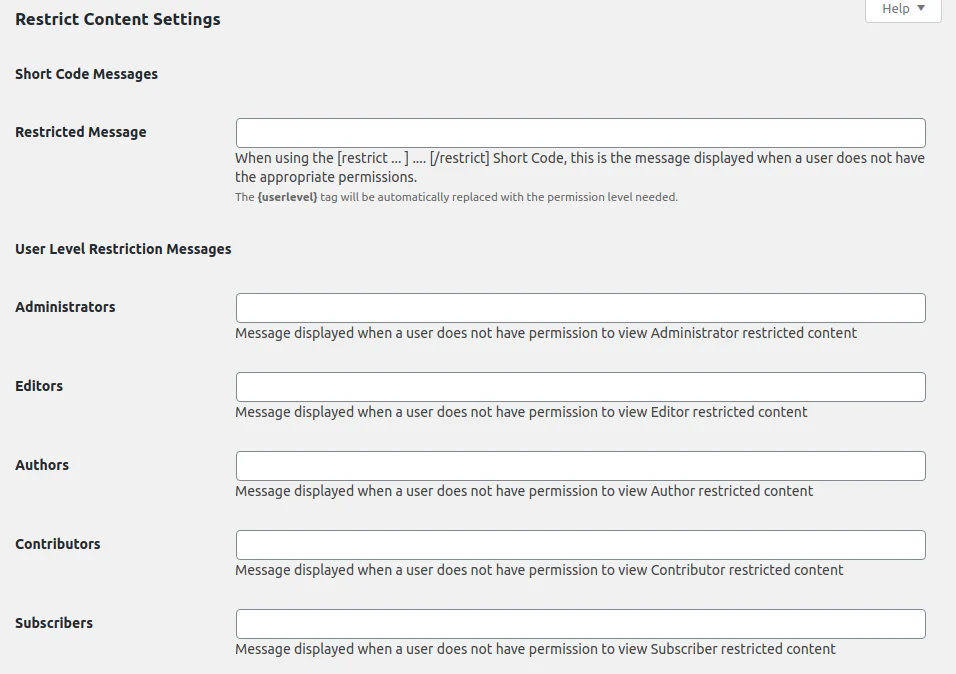
There are four key checkbox options on the General Settings tab:
- Any new member must be moderated: new registrants can’t access BuddyPress or bbPress pages until the administrator approves them.
- Access is restricted to registered members only: locks BuddyPress pages to registered members, keeping non-registered visitors out.
- New User Notification: the admin gets a notification in their BuddyPress notification panel whenever a new member joins.
- GDPR enforcement (optional, with more coming in future updates): when enabled, the user’s IP address is deleted from the new member approval page.
Beyond these checkboxes, there are custom notification text areas where the administrator can write a message that fits the community.
Custom Notifications

- Activate & Profile Alert message: sent while a new member’s account is being activated but hasn’t yet been approved by the administrator.
- Account Approved Email: sent to the user’s email address once their account is approved.
- Account Denied Email: sent to the user’s email address if account approval fails for some reason.
- New Member Notice: sent to the admin when a new member registers and needs approval, so they can review it quickly.
- User Pending Email: sent to a user who tries to log in before their account has been approved.
Features of BuddyPress Registration Options Plugin
BP Registration Options does two things: it moderates new BuddyPress users, and it can turn a BuddyPress site into a private network.
Installation is simple. Install and activate the plugin, and a new BP Registration menu item appears in your Dashboard. From there you can configure the plugin, enable new member moderation, make the network private, edit the notification emails, and set up alerts for new registrations.
With New Member Moderation on, every new user gets an email confirming the site administrator needs to approve them, and the same message appears after they register and activate their account. They can’t interact with BuddyPress pages until they’re approved, aside from uploading a profile photo.
Each new registration also sends two emails to the site administrator: one flagging a member to moderate, and a second confirming a new member has joined the site. Until approved, that user has access to general WordPress functionality but can’t join groups or take part in discussions.
Also Read: Best WooCommerce Dropshipping Plugins
The notification email includes a link that takes the administrator straight to Dashboard >> BP Registration >> Member Requests, where they can review the new registrant’s details and accept or deny membership. With the private network option turned on, anyone who isn’t logged in gets redirected to the site’s home page instead of BuddyPress pages.
Conclusion

Overall, BP Registration Options does what it says: it makes approving new users fast, and it adds privacy options that keep site data from non-members. If your community is meant to stay private, this plugin is worth setting up.
Interesting Reads: