
Improve Your Website Performance
Are you struggling to enhance your WordPress website’s performance?
The Struggle with Too Many Choices
Many website owners find it overwhelming to navigate the vast array of plugins available, leading to poor choices that can hinder site functionality and user experience.
Discover Your Perfect Plugins
In this post, we’ll unveil the Best WordPress Plugins that can elevate your site’s performance and security.
When it comes to optimizing your WordPress site, having the right plugins can make all the difference. Plugins are tools that extend the functionality of your WordPress site, allowing you to enhance its features easily. With thousands of options available, selecting the Best WordPress Plugins can be daunting. In this guide, we’ll explore ten outstanding plugins that can help improve your site’s performance, usability, and overall experience.
The WordPress.org repository alone lists over sixty thousand free plugins, and that does not count the premium marketplace. Most of that volume is redundant, several plugins competing to do the exact same job with varying degrees of code quality and support. The list below focuses on plugins that are widely trusted, actively maintained, and cover the categories that matter most for almost any site: search visibility, security, speed, monetization, deliverability, and content presentation.

How to Actually Choose Between Similar Plugins
A few practical filters help narrow the field before you install anything:
- Last updated date: avoid anything not updated in the last six months, since WordPress core changes frequently enough that abandoned plugins become security liabilities.
- Active installs and rating: a plugin with fifty thousand active installs and a 4.7-star rating has been battle-tested far more than a niche alternative with a few hundred installs.
- Support responsiveness: check the plugin’s support forum on WordPress.org for how quickly, and whether, the developer replies to open tickets.
- Overlap with what you already run: two SEO plugins or two caching plugins active simultaneously commonly conflict; pick one per category.
1. AIOSEO – All-in-One SEO Optimization
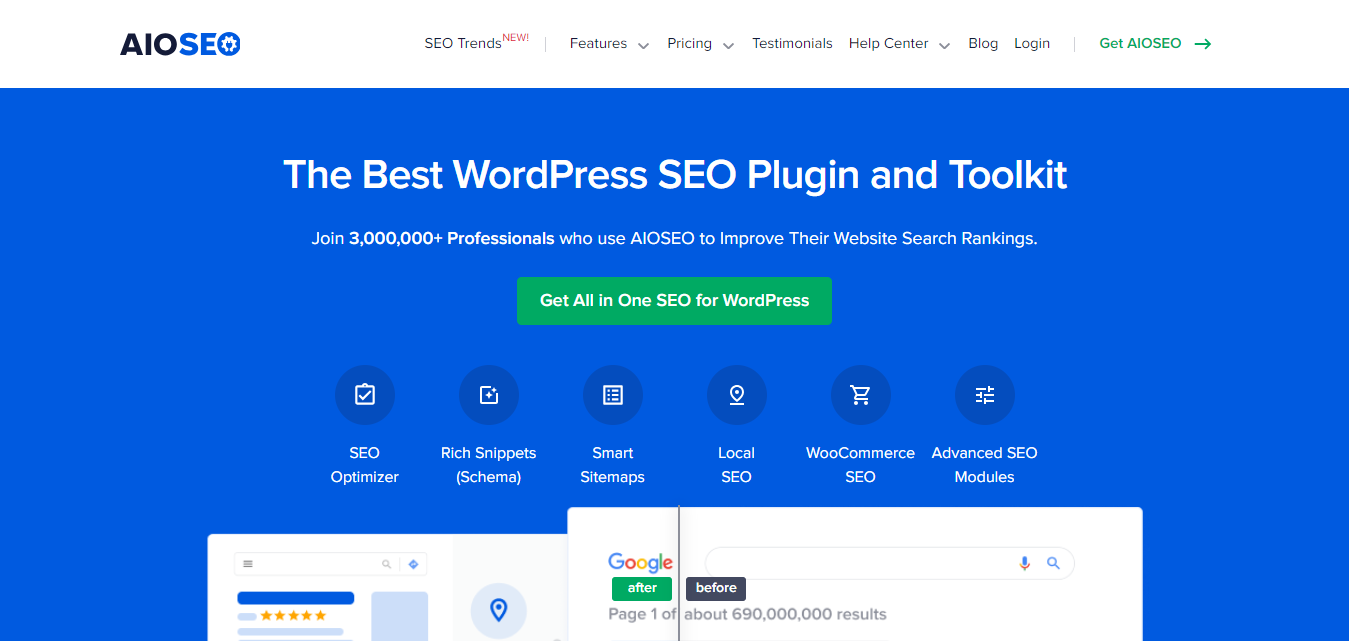
AIOSEO (All-in-One SEO) is one of the Best WordPress Plugins for boosting your site’s visibility on search engines. This plugin simplifies the complex world of SEO, making it accessible for everyone.
Why AIOSEO?
- User-Friendly Interface: AIOSEO provides an easy-to-navigate interface, making it ideal for beginners and experts alike.
- SEO Analysis: It offers real-time SEO analysis, helping you optimize your content as you write.
- Schema Markup: With built-in schema markup, you can create rich snippets, enhancing how your content appears in search results.
By using AIOSEO, you can ensure your website ranks better on search engines, driving more organic traffic. Its TruSEO score gives you a single actionable number to improve per post, which is useful for content teams who are not SEO specialists but still need a clear benchmark to hit before publishing.
2. Rank Math – Smart SEO Plugin
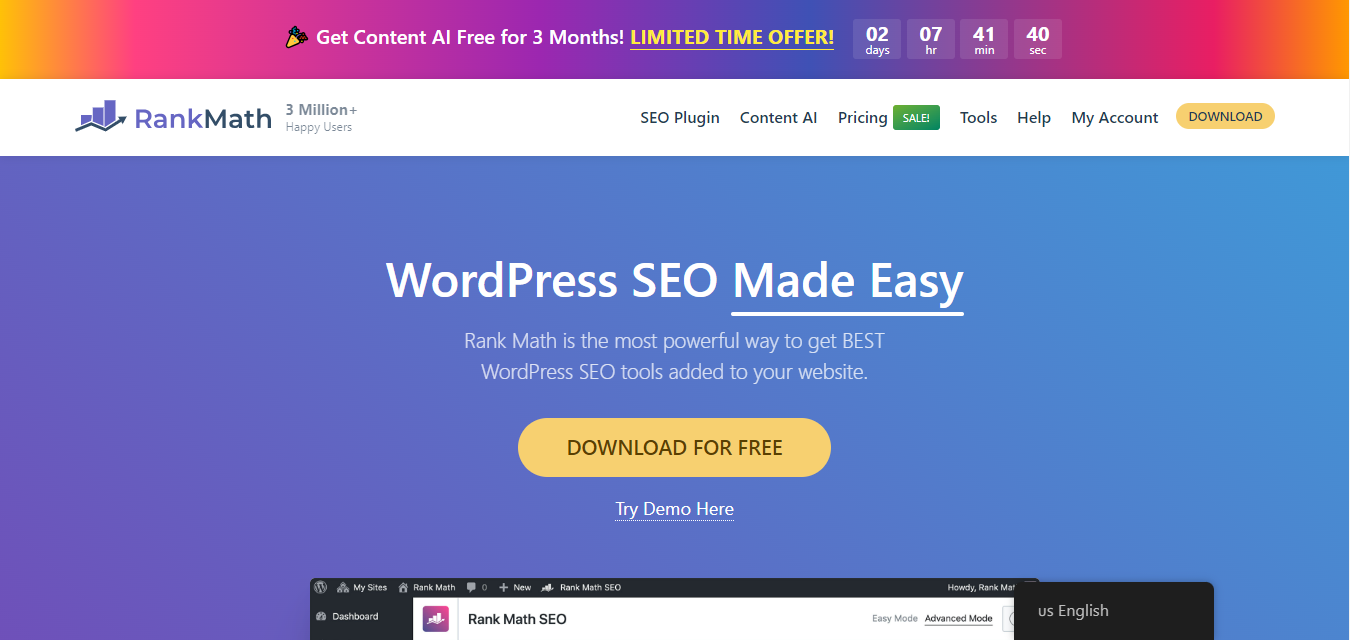
If you’re looking for an alternative to more established SEO tools, Rank Math is one of the Best WordPress Plugins available today. This powerful plugin provides an array of features that simplify the SEO process.
Why Rank Math?
- Installation Wizard: Rank Math’s easy setup wizard guides you through the installation, making it hassle-free.
- Advanced SEO Features: It includes features such as keyword optimization and rich snippets to help you enhance your content.
- 404 Monitor: The built-in 404 monitor helps you track broken links and redirects, improving user experience.
With Rank Math, you’ll have the tools to optimize your content effectively, leading to better search engine rankings. Its free tier is notably more generous than most competitors, bundling features like the 404 monitor and redirection manager that other SEO plugins reserve for a paid version, which makes it a strong default choice for budget-conscious site owners.
3. Sucuri – Top-Notch Security for WordPress

Website security is a critical concern for all online businesses. Sucuri is regarded as one of the Best WordPress Plugins for securing your site against cyber threats.
Why Sucuri?
- Firewall Protection: Sucuri offers a website firewall that blocks malicious traffic before it reaches your site.
- Malware Scanning: Regular scans help detect and eliminate potential security issues.
- Real-Time Alerts: You receive immediate notifications for any security concerns, allowing you to respond promptly.
With Sucuri, you can protect your website from potential threats and give your visitors peace of mind. If you run a community site with member registration, forums, or user-generated content, security matters even more than on a static brochure site, since every open registration form and comment box is a potential attack surface worth locking down early.
4. Hummingbird – Speed Optimization for a Faster Site
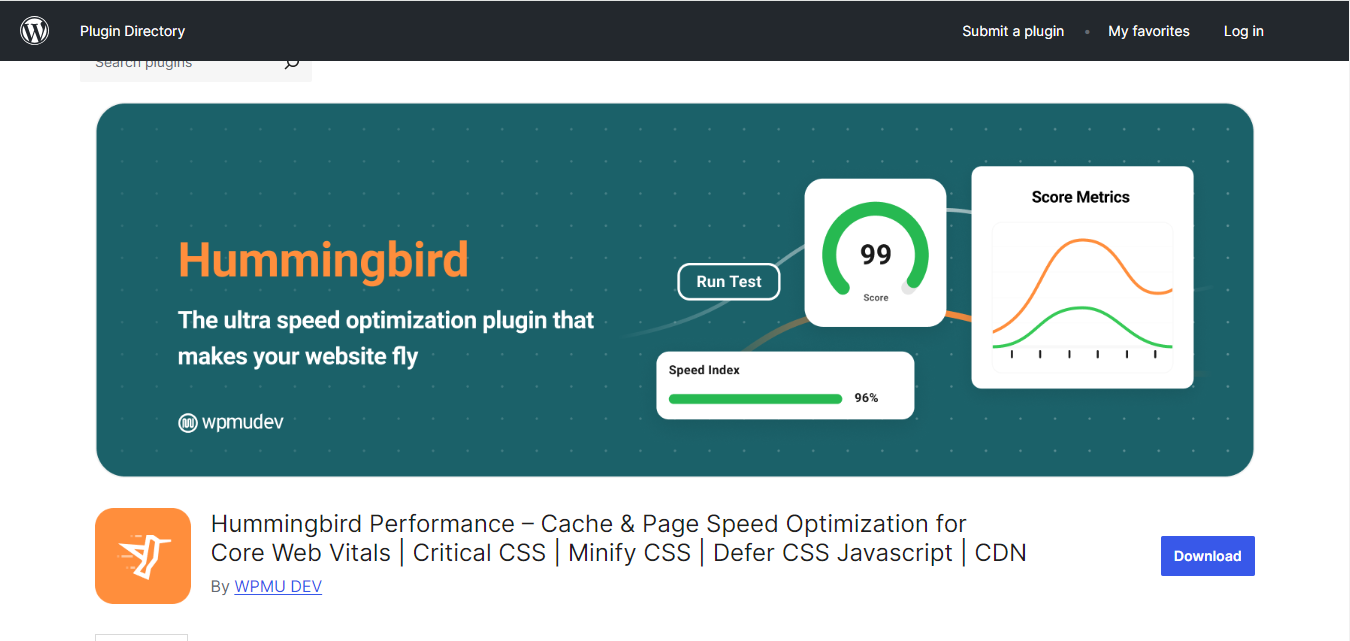
In today’s digital age, speed is crucial. A slow website can lead to high bounce rates and poor user experience. Hummingbird is one of the Best WordPress Plugins for optimizing your site’s speed.
Why Hummingbird?
- Caching: Hummingbird employs advanced caching techniques to reduce load times significantly.
- File Compression: The plugin compresses your website’s files, making them smaller and faster to load.
- Performance Reports: You’ll receive performance reports with actionable insights on how to further improve your site’s speed.
By using Hummingbird, you can enhance the speed of your website, providing a better experience for your visitors. Community and membership sites, where logged-in users generate dynamic, uncacheable pages by default, benefit especially from a plugin that also handles object caching and asset minification, since standard page caching alone covers less ground once most traffic is logged in.
5. MemberPress – Build a Thriving Membership Site
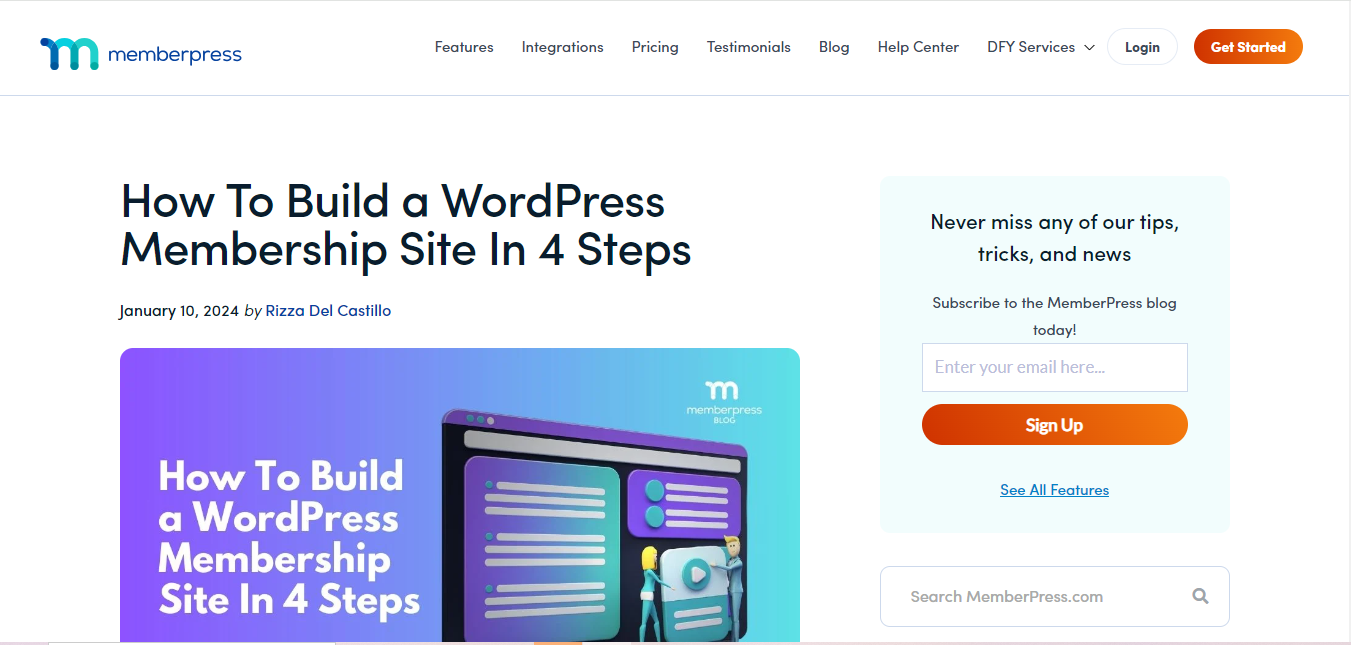
Are you looking to monetize your content? MemberPress is one of the Best WordPress Plugins for creating a membership site that can help you generate revenue.
Why MemberPress?
- Easy Setup: Setting up a membership site has never been easier with MemberPress. You can create subscription plans and manage members effortlessly.
- Payment Integration: The plugin integrates seamlessly with popular payment gateways, allowing you to accept payments easily.
- Content Dripping: You can release content gradually, keeping your members engaged and encouraging them to stay subscribed.
With MemberPress, you can create a sustainable income stream by offering valuable content to your audience. For sites built around a community, layering paid membership tiers on top of a social or discussion-driven core, such as one powered by Reign‘s BuddyPress-based community features, is a common way to turn an engaged member base into recurring revenue without rebuilding the site from scratch.
6. WP Mail SMTP – Reliable Email Deliverability
Do you often find your emails going to the spam folder? WP Mail SMTP is one of the Best WordPress Plugins to ensure your emails are delivered correctly.
Why WP Mail SMTP?
- SMTP Configuration: The plugin routes your emails through a secure SMTP server, improving deliverability.
- Easy Setup: WP Mail SMTP offers a user-friendly setup process, making it simple for anyone to configure.
- Email Logs: You can keep track of your emails with detailed logs, helping you troubleshoot any issues.
Using WP Mail SMTP, you can enhance your email communication and ensure that your important messages reach your audience. This becomes essential the moment your site sends automated notifications, password resets, group activity digests, new member welcome emails, since WordPress’s default mail function is notoriously unreliable and frequently lands in spam without a proper SMTP connection behind it.
7. TranslatePress – Multilingual Site Made Simple
If you want to reach a global audience, having a multilingual site is essential. TranslatePress is one of the Best WordPress Plugins for translating your content easily.
Why TranslatePress?
- Visual Translation Interface: The plugin allows you to translate your site’s content directly from the front end, making it user-friendly.
- Unlimited Languages: You can add as many languages as you like, catering to a diverse audience.
- SEO-Friendly: TranslatePress is designed to be SEO-friendly, ensuring your translated content performs well in search engines.
By using TranslatePress, you can expand your reach and connect with users from around the world. Its live front-end editor is a genuine time saver over plugins that force translation work through a separate admin table, since you can click directly on the sentence you want to translate while viewing the page exactly as a visitor will see it.
8. Imagify – Image Compression for Optimal Performance

High-quality images can significantly slow down your website. Imagify is one of the Best WordPress Plugins for image optimization, ensuring your site runs smoothly without sacrificing quality.
Why Imagify?
- One-Click Optimization: With Imagify, you can optimize all your images in one click, saving you time.
- Bulk Optimization: It allows you to compress existing images, improving your site’s performance.
- WebP Support: Imagify supports the WebP format, providing even faster load times for images.
Using Imagify will ensure your site remains visually appealing without compromising on speed. Community sites where members regularly upload profile pictures and activity photos accumulate unoptimized images fast, and running bulk optimization on a schedule keeps your media library from quietly bloating your storage and slowing down page loads over time.
9. TablePress – Create Beautiful Tables Easily
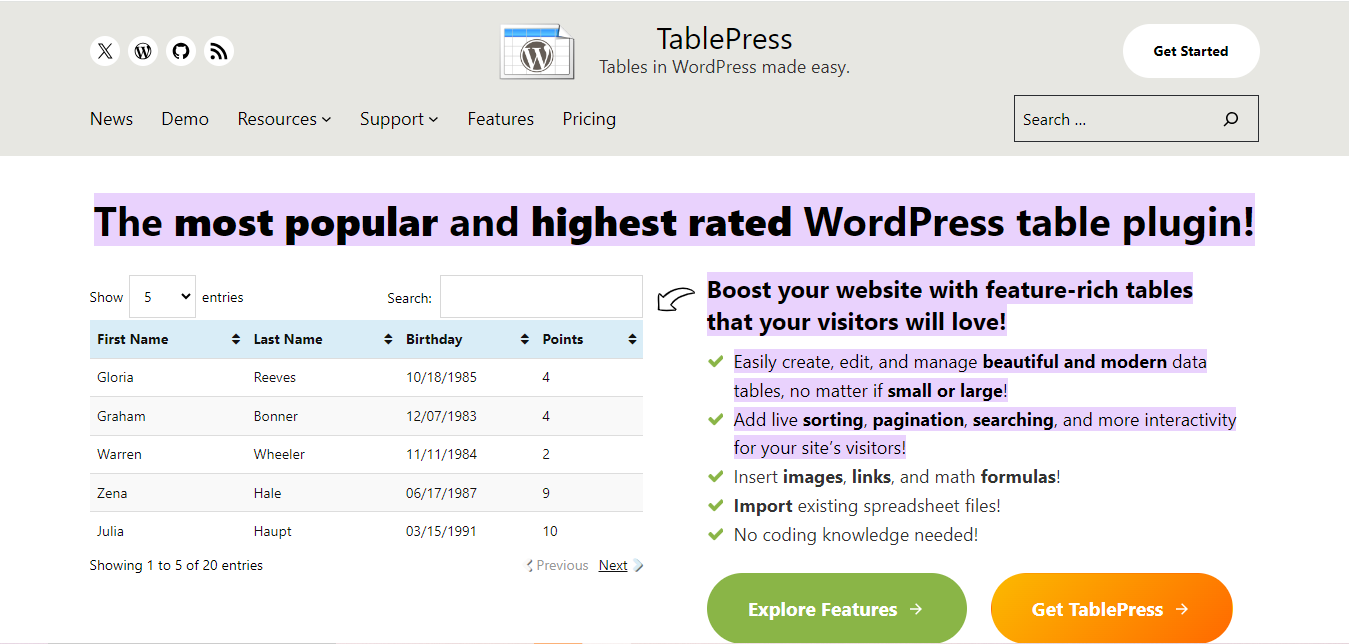
Displaying data effectively is crucial for many websites. TablePress is one of the Best WordPress Plugins for creating and managing tables effortlessly.
Why TablePress?
- User-Friendly Editor: The drag-and-drop editor makes it easy to create and customize tables.
- Supports Multimedia: You can add images and links to your tables, making them more informative.
- Import/Export Features: TablePress allows you to import tables from Excel or CSV files, saving you time.
With TablePress, you can present your data clearly and attractively, enhancing user engagement. Its shortcode-based embedding means you can drop the same table into multiple pages and update it in one place, which is handy for pricing pages, comparison charts, or a member directory that needs to stay consistent site-wide.
10. Pretty Links – Effortless URL Shortening

Long URLs can be unsightly and hard to manage. Pretty Links is one of the Best WordPress Plugins for shortening and managing your URLs effectively.
Why Pretty Links?
- Customizable Links: You can create branded short links that look professional.
- Click Tracking: The plugin offers detailed analytics, helping you track the performance of your links.
- Easy Integration: Pretty Links integrates seamlessly with your existing content, making it easy to use.
By using Pretty Links, you can streamline your URL management and improve the aesthetics of your website. It also doubles as a lightweight redirect manager, useful for the inevitable moment you rename a page or restructure your site’s URL scheme and need old links to keep working rather than returning a 404.
Comparison Table
| Name of Tool | Best For | Standout Feature | Pricing |
|---|---|---|---|
| AIOSEO | All-in-One SEO Optimization | User-Friendly Interface | Starting from $49.50/year |
| Rank Math | Smart SEO Plugin | Easy Setup Wizard | Free & Pro plans starting from $59/year |
| Sucuri | Top-Notch Security for WordPress | Firewall Protection | Starting from $199.99/year |
| Hummingbird | Speed Optimization for a Faster Site | Advanced Caching Techniques | Free & Pro plans starting from $49/year |
| MemberPress | Build a Thriving Membership Site | Easy Setup for Memberships | Starting from $179/year |
| WP Mail SMTP | Reliable Email Deliverability | SMTP Configuration | Free & Pro plans starting from $49/year |
| TranslatePress | Multilingual Site Made Simple | Visual Translation Interface | Free & Pro plans starting from $79/year |
| Imagify | Image Compression for Optimal Performance | One-Click Optimization | Free & Pro plans starting from $4.99/month |
| TablePress | Create Beautiful Tables Easily | User-Friendly Editor | Free |
| Pretty Links | Effortless URL Shortening | Customizable Links | Free & Pro plans starting from $49/year |
Frequently Asked Questions
How many plugins is too many on a single WordPress site?
There is no fixed number; what matters is the total load each plugin adds. A well-coded site can run thirty plugins without issue, while five poorly coded ones can bring a server to a crawl. Focus on plugin quality and necessity rather than counting installs.
Should I install both AIOSEO and Rank Math for extra SEO coverage?
No, running two SEO plugins simultaneously typically causes duplicate meta tags and sitemap conflicts. Choose one based on your budget and feature needs, then deactivate the other completely.
Will these plugins work with a BuddyPress or community-based WordPress site?
Yes, all ten are compatible with BuddyPress installs and themes like Reign or BuddyX. Pay particular attention to caching plugin configuration on community sites, since aggressive full-page caching can sometimes show stale activity feeds to logged-in members if not configured correctly.
Do I need a premium version of these plugins to get real value?
For most small to mid-sized sites, the free versions of Rank Math, TablePress, Pretty Links, and WP Mail SMTP cover the essentials well. Premium tiers matter most once you need advanced automation, priority support, or higher usage limits.
How often should I audit my installed plugins?
Review your active plugin list every few months. Deactivate and delete anything you are not actively using, since every inactive plugin is still a potential security surface and a maintenance burden during core updates.

Final Thoughts-Enhance Your WordPress Site Today
In summary, these ten plugins are some of the Best WordPress Plugins available today. From improving SEO and security to enhancing speed and user experience, each plugin offers unique features that cater to your website’s needs.
By incorporating these tools into your WordPress setup, you can significantly improve your site’s functionality and provide a seamless experience for your visitors. Don’t hesitate to try them out and watch your website thrive!
Remember, choosing the right plugins is essential to creating a successful WordPress site. The Best WordPress Plugins can help you achieve your goals, whether it’s improving performance, increasing security, or enhancing user engagement.
Interesting Reads
10 Best SEO Plugins for WordPress