Setting Up a Private Support Forum for Paying Customers Only

Public support forums are great for SEO and community building. But some businesses need private forums, spaces where only paying customers, premium subscribers, or enrolled students can ask questions and access answers.
The reasons vary: you sell a premium product and want support to feel exclusive. Your answers contain proprietary information that should not be publicly indexed. You want to differentiate between free and paid tiers by offering forum access as a premium benefit.
Whatever the reason, setting up a private support forum on WordPress is straightforward. The key is connecting your forum’s access control to your existing payment or membership system.
How Gated Forum Access Works
A gated forum uses three layers of access control:
- Authentication. The user must be logged in. Anonymous visitors cannot see the forum content.
- Authorization. The logged-in user must have the right credentials, an active subscription, a completed purchase, or a current enrollment.
- Space-level permissions. Different customer segments can access different spaces. Premium customers might see spaces that basic customers cannot.
Jetonomy handles this through its join policy settings and membership adapter system. Each space can be set to one of three join policies:
- Open, Anyone can join and post
- Request to Join, Members must request access, and a moderator approves
- Invite Only, Only invited members or members who meet specific criteria can access the space
For a private support forum, you will use Invite Only or combine Open access with membership adapter restrictions that automatically manage who gets in.
Option 1: WooCommerce-Gated Forum
If you sell products through WooCommerce, you can gate forum access behind product purchases or active subscriptions.
How It Works
Jetonomy Pro includes a WooCommerce adapter that connects forum spaces to WooCommerce products or subscription plans. When a customer purchases a qualifying product or starts a subscription:
- They are automatically added to the designated forum space
- They can immediately access the private support forum
- If their subscription lapses, access is automatically revoked
Setup Steps
- Enable the WooCommerce adapter in Jetonomy → Settings → Integrations
- Create your private support space and set the join policy to Invite Only
- Map the space to a WooCommerce product or subscription plan
- Test by purchasing the product with a test account and verifying forum access
Subscription Lifecycle
The WooCommerce adapter handles the full subscription lifecycle:
| Event | Forum Action |
|---|---|
| Customer purchases product | Added to mapped space(s) |
| Subscription renews | Access continues (no change) |
| Subscription expires | Removed from space(s) |
| Subscription cancelled | Removed from space(s) |
| Subscription reactivated | Re-added to space(s) |
| Refund processed | Removed from space(s) |
This automation means you never have to manually manage forum access. The payment system is the source of truth.
Option 2: Membership Plugin Integration
If you use a dedicated membership plugin instead of WooCommerce, Jetonomy Pro has adapters for the major players:
- Restrict Content Pro, Map forum spaces to RCP membership levels
- MemberPress, Gate access based on membership plans
- Paid Memberships Pro, Connect levels to spaces
The workflow is the same: create a private space, map it to a membership level, and access is automatically managed based on membership status.
Tiered Access Example
Many membership sites have multiple tiers. You can create different forum experiences for each tier:
| Membership Tier | Forum Access |
|---|---|
| Free | Public community spaces only (General Discussion, Announcements) |
| Basic ($9/mo) | + Basic Q&A support space |
| Pro ($29/mo) | + Priority Support space (staff responds within 2 hours) |
| Enterprise ($99/mo) | + Private 1-on-1 messaging with support team |
Each tier sees exactly the spaces they have access to. Locked spaces are either hidden entirely or shown with a “Upgrade to access” message, depending on your preference.
Option 3: LMS Course Forums
If you run online courses, the most natural gating is enrollment-based: students who are enrolled in a course can access that course’s discussion space.
Jetonomy Pro includes adapters for:
- LearnDash, Course and group enrollments (5.x compatible)
- Tutor LMS, Course enrollments
- LifterLMS, Course and membership enrollments
- Sensei LMS, Course enrollment status
- MasterStudy LMS, Course enrollments
How Auto-Creation Works
When you publish a new course in your LMS, the adapter can automatically create a corresponding discussion space in Jetonomy. The course author is assigned as the space admin. Students who enroll get added to the space. Students who unenroll lose access.
This is especially powerful for cohort-based courses where each cohort gets its own discussion space. Students in Cohort 3 cannot see Cohort 2’s discussions, each group has a focused, private space for their learning journey.
For a detailed walkthrough, see our guide on building a course community with completion badges.
Mixing Public and Private Spaces
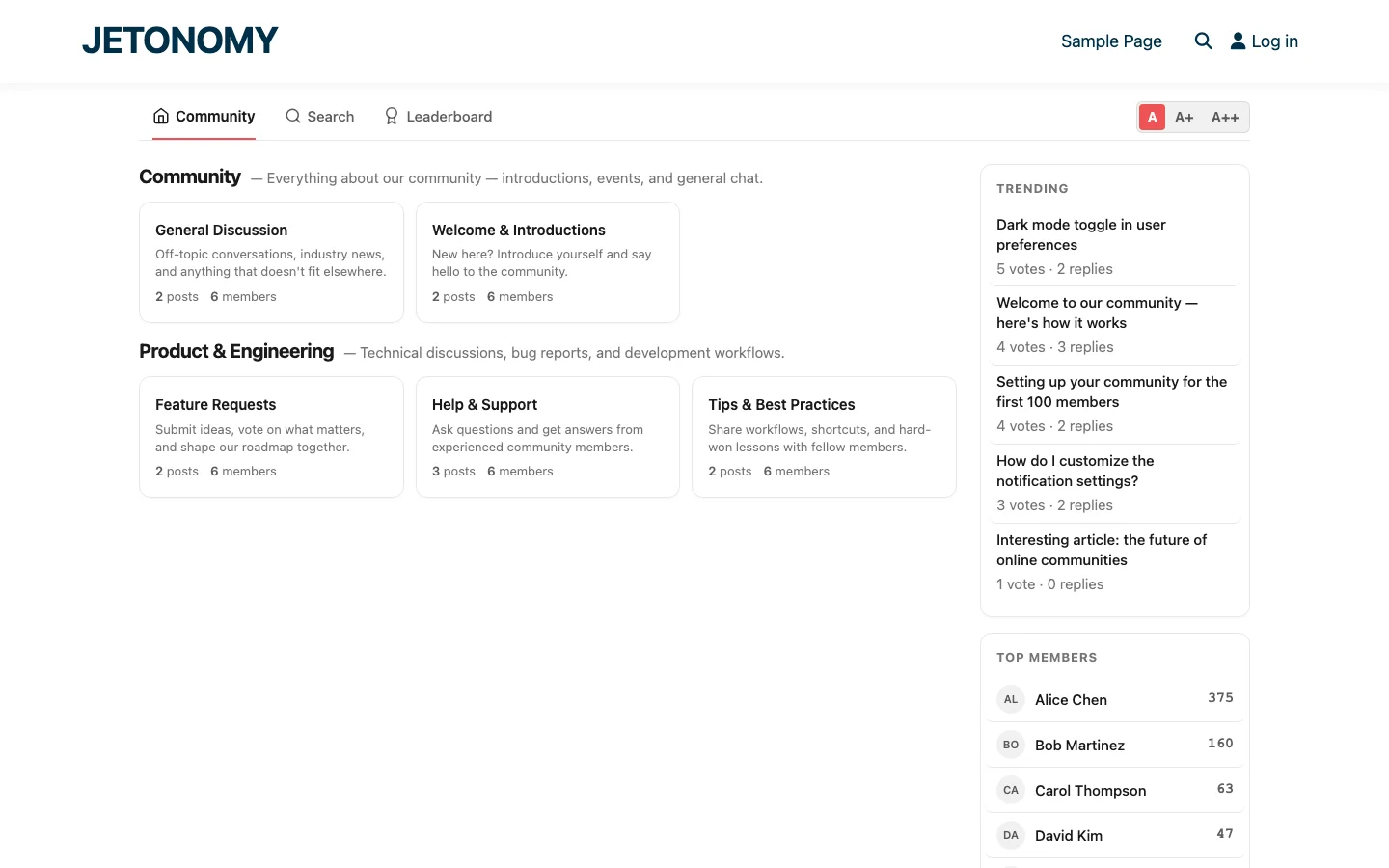
The most effective approach is usually a mix of public and private spaces in the same community:
| Space | Access | Purpose |
|---|---|---|
| General Discussion | Public | Anyone can participate (SEO value, community growth) |
| Announcements | Public | Product updates visible to everyone |
| Feature Requests | Public | Ideas from all users (free and paid) |
| Customer Support | Customers only | Gated Q&A for paying customers |
| Priority Support | Premium only | Fast-response support for top-tier customers |
| Beta Testing | Invite only | Early access feedback from selected users |
This gives you the SEO benefits of public content while reserving premium support for paying customers. The community home page shows all spaces the user has access to, non-customers see the public spaces and a prompt to upgrade for premium support access.
Security Considerations
A private forum is only as secure as its access control. Here are the important security points:
- Content is server-side gated. Jetonomy checks permissions on every page load and API request. Changing the URL does not bypass access control.
- Search engines cannot index private content. Private space content is not included in sitemaps and returns 403 for unauthenticated requests.
- API access respects permissions. The REST API returns only content the authenticated user has access to. Unauthenticated API requests see only public content.
- Membership sync is real-time. When a subscription is cancelled in WooCommerce, forum access is revoked immediately, not on the next page load, not on a daily cron.
Getting Started
Setting up a private support forum takes three steps:
- Install Jetonomy and Jetonomy Pro. Follow our forum setup guide for the base installation.
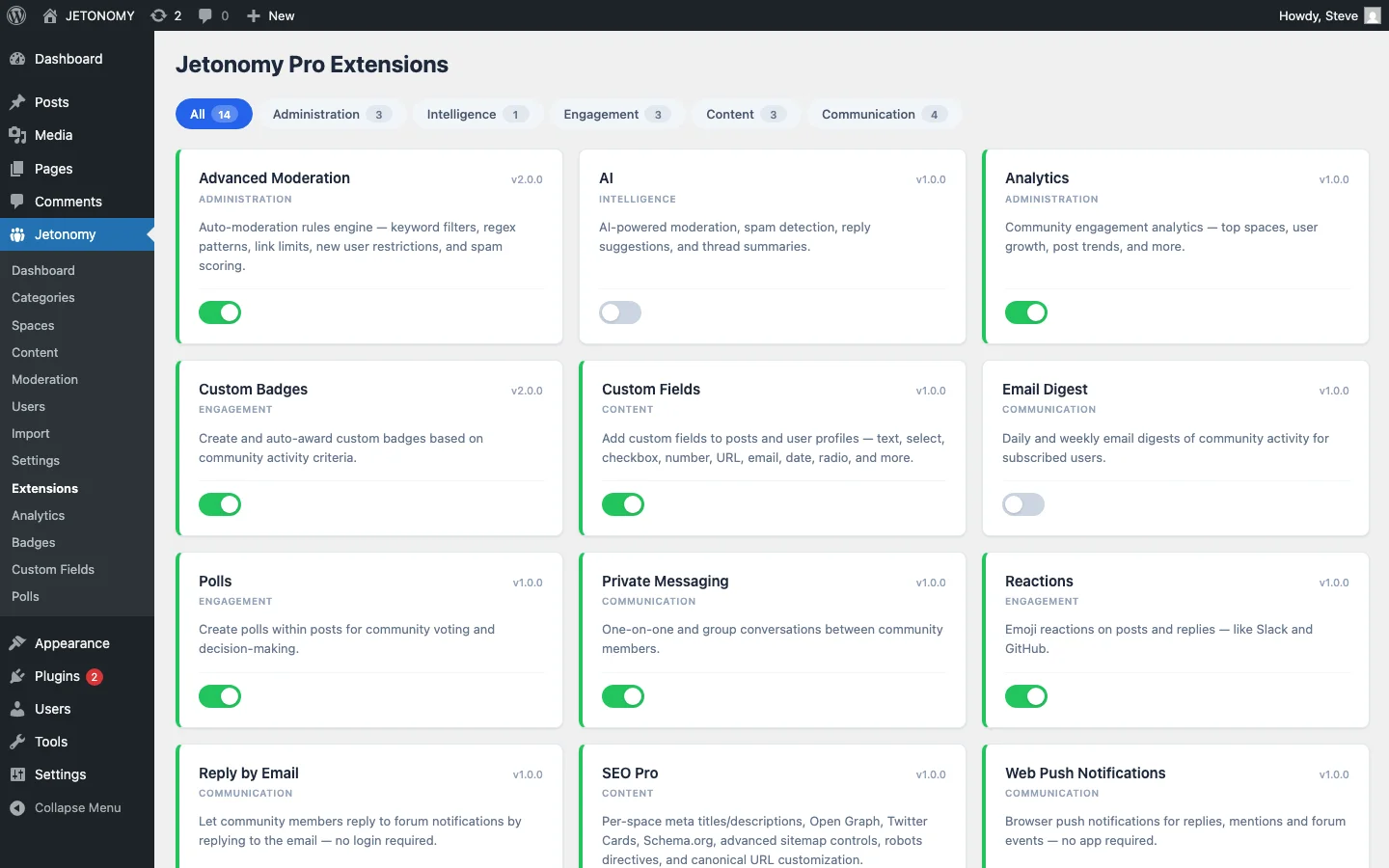
- Enable the relevant adapter (WooCommerce, RCP, LearnDash, etc.) in Jetonomy Extensions.
- Create a private space and map it to your product, membership level, or course.
For the support strategy behind the private forum, read our guides on reducing support tickets and tracking forum performance with analytics.
Private forums add tangible value to paid offerings. Customers see premium support access as a benefit worth paying for. And you get a support channel that scales without scaling your support team.
Plan for When You Retire or Merge a Pricing Tier
Pricing structures change more often than forum structures do. When a tier gets renamed, merged into another, or discontinued, the private space mapped to it does not automatically know what to do, and this is rarely planned for until it happens mid-migration.
- Before retiring a tier, remap its private space to whichever surviving tier is the closest replacement, rather than leaving existing members suddenly locked out of a space tied to a plan that no longer exists.
- Communicate the remap to affected members directly, a customer who paid for “Pro” access should not discover their support space renamed to “Growth” without any explanation.
- Archive (do not delete) the old space if it has meaningful thread history, the answers inside it are often still relevant to the successor tier’s members.
One Adapter System, Many Payment Sources
WooCommerce, Restrict Content Pro, MemberPress, Paid Memberships Pro, and the five LMS platforms covered in this guide all plug into the same Jetonomy Pro adapter system, you are not choosing between different products for each, just enabling the adapter that matches whatever you already use to take payments or manage enrollment. Details are on the Jetonomy Pro page.