
Building an online course website is easier when you know the essential ingredients. You need the right platform, the right features, and a clear launch plan.
This guide outlines everything you need to build an online course website on WordPress. You will learn the tools, pages, features, and workflows required to launch with confidence.
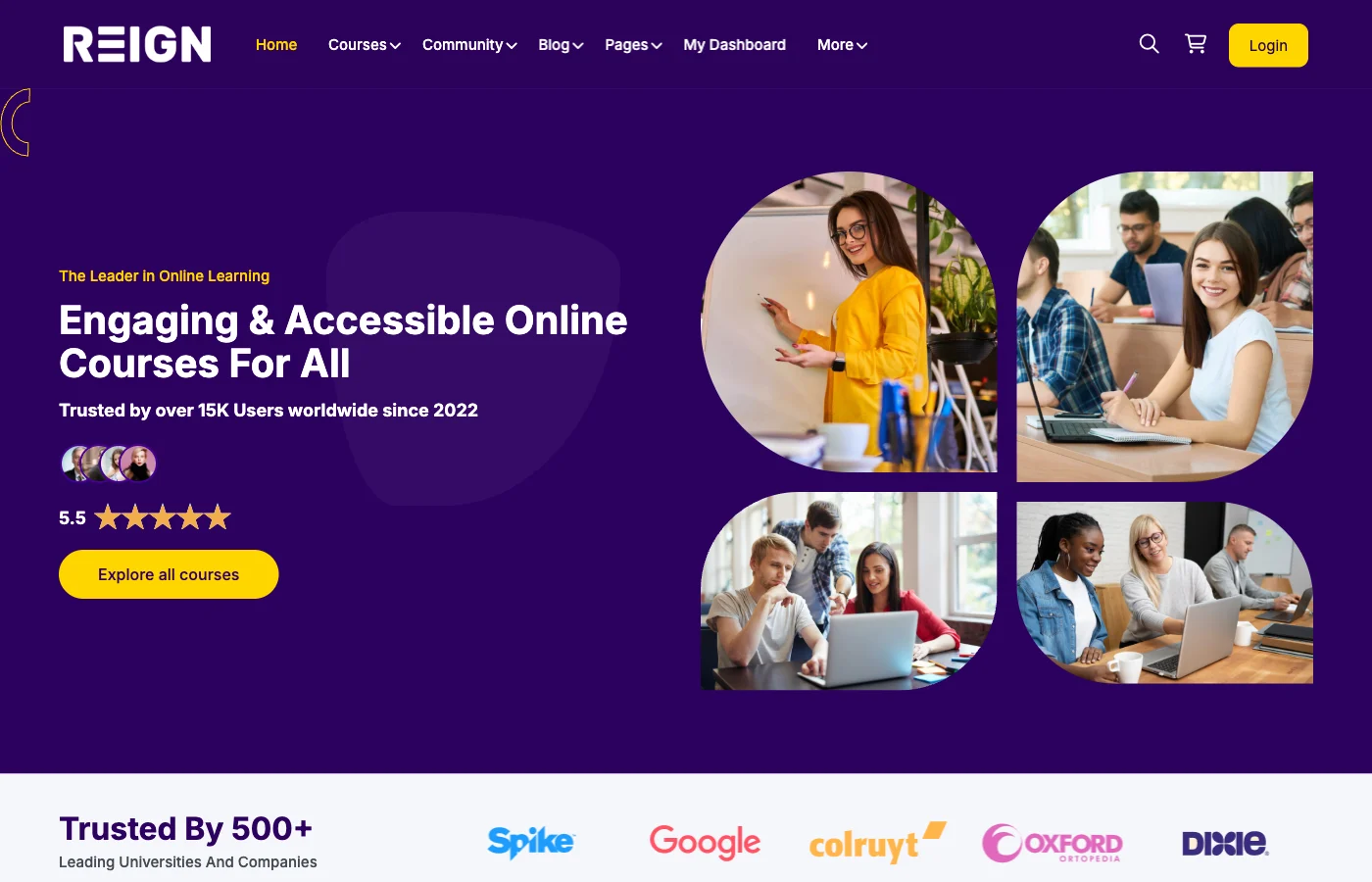
Core tools you need
- WordPress is the platform
- LearnDash for course delivery
- BuddyPress for community and profiles
- Reign theme for design and layout
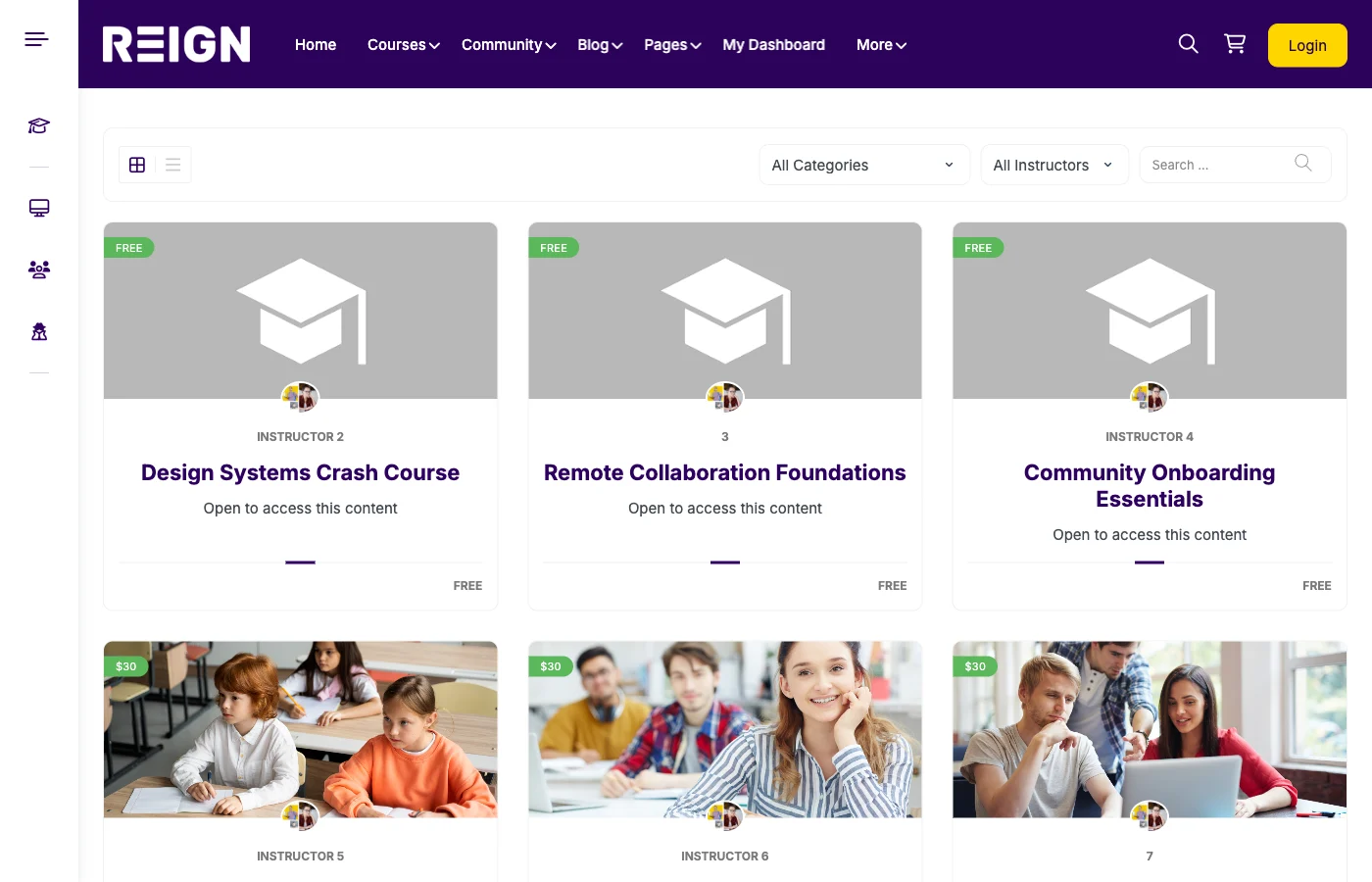
Essential pages
- Homepage
- Course catalog
- Course detail page
- Instructor page
- Community hub
- Support and contact
Key features to include
- Progress tracking
- Quizzes and certificates
- Payment and checkout
- Member profiles and groups
- Notifications and email
Community and engagement
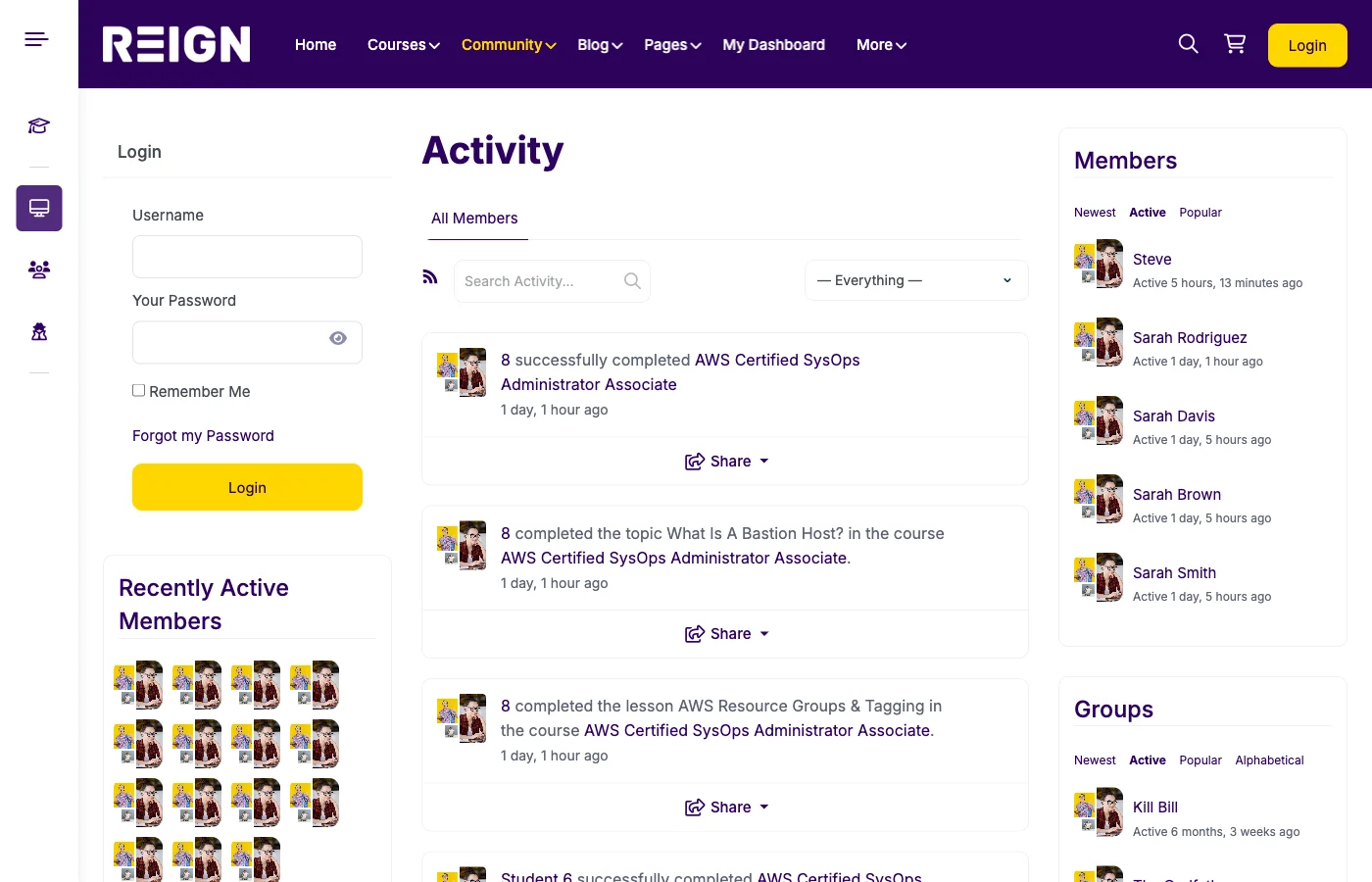
Add BuddyPress groups and activity feeds so students can interact and stay motivated.
Content planning essentials
Plan your curriculum before building. Break courses into modules, lessons, and outcomes. Use a template so every course has a consistent structure.
Include assessments and resources. Worksheets, checklists, and templates increase perceived value.
Payments and pricing setup
Decide whether you will sell courses individually, as bundles, or through a membership. Use Stripe or PayPal for payments and keep checkout simple.
Display pricing clearly and avoid hiding costs. Transparency improves trust and reduces abandoned carts.
Core workflows you need
- User registration and onboarding
- Course enrollment and access control
- Progress tracking and completion
- Support and refunds
- Community moderation
Marketing and launch prep
Prepare a launch plan. Publish SEO blog content, build an email list, and run a pre-launch campaign.
Set up analytics so you can track conversion and completion from the start.
Performance and security
Use reliable hosting and enable caching. Optimize images and use a CDN for lesson media if possible.
Keep WordPress and plugins updated, and set up backups before launch.
Launch checklist
- Course content complete
- Checkout tested
- Community guidelines published
- Onboarding emails ready
- Analytics installed
Structure Your Curriculum With Learning Paths and Cohort Spaces
Not every course is a standalone unit. Learnomy Pro lets you group courses into learning paths, set prerequisites so students progress in the right order, and organize participants into team or cohort spaces. It is the right setup when you are delivering a curriculum rather than individual lessons.
Best for: Corporate training programs, bootcamps, and academies where students move through a defined course sequence together.
- Learning paths with prerequisite gates control the order students progress
- Cohort and team spaces keep groups together through a program
- Learner journey analytics in Pro show where students are getting stuck
Build the foundation with Learnomy (unlimited courses included free), then add structured progression and cohorts with Learnomy Pro.
Conclusion
To build an online course website, you need the right stack, the right pages, and a clear launch plan. With WordPress, LearnDash, BuddyPress, and Reign, you can build a course platform that scales.
Build your course website with Reign + LearnDash + BuddyPress and launch with confidence.













