
You post a question in your forum: “Which payment gateway should we integrate next?” Within a day, you have 30 replies. Half are variations of “Stripe please.” A quarter say “PayPal.” The rest are a mix of suggestions and tangential discussions. Now try to figure out which gateway has the most support. You would need to read every reply and manually tally the votes.
A poll solves this in one click per member. Post the question with a poll. Members vote. Results update in real time. After a day, you have a clear answer with exact numbers: Stripe 47%, PayPal 28%, Square 15%, Other 10%. No tallying. No interpretation. Just data.
When Polls Outperform Open Discussion
Polls are not a replacement for discussion. They are a complement. Here is when to use each:
| Scenario | Use | Why |
|---|---|---|
| “What should we build next?” | Poll | You need clear prioritization, not opinions |
| “How would you redesign the dashboard?” | Discussion | Open-ended, needs creative input |
| “Which day works for the meetup?” | Poll | Binary decision with fixed options |
| “Why did you choose our product?” | Discussion | Qualitative answers you cannot pre-define |
| “Do you prefer dark mode or light mode?” | Poll | Simple preference with clear options |
| “What is your biggest challenge right now?” | Both | Poll for quick data, discussion for context |
The best approach for complex questions is combining both: add a poll for structured voting and encourage discussion in the replies for context and nuance.
Poll Types
Jetonomy Pro’s Polls extension supports three question types:
Single Choice
Members select one option. Best for mutually exclusive decisions:
- “Which logo design do you prefer? A, B, or C”
- “What is your primary use case? Support / E-commerce / Education / Other”
- “Should we extend the beta by one week? Yes / No”
Multiple Choice
Members can select multiple options. Best when preferences are not mutually exclusive:
- “Which integrations would you use? (select all that apply)”
- “Which days can you attend? Monday / Wednesday / Friday”
- “What topics should we cover in the webinar?”
Ranked Voting
Members rank options in order of preference. Best for prioritization:
- “Rank these 5 feature requests from most to least wanted”
- “Order these event topics by your interest level”
Ranked voting gives you richer data than single choice. You learn not just what people want most, but the full preference order.
Setting Up Polls
Step 1: Enable the Extension
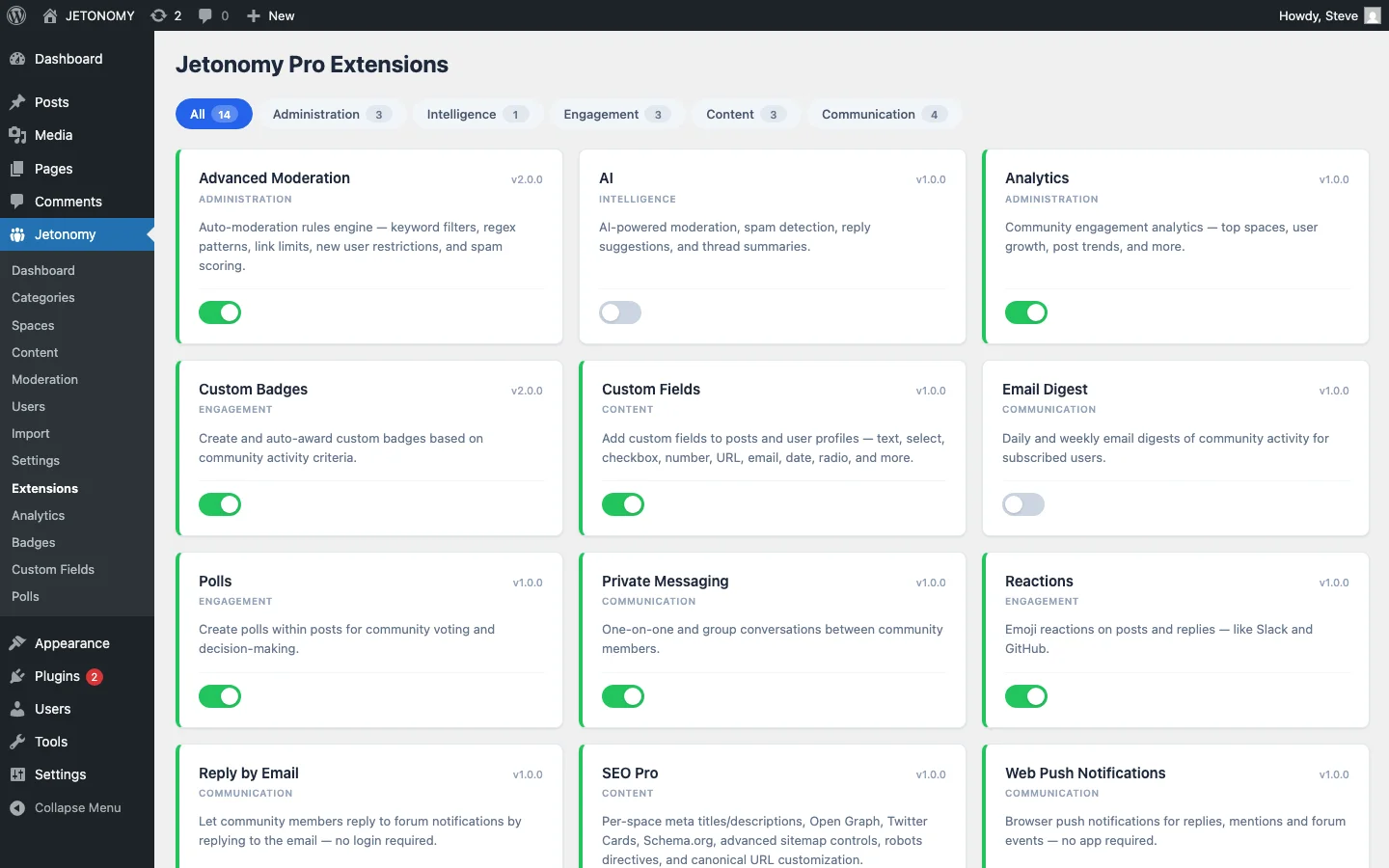
Go to Jetonomy → Extensions and toggle on Polls. The poll creation interface appears automatically in the post editor.
Step 2: Create a Poll
When creating or editing a topic, click the Add Poll button in the editor toolbar. Configure:
- Question: The poll question (can be different from the topic title)
- Options: 2–10 answer choices
- Type: Single choice, multiple choice, or ranked
- End date: Optional deadline after which voting closes
- Visibility: Anonymous (only counts shown) or public (who voted for what)
Step 3: Publish
The poll appears within the topic, above or below the discussion content. Members vote with one click. Results update in real time with percentage bars and vote counts.
Poll Design Best Practices
Keep Options Clear and Mutually Exclusive
Bad poll options: “Good / Pretty good / OK / Not bad / Fine”, these overlap. Members cannot distinguish between them.
Good poll options: “Very satisfied / Satisfied / Neutral / Dissatisfied / Very dissatisfied”, clear scale with distinct steps.
Include an “Other” Option When Appropriate
If you are not sure you have covered all possibilities, add an “Other (comment below)” option. This captures edge cases without cluttering the poll with every conceivable option. Members who select “Other” explain their choice in the discussion replies.
Set Reasonable Deadlines
Polls without deadlines drift into irrelevance. A product decision poll should close after 1–2 weeks. An event scheduling poll should close 3–5 days before the deadline. A quick opinion poll can close after 48 hours.
Show the deadline in the poll interface so members know urgency.
Limit Options to 7 or Fewer
Research on choice overload shows that too many options reduce participation. If you have 15 possible answers, narrow them down to the top 5–7 before creating the poll. Use a preliminary discussion thread to crowdsource options, then create a focused poll with the finalists.
Strategic Uses of Polls
Product Roadmap Decisions
Combine polls with an Ideas board. The Ideas board collects feature requests over time. When you are ready to decide on the next quarter’s priorities, create a poll with the top 5 ideas and let the community make the final call.
Community Governance
Polls give community decisions legitimacy. “Should we add a new space for off-topic discussions?” with 73% voting Yes gives you a clear mandate. The community feels heard because they participated in the decision.
Content Planning
“What should our next tutorial cover?” polls help your content team prioritize topics that the community actually wants. This is more reliable than guessing based on search volume or competitor analysis.
Event Planning
Schedule meetups, webinars, and community calls using polls. “Which time slot works best?” with a multiple-choice poll shows you the option with the most availability.
Quick Pulse Checks
Simple satisfaction polls, “How are you finding the new UI?” with a 5-point scale, give you quick sentiment data without the overhead of a formal survey tool.
Polls and Engagement Metrics
Polls consistently outperform regular topics on engagement metrics:
| Metric | Regular Topic | Topic with Poll |
|---|---|---|
| Participation rate | 5–10% of viewers | 40–60% of viewers |
| Time on page | 30–60 seconds | 60–90 seconds |
| Return visits | Low | Higher (members check results) |
The participation rate difference is dramatic. A forum topic might get replies from 5–10% of people who view it. A poll gets votes from 40–60% of viewers. This makes polls the single most effective tool for converting lurkers into participants.
Track poll engagement alongside your other metrics using the forum analytics dashboard.
Multiple Polls Per Topic
Some topics benefit from multiple poll questions. For example, a quarterly retrospective topic might include:
- Poll 1: “How satisfied are you with community activity this quarter?” (1–5 scale)
- Poll 2: “Which new feature was most valuable?” (single choice)
- Poll 3: “What should we focus on next quarter?” (ranked voting)
Jetonomy Pro supports multiple polls within a single topic, making comprehensive surveys possible without external tools.
Getting Started
- Enable Polls in Jetonomy Pro Extensions
- Create your first poll in a General Discussion topic: “How did you find our community?”, a simple icebreaker that also gives you useful data
- Use polls for your next community decision instead of open discussion
- Combine polls with the discussion, add context and invite comments below the poll
For the broader engagement toolkit, see our guide on combining polls with reactions and badges. For the base forum setup, follow our WordPress forum guide.
One click. Instant participation. Real-time results. Polls are the simplest way to turn passive readers into active community participants.
What turns engagement features into sustained participation
How to Create Polls Inside Forum Topics on WordPress fits into the broader forums category through participation loops, recognition, and member retention. That matters because the technical setup is only one part of success. The way you structure spaces, roles, onboarding, and follow-up is what determines whether the forum becomes a searchable asset or just another neglected section of the site.
- Tie rewards to useful behavior such as accepted answers, thoughtful replies, and consistent follow-up, not just raw posting volume.
- Use lightweight interaction features first, then layer in badges, digests, mentions, and leaderboards so the community does not feel over-designed on day one.
- Review participation data monthly to see whether your engagement mechanics are helping newcomers join in or only reinforcing existing power users.
Why teams evaluating this setup should look at Jetonomy Pro
Jetonomy Pro is a strong fit when you want engagement features that connect back to real community outcomes, because it combines reactions, ideas, voting, trust systems, notifications, and structured spaces in one WordPress-native product. If you want to know more and try Jetonomy, take a closer look at Jetonomy Pro. It is the most direct next step for teams that want to move from theory to an actual working WordPress community experience.
For articles like this one, the practical question is not only whether the approach works in theory. It is whether your chosen forum stack gives you the moderation depth, user experience, and extensibility to keep the system useful six months after launch. That is where a more complete product decision starts to matter.