
You spent months creating your online course. The videos are polished. The assignments are thoughtful. The curriculum is solid. But your completion rate hovers at 12%. Students buy the course, watch the first three modules, and disappear.
The course is not the problem. The isolation is. Online learning without community is like reading a textbook alone in a room. You can absorb the information, but there is nobody to discuss it with, nobody to ask when you get stuck, and nobody to celebrate with when you finish.
A student community changes the equation. Students who participate in course discussions complete at 3–5x the rate of students who learn alone. The community is not a nice-to-have add-on. It is the infrastructure that makes your course work.
What a Student Community Does That a Course Cannot
Peer Accountability
When a student posts “Just started Module 4!” and three classmates respond with encouragement, they have created a public commitment. Dropping out now means letting people down. This social pressure is far more effective than any automated drip email.
Diverse Perspectives
Your course content represents one perspective: yours. A community of 50 students brings 50 different backgrounds, industries, and use cases. A marketing student applying your photography techniques to product shoots shares insights you never would have included in the curriculum.
Real-Time Problem Solving
Students get stuck in unique ways. Maybe your explanation of exposure settings was clear, but they are using a camera model you did not cover. A community Q&A captures these edge cases. Other students who use the same camera answer. The knowledge base grows organically.
Post-Course Value
The course has a beginning and an end. The community does not. Students who finish the course stay in the community to help new students, share their portfolio, and network with peers. This ongoing value justifies recurring revenue models like memberships or subscriptions.
Community Architecture for Courses
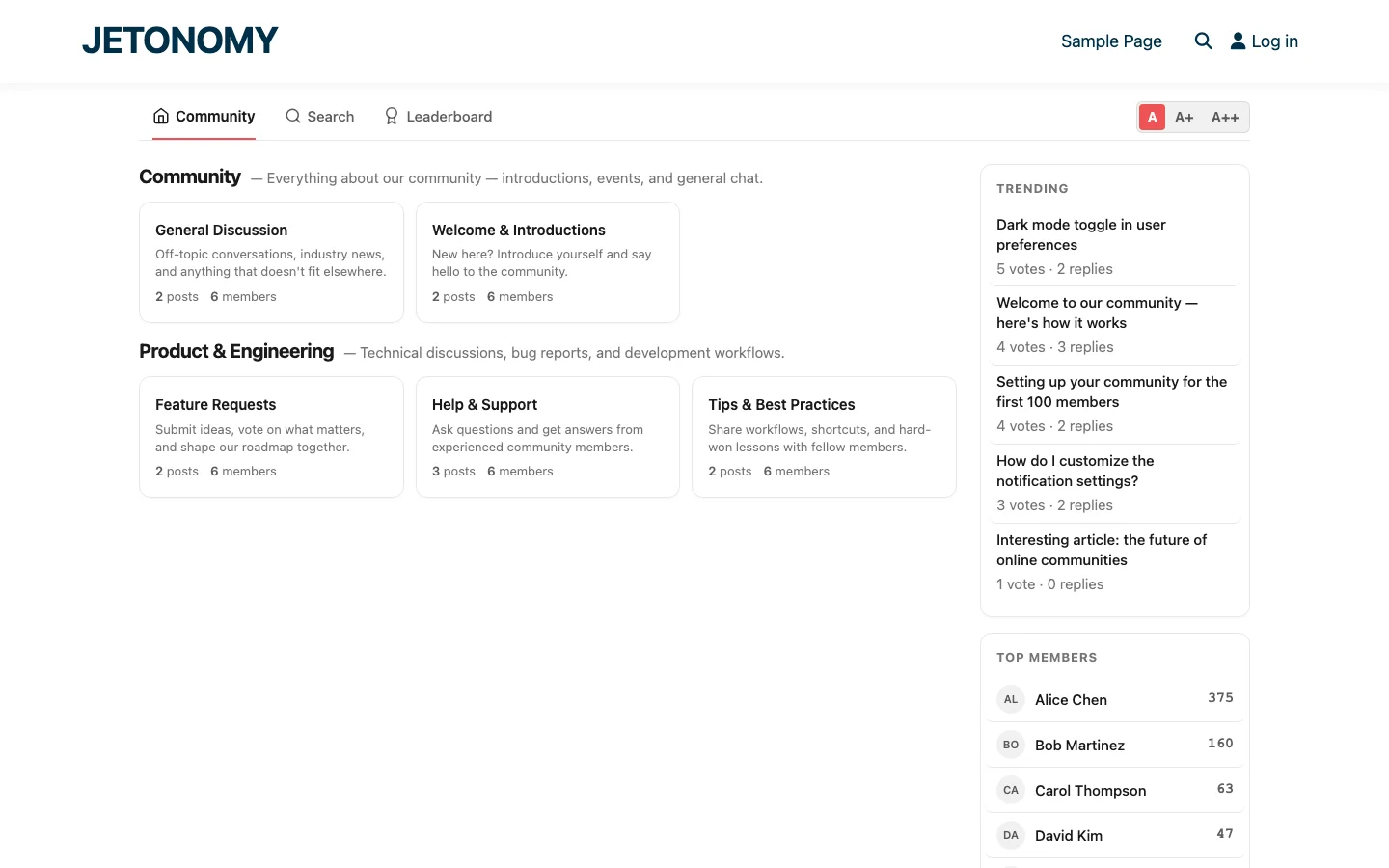
Here is a community structure that works for most online courses:
| Space | Type | Access | Purpose |
|---|---|---|---|
| Welcome & Introductions | Forum | All students | New students introduce themselves |
| Course Q&A | Q&A | All students | Questions about course material |
| Show Your Work | Social | All students | Students share projects and get feedback |
| Off-Topic | Forum | All students | Non-course discussion and networking |
| Feature Requests | Ideas | All students | Suggest improvements to the course |
| Alumni Lounge | Forum | Completed students | Post-course networking and advanced discussion |
The Q&A Space Is the Engine
The Course Q&A space is where most value is generated. Configure it as a Q&A type so questions get voted answers and accepted solutions. This creates a searchable knowledge base specific to your course content.
Every answered question prevents future students from getting stuck at the same point. After two cohorts, your Q&A space contains answers to dozens of questions your curriculum does not address. This is gold, it fills gaps you did not know existed.
For the detailed Q&A setup, see our Stack Overflow-style Q&A guide.
Show Your Work Creates Motivation
The “Show Your Work” space uses the Social feed type for lightweight posts. Students share screenshots, photos, code snippets, or links to their projects. Other students react with emoji, comment, and get inspired.
This space does something no amount of course content can do: it shows students what success looks like at their level. Not polished portfolio pieces, real, in-progress work from peers who started at the same point they did.
Enrollment Gating: The Technical Setup
Your course community should only be accessible to enrolled students. Jetonomy Pro’s LMS adapters handle this automatically for LearnDash, Tutor LMS, LifterLMS, Sensei, and MasterStudy.
The workflow:
- Student purchases and enrolls in your course
- LMS adapter detects the enrollment
- Student is automatically added to the course forum spaces
- If enrollment expires, access is revoked automatically
For the detailed LearnDash setup, see our LearnDash forum guide. For WooCommerce-based course sales, see our private forum setup guide.
Cohort-Based vs. Evergreen Communities
Two models for student communities:
Cohort-Based
Each cohort gets its own set of spaces. Cohort 3 students cannot see Cohort 2 discussions. This creates intimacy and synchronized progress, everyone in the space is at roughly the same stage.
Best for: live courses, bootcamps, programs with fixed start dates.
Evergreen
All students share the same spaces regardless of when they enrolled. Earlier students become mentors to newer students. The knowledge base accumulates continuously.
Best for: self-paced courses, ongoing memberships, courses where peer mentorship adds value.
Most course creators start with evergreen (simpler to manage) and switch to cohort-based if they grow large enough to warrant it.
Instructor Engagement: The First 30 Days
The instructor’s presence in the first 30 days determines whether the community takes root or withers. Here is the playbook:
Week 1: Set the Tone
- Post a welcome topic with a video introducing the community
- Create an introductions prompt: “Tell us who you are and what you hope to learn”
- Respond to every introduction within 24 hours with a personal comment
- Create the first discussion prompt tied to Module 1
Weeks 2–4: Build Habits
- Post a weekly discussion prompt tied to that week’s content
- Answer every Q&A question within 24 hours
- React to student work shared in “Show Your Work”
- Highlight great contributions: “@alice’s project really nails the concept from Module 3”
Month 2+: Shift to Facilitation
- Let students answer each other’s questions, accept peer answers when they are correct
- Post less frequently but with higher-value content (advanced tips, case studies)
- Identify emerging community leaders and give them recognition with badges
Gamification for Course Communities
Gamification in a course context serves a specific purpose: it rewards progress and peer support. The key elements:
- Completion badges for finishing each module (see our guide on building a course community with completion badges)
- “Study Buddy” badge for answering 10 peer questions
- “Finished!” badge for completing the entire course
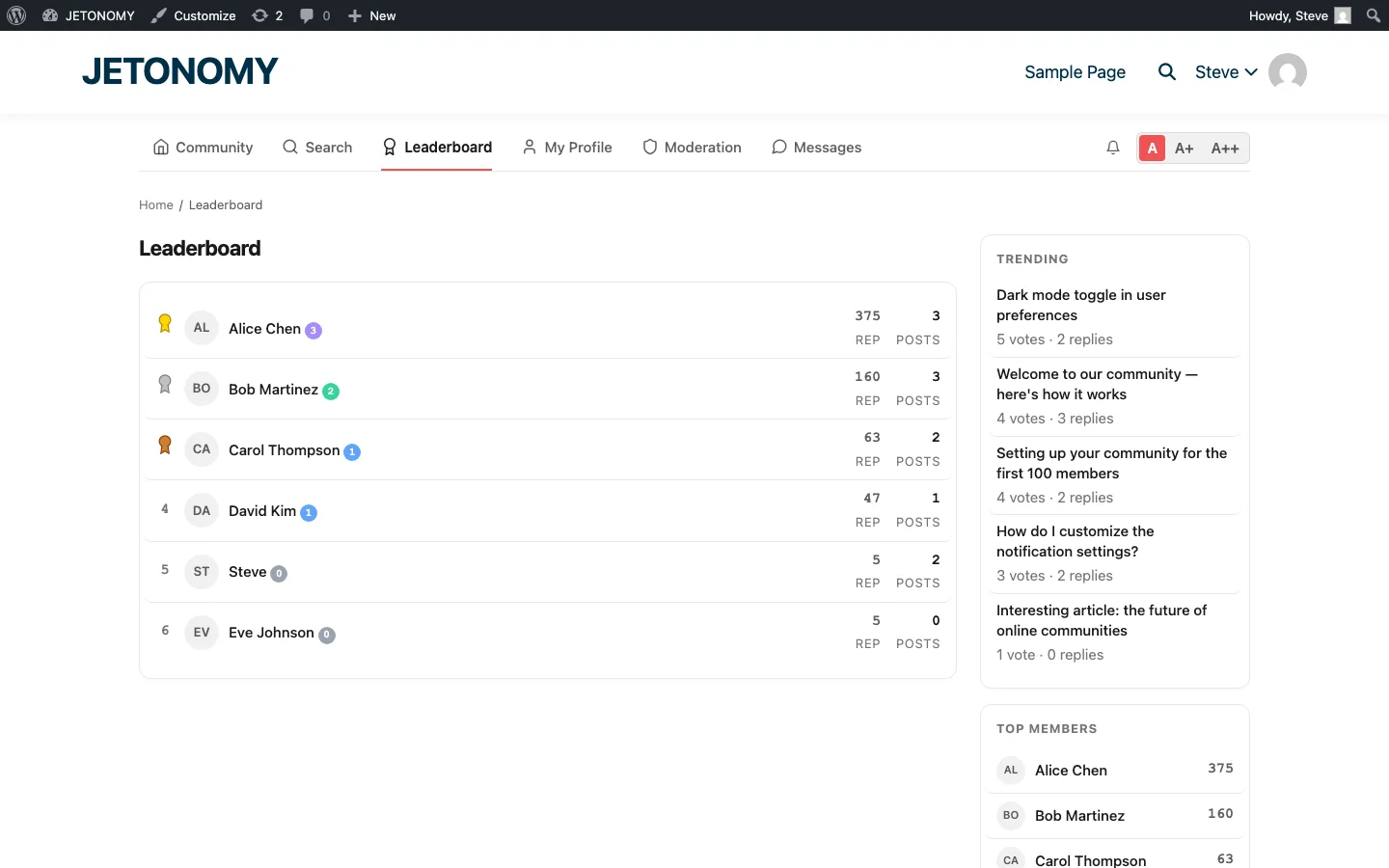
- Course leaderboard showing the most helpful students
- Polls for weekly check-ins: “Which module was the most challenging this week?”
Monetizing the Community
The community itself becomes a monetizable asset:
- Premium community access as an upsell to the base course
- Ongoing membership for continued access after course completion
- Advanced spaces (masterminds, coaching circles) as a higher-tier offering
- Alumni network that adds long-term value to the original purchase
Students often say the community is more valuable than the course content itself. That is not an insult to your content, it is a testament to how powerful peer learning is.
Getting Started
- Install Jetonomy and enable the LMS adapter for your platform
- Create the community structure from the table above (start with 3–4 spaces)
- Map spaces to your course for enrollment-based access
- Write a welcome post and 3–5 discussion prompts
- Invite your current students via email announcement
- Commit to 24-hour response times for the first month
For the base forum setup, follow our WordPress forum guide. The community you build around your course will become the reason students complete it, recommend it, and come back for more.