
Your online course has a comments section under each lesson. Students occasionally leave a comment. You reply when you notice. The conversation dies. A week later, another student has the exact same question on a different lesson page, and the cycle repeats.
Comments were designed for blogs. They work for reactions to a single piece of content. They do not work for the kind of sustained, multi-threaded, searchable interaction that students need to succeed in an online course.
A discussion forum is fundamentally different from comments. Here is why the distinction matters and why your course needs one.
Comments vs. Forum: The Structural Differences
| Feature | Lesson Comments | Discussion Forum |
|---|---|---|
| Organization | Attached to specific lesson pages | Organized by topic across entire course |
| Search | No cross-lesson search | Full-text search across all discussions |
| Voting | None | Upvote/downvote answers by quality |
| Resolution tracking | None | Accepted answers mark solved questions |
| Peer-to-peer | Rare (comments feel directed at instructor) | Natural (forum encourages peer discussion) |
| Discoverability | Must visit specific lesson page | Browsable feed of all discussions |
| Notifications | Basic (email on reply) | Rich (mentions, digests, push, reply-by-email) |
| Community features | None | Profiles, reputation, badges, leaderboard |
| SEO value | Minimal (nested under lesson URL) | Each topic is its own indexed page |
The structural difference drives behavioral differences. In a comment section, students address the instructor (“Hey, can you explain X?”). In a forum, students address each other (“Has anyone figured out how to do X?”). That shift from instructor-dependent to peer-supported learning is what transforms course outcomes.
The Completion Rate Connection
The data on discussion forums and course completion is compelling:
- Courses with active discussion communities see 3–5x higher completion rates than courses with comments only
- Students who post at least once in a course forum are 4x more likely to complete the course than students who never post
- The single strongest predictor of course completion (after initial engagement) is peer interaction frequency
These numbers make sense intuitively. A student who gets stuck on Module 4 has two paths:
- Without a forum: They re-watch the video. It still does not make sense. They feel stupid. They give up.
- With a forum: They post a question. Three classmates reply with different explanations. One clicks. They move on. They finish the course.
The forum does not replace your teaching. It supplements it with the peer support network that in-person classes get for free and online courses desperately lack.
Five Things Forums Do That Comments Cannot
1. Build Searchable Knowledge
When a student asks “How do I export my project as a PDF?” in a forum with full-text search, every future student who searches for “export PDF” finds the answer. In a comment section, that answer is buried on a specific lesson page that future students may never visit.
Over time, the forum becomes a comprehensive FAQ specific to your course content. This knowledge base is more valuable than any static FAQ page because it addresses the real questions students actually ask, not the questions you assumed they would ask. Learn more about this in our community knowledge base guide.
2. Enable Peer Teaching
Students who explain concepts to other students reinforce their own understanding. This is the “learning by teaching” effect, and it is one of the most well-documented findings in educational psychology.
A forum creates the environment for this naturally. A student who mastered Module 3 sees a question from a classmate struggling with the same material. They explain it in their own words. Both students benefit, the asker gets help, the explainer deepens their understanding.
For practical strategies on enabling peer support, see our guide on letting your community answer questions without chaos.
3. Create Social Accountability
A student who posts “Starting Module 6 today!” in a forum has made a public commitment. Other students see it and respond with encouragement. Now there is social pressure to follow through. Dropping out means disappearing from a group of people who noticed you.
This is dramatically different from the isolation of self-paced learning. The forum creates a lightweight cohort effect even in an evergreen course.
4. Surface Course Problems
When five students all ask the same question about Module 7, that is a signal that your instruction needs improvement at that point. Forum analytics make this pattern visible. Comment sections hide it across five separate lesson pages.
Use forum analytics to identify your course’s pain points: which modules generate the most questions? Where do students get stuck? Which explanations need rework?
5. Generate Testimonial Content
“This forum is honestly more valuable than the course itself” is a testimonial you will see in active course communities. Students sharing their success stories, completed projects, and breakthrough moments in the forum are powerful social proof for future students.
The Forum Structure for Online Courses
A course forum needs different spaces than a general community. Here is the recommended structure:
| Space | Type | Purpose |
|---|---|---|
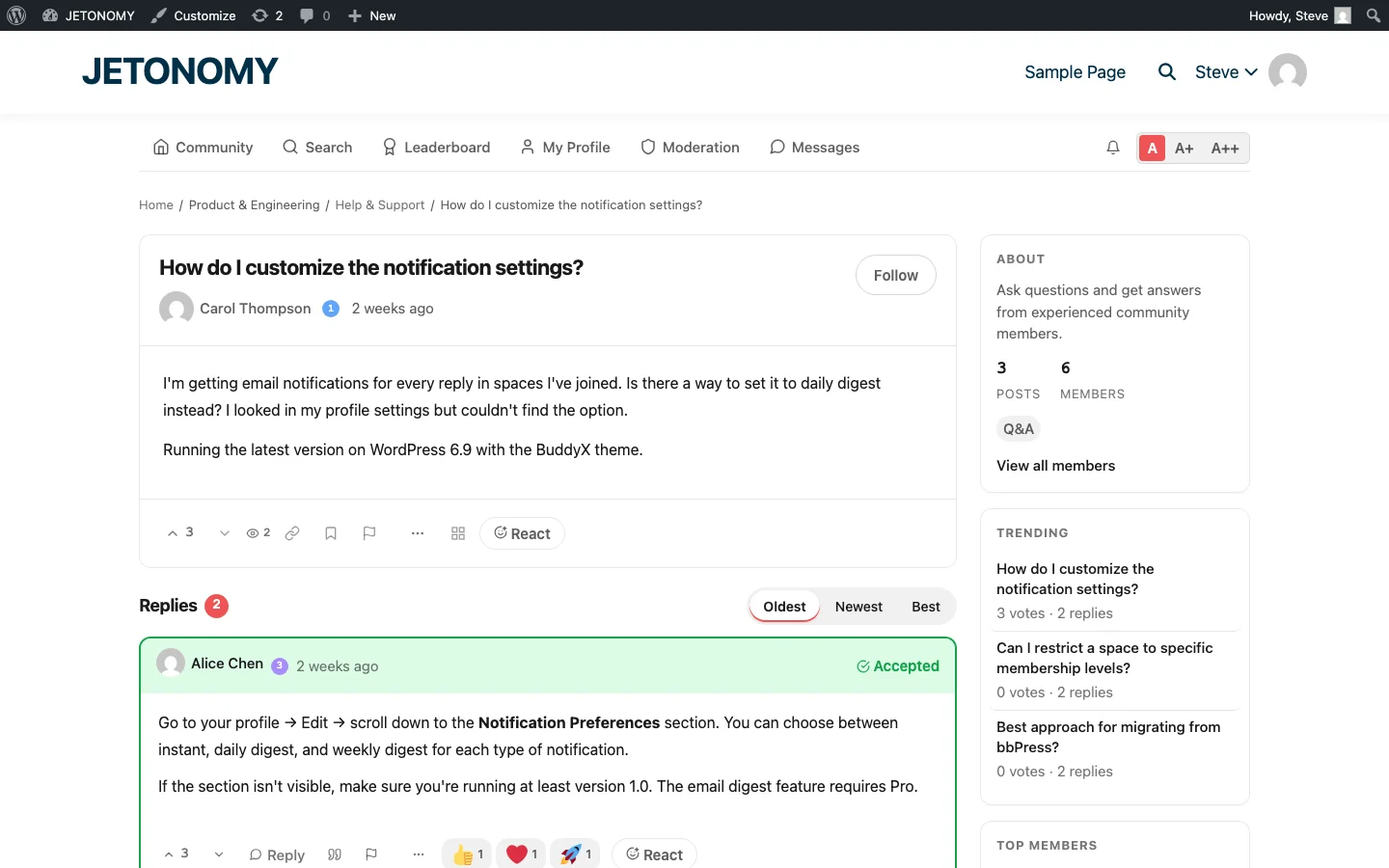
| Course Q&A | Q&A | Questions about lessons with voting and accepted answers |
| Show Your Work | Social | Students share projects and get feedback |
| Study Group | Forum | Peer discussion, accountability partners |
| Course Feedback | Ideas | Suggest improvements to the course content |
For the detailed setup with enrollment gating, see our guides for LearnDash and Tutor LMS.
But I Already Have Comments. Do I Really Need a Forum?
If your course has fewer than 50 students and you personally respond to every comment within hours, comments may be sufficient. But the moment any of these become true, you need a forum:
- You have more than 100 enrolled students
- You cannot respond to every comment within 24 hours
- Students are asking the same questions repeatedly on different lesson pages
- You want students to help each other
- You want the Q&A content to be searchable and reusable
- You are running a cohort-based or subscription model where community is a selling point
If three or more apply, a forum is not optional. It is infrastructure your course needs to scale.
Getting Started
You do not have to disable comments to add a forum. Start with both running in parallel:
- Set up a forum with our WordPress forum guide
- Create a Q&A space for your course with enrollment gating
- Migrate your best comment threads to the forum as seed content
- Add a “Discuss in our Forum” link to each lesson page, pointing to the forum space
- Gradually shift student attention from comments to the forum over 2–3 months
For the complete student community strategy, read our guide on building a student community around your online course.
Comments are reactions. Forums are communities. Your students need the latter.