Every forum owner has the same nightmare: wake up to find 200 spam posts about cheap pharmaceuticals plastered across your community. The knee-jerk response is to add a CAPTCHA. Solve this puzzle to prove you are human.
But CAPTCHAs are a poor solution. Modern bots solve them routinely. CAPTCHA-solving services cost spammers pennies. Meanwhile, your real members get frustrated every time they have to identify traffic lights or decipher blurry text. You are punishing legitimate users to mildly inconvenience spam bots.
There is a better approach: design your forum so that spam is structurally impossible, not just inconvenient.
The Trust Level Approach to Spam Prevention
Instead of challenging every user at the gate (CAPTCHA), challenge behavior over time (trust levels). New accounts get limited abilities. As they participate genuinely, they earn more abilities. Spam accounts never earn enough trust to cause damage.
Here is how the trust level system prevents spam at each stage:
Stage 1: Registration
A spammer creates an account. They are at Trust Level 0 with these restrictions:
- Rate limited: Maximum 3 topics and 10 replies per day
- No links: Cannot include URLs in posts (the #1 spam signal)
- No images: Cannot upload files or embed media
- No messaging: Cannot send private messages
A spammer at Level 0 can post 3 text-only topics per day with no links. That is not worth a spammer’s time. The entire business model of forum spam depends on posting hundreds of link-laden messages quickly. Trust Level 0 makes that impossible.
Stage 2: Early Activity
If the spammer posts their 3 allowed topics, those posts contain no links (the SEO value spammers want) and are visible to moderators who can flag or ban the account. The posts also go through keyword filters that catch common spam patterns.
Meanwhile, a legitimate new member posts a genuine question. Other members reply. The new member engages in discussion. Within a few days to a week of genuine participation, they earn Trust Level 1 and their restrictions lift naturally.
Stage 3: Ongoing Protection
Even after earning higher trust levels, members are protected by:
- Community flagging: Any Trust Level 2+ member can flag suspicious content for moderator review
- Voting signals: Content that gets downvoted repeatedly is a signal for moderator attention
- Behavioral patterns: Sudden bursts of activity from a previously quiet account trigger monitoring
The Multi-Layer Defense
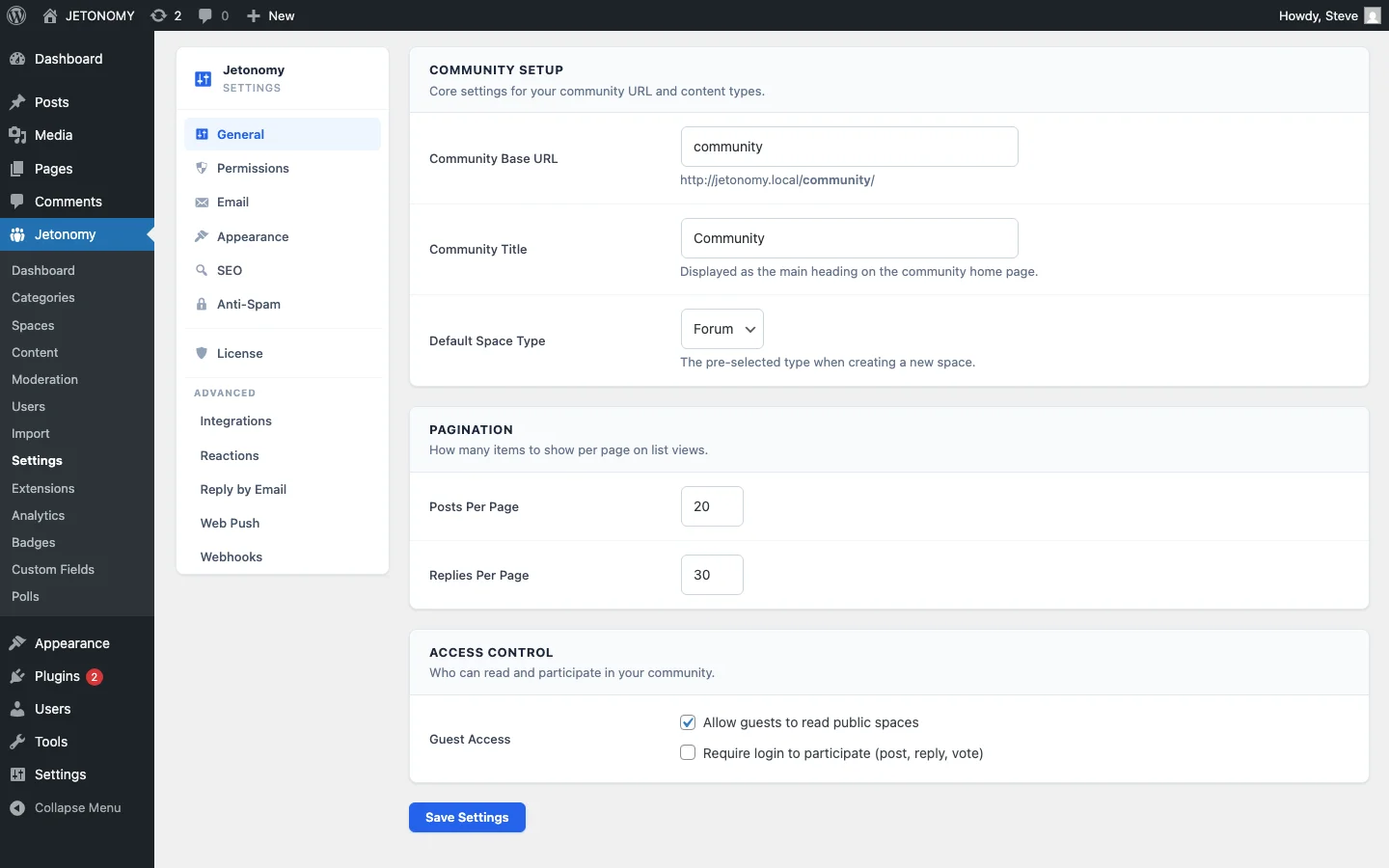
Trust levels are the foundation. Layer additional defenses for comprehensive spam prevention:
Layer 1: Trust Levels (Prevention)
New accounts are structurally limited. Cannot post links, images, or messages. Rate limited to a few posts per day. Details in our trust levels guide.
Layer 2: Keyword Filters (Detection)
Block lists catch common spam terms: pharmaceutical names, gambling keywords, known scam phrases. Flag lists catch borderline content for moderator review. Configure in auto-moderation settings.
Layer 3: Link Restrictions (Targeting)
Forum spam exists to build backlinks. Remove that incentive:
- Level 0: No links allowed
- Level 1: Maximum 2 links per post
- Level 2+: Unlimited links
- All links from Level 0–1 users are
nofollow(no SEO value for spammers)
Layer 4: Rate Limiting (Throttling)
Even if a spammer bypasses other defenses, rate limiting caps the damage:
| Trust Level | Topics/Day | Replies/Day | Links/Post |
|---|---|---|---|
| Level 0 | 3 | 10 | 0 |
| Level 1 | 10 | 30 | 2 |
| Level 2 | 20 | 50 | 5 |
| Level 3+ | Unlimited | Unlimited | Unlimited |
Layer 5: Community Flagging (Crowdsourced)
Your community members are online more hours per day than your moderation team. Trust Level 2+ members can flag suspicious content for review. When multiple members flag the same content, it is auto-hidden pending moderator review.
Why This Works Better Than CAPTCHAs
| Approach | Stops Bots? | Stops Manual Spammers? | Annoys Real Users? | Scales? |
|---|---|---|---|---|
| CAPTCHA | Partially | No | Yes | No (bots adapt) |
| Email verification | Partially | No | Slightly | No (disposable emails) |
| Admin approval of all posts | Yes | Yes | Extremely | No (bottleneck) |
| Trust levels + rate limiting | Yes | Yes | No | Yes (self-maintaining) |
Trust levels are invisible to legitimate users. A genuine member never notices the restrictions because they naturally earn higher levels within their first week of normal participation. The system only restricts people who are trying to abuse it.
Handling Spam That Gets Through
No system catches everything. For spam that slips through:
- Community flags catch it within hours (usually faster)
- Moderator reviews the flagged content and takes action
- Add the spam pattern to keyword filters so similar content is caught automatically next time
- Ban the account if it is clearly a spam account
Each spam incident makes the system smarter. Over time, your filters accumulate patterns that catch new spam variants automatically.
Special Case: Manual Spammers
Sophisticated spammers use real humans (not bots) to create accounts and post manually. CAPTCHAs are completely useless against these because they are real humans. Trust levels still work because:
- The spammer must invest days of genuine-looking participation to earn Level 1
- The cost-per-spam-post increases dramatically compared to automated spam
- Their posts are still subject to keyword filters, link restrictions, and community flagging
At the margin where manual spam becomes economically viable (the spammer invests enough effort to bypass all restrictions), they have essentially become a real community member. The system works by making spam unprofitable, not impossible.
Getting Started
- Configure trust levels in Jetonomy Settings with sensible thresholds (defaults work for most communities)
- Set Level 0 restrictions: no links, no images, rate limited
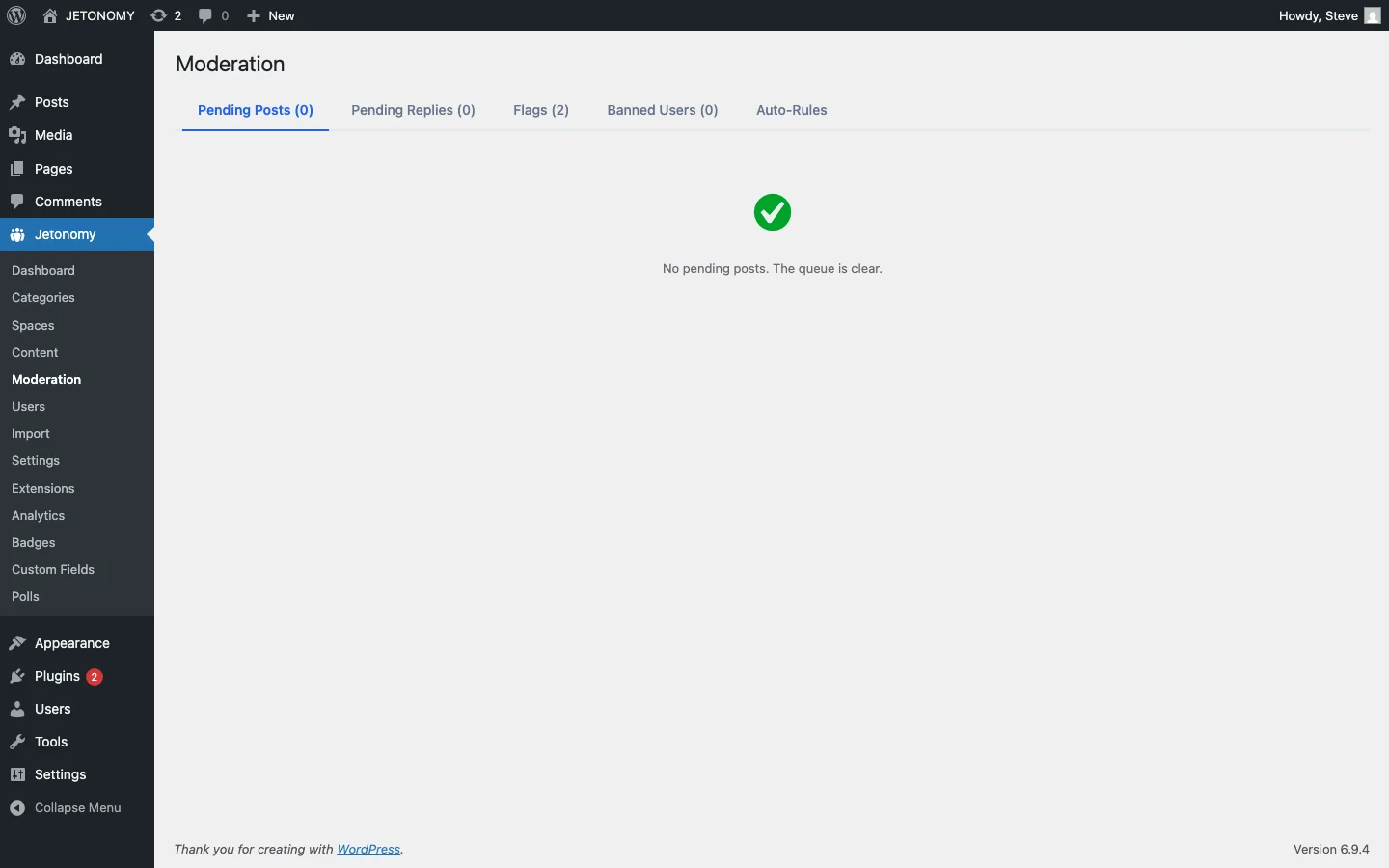
- Add keyword filters for obvious spam terms (auto-moderation guide)
- Enable community flagging for Trust Level 2+ members
- Check the moderation queue daily for the first month, then weekly
For the complete forum setup, follow our WordPress forum guide. For the broader moderation strategy, read our guide on community-powered support without chaos.
Stop punishing your members with CAPTCHAs. Let the system architecture do the work instead.
Moderation layers worth planning before the community grows
How to Stop Forum Spam Without CAPTCHAs fits into the broader forums category through trust systems, moderation controls, and abuse prevention. That matters because the technical setup is only one part of success. The way you structure spaces, roles, onboarding, and follow-up is what determines whether the forum becomes a searchable asset or just another neglected section of the site.
- Use progressive permissions so new members can participate without immediately gaining the ability to flood spaces, mass-mention users, or post risky links.
- Document moderator actions such as warnings, post hiding, suspensions, and appeal handling so your team applies rules consistently.
- Combine rate limits, keyword filters, and role-based visibility rules to reduce spam pressure without making legitimate members fight the interface.
Why teams evaluating this setup should look at Jetonomy Pro
Jetonomy Pro is especially relevant when moderation matters, because it gives you trust-level controls, space moderators, gated participation, and practical community-management features without handing broad WordPress admin access to every helper. If you want to know more and try Jetonomy, take a closer look at Jetonomy Pro. It is the most direct next step for teams that want to move from theory to an actual working WordPress community experience.
For articles like this one, the practical question is not only whether the approach works in theory. It is whether your chosen forum stack gives you the moderation depth, user experience, and extensibility to keep the system useful six months after launch. That is where a more complete product decision starts to matter.