
Your content team can write maybe 50 blog posts per year. Your community can generate 500 forum topics in the same period. Each topic targets a natural language query that a real person typed into Google. Each one is a page that can rank, drive traffic, and convert visitors.
This is the long-tail SEO opportunity that most businesses miss. They invest thousands in blog content targeting competitive head terms while ignoring the hundreds of specific, low-competition queries that their community members are already asking about.
What Is Long-Tail SEO?
Search queries follow a power law distribution:
- Head terms: “WordPress forum plugin”, High volume, high competition, expensive to rank for
- Mid-tail: “best forum plugin for WooCommerce”, Moderate volume, moderate competition
- Long-tail: “how to add voting to bbPress forum topics on WordPress 6.9”, Low volume per query, but thousands of such queries exist, and competition is near zero
Your blog targets head and mid-tail terms. Your forum targets the long tail. Together, they cover the full search demand curve.
Why Forum Content Wins at Long-Tail
1. Natural Language Queries
Forum topics are written as questions people actually ask. “How do I configure WooCommerce shipping for oversized items?” matches exactly how someone searches Google. Blog posts targeting “WooCommerce shipping” are too broad to rank for this specific query.
2. Infinite Variety
Your content team would never write a blog post about “SMTP timeout error on SiteGround with WP Mail SMTP plugin.” It is too specific for editorial content. But if a community member asks this question and another member answers it, you now have a page that ranks for that exact query, and every future person who Googles the same error lands on your site.
3. Zero Marginal Cost
Blog posts cost money, writer time, editor time, design time. Community content is generated by your users for free. The more active your community, the more pages you get. The more pages you get, the more search traffic you attract. The more search traffic you attract, the more community members you gain. It is a flywheel.
4. Freshness Signals
Forum topics get replies over time. New answers to old questions refresh the page. Google sees updated content and recrawls it. Blog posts, once published, rarely get updated. Forum pages naturally stay fresh.
The Numbers
Here is a realistic model for a WordPress plugin community:
| Metric | Month 1 | Month 6 | Year 1 | Year 2 |
|---|---|---|---|---|
| New topics/month | 20 | 40 | 50 | 60 |
| Total indexed pages | 20 | 180 | 480 | 1,200 |
| Avg. organic visits/page/month | 0 | 2 | 5 | 8 |
| Total organic visits/month | 0 | 360 | 2,400 | 9,600 |
Year 2 numbers assume modest per-page traffic. In competitive niches, individual forum pages can drive 50–100 visits per month for high-value queries. The compound effect is what makes this powerful, each new page adds permanent traffic capacity.
Maximizing SEO Value from Community Content
Keep Public Spaces Public
Content behind login walls is not indexable. Your public Q&A and discussion spaces should be readable by anyone, including Google’s crawler. Private spaces are fine for premium content, but your SEO-generating spaces must be open.
Encourage Specific Titles
“Help please” generates zero search traffic. “How to fix WooCommerce checkout timeout on PHP 8.3” targets a specific query. Guide your community toward descriptive titles. See our forum SEO guide for implementation details.
Accept Answers
Topics with accepted answers have clearer content structure: question → answer. This maps to Google’s Q&A schema and improves chances of appearing in featured snippets and Q&A rich results.
Use Tags Strategically
Tags create category pages that aggregate related topics. A tag page for “WooCommerce” that lists 30 relevant Q&A topics gives Google a thematic signal: this site has deep expertise in WooCommerce forum support. Tag pages themselves can rank for mid-tail queries.
Internal Link to Forum Content
Link from your blog posts to relevant forum discussions. “For more real-world examples, see the discussion in our community” with a link to a relevant thread. This passes PageRank authority to your forum content and helps it rank faster.
Forum Content vs. Blog Content for SEO
| Dimension | Blog Content | Forum Content |
|---|---|---|
| Volume per month | 2–4 posts | 20–50+ topics |
| Cost per page | $200–$2,000 | $0 (community-generated) |
| Target queries | Head and mid-tail | Long-tail and niche |
| Freshness | Declines after publish | Updated by new replies |
| Content quality | High (edited) | Variable (voting helps curate) |
| Time to rank | Weeks to months | Weeks to months |
| Compound effect | Linear (you publish, you rank) | Exponential (community publishes, you rank) |
The best strategy uses both. Blog content establishes authority on head terms. Forum content captures the long tail. Together, they dominate the full keyword landscape for your niche.
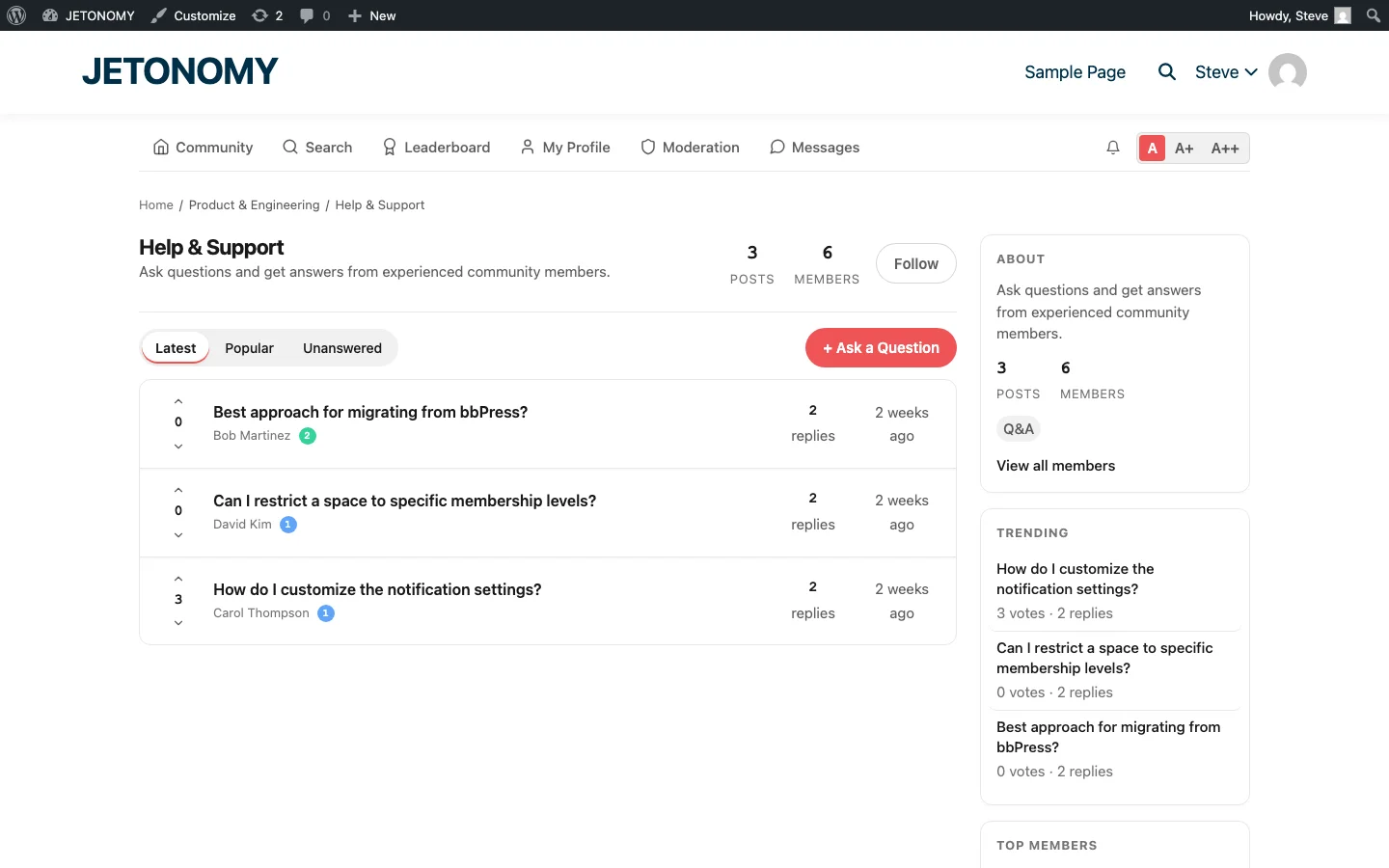
Monitoring Long-Tail Performance
Use Google Search Console to monitor forum page performance:
- Filter by URL pattern
/community/to see forum-specific data - Check impressions, Are forum pages appearing in search results?
- Check clicks, Are people clicking through to your forum?
- Check queries, What search terms are driving traffic to forum pages?
- Identify top-performing topics, These are your SEO winners; make sure they have accepted answers and clear content
Track these metrics alongside your forum analytics for a complete picture of community-driven SEO value.
Getting Started
- Set up public Q&A spaces (forum setup guide)
- Enable SEO Pro extension for structured data and meta management
- Seed with 15–20 topics targeting specific long-tail queries from your support inbox
- Verify indexing in Google Search Console after 2–3 weeks
- Monitor growth monthly and double down on what works
Your community members are already asking the questions your future customers are searching for. A forum gives those questions a permanent, indexable home. That is free content marketing powered by community participation.