Can You Create an Android App from a WordPress Site?
Turning a WordPress site into a working Android app usually means choosing between a WebView wrapper, deeper plugin integration, or a fully native build. Here's how each approach works, what to test before launch, and the mistakes that get apps abandoned within a year.
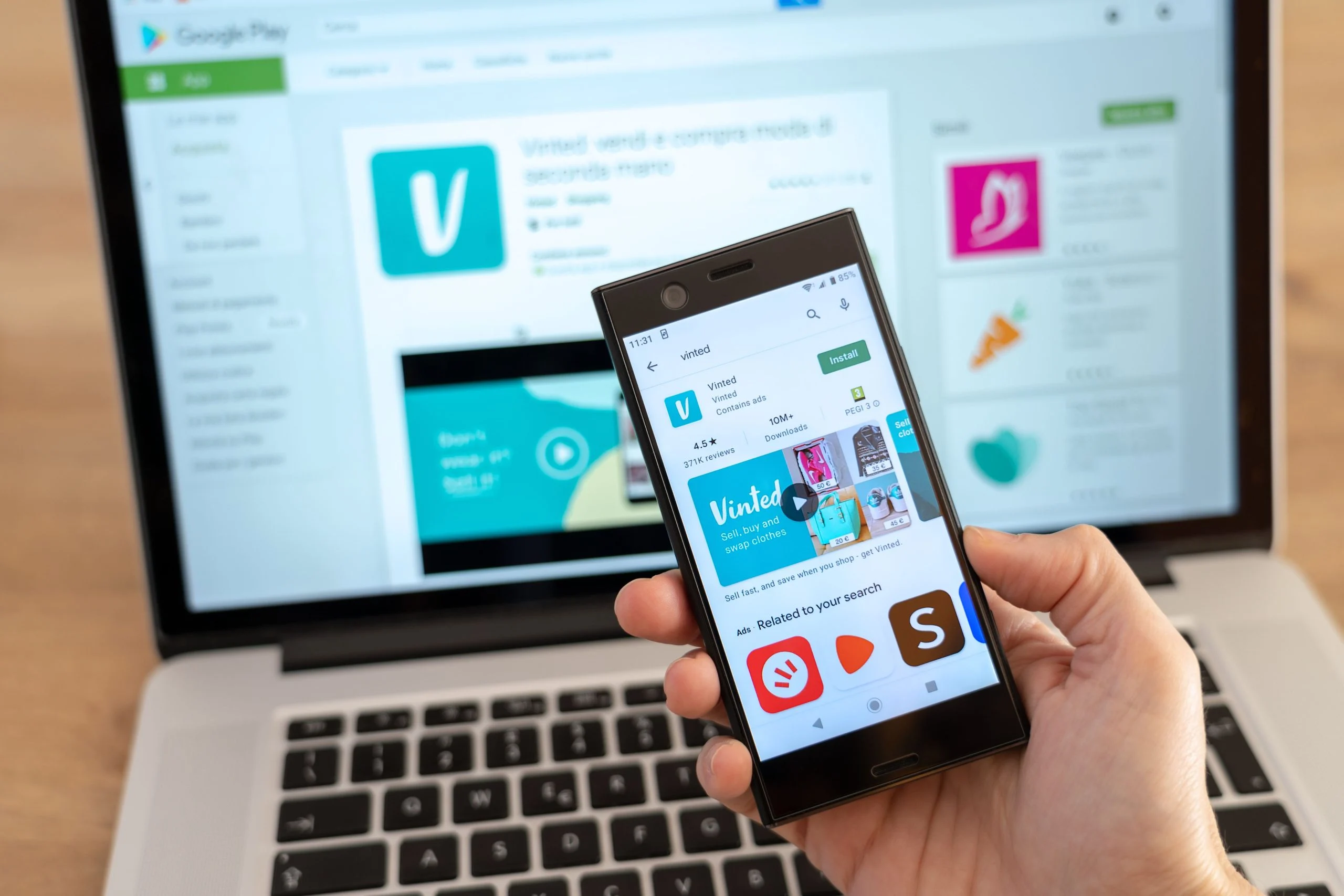
With the rise of mobile usage, having a mobile-friendly website is essential. Converting your WordPress website into a mobile app can take things further, giving users a faster, more app-like experience and giving you a direct channel for push notifications and repeat engagement. The good news is that turning a WordPress site into a fully functional Android app doesn’t require rebuilding anything from scratch.
This guide walks through the process of converting a WordPress site into an Android app, the tradeoffs worth knowing before you start, and what to test before you ship it.
Why Convert a WordPress Website into an Android App?
1. A Faster, More Focused Experience
A mobile-optimized website still has to load through a browser, render a full page, and deal with whatever else is competing for the phone’s resources at that moment. An app, once installed, launches directly and can cache content locally, cutting out a lot of the overhead a browser carries. It’s not automatically faster in every case, but the ceiling is higher.
2. Push Notifications
This is the feature that actually changes user behavior. A website can’t reach someone who isn’t currently on it. An app with notification permission can. New post published, price drop, event reminder: all of it becomes a direct nudge back to your content instead of hoping someone remembers to check the site.
3. Branding on the Home Screen
An icon sitting on someone’s home screen is a different kind of presence than a bookmarked URL. It’s a small thing, but repeated visibility every time someone unlocks their phone adds up over months of use.
4. Offline Access
Depending on how the app is built, certain content can remain available without a live connection. This matters more for some site types than others. A news site benefits less than, say, a course platform where someone might want to review material on a flight.
5. A More Direct Channel
Once someone has your app installed, you’re not competing with browser tabs, bookmarks they’ll forget about, or search results pointing them somewhere else first. It’s a more direct line, for better or worse, which is also why over-notifying users is the fastest way to get uninstalled.
How to Create an Android App from Your WordPress Site
Step 1: Get Your WordPress Site Mobile-Ready First
Before converting anything, make sure the underlying site is actually in good shape on mobile. A few things matter here more than they might seem to:
- Responsive theme. If your current theme isn’t genuinely responsive, that’s the first fix, not the app conversion.
- Page speed. Run the site through a speed testing tool and address anything flagged before wrapping it in an app shell. A slow site is still a slow site inside an app.
- Working core functionality on mobile. Forms, checkout flows if you’re running WooCommerce, any interactive plugin features. Test them on an actual phone, not just a resized browser window.
Step 2: Choose an App-Building Approach
There are a few different ways to turn a WordPress site into an Android app, and they trade off differently between cost and control over how the final product looks and feels.
WebView-Wrapped Apps
The most common approach for WordPress sites is a WebView wrapper: an Android app shell that loads your existing website inside a native container, with native chrome around it (splash screen, navigation bar, push notification support bolted on top). Several WordPress-specific plugins and third-party services specialize in generating this kind of app, since it doesn’t require rebuilding your site’s UI natively. It’s the fastest and cheapest route to a working app, and the one most WordPress site owners without a dedicated development budget end up using.
Deep Plugin Integration
Some tools go further than a plain WebView, integrating directly with specific plugins (WooCommerce for a store, BuddyPress or bbPress for a community or forum) to render those sections with native-feeling UI components instead of just loading the mobile web version inside a wrapper. This costs more in setup time and often in licensing, but produces something that feels less like “a website in a box” to the end user.
Fully Native Development
Building a genuinely native Android app from scratch, using your WordPress REST API as a data source, gives you complete control over the interface and performance. It’s also a real software project, not a plugin configuration task, and needs an Android developer who can maintain it going forward. Most sites don’t need this tier of investment. It makes sense once app usage and revenue justify a dedicated native codebase.
Step 3: Customize the App’s Design and Features
Whichever approach you take, plan the customization work around these areas:
Navigation. Menus, product categories, or content sections need to translate into something that makes sense as app navigation, not just a mirror of your desktop menu structure. What works as a horizontal nav bar on a website often needs to become a bottom tab bar or a slide-out drawer on mobile.
Branding. Icon, splash screen, color scheme, and typography should match your existing brand rather than defaulting to whatever the app-building tool ships with out of the box.
Push notification triggers. Decide upfront what actually warrants a notification. New post published is an obvious one. Every comment on every post is not, unless your notification volume tolerance is very high. Over-notifying is the single fastest way to get an app uninstalled within the first week.
Monetization, if relevant. In-app ads, in-app purchases, or simply driving traffic toward an existing WooCommerce checkout are all options, but each has different setup requirements and, in the case of purchases made through the Google Play billing system, different revenue share implications worth understanding before you commit to a monetization model.
Step 4: Test on Real Devices
Before submitting anything to the Play Store, test on actual Android hardware, not just an emulator. Emulators are useful for catching obvious layout breaks, but they don’t reliably surface the issues that show up on real devices: inconsistent push notification delivery across different Android manufacturers’ battery optimization settings, performance on older or lower-spec phones, and how the app behaves when connectivity drops mid-session.
A practical testing checklist:
- Every primary navigation path loads correctly and matches what the website shows.
- Forms submit successfully and show appropriate error states.
- Push notifications actually arrive, and arrive promptly, not delayed by several minutes.
- The app handles a dropped connection gracefully rather than showing a blank white screen.
- Any offline-cached content is actually current, not a stale snapshot from setup.
Step 5: Publish on the Google Play Store
Once testing is done, publishing involves:
- Creating a Google Play Developer account (a one-time fee applies).
- Generating and uploading the app’s APK or Android App Bundle.
- Writing a store listing: description, screenshots, feature graphic.
- Setting pricing and distribution regions.
- Submitting for Google’s review.
Review timelines vary, but budget for the possibility of a rejection on the first submission. Common first-pass rejections include incomplete privacy policy disclosures and permission requests that aren’t clearly justified in the listing, both of which are quick to fix once you know what triggered them. Set aside a buffer of at least a week between finishing development and any planned launch date to absorb a review cycle or two.
Step 6: Promote the App After Launch
Publishing is the start, not the finish line. A few channels worth prioritizing:
- Your existing website. A banner or dedicated landing page announcing the app to visitors who are already engaged enough to be on your site.
- Existing email list, if you have one. This tends to convert better than cold app store discovery, since it’s reaching people who already trust the brand.
- In-app prompts for reviews, timed after a positive interaction rather than immediately on first open. Review volume and rating both influence Play Store visibility.
What a WebView App Can and Can’t Do
It’s worth being specific about what a WebView-wrapped app actually is under the hood, since the term gets thrown around loosely. Technically, it’s a native Android shell containing a single component, a WebView, which is effectively an embedded browser rendering your website’s mobile layout. The app icon, splash screen, and push notification handling are native. Everything inside that WebView is still your website, running the same PHP and JavaScript it runs in a mobile browser.
This has real implications. Anything broken on your mobile site is broken in the app too, since the app isn’t rendering anything independently. Site speed still matters just as much as it does for mobile web visitors, because the app is still waiting on the same server response times. And any feature that depends on browser APIs your mobile site doesn’t already support won’t magically start working just because it’s wrapped in an app.
What a WebView app does add on top of the website: an installable icon, native push notifications routed through Firebase Cloud Messaging, and sometimes limited offline caching of recently viewed pages. That’s a meaningful upgrade over a bookmark, but it’s not the same thing as a fully native app rebuilding the interface from scratch.
Choosing Between the Three Approaches in Practice
A WebView wrapper makes sense for the majority of WordPress sites: blogs, news sites, brochure sites, and smaller WooCommerce stores where the mobile web experience is already solid. The setup cost is low, and most of the ongoing maintenance is just keeping the underlying website in good shape, which you’d be doing regardless of whether an app exists.
Deep plugin integration earns its higher cost when a specific feature genuinely needs to feel native to keep users engaged. A community site with an active BuddyPress activity stream, or a store with a checkout flow that’s converting poorly on mobile web, are reasonable candidates. The investment pays off through better retention on the exact interactions that matter most to that particular site.
Fully native development is the right call only once app usage numbers, or app-driven revenue, clearly justify a standalone engineering effort. Very few WordPress sites reach this point before they’ve already proven the concept works through a simpler wrapper first. Starting here without that validation is usually a mismatch between investment and actual return.
What This Looks Like for a Community or Membership Site
If the underlying WordPress site runs BuddyPress, a forum, or any kind of membership area, the app conversion decision looks a little different than it does for a plain blog or brochure site. Activity feeds, notifications for replies and mentions, and direct messaging are exactly the kind of features that benefit most from push notifications, since they’re the features people actually want to know about in real time rather than discover next time they happen to open a browser tab. A WebView wrapper can still work here, but test the notification triggers specifically for community actions (new reply, new connection request, group invite) rather than assuming the default “new post” trigger most app-builder tools ship with will cover it.
Common Mistakes to Avoid
Skipping the mobile-readiness check on the underlying site before wrapping it in an app. Whatever is slow or broken on mobile web stays slow or broken inside a WebView app.
Requesting every possible permission upfront instead of asking contextually when a feature actually needs it. This both hurts Play Store approval odds and spooks users during install.
Treating the app launch as a one-time event rather than something that needs its own maintenance cycle. Android OS updates, Play Store policy changes, and your own WordPress site changes all eventually require app updates to stay in sync.
Ignoring in-app analytics after launch. Without them, you have no way to know which sections of the app people actually use, which makes every future decision about what to improve a guess rather than something backed by data.
Best Practices for a Successful Android App
Keep the app updated as the underlying WordPress site changes; a stale app pointing at a redesigned site produces a confusing, broken-feeling experience. Watch reviews and respond to the recurring complaints rather than the one-off ones. Monitor crash reports through the Play Console rather than waiting for users to report problems themselves, since most people uninstall silently rather than filing a complaint. And keep a support channel visible inside the app itself, even if it’s just a link to an existing contact form, so frustrated users have somewhere to go besides a one-star review.
Frequently Asked Questions
Do I need a developer to build a WordPress Android app? Not necessarily, for a WebView-wrapped app using an existing tool. You’ll still want someone comfortable with Android app configuration and Play Store submission requirements, even if no custom coding is involved.
Will the app work if my WordPress theme changes? If you’re using a WebView-based approach, yes, since the app is essentially loading your live site. A theme redesign shows up in the app automatically. Deep plugin integrations or fully native apps need separate updates to reflect major site changes.
How much does converting a WordPress site to an app typically cost? It ranges enormously depending on the approach: a WebView wrapper through an existing tool costs far less than a deep plugin integration, and a fully native build costs the most by a wide margin, closer to a standalone software project than a plugin setup.
Can I have both an Android and iOS app from the same WordPress site? Yes. Most tools that generate Android apps from WordPress also support iOS, though Apple’s App Store review process and developer program requirements differ from Google’s and typically take longer to clear.
What happens to the app if I switch WordPress hosts or change my domain? With a WebView-based app, the app is pointed at your site’s URL, so a domain change means updating that configuration and potentially resubmitting the app for review, depending on the tool. Plan domain changes with this in mind rather than treating them as unrelated to the app.
Do I need a privacy policy for a WordPress-based Android app? Yes, and the Play Store requires a working link to one during submission. If your WordPress site collects any user data, whether that’s comments, form submissions, or account registration, the privacy policy needs to reflect what the app collects too, including anything the notification system tracks.
Should I build the app before or after growing my website’s traffic? Generally after. An app competes for a meaningful chunk of setup and maintenance time, and it performs best when there’s already an engaged audience willing to install it. Building the app first, before there’s traffic to convert into installs, usually means a lot of setup work for very little initial usage.
Conclusion
Turning a WordPress site into an Android app is achievable without a dedicated development team, provided the underlying site is actually mobile-ready first. The bigger decision isn’t really the app-building tool, it’s which approach fits your actual usage: a simple WebView wrapper for most sites, deeper plugin integration for stores and communities that need native-feeling flows, or a fully native build once the numbers justify that level of investment.
Whatever approach you choose, the app is only as good as the site underneath it. Fix the mobile experience first, then wrap it.
One last thing worth sitting with before you commit budget to this: an app is an ongoing responsibility, not a one-time deliverable. Someone needs to watch crash reports, respond to reviews, and keep the Play Store listing current as Android’s policies shift. If that ownership doesn’t have a clear owner on your team, the app tends to drift into neglect within a year, which does more brand damage than not having one at all.