How To Add Common Friends Automatically to Members Connections in BuddyPress Community?
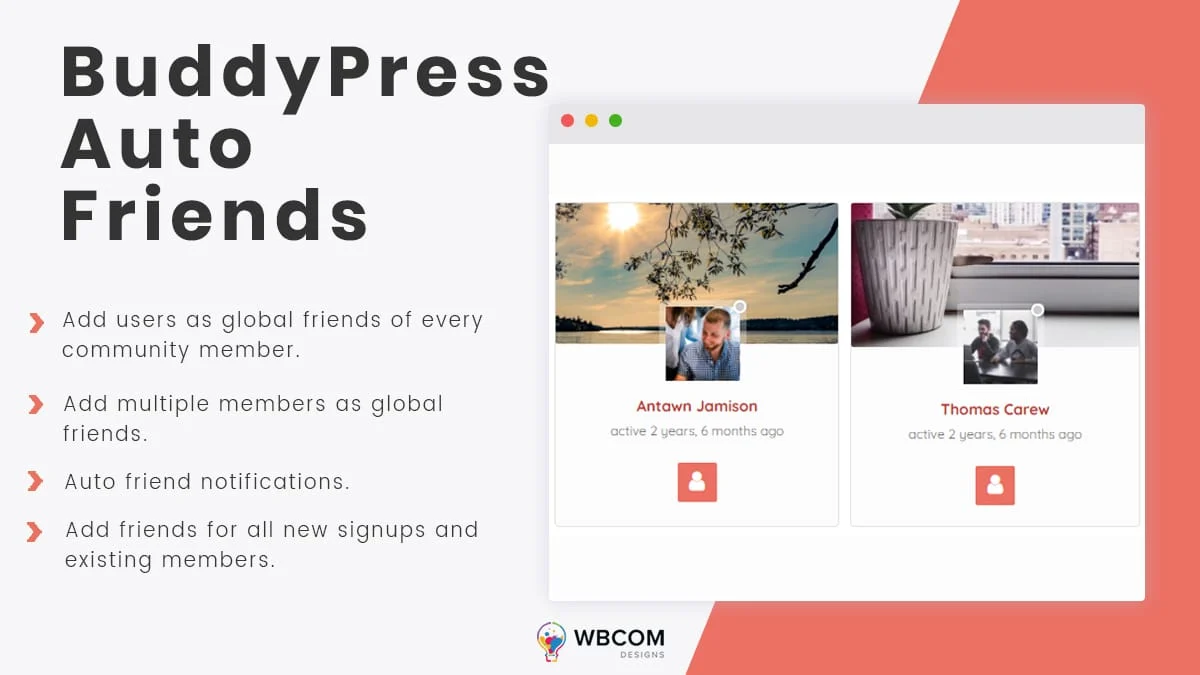
Do you want to automatically give all your members a few mutual friends when they join your BuddyPress community? When someone registers on a community website, they don’t have any friends yet, but with the right setup they can have a few common friends ready to connect with as soon as they sign up.
Add Common Friends In A BuddyPress Community
Here’s how to add common friends to a BuddyPress community website.
1. The Role Of Common Friends In A Social Network
Imagine registering on a social networking website and having no one to talk to. That would feel pretty discouraging. On the other hand, seeing a few friendly faces already connected to you makes a new member feel welcome right away. It gives them people to share thoughts and interests with, and it makes it easier for them to get involved in activities and build their network.
As a community admin, you can improve your engagement rate by giving new members a few common friends from the start. That lets newly registered members interact with existing community members right away instead of starting from zero. If you’re building out your network, adding common friends for your newly registered members is a simple way to help them feel at home in your social network right after joining.
If you’re starting a community with BuddyPress, adding a few common friends to each new member’s friend list is a solid option for both your site and your members.
Also Read: How To Add A Professional Resume To Your BuddyPress Website?
2. Adding Common (Global) Friends On BuddyPress And BuddyBoss Platform
To add this feature to a BuddyPress website, install the BuddyPress Auto Friends plugin, a dedicated BuddyPress add-on that adds common friends for all your site members.
It lets the site admin choose global friends for every member. To install it, see this guide: How to install BP Auto Friends plugin.
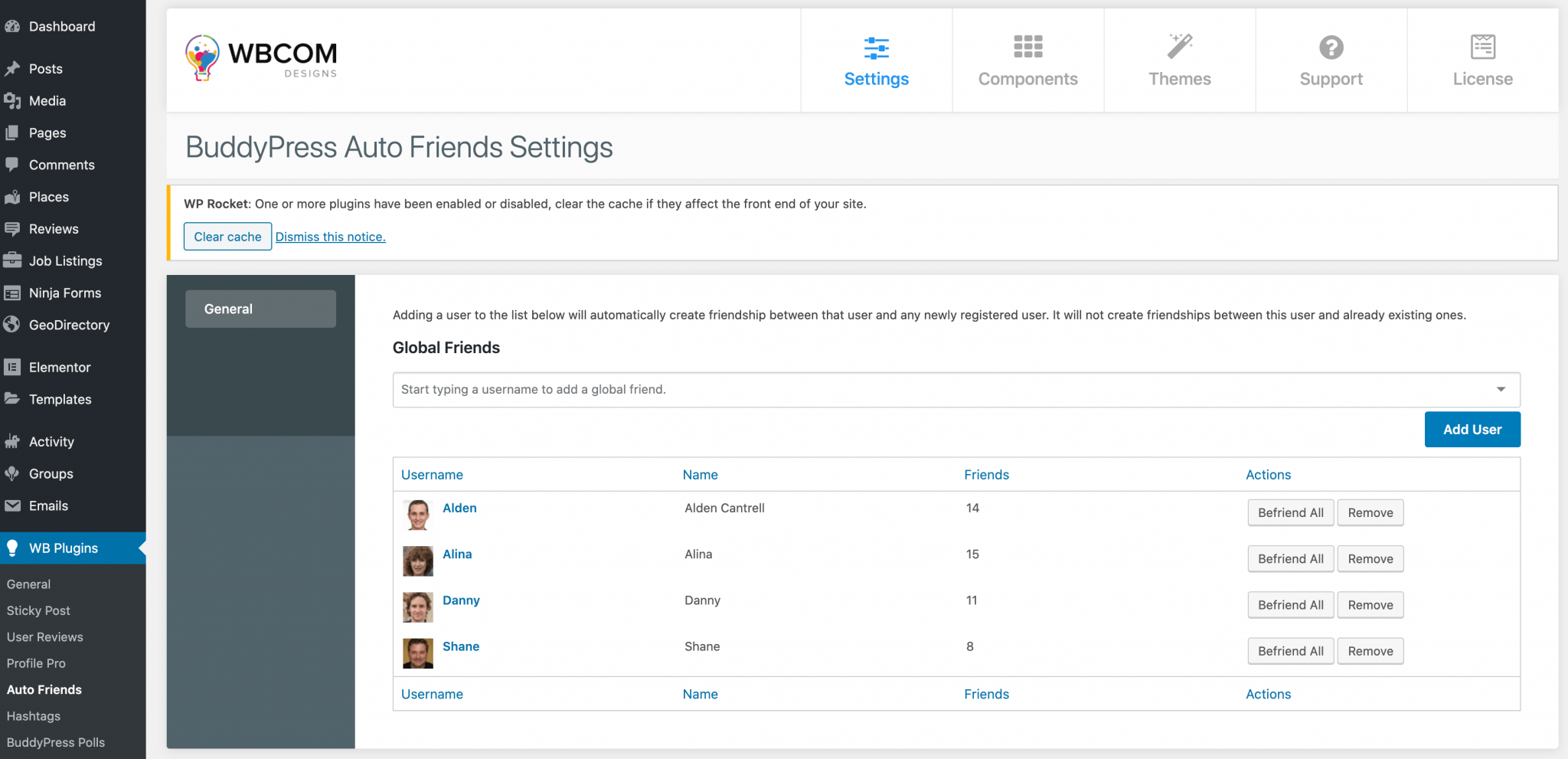
Once installed, configure its backend settings under Dashboard > WB Plugins > Auto Friends > General.
General Settings let the admin add a list of global friends to automatically connect with any newly registered user.
You can add multiple members as global friends, and every selected global friend gets added as a friend for all new signups.
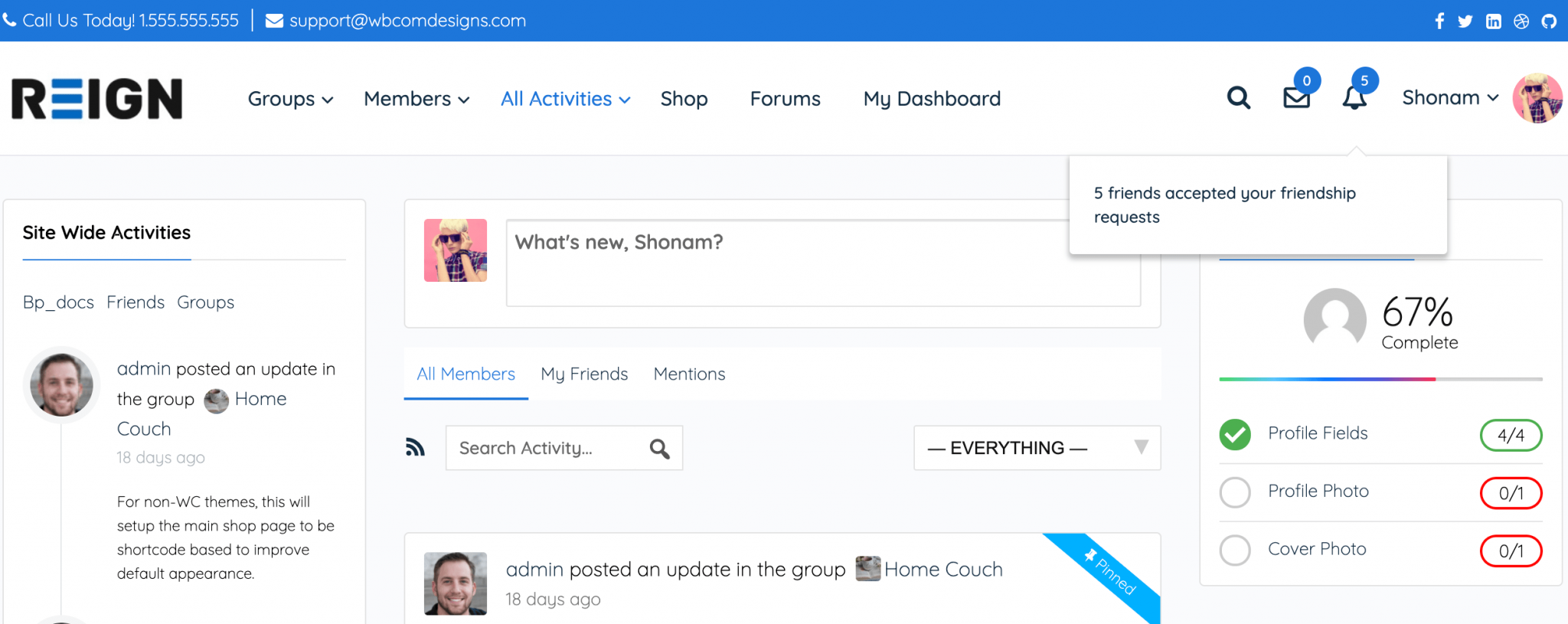
New members also receive an auto-friend notification as soon as they register.

Get BuddyPress Auto Friends
Bottom Line
We hope you found this article useful. If you have any suggestions, let us know in the comments below.
Interesting Read:
How To Filter Out Bad Words From BuddyPress Website?
How To Make A Post Sticky In BuddyPress?
















