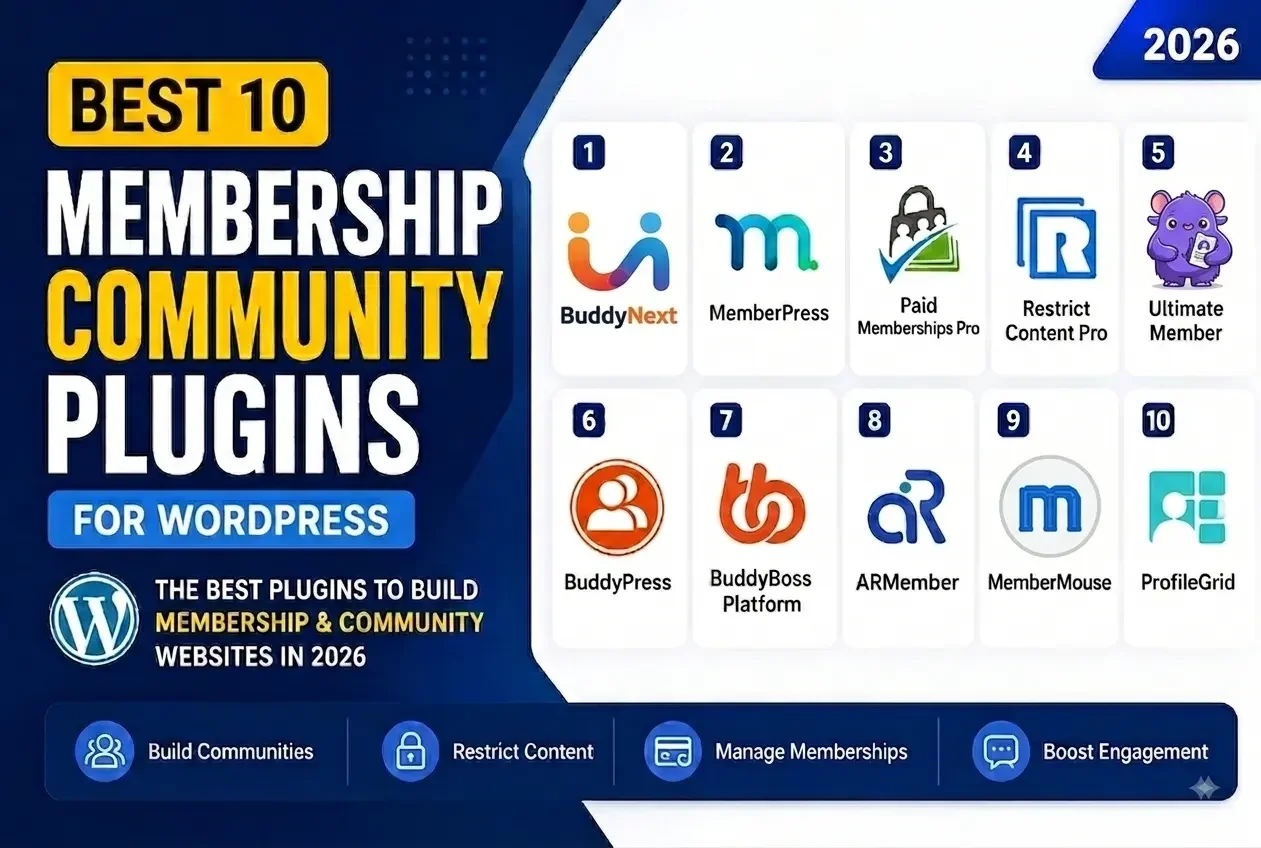
Updated September 2026.
If you want to build a membership website, an online community, a social network, or a paid community with WordPress, the plugin you pick decides how far the site can grow before you hit a wall. The best membership community plugins do more than gate a page behind a login. They give you member profiles, activity feeds, subscription billing, content protection, and the connective tissue that turns a list of paying customers into people who actually show up week after week.
In 2026, WordPress site owners are choosing between two very different approaches. The first is a single-purpose membership plugin: it restricts content, runs recurring billing, and stops there. The second is a complete community platform: activity feed, groups, profiles, messaging, moderation, and paid membership tiers built into one coherent system, the way Circle, Skool, or Mighty Networks package things, except running on infrastructure you own.
Neither approach is universally correct. A newsletter selling a single paid tier of gated PDFs does not need a full social graph. A creator building a community around ongoing discussion, courses, and belonging needs more than a paywall. This guide compares the 10 best membership community plugins for WordPress in 2026, including their key features, pros, cons, the type of website each one suits, and a buying framework so you can match the plugin to the actual job instead of the marketing page.
Prefer Watching Instead of Reading?
Want to see the best membership community plugins for WordPress in action? Watch the video below for a quick overview of the top options featured in this guide.
Plugin | Key Features | Pros | Cons | Best For |
|---|---|---|---|---|
BuddyNext | Complete community platform: feed, Spaces, profiles, messaging, moderation, native paid membership tiers, forums & Q&A, courses, gamification, job boards, directories, full brand control | App-like community experience, no per-member fees, one team building the whole stack, own your data | Newer platform, some capabilities depend on companion apps | Communities that want the SaaS-platform feature set without the SaaS rent |
MemberPress | Memberships, subscriptions, content protection, courses, access rules | Easy to use, powerful membership management, strong content protection | Primarily membership focused, thin on social/community features | Paid membership websites where content gating is the main job |
Paid Memberships Pro | Membership levels, recurring payments, content restriction, member management | Flexible, scalable, strong membership features | Advanced functionality often needs add-ons | Flexible membership websites with tiered pricing |
Restrict Content Pro | Content restriction, subscriptions, member management, access control | Clean interface, straightforward setup | Fewer community features | Content based membership websites |
Ultimate Member | Profiles, directories, registration forms, user roles, access control | Excellent profile and registration tools | Needs extensions for deeper community functionality | User based communities built around profiles |
BuddyPress | Profiles, activity streams, groups, messaging, notifications | Free, flexible, established ecosystem | Setup requires additional plugins and configuration | WordPress social networks on a DIY budget |
BuddyBoss Platform | Profiles, groups, activity feeds, messaging, courses, community tools | Mature community ecosystem | Can be more complex and costly to run | Professional communities and online learning |
ARMember | Membership plans, content restriction, subscriptions, profiles, payments | All in one membership functionality | Interface can feel feature heavy | Membership and subscription websites |
MemberMouse | Membership management, billing automation, upsells, customer management | Advanced business features | Overkill for smaller membership sites | Growing membership businesses with complex billing |
ProfileGrid | Profiles, groups, directories, memberships, registration, content restriction | Flexible profile and group functionality | Advanced features may require extensions | Profile based communities |
1. BuddyNext
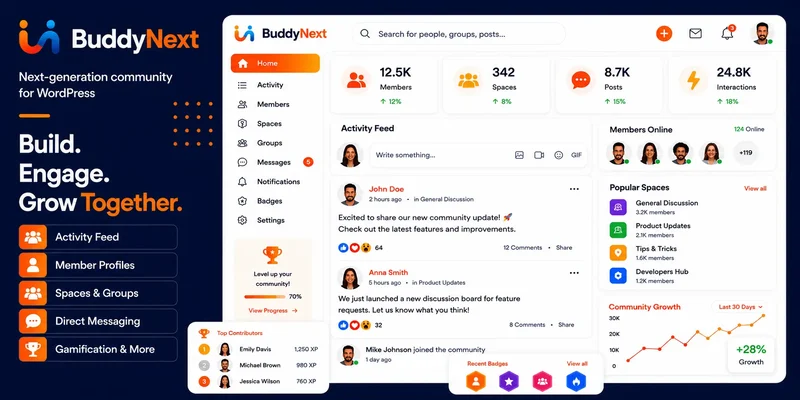
BuddyNext is a complete community platform for WordPress, not a single-purpose membership add-on. It gives you the activity feed, Spaces, member profiles, messaging, and moderation tooling that Circle, Skool, and Mighty Networks sell as their core product, and it adds native paid membership tiers on top so the community and the business model live in the same system instead of two plugins arguing with each other.
The distinction matters once your community grows past a few hundred members. Point solutions like MemberPress protect content well but leave you bolting on a separate community plugin, a separate gamification tool, and a separate forum. BuddyNext folds those needs into one platform: forums and Q&A, courses with certificates, photo and video sharing, gamification, job boards, directories, and a service marketplace are all part of the same connected ecosystem, styled with your own branding rather than a vendor’s template.
Key Features
- Activity feed with For You, Following, Spaces, and Network tabs, plus a composer for text, media, links, and polls
- Spaces (open, private, and secret groups) with roles, join flows, sub-spaces, and per-space moderation settings
- Member profiles and directory with 13 field types, per-field privacy, and a completion meter
- Native Stripe membership tiers with monthly, yearly, and one-time billing, trials, and gated Spaces, no per-member fees
- Forums and Q&A with accepted answers, courses with quizzes and certificates, photo and video sharing
- Gamification (points, badges, leaderboards, streaks), job boards, member directories, and a service marketplace
- Deep native moderation: reports, strikes, suspensions, shadow-bans, banned words and domains, space-scoped moderator roles
- Full brand and design control through a token-based theme layer, including dark mode and layout variations
- PWA support, 18 Gutenberg blocks, full REST API, WP-CLI, and webhooks
Pros
- Matches the feature breadth of SaaS community platforms without a monthly subscription that meters your member count
- One team builds the core and every companion capability, so the pieces share design language instead of feeling bolted together
- Your member data lives in your own database on infrastructure you control
- Native Stripe membership tiers remove the need for a separate membership plugin just to charge for access
- Full design layer means the community looks like your brand, not a shared SaaS template with your logo pasted on top
Cons
- It is a newer, purpose-built architecture, not built on BuddyPress, so migrating an existing BuddyPress site takes planning
- Some capabilities (courses, media, forums) are powered by companion apps rather than living in the core install, which means an extra plugin activation for the deepest version of that feature
Best For
Best for anyone who wants the complete-platform experience of Circle, Skool, or Mighty Networks, community, paid memberships, courses, forums, and gamification, running on a WordPress site they own outright, with no per-member pricing and no rented database.
2. MemberPress
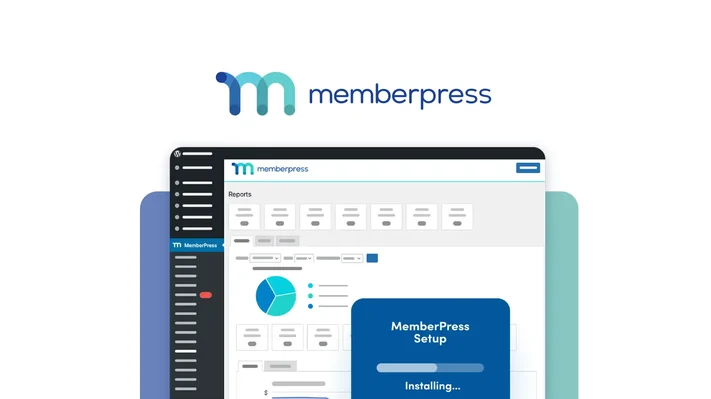
MemberPress is one of the best known WordPress membership plugins for building paid membership websites. It lets you create membership levels, restrict content, manage subscriptions, and accept payments without touching code.
It also handles selling online courses and managing recurring memberships, which makes it a solid fit for businesses monetizing premium content rather than running an open social network.
Key Features
- Paid memberships
- Subscription management
- Content protection
- Access rules
- Recurring payments
- Member management
- Online course functionality
- Coupons
- Reports and analytics
- Automated membership management
Pros
- Fast to set up
- Strong membership management features
- Powerful content protection
- Supports recurring subscriptions
- Useful for online courses
- Reliable for monetized membership websites
Cons
- Focused on membership rather than social networking, so there is no activity feed or member-to-member interaction out of the box
- Advanced functionality can require higher plans or additional integrations
Best For
Best for businesses, educators, and creators who want to sell paid memberships and protect premium content without needing a social layer around it.
3. Paid Memberships Pro

Paid Memberships Pro is a flexible WordPress membership plugin that helps you create membership levels, manage recurring subscriptions, restrict content, and control access based on membership status.
It is particularly useful for websites that need several membership tiers and granular access rules rather than a single all-or-nothing paywall.
Key Features
- Unlimited membership levels
- Recurring subscriptions
- Content restriction
- Member management
- Payment integration
- Membership reports
- Custom access rules
- Member registration
- Membership checkout
Pros
- Flexible membership system
- Supports multiple membership levels
- Strong content restriction
- Useful for recurring subscriptions
- Scales across different membership models
Cons
- Advanced functionality may require add-ons
- Community features are not as extensive as dedicated community plugins
Best For
Best for membership websites that need flexible plans, access rules, and subscription management without a built-in social graph.
4. Restrict Content Pro
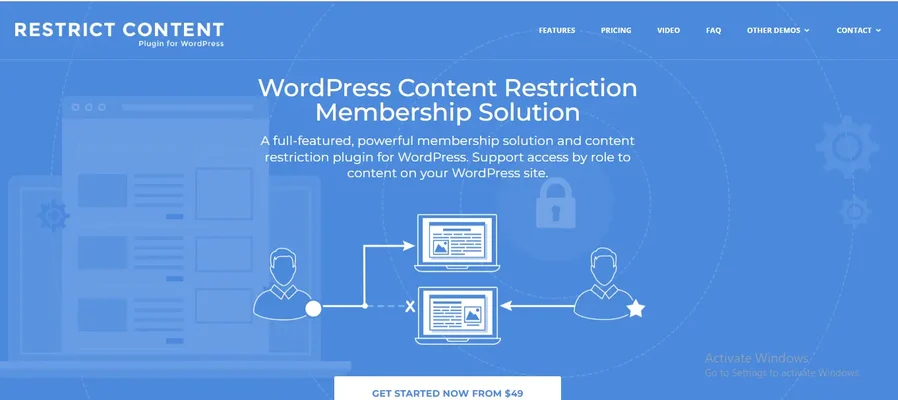
Restrict Content Pro makes it straightforward to build membership websites where specific content is available only to registered or paying members.
The plugin focuses on membership management and content restriction rather than trying to be a full social networking system, which keeps its footprint light.
Key Features
- Content restriction
- Membership levels
- Subscription management
- Member management
- Recurring payments
- Discount codes
- Member dashboards
- Access control
Pros
- Clean, straightforward approach
- Easy to understand membership functionality
- Strong content restriction features
- Reliable for subscription based websites
Cons
- Fewer built-in community features
- Needs additional plugins for a full social networking experience
Best For
Best for blogs, publishers, and content websites that want to offer premium content through memberships without extra social complexity.
5. Ultimate Member
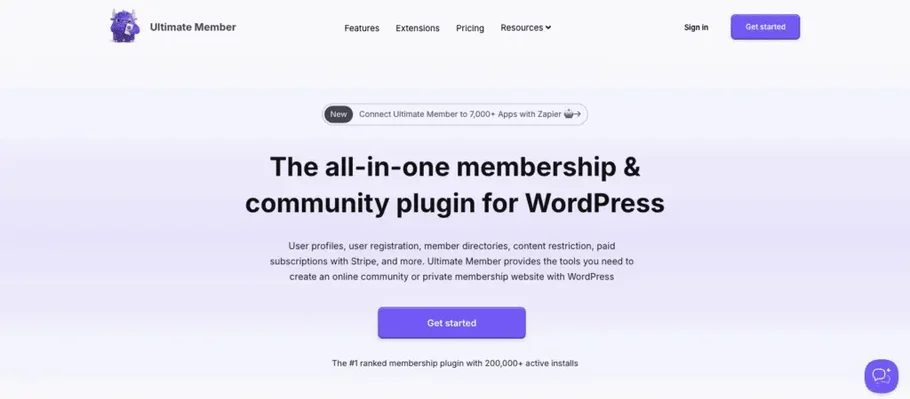
Ultimate Member is a popular WordPress plugin for building user profiles, member directories, registration forms, and community focused websites.
It earns its keep when your website revolves around user accounts and member profiles more than a feed of activity.
Key Features
- User profiles
- Member directories
- Custom registration forms
- Login forms
- User roles
- Content restriction
- User account pages
- Profile customization
- Member search
Pros
- Strong profile functionality
- Flexible registration forms
- Useful member directories
- No coding required for basic setups
- Good option for user based websites
Cons
- Deeper community features need extensions
- Additional plugins may be needed for a complete community experience
Best For
Best for membership websites where user profiles, directories, registration, and user-generated information matter more than an activity feed.
6. BuddyPress
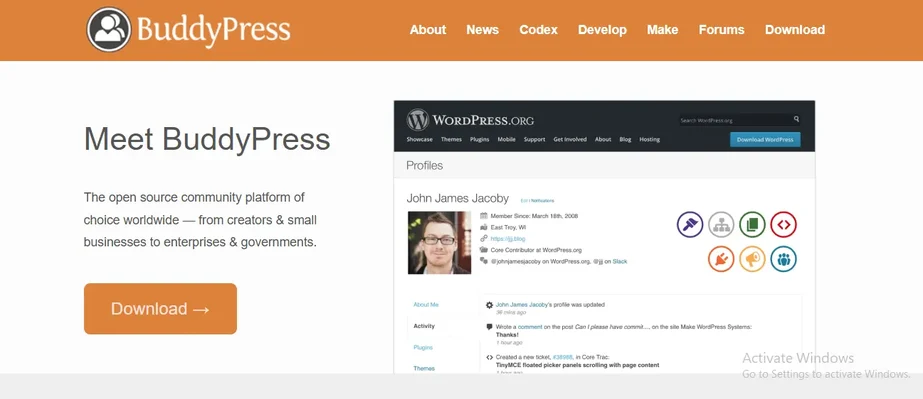
BuddyPress is a long-running WordPress community plugin that turns a WordPress website into a social networking platform.
It handles the fundamentals: member profiles, activity streams, groups, private messaging, and notifications. What it does not include is native paid membership billing or newer platform-level features like gamification and forums with accepted answers; those arrive through separate plugins.
Key Features
- Member profiles
- Activity streams
- Groups
- Private messaging
- Notifications
- Friend connections
- Member directories
- User generated activity
Pros
- Free and open source
- Established WordPress ecosystem
- Highly customizable
- Strong community functionality for its era
- Large ecosystem of compatible plugins and themes
Cons
- Needs additional plugins for advanced functionality like membership billing or gamification
- Setup and customization can require more technical knowledge
- Membership and monetization features live in separate plugins
Best For
Best for builders who want a flexible, no-cost WordPress social network foundation and are comfortable assembling the rest of the stack themselves.
7. BuddyBoss Platform
BuddyBoss Platform is built for professional online communities, membership websites, learning communities, and social networks on WordPress. It is built on top of BuddyPress, which gives it a long track record but also ties its architecture to that older foundation.
It covers profiles, activity feeds, groups, messaging, notifications, and member directories, and pairs well with popular learning and membership tools.
Key Features
- Member profiles
- Activity feeds
- Groups
- Private messaging
- Notifications
- Member directories
- Social networking
- Learning community functionality
- Membership integrations
Pros
- Mature community functionality
- Suitable for professional communities
- Established ecosystem
- Useful for online learning communities
- Handles advanced community websites well
Cons
- More complex to configure than a single-purpose plugin
- May need additional products or integrations depending on requirements
- Costs add up as you license the app plus its extensions
Best For
Best for professional communities, coaching platforms, online courses, and large membership websites that need a mature, BuddyPress-based ecosystem.
8. ARMember
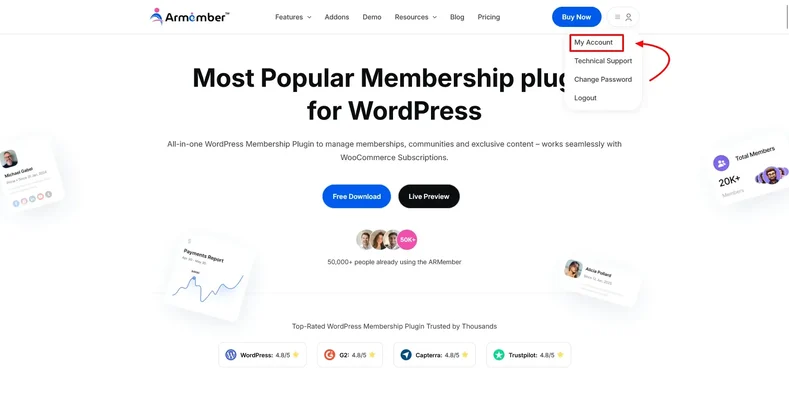
ARMember is an all-in-one WordPress membership plugin with tools for creating membership plans, restricting content, managing subscriptions, and handling member profiles.
It is designed for site owners who want several membership features bundled into one plugin rather than assembling separate tools.
Key Features
- Membership plans
- Content restriction
- Subscription management
- Member profiles
- Payment gateways
- Registration forms
- Login forms
- Coupons
- Access control
- Membership management
Pros
- Broad range of membership features
- Supports multiple membership plans
- Built-in payment functionality
- Useful content restriction options
- Reliable for subscription websites
Cons
- Large feature set can take time to learn
- Social community functionality is not its primary focus
Best For
Best for businesses that need an all-in-one membership and subscription solution without a social layer.
9. MemberMouse
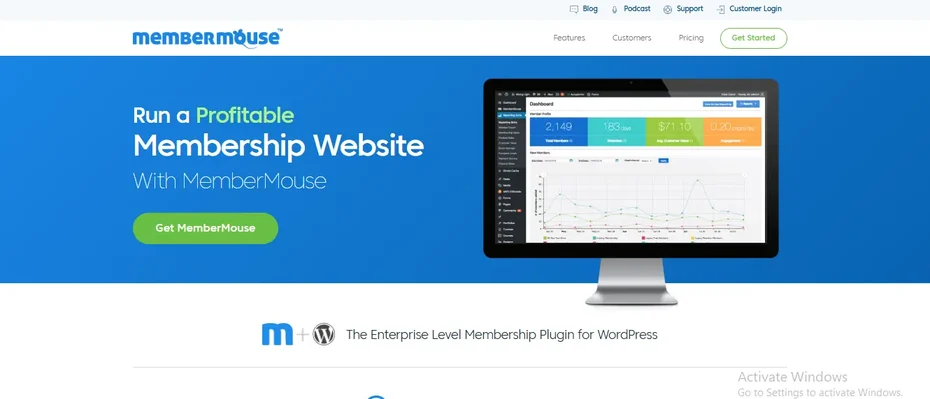
MemberMouse is a membership platform for businesses that need advanced membership management, billing automation, customer management, and revenue optimization.
It leans toward businesses scaling their membership operations rather than communities focused on member-to-member interaction.
Key Features
- Membership management
- Subscription billing
- Customer management
- Content protection
- Upsells
- Coupons
- Automated billing
- Member management
- Revenue optimization
Pros
- Advanced membership business features
- Strong billing automation
- Reliable for subscription businesses
- Supports customer management and upsells
Cons
- More advanced than necessary for smaller websites
- Focused on membership business management rather than social community features
Best For
Best for established membership businesses that need sophisticated billing, automation, and monetization tools.
10. ProfileGrid
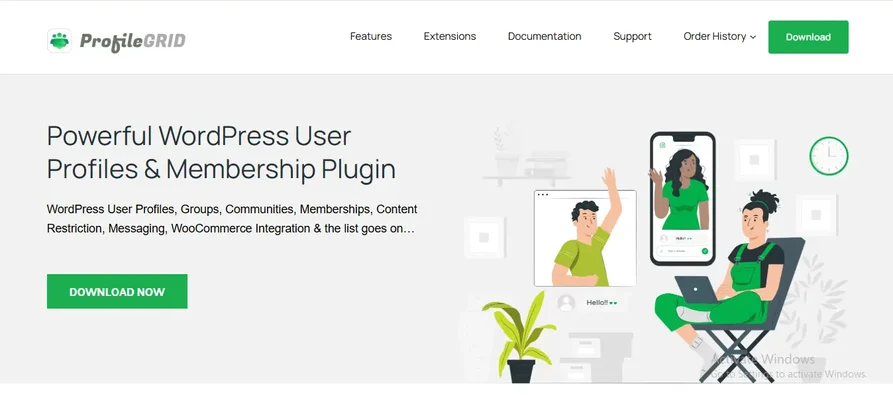
ProfileGrid is a WordPress membership and community plugin focused on user profiles, groups, directories, registration, and membership functionality.
It works well for websites where members need individual profiles and access to different groups or sections without a full activity-feed experience.
Key Features
- Member profiles
- User groups
- Member directories
- Registration forms
- Membership features
- Content restriction
- User management
- Group management
- Custom fields
Pros
- Strong member profile functionality
- Flexible group management
- Useful member directories
- Good option for profile based websites
- Supports different membership scenarios
Cons
- Advanced functionality may require additional extensions
- Not as focused on complete social networking as dedicated community platforms
Best For
Best for membership websites that need profiles, groups, directories, and member management without a full platform build.
Plugin vs Platform: The Real Difference Behind This List
Every name on this list solves membership in some form, but they split into two structurally different products, and that split explains most of the confusion buyers run into.
A membership plugin (MemberPress, Paid Memberships Pro, Restrict Content Pro, ARMember, MemberMouse) answers one question: who is allowed to see this content, and how do they pay for access. That is a narrow, well-solved problem, and if it is the only problem you have, a focused plugin is often the faster, cheaper route.
A community platform (BuddyNext, BuddyPress, BuddyBoss Platform) answers a different question: what do members do once they are inside. Do they talk to each other, post updates, join sub-groups, build a profile people can browse, earn recognition for participating? Profile-first tools like Ultimate Member and ProfileGrid sit in between, strong on identity and directories but lighter on the feed-and-groups experience that keeps people returning daily.
The table below frames the structural trade-off that matters most once a community starts to succeed: what happens to your audience and your data over time.
SaaS platforms (Circle, Skool, Mighty Networks) | Legacy WordPress stack (BuddyPress + separate plugins) | BuddyNext platform | |
|---|---|---|---|
The deal | Monthly rent, plus transaction fees on what members pay you | Licenses scattered across several vendors | One platform you own |
Your data | Lives in their database | Yours, but scattered across plugin tables | Yours, in one coherent schema |
Per-member pricing | Yes, plans scale with member count | No | No, ever |
Courses, forums, gamification | Bundled their way, take it or leave it | Bolted together from separate plugins | Modular capabilities, one team, one design language |
Branding and design | Your logo and an accent color on their layout | Theme hunting across vendors | Full design layer, your brand and layouts, dark mode, style variations |
If you stop paying | Your community is gone | The stack keeps running but slowly rots | Features keep working |
How to Choose: A Buying Framework for Membership Community Plugins
Skip the “best” plugin and find the right one by walking through five questions in order.
1. Is this about content access, or about a place people belong? If your product is a library of gated videos or PDFs, a membership plugin does the job with less setup. If you are building something members check daily because other members are there too, you need the social layer: feed, groups, profiles, notifications.
2. Do you already have a course or membership stack you can’t rip out? If LearnDash, Tutor LMS, or WooCommerce Memberships already run your business, look at what integrates cleanly rather than what replaces everything. BuddyNext, MemberPress, and BuddyBoss all pair with existing LMS tools; check the specific integration before committing.
3. How much does per-member pricing worry you? Some tools price by feature tier regardless of size; a few SaaS-style community platforms price by active member count, which quietly punishes growth. Native, flat billing infrastructure (the kind BuddyNext ships) avoids that trap entirely on the WordPress side.
4. Who is doing the setup and ongoing maintenance? A solo creator with no developer on call should weight setup time heavily; BuddyPress plus a pile of add-ons is powerful but demands more hands-on assembly than a platform designed to work out of the box.
5. What happens in year three? Ask whether the plugin (or platform) still gets meaningful updates, whether your data exports cleanly, and whether the vendor’s roadmap matches where your community is headed, more monetization, more content types, more member self-service.
Common Mistakes When Picking a Membership Community Plugin
A few patterns show up again and again in support forums and migration requests, and most of them are avoidable with a bit of upfront planning.
- Buying the content-gate plugin for a community project. Restrict Content Pro and similar tools will happily lock a page, but members will ask “where do I talk to other members” within the first week, and the plugin has no answer.
- Assembling six plugins from six vendors and hoping they play nicely. Each update cycle becomes a new risk of a broken feed, a duplicate email, or a styling clash. Fewer vendors touching the same data means fewer 2 a.m. support tickets.
- Ignoring per-member pricing until the community is already big. Read the pricing page for any tool that scales by seats or active users before you are 500 members deep and locked into a migration you didn’t plan for.
- Skipping the export test. Before committing, confirm you can pull your member list, their profile data, and their post history back out in a usable format. If a vendor makes that hard, that is itself the answer to how much they want you to stay.
- Underestimating moderation needs. A community of any real size needs reporting, banned-word filtering, and a way to suspend a bad actor without deleting their account outright. Plugins built purely for access control rarely have this; platforms built for community usually do.
Setting Up Your First 30 Days
Whichever plugin you land on, the first month determines whether members form a habit or drift off. A rough sequence that works across most of the tools above:
- Week 1: Finish the technical setup, payment gateway, membership tiers, profile fields, and seed the space with 10 to 20 pieces of content or discussion so it doesn’t look empty on day one.
- Week 2: Onboard a small founding group manually. Personally welcome them, ask what they want to see, and use their early activity to populate the feed or directory.
- Week 3: Turn on the features that create daily reasons to return, notifications, a weekly discussion prompt, a leaderboard or recognition mechanic if the plugin supports gamification.
- Week 4: Review moderation settings, banned words, reporting flow, and confirm you have a way to handle the first difficult member before you actually need it.
Membership Community Plugins Comparison
Choosing between these plugins depends on what you want your WordPress website to accomplish.
If your priority is paid memberships and content protection, MemberPress, Paid Memberships Pro, Restrict Content Pro, ARMember, and MemberMouse are strong options.
If your priority is community engagement, and the complete feature set of a modern platform, BuddyNext, BuddyPress, BuddyBoss Platform, Ultimate Member, and ProfileGrid provide more community focused functionality, with BuddyNext being the only one built as a full complete platform from the ground up rather than a base you extend piece by piece.
Which Membership Community Plugin Should You Choose?
1. Choose BuddyNext if you want the complete platform experience
BuddyNext is the strongest choice when your goal is a modern WordPress community with profiles, activity feeds, Spaces, messaging, notifications, directories, search, native paid membership tiers, and a path to courses, forums, and gamification, all without renting that experience from a SaaS vendor.
2. Choose MemberPress for paid memberships
MemberPress is a good option when your main goal is selling memberships and protecting premium content, and you don’t need a social layer around it.
3. Choose Paid Memberships Pro for flexible membership levels
Paid Memberships Pro suits websites that need multiple membership levels, recurring payments, and flexible access control.
4. Choose Restrict Content Pro for content restriction
Restrict Content Pro is a good choice when premium content protection is the primary requirement and simplicity matters.
5. Choose Ultimate Member for profiles and directories
Ultimate Member is useful when user profiles, registration forms, and member directories are central to your website.
6. Choose BuddyPress for a flexible, free social network foundation
BuddyPress is a good starting point for builders who want an open, customizable WordPress social networking base and are comfortable assembling the rest.
7. Choose BuddyBoss Platform for professional communities
BuddyBoss Platform suits larger communities, online courses, coaching businesses, and professional membership platforms built on the established BuddyPress lineage.
8. Choose ARMember for an all-in-one membership system
ARMember is a good option for users who want membership plans, subscriptions, content restriction, profiles, and payment functionality together in one plugin.
9. Choose MemberMouse for advanced membership businesses
MemberMouse suits established membership businesses that need sophisticated billing and monetization tools.
10. Choose ProfileGrid for profile based communities
ProfileGrid is useful for websites where member profiles, groups, directories, and user management matter most.
Frequently Asked Questions
1. What is the best membership community plugin for WordPress in 2026?
BuddyNext is the strongest choice for WordPress websites that want a complete community platform, feed, Spaces, profiles, native paid memberships, and room to grow into courses, forums, and gamification. MemberPress and Paid Memberships Pro are strong options when membership management is the only requirement.
2. What is the best free membership community plugin for WordPress?
BuddyPress is a popular free option for creating a WordPress social network. Your final setup may need additional plugins depending on the membership, monetization, and community features you want beyond the basics.
3. Can I create a paid community with WordPress?
Yes. You can combine a community plugin with billing, either through a platform with native membership tiers like BuddyNext, or by pairing a community plugin with a separate membership plugin. This lets you restrict community areas, offer different membership levels, and sell premium content or courses.
4. Which WordPress plugin is best for member profiles?
Ultimate Member, ProfileGrid, BuddyPress, BuddyBoss Platform, and BuddyNext all provide member profile functionality, but they differ in how deep the surrounding community features go.
5. What should I consider when choosing a WordPress membership plugin?
Consider membership levels, payment gateways, content restriction, recurring subscriptions, member profiles, community features, integrations with your existing LMS or ecommerce stack, scalability, support, and whether pricing scales with your member count.
6. Can membership plugins work with community plugins?
Yes. Many WordPress membership and community plugins work together through integrations or compatible extensions, letting you combine membership management with profiles, groups, activity feeds, messaging, and online courses. Platforms like BuddyNext remove the need for that pairing by shipping native membership tiers alongside the community layer.
7. Is BuddyNext built on BuddyPress?
No. BuddyNext is a separate, purpose-built architecture. It is not a BuddyPress fork or add-on, which means it does not inherit BuddyPress’s older data structures, but it also means migrating from an existing BuddyPress site takes planning rather than a simple plugin swap.
8. Do community platforms charge per member the way SaaS tools do?
Some SaaS community platforms scale pricing with active member count or transaction volume. WordPress-based platforms with native billing, including BuddyNext, do not add per-member charges on top; you own the infrastructure outright.
9. What happens to my community if I stop paying for a hosted SaaS platform?
Typically access is suspended and the community becomes unreachable to you and your members until you resume payment or export what you can. Self-hosted WordPress plugins keep functioning on your server regardless of a vendor’s billing status, since the software itself is not access-gated by a subscription.
10. Can I migrate between these plugins later if I outgrow my first choice?
Migration is possible but rarely painless. Content-gating plugins usually export member and transaction data in standard formats. Moving between full community platforms is harder because profiles, activity history, and group structures don’t map cleanly from one system to another, which is another reason to think through the buying framework above before you commit.
Final Verdict
The best WordPress membership community plugin depends on what job you actually need done. If you want a complete community platform, feed, Spaces, profiles, native paid memberships, and a growth path into courses, forums, and gamification, without a monthly SaaS bill that grows with your member count, BuddyNext is the strongest option on this list. If your only need is paid memberships and content protection, MemberPress or Paid Memberships Pro will get you there faster. If your focus is social networking on a tight budget, BuddyPress and BuddyBoss Platform remain strong, established options. Match the plugin to the job, not the other way around, and you’ll spend less time migrating later.
















