Community Wiki on WordPress: Letting Members Write and Edit Shared Pages
How to run a community wiki on WordPress: when a wiki beats a forum, three ways to build one, who should edit, how to keep pages accurate, and what it costs.

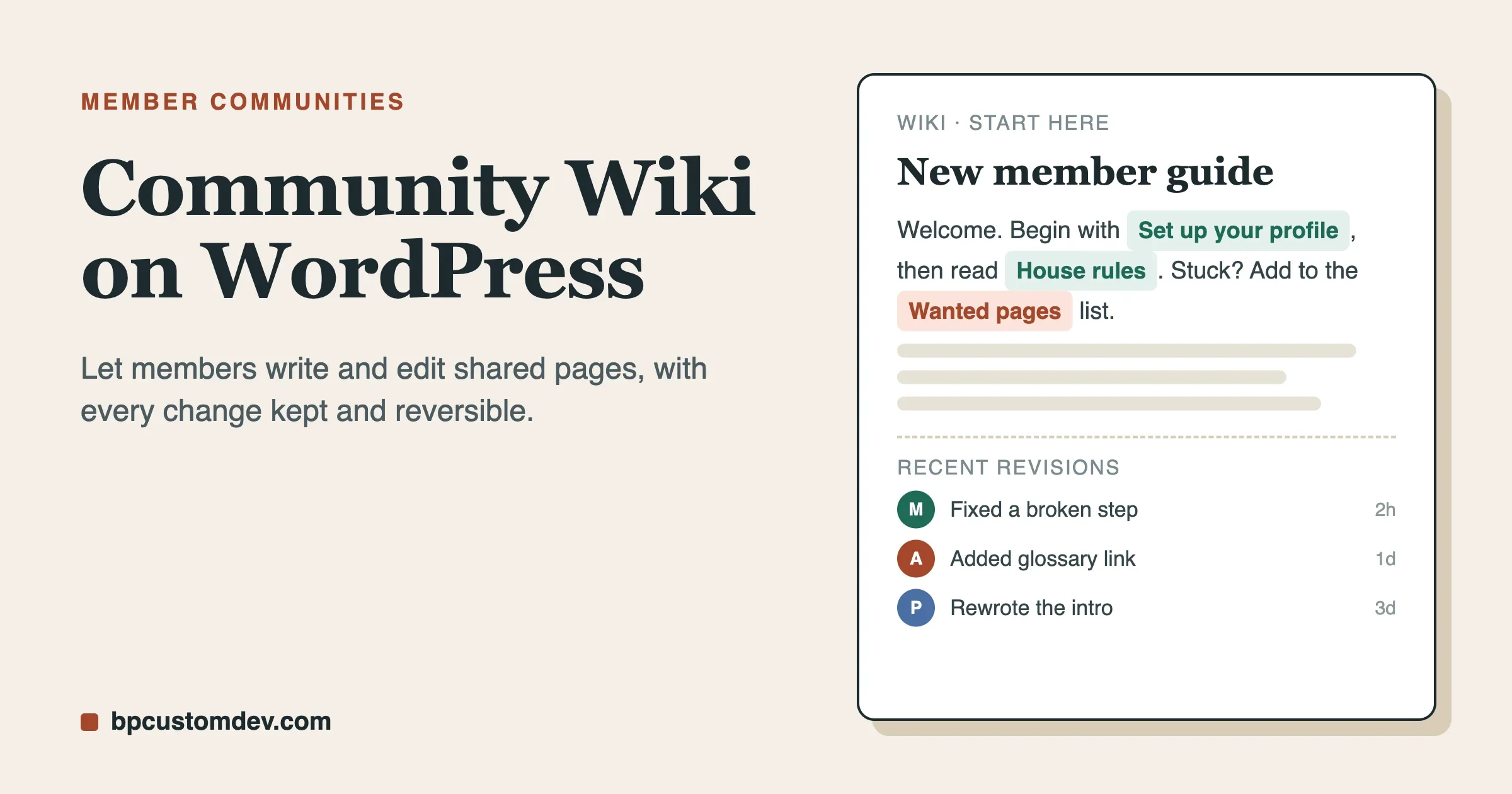
A community wiki is a set of shared pages that members write and edit themselves, with a history of every change so nothing is ever lost. On WordPress you can build one in an afternoon: pick a wiki plugin, decide who may edit, and seed it with a few starter pages. The hard part is not the software. It is deciding who is trusted to change what, and how you keep the pages accurate once fifty people are touching them.
This guide is for people who run a membership site, a course community, a club or a company community and want members to build a shared body of knowledge. It covers when a wiki beats a forum, three ways to build one, how to set edit rights, how to keep quality up, and what it costs. We read the product pages and the WordPress.org listings on 11 November 2026 for every product fact below, and we say plainly when something is not yet available.
What a community wiki is, and what it is not
A wiki is a page that anyone you trust can improve. A forum thread is a conversation that scrolls away. A blog post is one person’s voice. A knowledge base is a set of answers your staff writes for customers. A wiki sits between them. The pages belong to the group, and they get better each time someone fixes a line or adds a missing step.
Format | Who writes it | Best for |
|---|---|---|
Forum thread | Anyone, in order | Questions, debate, news |
Blog post | One author | A point of view, announcements |
Knowledge base | Your staff | Official answers for customers |
Community wiki | Members, together | Shared know-how that changes over time |
If you are still deciding between these formats, our guide to online communities, forums, portals and knowledge bases lays out the differences. If you mainly want customers to find official answers, a knowledge base is the simpler tool, and we compare plugins in 10 best knowledge base plugins for WordPress. A wiki is the right pick when the people in the group know things you do not, and you want that knowledge kept in one place.
Signs your community needs a wiki
Most communities reach for a wiki after the same pain. Look for these signs:
- The same question comes up every week. Someone answers it well each time, and the answer is gone by Friday.
- You have a pinned post that nobody can edit. It has grown to forty comments, and the real answer is buried in comment twenty-six.
- New members ask where to start. Your best members repeat the same welcome message by hand.
- Know-how lives in one person’s head. When they step away, the group loses a skill.
- You run a class, a lab, a club or a fandom. The group builds shared notes, a glossary, a handbook or a list of resources that grows over a season.
If two or more of these sound familiar, a wiki will pay for itself quickly. If none do, a forum may be all you need. We cover that choice in our guide to forum, Q&A, ideas and social community types.
A wiki, a forum or both?
Use both, with a clear job for each. A forum is where members ask. A wiki is where the best answers end up. Many communities run them side by side. A member asks in the forum, someone answers, and a moderator or a helpful member copies the lasting part of the answer into a wiki page and links back to the thread.
This is the same idea we describe in turning community questions into a searchable knowledge base. The wiki is the long-term memory. The forum is the daily conversation.
The sister site KnowX covers a closely related use. Its guide to a collaborative knowledge base for schools and research groups is written for a class or a lab that keeps shared notes. Our angle here is different. We look at a membership or community site where the members are the authors and the site owner sets the rules.
Three ways to build a community wiki on WordPress
There are three realistic routes. They differ in cost, in how much control members get, and in how much history you keep.
Route one: core WordPress with member roles
WordPress already has users, roles and a post editor. In principle you can give members a role that lets them write pages. The WordPress.org guide to roles and capabilities shows where the lines fall. A Contributor can write and edit their own posts but cannot publish them. An Editor can edit posts by other people. A Subscriber cannot write at all.
That model is built for a newsroom, not a wiki. A member who starts a page owns it, and other members cannot improve it unless you hand out Editor rights, which also lets them change anything on the site. WordPress does keep post revisions, and the revisions documentation explains how to compare and restore them, but comparing revisions happens in the editor, which only people with edit rights can open.
Core WordPress works for a tiny group of people you trust completely, such as two or three staff. It does not suit a community of strangers. You would be building a wiki out of parts that were never designed for it.
Route two: a free wiki plugin
The WordPress.org directory has a few wiki plugins. The best known is Yada Wiki. Its listing says it provides a wiki post type, custom tags and categories, an index and a table of contents option. You link pages together with a shortcode that uses the page title, and a link to a page that does not exist yet shows in red so people know it needs writing. The listing shows 2,000+ active installs and version 3.6, last updated in November 2025, tested up to WordPress 6.9.11.
That makes it a fair choice for a small site where the owner or a few editors write the pages and visitors read them. Read the listing before you decide, because two things matter for a member-edited wiki. The red-link behaviour depends on the viewer having permission to edit posts, so ordinary members do not get the link. And the listing does not describe front-end editing for members, a member-facing history screen or a review queue. For a wiki that members edit freely, you will probably want something built around that job.
Route three: a plugin built for member editing
The third route is a plugin designed so that logged-in members write and edit from the front of the site. Our own WB Member Wiki is built for this. We build it, so weigh what follows with that in mind. We have kept to what its product page states, and we mark the limits.
According to its product page, version 1.2.0 was updated on 16 October 2026. Members can:
- create a wiki page from the front end with a rich-text editor;
- edit a page that someone else started, without admin access;
- add
[[WikiLink]]links anywhere, where a missing page shows as a stub to be filled in; - see the full revision history, compare versions with a word-level diff and restore an older one in one click;
- watch pages and get an email digest when they change; and
- search the wiki by full text, tag and category.
The site owner can choose which WordPress roles may create, edit, delete or protect pages. A moderated mode sends any edit from a non-admin role to a review queue, where you approve or reject it and can leave a comment for the writer. Edit locking shows when another member is on a page, so two people do not overwrite each other. The plugin logs searches that return nothing, so you can see which pages are missing. It also has a REST API and more than 40 hooks and filters for developers.
Two limits are stated on the page. The plugin uses the block editor instead of wiki syntax markup, and it is not built for millions of articles. For a community of a few hundred or a few thousand members, neither is likely to matter. For a team that already writes in MediaWiki markup, the first one might.
How the three routes compare
Need | Core roles | Yada Wiki (free) | WB Member Wiki |
|---|---|---|---|
Members edit from the front end | No | Not described in the listing | Yes, per the product page |
Linked pages | Manual links | Yes, by page title | Yes, |
Member-facing revision history | Admin screen only | Not described in the listing | Yes, with diff and restore |
Review queue for edits | No | Not described in the listing | Yes, moderated mode |
Cost | Free | Free | From $49 a year |
None of these is the right answer for everybody. A staff-written wiki on a small site is a good fit for a free plugin. A community that wants members to do the writing needs the features in the last column, from whichever product provides them.
Decide who can edit before you launch
The edit policy matters more than the plugin. A wiki that anyone can wreck on day one will be wrecked. A wiki that nobody may edit is just a bad blog. Most communities settle on one of three policies.
Policy | How it works | Fits when |
|---|---|---|
Open to all members | Any logged-in member edits and the change goes live | Small, friendly, paid or invite-only groups |
Reviewed edits | Member edits wait in a queue until a moderator approves | Larger groups, or pages where accuracy matters |
Trusted editors | Only members with a role you hand out may edit | Public sites, or pages with legal or safety content |
You can mix them. A common setup is to leave most pages open, send edits on a few sensitive pages (rules, pricing, safety advice) through review, and protect a handful of pages such as the home page and the style guide so that only moderators can change them.
A good way to build trust is to start strict and relax over time. In the first month, put every edit through review. Watch who writes good changes. Then give those people the right to edit without review. This is the same idea we describe in our guide to trust levels that promote active members, applied to wiki editing.
Write the rules on the first page
New contributors need to know what is expected. Write a short page called “How this wiki works” and link it from every menu. Keep it to one screen. It should answer:
- What belongs here. Lasting how-to pages, glossaries, guides and lists. Not chat, not news, not opinions.
- How to name a page. Use the plain words a newcomer would search for. “Set up your profile”, not “Profile thing”.
- How to write. Short sentences, numbered steps for tasks and a sentence at the top that says what the page is for.
- How to edit. Fix mistakes boldly. Add a short note about what you changed. Do not delete another member’s work without a reason.
- How to disagree. Take it to the forum thread linked from the page, not into a back-and-forth of edits.
- Who decides. Name the moderators and say how to reach them.
A page like this takes an hour to write and saves months of cleanup.
Seed the wiki before you invite anyone
An empty wiki looks abandoned, and members will not write on a blank site. Before you announce it, write or import twenty to thirty pages yourself. Use real content, even if it is rough. A page that is half right invites a correction. A blank page invites nothing.
Here is a starter set that suits most communities:
Page | Purpose |
|---|---|
Start here | A friendly path for new members, with links to five other pages |
How this wiki works | The rules from the section above |
Glossary | The words your group uses, each linking to its own page when it grows |
Frequently asked questions | The ten questions you answer most, each with a short answer |
Guides | Three to five step-by-step pages for the tasks members care about |
Resources | Tools, books, templates and links the group recommends |
Wanted pages | A list of stubs that need writing, to give members an easy first job |
The “Wanted pages” idea works well because it turns a blank screen into a to-do list. Link to pages you have not written yet. They show as stubs, and every stub is a small invitation.
If your knowledge already lives in another tool, do not retype it. The product page for WB Member Wiki lists importers for MediaWiki, Notion and Confluence exports, and says page hierarchy, categories and revision counts survive the move. Larger imports run in the background so they do not time out. Always do a trial import on a copy of your site first and read through the results before you do it for real.
Keep quality up once members are editing
A wiki does not stay good by accident. Plan the upkeep from the start.
Expect mistakes, not malice
Most bad edits are honest errors: a wrong step, a typo, an out-of-date link. Version history makes these cheap to fix. Anyone can compare two versions, see what changed and restore the earlier one. That safety net is the reason a wiki can be open. The fear that “someone will break it” shrinks when breaking it takes thirty seconds to undo.
Use edit locking and review for busy pages
Two people editing at once is the most common cause of lost work. A lock that shows who else is on the page solves it. For pages with heavy traffic or serious content, a review queue gives you a second pair of eyes before the change goes public.
Give pages an owner
Every important page should have a named person who checks it every few months. Put the name and the last check date in a line at the bottom. Pages without an owner go stale, and a stale page is worse than a missing one because people trust it.
Use watchlists so changes do not go unseen
If members can watch pages and get a digest of changes, the people who care about a topic notice when it shifts. Moderators should watch the rules page, the start page and anything with safety or money in it.
Read the searches that find nothing
A log of searches with no results is a free list of pages to write. If five people searched for “refund” and found nothing, you know your next page. Review the log once a week and turn the top items into stubs on the “Wanted pages” list.
Set a weekly rhythm
You do not need a big team. A light routine is enough:
- Skim the review queue and approve or reject edits.
- Read recent changes and thank the people who made good ones.
- Check the zero-result searches and add three stubs.
- Move one good forum answer into a wiki page.
That is about thirty minutes a week for a community of a few hundred members.
Reward the people who write
Writing a wiki page is quiet work. Nobody applauds a corrected comma. Make it visible. Name the top contributors on the start page each month. Give a badge or a role for a set number of approved edits. Thank people in the forum when a page they wrote solves a question. These small acts keep the best writers coming back, and they turn editing into part of the community’s culture instead of a chore.
If you already run points or badges, tie them to wiki activity. Our guide to when points and badges work in a community explains how to reward effort without encouraging people to game it. Reward approved, useful edits, not raw edit counts, or you will get many tiny changes.
Where this fits with BuddyPress and BuddyNext
Many readers run a social community on BuddyPress or BuddyNext and want a wiki alongside it. Here is what the sources say, and where the gaps are.
BuddyPress. The BuddyPress plugin page lists version 14.5.4, last updated on 23 October 2026 and tested up to WordPress 7.1.4, with more than 90,000 active installs. It provides profiles, groups and activity. It has no wiki of its own. The WB Member Wiki product page says that when BuddyPress, BuddyBoss or PeepSo is active, a wiki tab appears on member profiles and the activity feed picks up wiki edits. So a wiki on a BuddyPress site is a supported setup.
BuddyNext. BuddyNext is the direction we recommend for new community sites, and we are honest about where it stands. Its integrations page lists WB Member Wiki as “Bridge soon”, described as turning scattered community knowledge into a member-edited wiki with linked pages and full revision history. That means the bridge is not live yet. Until it is, the wiki would run as its own section of your site, and BuddyNext would not show wiki edits in its feed or on profiles. The wiki works on its own according to its FAQ, so it is not blocked, but you would be linking to it by hand from your menu and your spaces.
If you are on BuddyPress now and thinking of moving, our guide to moving from BuddyPress to BuddyNext covers what comes across. Whatever you decide about the wiki, rehearse the move on a staging copy and check that every wiki page, link and revision survives before you go live.
For discussions next to the wiki, BuddyNext pairs with Jetonomy, which the Jetonomy product page describes as a forum and Q&A layer, free, with accepted answers, trust levels and a bbPress importer. A forum plus a wiki is a strong pair, and our community forum development service page explains how we set up the forum side.
What it costs
Costs come in two parts: the software and your time. The software is the smaller part.
Option | Software cost | Notes |
|---|---|---|
Core WordPress roles | $0 | Limited for member editing, as shown above |
Yada Wiki | $0 | Listed as free on WordPress.org |
WB Member Wiki, Personal | $49 a year, or $149 once | 1 site |
WB Member Wiki, Developer | $79 a year, or $199 once | 5 sites, adds roles, moderation, watchlists, locking and REST API |
WB Member Wiki, Agency | $149 a year, or $399 once | Unlimited sites |
Those are the prices on the product page on 11 November 2026, which also states a 30-day money-back guarantee and says annual licences renew at 30% off. Check the page for current terms before you buy. Note that the page places role-based permissions and moderation in the Developer tier, so if you want a review queue for a single site, price the Developer tier and not the Personal one.
The bigger cost is attention. Budget a few hours to write the seed pages and the rules, and half an hour a week to run it. That is the real price of a wiki, and it is small next to what a repeated question costs you over a year.
Common mistakes
- Launching empty. Seed twenty pages first.
- No rules page. Contributors guess, and they guess differently.
- Everything open from day one. Start with review, then relax.
- No owners. Pages go stale and trust drops.
- Treating it as a forum. A wiki page should state what is true now, not record a debate.
- Hiding it. Link the wiki from the main menu, from the welcome message and from forum answers.
- Counting edits, not use. Track how many members read pages and how many searches succeed, not only how many people write.
- Importing without a trial. Always rehearse a migration on a copy first.
A simple plan for your first month
- Week one: decide. Choose your edit policy, name two moderators and write the rules page.
- Week two: seed. Write or import twenty to thirty pages, including the start page, glossary and FAQ. Add a wanted-pages list.
- Week three: invite a small group. Ask ten of your most helpful members to try it, with all edits on review. Watch what they change and what confuses them.
- Week four: open up. Announce it to everyone. Relax review for the people who wrote good edits. Start the weekly routine.
After that, review once a quarter: which pages get read, which searches fail, which pages have no owner, and whether the edit policy still fits.
Frequently asked questions
Can I build a community wiki on WordPress?
Yes. WordPress itself is only a starting point, but wiki plugins add linked pages, revision history and edit permissions. Choose one that lets members edit from the front of the site if you want the members to do the writing.
Do members need admin access to edit wiki pages?
They should not. The WB Member Wiki product page says any logged-in member can create or edit pages from the front end, and the site owner controls which roles can do what from a permissions matrix.
What happens when someone edits a page wrongly?
Every save should keep a revision. Compare the two versions and restore the earlier one. A review queue stops a bad edit from going live in the first place.
Is a wiki better than a forum?
They do different jobs. A forum is for questions and talk. A wiki is for the answers worth keeping. Most communities benefit from running both and moving the best forum answers into the wiki.
Does a wiki need BuddyPress or BuddyNext?
No. WB Member Wiki says it is a complete wiki on its own, and it adds a wiki tab to profiles when BuddyPress, BuddyBoss or PeepSo is active. The BuddyNext bridge is listed as coming soon.
Can I move a wiki from Notion, Confluence or MediaWiki?
The WB Member Wiki product page lists importers for all three. Run a trial import on a copy of your site first, and check page links and hierarchy by hand.
How many pages should a wiki have at launch?
Twenty to thirty is a useful target. Enough to look alive and to show members what good pages look like, few enough that you can write them in a week.
Next steps
If you run a community on WordPress and want a wiki, a forum and the rules that tie them together, we can plan it with you. Start with our community forum development page to see how we build the discussion side, or send us a short note about your community and we will tell you honestly whether a wiki, a forum or both fits what you are trying to do.