Meetup Alternatives for Running a Local Group on Your Own Site
Meetup alternatives for a local group: Luma, Eventbrite, Facebook and Discord, and WordPress plugins you run yourself. Prices read on 3 November 2026, a test for whether to leave, and a safe way to move.


If you run a local group and want out of Meetup, the realistic options are Luma, Eventbrite, a free Facebook or Discord setup, or running the group on a WordPress site you own with an events plugin such as The Events Calendar or Eventonomy. Which one fits depends on a single question: do new members find your group through Meetup’s search, or through people and links you already control? If most arrive through search, the subscription is buying you reach and leaving is a real cost. If most arrive through friends, your newsletter or your own site, you are paying monthly to rent back a member list you built yourself.
We make one of the products in this roundup. Eventonomy is a Wbcom Designs plugin, and our team also builds the community software behind bpcustomdev. So we say it up front, we give every option the same treatment, and we mark which facts come from the vendor’s own pages and the date we read them. Prices below were read on 3 November 2026. They change, so confirm anything that decides your choice on the vendor’s page.
Why are local group organizers leaving Meetup?
Three reasons come up again and again, and none of them is “Meetup is bad”. Meetup’s value is discovery: it lets strangers who like the same hobby find a group nearby. The complaints are about the cost and the control around that.
- The subscription runs whether or not you meet. An organizer plan is billed monthly or every six months. A group that met twice last quarter pays the same as one that met every week.
- The member list sits on their platform. You can message members through Meetup, but the relationship is inside Meetup’s tools. If you stop paying, you start again elsewhere.
- Your group looks like every other group. Same page layout, rival groups one click away, no room for your own branding or a page that explains who you are.
Against that, there is a clear reason to stay: discovery. That network of people searching for groups by interest is what the subscription pays for. Treat it as an advertising decision. We cover the broader question of when a community belongs on a site you own in your community lives on borrowed land.
What does Meetup cost organizers right now?
Meetup’s own pages block automated readers, so we took these figures from the text Meetup’s help center publishes, reached through search. Treat them as starting prices. Meetup says prices differ by location and that the price shown in your account settings is the one that applies.
Meetup plan | What it covers | Starting price (help center) |
|---|---|---|
Starter | One group, up to 2 in-person events a month, up to 10 attendees per event. For first-time organizers only. | Free |
Standard | Up to 3 groups, unlimited events and attendees, in-person or online, recurring events, ticket sales or membership dues, emailing members. | From $29.99 a month, or from $99.99 for six months |
Pro | Billed per group, built for several or larger groups. | From $55 per group a month, or from $47 per group a month on a six-month term |
The Starter limits and the Standard feature list come from Meetup’s own blog post introducing Starter, dated 11 October 2024. The price lines come from the help center text. Two cautions. Meetup’s Starter plan is closed to organizers who already pay, as far as the help center says, so it is not a way to downgrade. And older blog posts quote lower Pro prices, so do not trust a figure from a roundup (including this one) over the number in your own account.
Which Meetup alternatives are worth a serious look?
We kept the list to options a real local group would use, and split it into hosted tools that you rent and software that you run yourself.
Option | Type | Best for | Main trade-off |
|---|---|---|---|
Meetup | Hosted network | Groups that still gain members from Meetup search | Recurring fee, list lives on the platform |
Luma | Hosted event pages | Free or low-cost events with a modern sign-up flow | 5% platform fee on paid events on the free plan |
Eventbrite | Hosted ticketing marketplace | Public paid events that strangers should find | Per-ticket fees on paid events |
Facebook Groups and Discord | Free social platforms | Groups whose members already live there | You do not own the audience, and event tools are basic |
The Events Calendar | WordPress plugin | Sites that want a large ecosystem and calendar polish | Priced as a yearly bundle, extras for some features |
Eventonomy | WordPress plugin | Recurring groups where RSVPs and waitlists are the job | No network to find you, you host and update it |
Luma
Luma’s pricing page describes a free plan with unlimited events and unlimited guests per event. It includes email, SMS, push and WhatsApp reminders, up to 500 invites or newsletters a week, check-in, approval-based registration, CSV import and export, and Zoom integration with attendance tracking. Paid events carry a 5% platform fee on the free plan, on top of the card processor’s fee. Luma Plus is listed at $59 a month billed annually, with a 0% platform fee, 5,000 invites a week, custom event URLs, API access and tax collection.
Luma suits groups that run mostly free events and want a clean sign-up page without maintaining anything. The catch is the same in kind as Meetup’s, though smaller: your attendee relationship sits on their platform, and paid events pay a percentage unless you upgrade.
Eventbrite
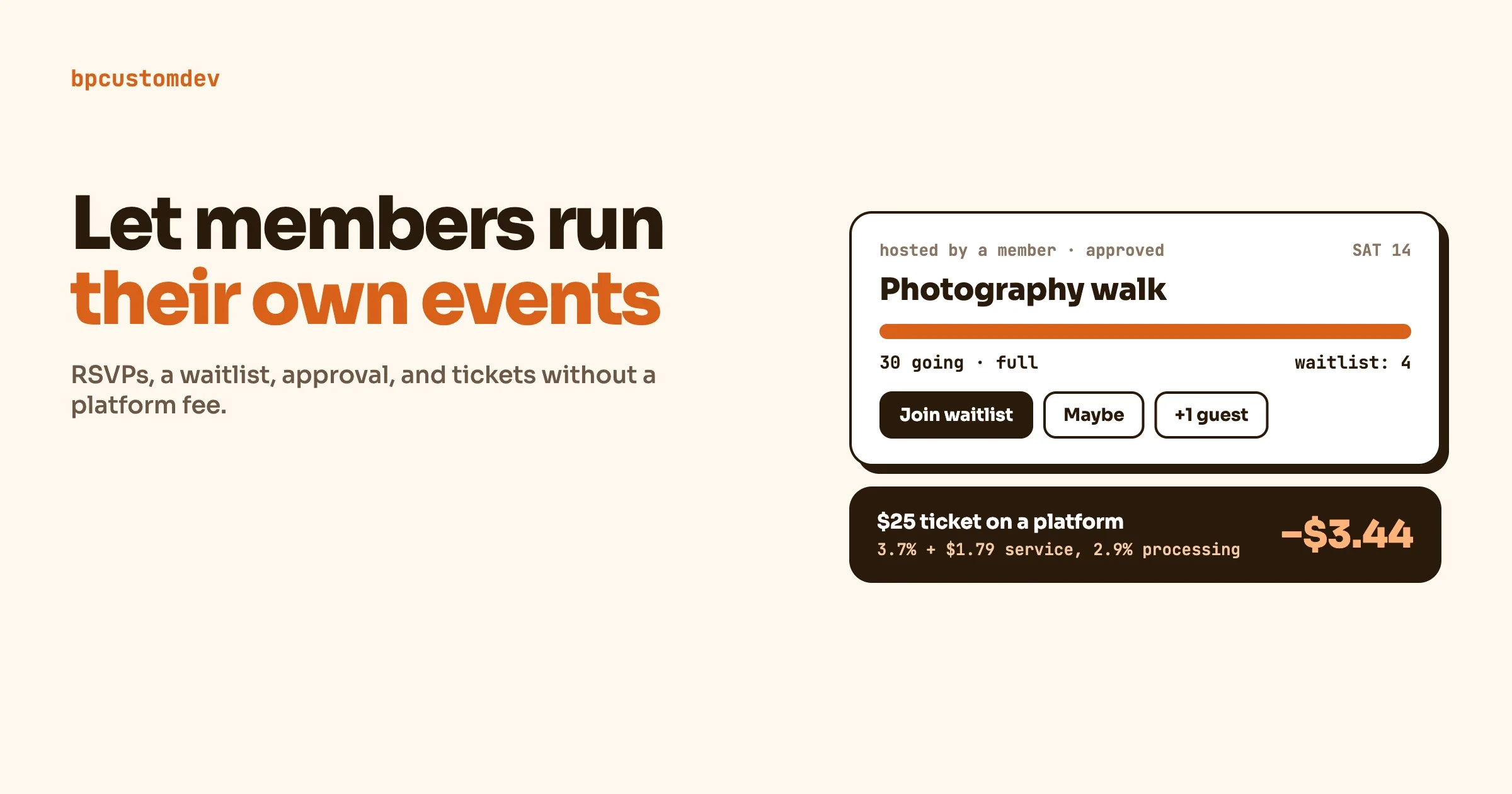
Eventbrite’s pricing page says events with free tickets carry no ticketing platform fees. For paid events it lists a service fee of 3.7% plus $1.79 per ticket and a 2.9% payment processing fee per order. Organizers can absorb those fees or pass them to buyers. The page notes its pricing plans are offered in the United States, Canada, Australia, New Zealand, the United Kingdom and Ireland. It also lists waitlists, mobile check-in, an organizer app, and visibility in Eventbrite’s marketplace.
Eventbrite is the right pick when strangers need to find a public paid event, such as a workshop open to anyone. It is a poor fit for a monthly group of regulars paying nothing, where its strengths do not help and a per-ticket fee does nothing for you. If ticket fees matter to you, our article on member-run events, RSVPs, waitlists and paid tickets walks through the numbers and when moving events onto your own site pays off.
Facebook Groups and Discord
Many local groups move here first because it costs nothing to start and members already have the app. We have not priced these two, because we did not verify their current terms, and we will not guess. The trade-off is the same one behind the Meetup complaint, one step worse: you rent the audience, event tools are basic, and a policy change can reach your group without warning. They work well as a chat layer beside a calendar you own, not as the calendar itself.
The Events Calendar (WordPress)
The Events Calendar’s own site calls it the “#1 Event and Ticketing WordPress Plugin” and quotes 800,000 active installs and a long list of add-ons. Its pricing page, read on 3 November 2026, lists a bundle at $350 a year for one site, which it says includes The Events Calendar, Give, LearnDash and Kadence. Larger site counts are cheaper per site, with a 10-site tier at $599 a year. The plugin also has a free version on WordPress.org, and you should check its feature list against what your group needs before assuming a feature is free.
It is a strong choice if you value a mature ecosystem, wide theme support and a polished calendar. A group that mainly needs sign-ups should check what registration costs inside that bundle and how much assembly it needs. Our roundup of WordPress events plugins compares the field in more detail.
Eventonomy (WordPress)
Eventonomy is ours, so read this section with that in mind. Everything below comes from eventonomy.org, read on 3 November 2026.
The free plugin includes unlimited events and RSVPs (going, maybe, no, with guest counts), a waitlist that catches overflow when capacity is reached, custom RSVP questions, four calendar views (Grid, List, Month, Upcoming), daily, weekly and monthly recurring series, an ICS feed for Apple, Google and Outlook, a venue and organizer catalog, a front-end Manage Events dashboard, CSV exports and branded confirmation and reminder emails. Guests can RSVP with a name and an email and manage the RSVP later through a magic link. Reminders go out a day and an hour before each date. It needs WordPress 6.5 or newer and PHP 8.1 or newer.
Pro adds paid tickets through Stripe, PayPal or WooCommerce, with tax, booking fees and coupons, plus Week and Day grids, maps, a door check-in scanner, organizer analytics, a discovery feed, SMS reminders through Twilio, custom reminder timing, custom email templates, and GA4 and Meta tracking. Yearly and “second Saturday” repeat rules are Pro too. The listed prices are $99 a year for one site (lifetime $249), $199 a year for five sites (lifetime $499) and $249 a year for unlimited sites (lifetime $629). The site says nobody takes a cut of ticket sales, and that your gateway’s fees are the only fees.
What it does not do, according to the same site: it has no network of strangers looking for groups, so it adds no reach. It has no ready-made mobile app. You cannot move a single date inside a recurring series to a new time, so you cancel that date and add an event. And you host it, so updates, backups and hosting are your job.
Is running a group on your own WordPress site cheaper than Meetup?
Sometimes, and the honest answer depends on what you already pay for. If you have a WordPress site, adding the free Eventonomy plugin or the free version of The Events Calendar costs nothing in licences. If you need to buy hosting only for the group, a small plan can cost less than a Meetup Standard subscription, but it adds work that Meetup does for you.
Cost to compare | Meetup Standard | Own WordPress site |
|---|---|---|
Recurring platform fee | From $29.99 a month | None for the core plugins; Pro or bundle licence only if you need paid features |
Hosting and updates | Included | Yours to pay for and keep patched |
Fee on paid tickets | Ticket sales are a Standard feature | Your payment gateway’s fee only |
Finding new members | Meetup search and recommendations | Your own promotion and search ranking |
Member list | On the platform | In your database, CSV export |
Your time | Low | Medium at set-up, then low |
We did not put a ticket-fee figure for Meetup in that table, because we could not read Meetup’s fee terms from their own pages. If you sell tickets through Meetup, check the current terms in your organizer account.
How do the options compare on the details a group cares about?
This table only states what we could read from each vendor’s own pages. Where we could not confirm a detail, it says so, which is more useful to you than a guess.
Detail | Meetup | Luma | Eventonomy |
|---|---|---|---|
Free tier | Starter: 1 group, 2 events a month, 10 attendees | Unlimited events and guests | Free plugin, unlimited events and RSVPs |
Recurring events | Listed under Standard | Not confirmed on the pricing page | Daily, weekly, monthly free; yearly rules in Pro |
Registration approval | Not confirmed | Yes, on the free plan | Capacity cap and waitlist, free |
Attendee export | Not confirmed | CSV import and export | CSV export, free |
Paid tickets | Listed under Standard | 5% platform fee on free plan, 0% on Plus | Pro, through Stripe, PayPal or WooCommerce |
Where the data lives | Meetup’s platform | Luma’s platform | Your WordPress database |
Finds new members for you | Yes, its core value | Some discovery, not confirmed on the pricing page | No |
Read the last row twice. It is the only row where Meetup wins outright, and for some groups it is the only row that matters.
What if the group needs more than an events page?
Groups that last tend to grow past a calendar. Members want a place to talk between meetings, a member directory, a page for each recurring session, and sometimes paid membership. That is where running the group on your own site starts to pay for itself, because events, a forum and member profiles can share one login and one list of people. On the WordPress side that usually means pairing an events plugin with a community platform such as BuddyPress or BuddyNext, which is the work our team does for clients. If you only need to run one meetup a month, you do not need any of that, and a free events plugin or a Luma page is the proportionate answer. Do not build a community platform for a group that needs a sign-up sheet.
How do I decide whether to leave Meetup at all?
Run a twenty-minute test before you move anything.
- Count where your last twenty members came from. Ask them, or check your join messages. How many found you through Meetup search or a Meetup suggestion, and how many through a friend, a link, another event or your newsletter?
- Add up what you pay in a year. Use the figure in your account, not the starting price.
- List the features you use. Recurring events, member emails, ticketing, the app. Mark which of them the alternative covers.
- Price the work. Moving to your own site means a setup afternoon and a small ongoing job. Be honest about who will do it.
If more than about half of your new members come through Meetup search, stay or run both for a while. If fewer than a quarter do, the subscription is mostly paying for software you could run yourself. The middle zone is a judgment call, and a hybrid is a fair answer: keep a free Meetup listing as a doorway and send people to your own site to RSVP.
What does a local group need from an events tool?
Whatever you pick, a group that meets regularly needs the same short list. Use it as a checklist when you try any option.
- Recurring events with one sign-up. “Every other Thursday” should be one rule, not twenty-six copies.
- A capacity cap and an automatic waitlist. When a seat opens, the next person moves up without you.
- Sign-up without an account. A name and an email should be enough for a first visit.
- Reminders. Email a day before and ideally an hour before. SMS is a bonus.
- An export you can open. A CSV of attendees you can take anywhere.
- Add to calendar. An ICS feed or button for Apple, Google and Outlook.
- A page that says who you are. New visitors should understand the group in ten seconds.
- Cancel one date cleanly. Bad weather happens.
Meetup Standard, Luma and Eventonomy all cover most of this list in some form. Where they differ is who holds the data and what you pay each month. For a deeper test of any platform, our one-hour evaluation script for community platforms works for event tools too.
How do I move my group off Meetup without losing people?
Do not cancel first. Move in this order so nobody is left without a place to go.
- Build the new home. Set up the site or the Luma calendar and publish the next two events there.
- Copy your member emails where Meetup allows it. Check what you can export and what your members agreed to. Many groups cannot take emails and must invite people to join the new list instead.
- Announce on Meetup for a month. Post the new link on every event page and in a group message. Tell people what changes and what stays the same.
- Run both for two events. Let regulars switch in their own time.
- Cancel when the new RSVPs match the old. Then keep a basic Meetup listing if it still brings in strangers.
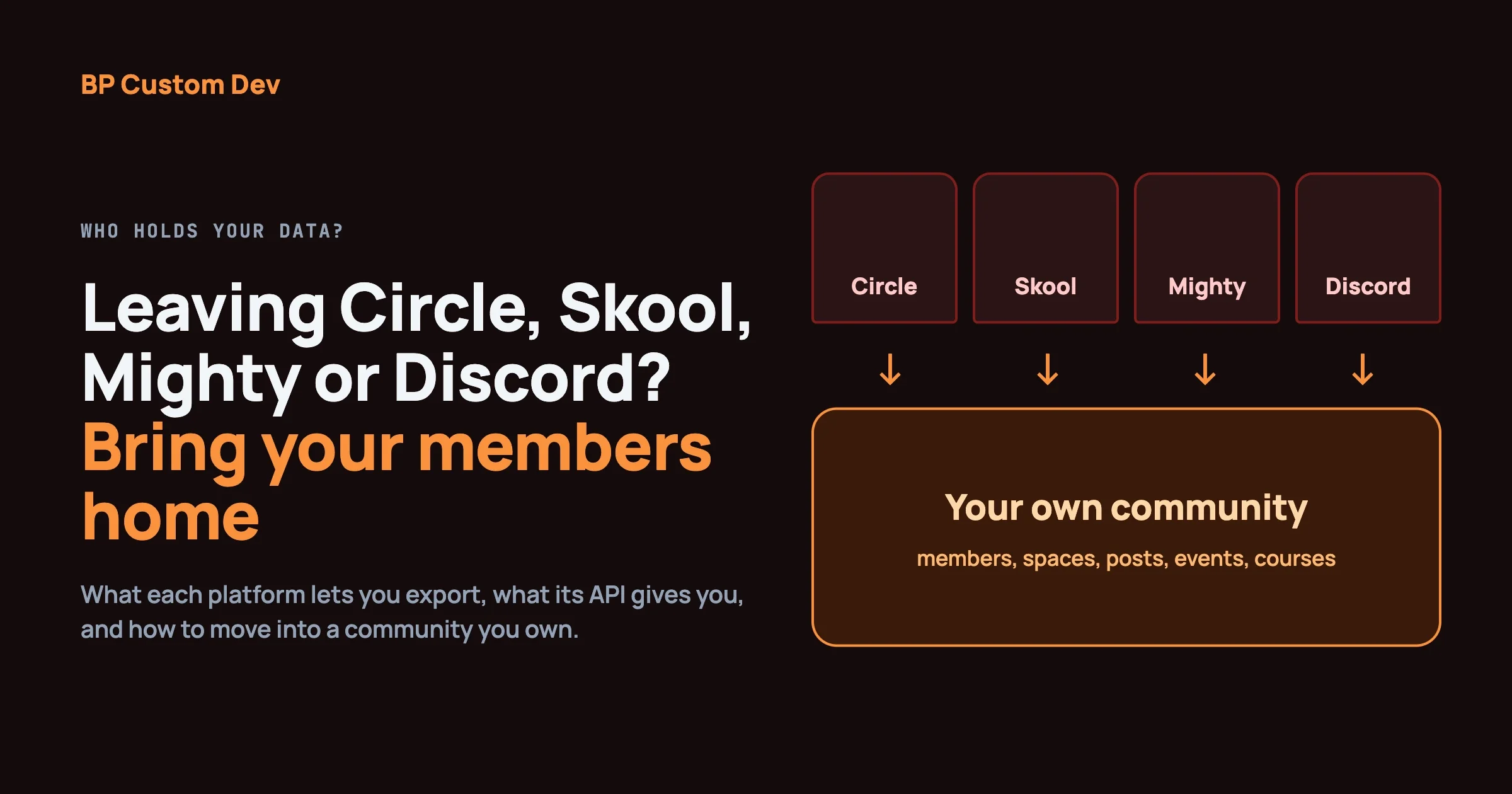
On the data side, plan the export early. Our guide to exporting members and content from Circle, Skool, Mighty Networks and Discord covers the habits that apply here too: ask what leaves with you before you commit.
When should a group stay on Meetup?
Stay if new members still find you mostly through Meetup’s search, if you organize several groups and want one place for them, if nobody on your team wants to host or patch a website, or if your members already live in the Meetup app and would not follow you. Eventonomy’s own comparison page says the same: Meetup earns its subscription while it brings you new members. That is a fair summary from a vendor that would gain from telling you otherwise.
Frequently asked questions
What is the best free alternative to Meetup?
For a free tool you do not host, Luma’s free plan lists unlimited events and guests. For a free tool you run yourself, the free Eventonomy and The Events Calendar plugins on WordPress cost nothing in licences. Facebook Groups and Discord are free to start too, but you do not own the audience.
Can I run a Meetup-style group on WordPress?
Yes, for the events side: a recurring calendar, RSVPs with capacity and a waitlist, reminders and a member dashboard. What WordPress will not give you is Meetup’s network of strangers searching for groups, so you have to bring your own audience.
Do WordPress events plugins charge fees on tickets?
The plugin itself does not take a cut on ticket sales, according to Eventonomy’s site. You pay your payment gateway’s normal fees, and a Pro licence or bundle if you need paid ticketing. Check each plugin’s page for its own terms.
Can I import my Meetup members into a new tool?
That depends on what Meetup lets you export and what your members agreed to share. We could not confirm a member export from Meetup’s own pages, so do not plan around one. Plan to invite members to join the new list.
Is Eventbrite a good Meetup alternative?
For public paid events that strangers should find, yes. For a free recurring group of regulars, it adds little. Its listed fee for paid tickets is 3.7% plus $1.79 per ticket plus 2.9% payment processing in the markets where its plans are offered.
How long does it take to move a group to your own site?
For a simple group, an afternoon to install the plugin, add the venue and create the first series. Allow a month of running both places while regulars switch.
The short version
Meetup is worth paying for when its search brings you members. When it does not, your options are Luma for free events without hosting, Eventbrite for public paid events, Facebook or Discord as a chat layer, or a WordPress site you own with The Events Calendar or Eventonomy. Count where your last twenty members came from, price the year, and move in stages. If you want help planning a community site with events, members and a forum on one domain, our team at bpcustomdev can talk it through. Sources: the vendor pricing and product pages named above, Meetup’s help center and blog, and eventonomy.org, all read on 3 November 2026.