BuddyPress "Tested Up To 7.0.7": What the Label Means and How to Check WordPress 7.1 and 7.2 Compatibility Yourself
The BuddyPress plugin page says tested up to WordPress 7.0.7 while 7.1.3 is current and 7.2 Beta 1 is out. What that label does and does not tell you, what we found reading the code, and a staging plan to check your own community.


If you run a BuddyPress community, you may have noticed that the plugin page on WordPress.org says “Tested up to: 7.0.7” while your site is on WordPress 7.1.3, and WordPress 7.2 is already in beta. A red or old-looking compatibility line makes owners nervous, and nervous owners make rushed decisions: freezing updates, or the opposite, assuming everything is fine because nothing has visibly broken.
This post explains what that label actually tells you, what it cannot tell you, and how to check compatibility on your own community in an afternoon with a staging copy. We also report what we found when we read the current BuddyPress code against the changes in the first 7.2 beta. We did not run a staged 7.2 test of a BuddyPress site for this post, so the checks below are a plan for you to run, and the findings are from reading and linting the code, not from observing a live community. We say so in each place where it matters.
What the plugin page says today
These details come from the plugin page on WordPress.org and the WordPress.org plugin information API, both read on 23 October 2026.
Item | Value |
|---|---|
Current version | BuddyPress 14.5.2 |
Last updated | 29 July 2026 |
Active installations | 90,000+ |
Requires WordPress | 6.1 or higher |
Tested up to | WordPress 7.0.7 |
Requires PHP | 5.6 or higher, with 7.4+ recommended in the installation section |
Rating | 4.1 of 5 across 375 reviews |
For context, the WordPress core update service currently offers 7.1.3 as the latest release, with 7.0.7 among the maintained older branches. WordPress 7.2 Beta 1 was released on 20 October 2026, and the WordPress.org announcement gives 8 December 2026 as the final release date. The announcement warns against running Beta 1 on production or mission-critical sites.
So the label points one release branch behind current, and BuddyPress has not shipped since late July. Is that a problem?
What “tested up to” means, in plain terms
The WordPress plugin handbook describes the field as the WordPress version a plugin has been tested against. It adds two details that matter here. First, the field ignores minor versions, because plugins should not break on a minor update. Second, listing only a major version such as 7.0 is enough, since the WordPress.org plugin directory automatically adds the minor version.
That explains the odd-looking number. We downloaded BuddyPress 14.5.2 from WordPress.org and read its readme file. It says “Tested up to: 7.0”. The directory page and its API display that as 7.0.7, which is the latest 7.0 release. In other words, the authors declared they tested on the 7.0 branch, and the directory filled in the newest minor release for you. Nobody ran a special test on 7.0.7.
Three practical points follow from this.
- The label is a statement by the plugin authors, not a certification. Nobody at WordPress.org verifies it. It tells you which branch the team last said they tested.
- It says nothing about the branches after it. The label does not say 7.1 works, and it does not say 7.1 fails. It is silent. A silent label is a prompt to test, not a warning to stop.
- WordPress shows a nudge on a mismatch, but it is only a nudge. The plugin page and update screens flag a plugin as untested with your version. That helps you spot plugins nobody has touched for a long time, which is the real risk signal, and the reason to read the release history next.
The signals that matter more than the label are how recently the plugin shipped, how the maintainers respond to problems, and whether other communities on the same WordPress version report trouble. For a plugin as large as BuddyPress, the third one is usually the fastest to read.
Reading the signals instead of the label
Release cadence
BuddyPress 14.5.2 was updated on 29 July 2026. The plugin page’s changelog section mostly links to release notes rather than listing changes, so we could not summarise recent fixes from the page itself. The two entries that carry text are older security fixes (12.4.1 and 12.5.1) for stored cross-site scripting in blocks, reported by Wordfence. A quiet stretch of three months is not unusual for a mature plugin, and our earlier look at where BuddyPress stands in 2026 covers the longer trend. What it does mean is that a WordPress change that lands in a release after July may not have been reviewed by the BuddyPress team yet.
Where problems get reported
Three public places are worth checking before you update WordPress, in this order: the plugin’s support forum on WordPress.org, the BuddyPress Trac (the project’s ticket tracker) searched for the WordPress version you are about to install, and the BuddyPress support forums. Search for the version number, for words such as “7.1”, and for the symptoms your community cares about. The page’s support statistics were not shown, so we cannot say how many threads are open right now, and you should look yourself. Treat each report as a lead and reproduce it on your own staging site before you believe it, since many are caused by a theme or an add-on rather than BuddyPress.
Who else runs this combination
If you use a managed host that lists plugin compatibility, or a theme such as BuddyX that keeps its own notes, check them. We make no claim here about any specific theme or add-on, because we did not test them for this post.
What we read in the code
The official 7.2 Beta 1 announcement lists a handful of changes aimed at developers: client-side media processing in the Media Library, legacy Dashicons in the admin bar and sidebar replaced by icons from the WordPress icon library, admin scripts and styles loading as individual files instead of large combined bundles, and a new Secrets API for storing credentials. We read BuddyPress 14.5.2 with those four changes in mind. This is a static review, which means we read code and searched it. It is not a runtime test, and a static search can miss things.
Syntax on a current PHP
We ran PHP’s built-in lint over all 687 PHP files in the package with PHP 8.5.5 and found no syntax errors or compile-time warnings. This says only that the files parse. It does not run them, so it cannot show runtime behaviour.
Dashicons
BuddyPress references Dashicons in 80 files. Most of those references are CSS class names. The most frequent one by far is dashicons-dismiss, which appears 67 times, and the rest are single digits: heart, search, visibility, arrows. For the WordPress admin menu, we found one explicit menu icon, dashicons-email, passed as the icon of the post type that stores BuddyPress emails (bp-core/classes/class-bp-core.php, line 389), and the same icon string in the admin class when it registers a menu page (class-bp-admin.php, line 402). The BuddyPress welcome screens also use a Dashicon logo and heart. The 7.2 announcement says the admin bar and sidebar are moving to a new icon library. We did not read what happens to a plugin that supplies a Dashicons class for its menu icon, and the announcement does not say. So the check for you is visual: open the admin menu and the Emails screen on a 7.2 beta site, and confirm the icons render.
Media uploads
The 7.2 change is about the Media Library resizing and converting images in the browser before upload. BuddyPress member avatars and group or cover images do not go through the Media Library. In the code, they use BuddyPress’s own attachment class, which calls the WordPress upload handler wp_handle_upload (bp-core/classes/class-bp-attachment.php, line 276) and then wp_get_image_editor to crop (line 738). That reading suggests the new Media Library behaviour is not in the path of avatars, but it does not prove that nothing changes for them, and community sites often add a media add-on that does use the Media Library. Member uploads are the first thing to test.
Script loading
One of the 7.2 changes is the removal of script and style concatenation in the admin, so scripts load as individual files. We searched the BuddyPress code for the concatenation machinery (load-scripts.php, concatenate_scripts, compress_scripts) and found no references. Nothing in the code leans on the old mechanism, but a plugin or theme that does could behave differently, and the test is to watch the browser console on your admin screens.
Secrets API
BuddyPress does not reference the new API, which would be expected for a feature that is new in 7.2. If your community stores integration keys, they sit in whatever place your add-ons store them. That is a topic for later, since the API only helps once your plugins adopt it.
None of this amounts to a compatibility claim for BuddyPress on 7.2. It is a short list of places where a problem would most likely show up, which is exactly what you need to design a test.
The staging plan: check your own community
You are testing your whole stack, not BuddyPress alone: WordPress core, BuddyPress, your theme, your add-ons and your host’s PHP. Do the work on a copy so a failure costs you nothing.
Step 1: make a copy and match the environment
Create a staging copy on the same PHP version as production, with a recent database copy, search engines blocked and outgoing email caught. For BuddyPress that last point matters: notifications, messages and activity digests can email real members from a copy of the site. Send one test email first and confirm it is captured.
wp db export community-live.sql
# on staging
wp db import community-live.sql
wp search-replace 'https://community.example.com' 'https://staging.example.com' --all-tables --skip-columns=guid
wp option update blog_public 0
wp config set WP_DEBUG true --raw
wp config set WP_DEBUG_LOG true --raw
wp config set WP_DEBUG_DISPLAY false --raw
Step 2: record a baseline on the current version
Before you change anything on staging, write down what is installed and what the community contains, so you can compare afterwards. Note the active BuddyPress components from Settings, then BuddyPress, then Components, since they decide which rows of the test table below apply to you.
wp core version
wp plugin list --fields=name,status,version,update --format=table
wp theme list --fields=name,status,version,update --format=table
wp user list --format=count
Step 3: move staging to the release you care about
For WordPress 7.1.3, which is the current release, update staging to it if you are not on it already. For 7.2, the announcement gives four ways to get Beta 1: the WordPress Beta Tester plugin (choose the bleeding edge channel and the Beta/RC stream), a direct zip download, WP-CLI, and WordPress Playground in the browser. With WP-CLI the command is:
wp core update --version=7.2-beta1Use a staging copy only, never production, and expect a beta to change between releases, so repeat the test when later betas and the release candidates arrive. The final release is set for 8 December 2026 according to the announcement. Hosts, themes and add-ons usually need a few weeks after a final release, which is why the window before that date is the time to test.
Step 4: run the community test list
Follow the way members use the site, with WP_DEBUG_LOG on, and read the log after each group of checks.
Area | What to do | Pass looks like |
|---|---|---|
Registration and login | Register a test member, activate, log in, reset a password | Emails arrive, forms submit, no notices |
Profiles | Edit profile fields, upload an avatar, upload a cover image | Images save, crop works, correct sizes shown |
Activity | Post an update with a link and an image, comment, favourite, delete | Feed updates, counts correct |
Groups | Create public and private groups, invite, join, post, leave | Permissions hold, private content stays private |
Messages | Send a private message, reply, mark read | Thread updates, notification arrives |
Notifications | Trigger a mention and a reply, open the notification list | Counts and links correct |
Directories | Open members and groups directories, search, filter, paginate | Results and counts match the baseline |
Admin screens | Open Users, Groups, Emails, Settings, Components, Tools | No fatal errors, icons render, bulk actions work |
Blocks | Insert the Members, Groups and Friends blocks on a page | Editor loads, blocks render on the front end |
REST API and apps | Call a BuddyPress REST route if you use a mobile app or integration | Expected responses |
Add-ons and theme | Repeat the above with every add-on active and your real theme | Same results |
Two groups deserve extra care. Member uploads are the first, for the reasons in the code reading above. The second is the browser console on admin and front-end screens: with admin scripts loading as separate files in 7.2, a missing dependency can show up as a JavaScript error long before anyone sees a broken page. Open your browser’s developer tools console, load each admin screen in the table and note errors. A site with errors on the current version is not a regression, so compare against the baseline.
Step 5: read the log, and decide
grep -iE "deprecated|warning|fatal" wp-content/debug.log | sed 's/^\[[^]]*\] //' | sort | uniq -c | sort -rn | head -30That groups log lines by message so the most frequent show first. For each distinct message, find the file path in it and work out which plugin or theme it belongs to. A deprecation notice from a plugin that is actively maintained is usually a short wait for an update. A fatal error from an abandoned add-on is a decision for you: replace it, fork it, or retire the feature.
Then write one page: what you tested, on which versions, what failed, and what you will do. That page is your own “tested up to” label, and it is worth far more than the one on the plugin directory, because it covers your stack.
The decision table
You find | What it means | What to do |
|---|---|---|
Everything passes on 7.1.3 | The label’s silence about 7.1 does not apply to your stack | Update production in a quiet window, with a backup |
A visual glitch (icons, spacing) only | Cosmetic | Update, and log a ticket with the theme or add-on author |
Fatal error or broken action from an add-on | The add-on is the blocker, not BuddyPress | Hold the update until the add-on is fixed or replaced |
A BuddyPress screen fails | A real compatibility problem | Search Trac and the support forum, report it with your steps, and hold |
No issues on 7.1.3 and failures on the 7.2 beta | Expected during a beta | Note them, retest at each beta and candidate, report what is reproducible |
One more consideration for decision-makers: the cost of holding an update. WordPress security releases ship for the older branches too, and 7.0.7 is listed among the maintained branches, but staying on an older branch for long means you rely on whichever branches the project keeps patched. Pair your compatibility window with the same calendar you use for PHP; our recent post on upgrading PHP under a bbPress forum sets out the staging approach, and the PHP security release this week makes it a good moment to test both together.
When to bring in a developer
Do it yourself if your site is plain BuddyPress with a maintained theme and one or two well-known add-ons. Bring in help when any of these is true: you have custom code that hooks BuddyPress templates or the activity stream, you depend on an add-on nobody maintains, you run a membership or marketplace layer on top of the community, or you cannot take downtime for a failed update. A short written scope makes the work quick: your plugin and theme list with versions, the test table above with owners, and the date you need it by. If you are also weighing whether BuddyPress is still the right base, our guides on BuddyBoss against BuddyPress with BuddyX and moving from BuddyPress to BuddyNext cover the platform question, and the one-hour evaluation script helps you judge any platform on equal terms. Hosting also matters for how your community behaves under update load, which our BuddyPress hosting guide explains.
A maintained path forward: BuddyNext
Everything above is about checking BuddyPress where it is. Some owners reading a label that trails the current WordPress release start to ask a bigger question, whether to build their community on a platform with a faster release rhythm. That is a legitimate question, and a compatibility label is not the best reason to answer it. Check your own stack first. If the staging test passes, BuddyPress remains a reasonable base. If you want a maintained path forward anyway, BuddyNext is the one we build.
From BuddyNext’s README: a community platform for WordPress with an activity feed, spaces, member profiles, messaging and moderation in one plugin, built REST-first on the WordPress Interactivity API, requiring WordPress 6.9 or newer and PHP 8.1 or newer, licensed GPLv2 or later. It is not listed on WordPress.org: it is downloaded from wbcomdesigns.com or the GitHub releases page, so there is no “tested up to” label to read, and you judge it by its changelog and release dates instead. The product page lists version 1.2.6, updated on 17 October 2026. It labels the free tier as the complete community with no licence key, and Pro as adding monetization, email campaigns, AI and real-time features and analytics.
What the importer brings across
BuddyNext’s importer, described in its own README, reads BuddyPress (including bbPress forums and rtMedia) and BuddyBoss Platform. It has 18 steps across 12 selectable domains: profile fields and values and member types, groups with privacy and role mapping, activity posts and comments, friendships, follows and reactions, forums, avatars and cover images, albums and media, and private messages with their photo attachments. Forums need Jetonomy, and media and private messages need WPMediaVerse. A domain whose engine is missing is skipped and reported. Notifications are deliberately not imported, since they are transient.
# Reads the source and writes nothing
wp buddynext-import stats
# Runs the migration; limit it with --skip=messages,media or --only=reactions
wp buddynext-import migrate-all
# Checks coverage and totals, with a reason for every row not written
wp buddynext-import verify --samples=20
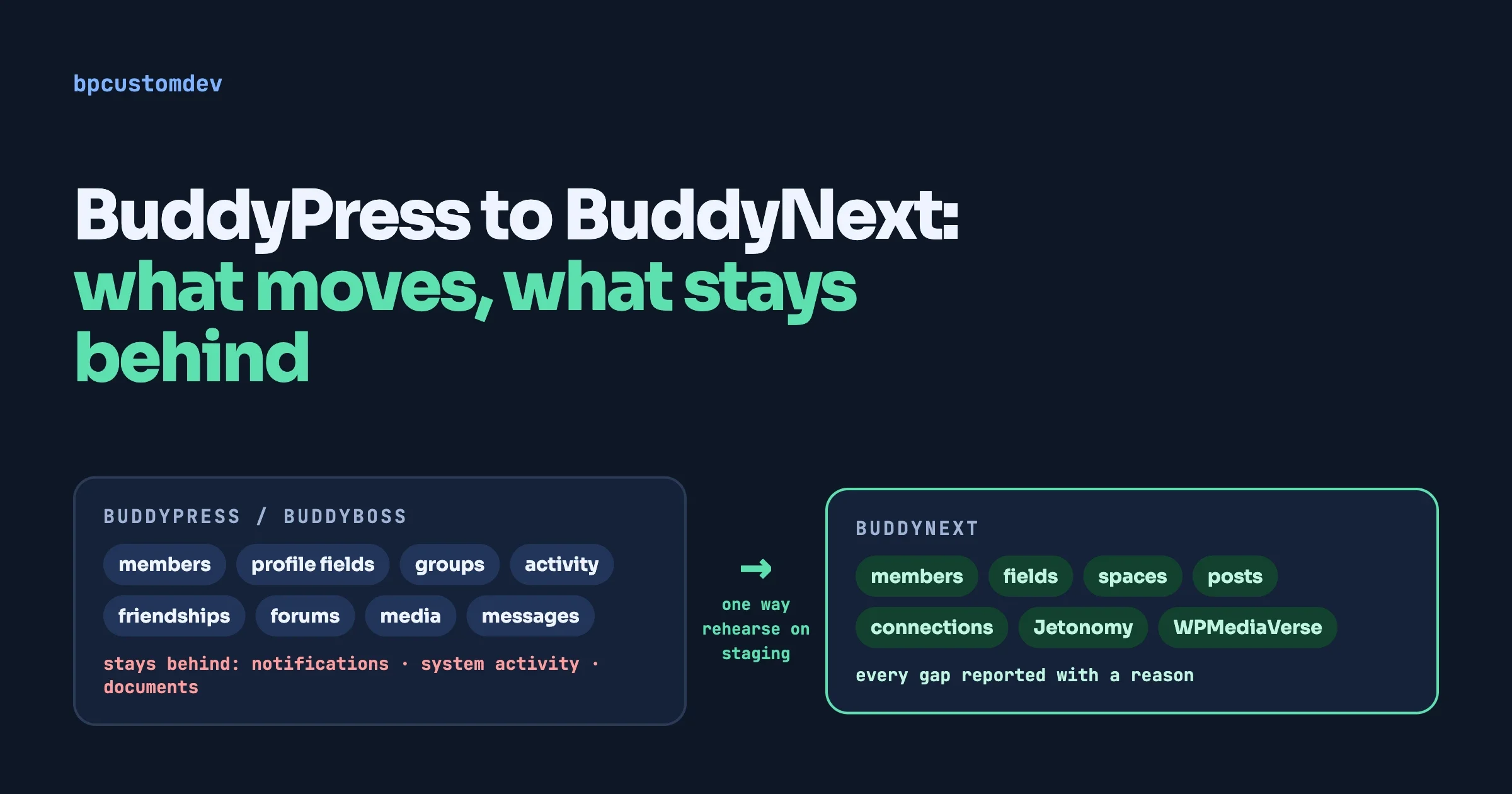
The README’s warning applies in full: never run it on a live community you have not already migrated somewhere else, because the plugin cannot undo a migration and reversing one means restoring a backup. Rehearse on the same staging copy you built for the compatibility test above. Our guide to moving from BuddyPress to BuddyNext covers what moves, what stays behind, and what your theme and hosting need, and the one-hour evaluation script gives you a way to judge it before you commit.
Common questions
Is BuddyPress safe to use on WordPress 7.1?
We cannot certify that, and neither can the label. The label says the authors tested on the 7.0 branch. We found no syntax problems on a current PHP and no obvious reliance on the mechanisms 7.2 is removing, but the real answer is the result of your own staging test.
Should I stay on WordPress 7.0.7 until BuddyPress updates its label?
Not as a rule. A label update is the authors editing one line after a test. If your own test passes, waiting for the label gains you nothing, and holding back on core updates has its own costs.
Does the label update itself?
No. The authors set the major version in the readme. The directory adds the newest minor release of that branch, which is why you see 7.0.7 and not 7.0.
Will the WordPress 7.2 media changes break member avatars?
From reading the code, BuddyPress avatars and cover images use BuddyPress’s own upload path rather than the Media Library, so the Media Library change is probably not in their way. We did not test it, so check avatar and cover uploads on a 7.2 beta site.
Can I test 7.2 without touching my site?
Yes. WordPress Playground, which runs in the browser, is one of the four ways the announcement lists. For your real data and add-ons, use a staging copy.
What we could not verify
- A staged run of BuddyPress on WordPress 7.1.3 or 7.2 Beta 1. Everything under “What we read in the code” is static review and a syntax lint.
- How 7.2 treats a plugin that supplies a Dashicons class for its menu icon. The announcement says legacy Dashicons in the admin bar and sidebar are being replaced, and does not describe a fallback.
- Open BuddyPress issues for 7.1 or 7.2. We did not search the support forum or Trac for this post, and the plugin page does not show support statistics.
- Release dates for later betas and the release candidates. The announcement gives the final date, and the full schedule is on a separate Make WordPress page we did not read.