SaaS Community 2026: Discord, Open Forum or Gated?
How SaaS teams choose between a Discord server, an open forum and a gated customer community in 2026: fit, costs, Discord's new web pages and common mistakes.

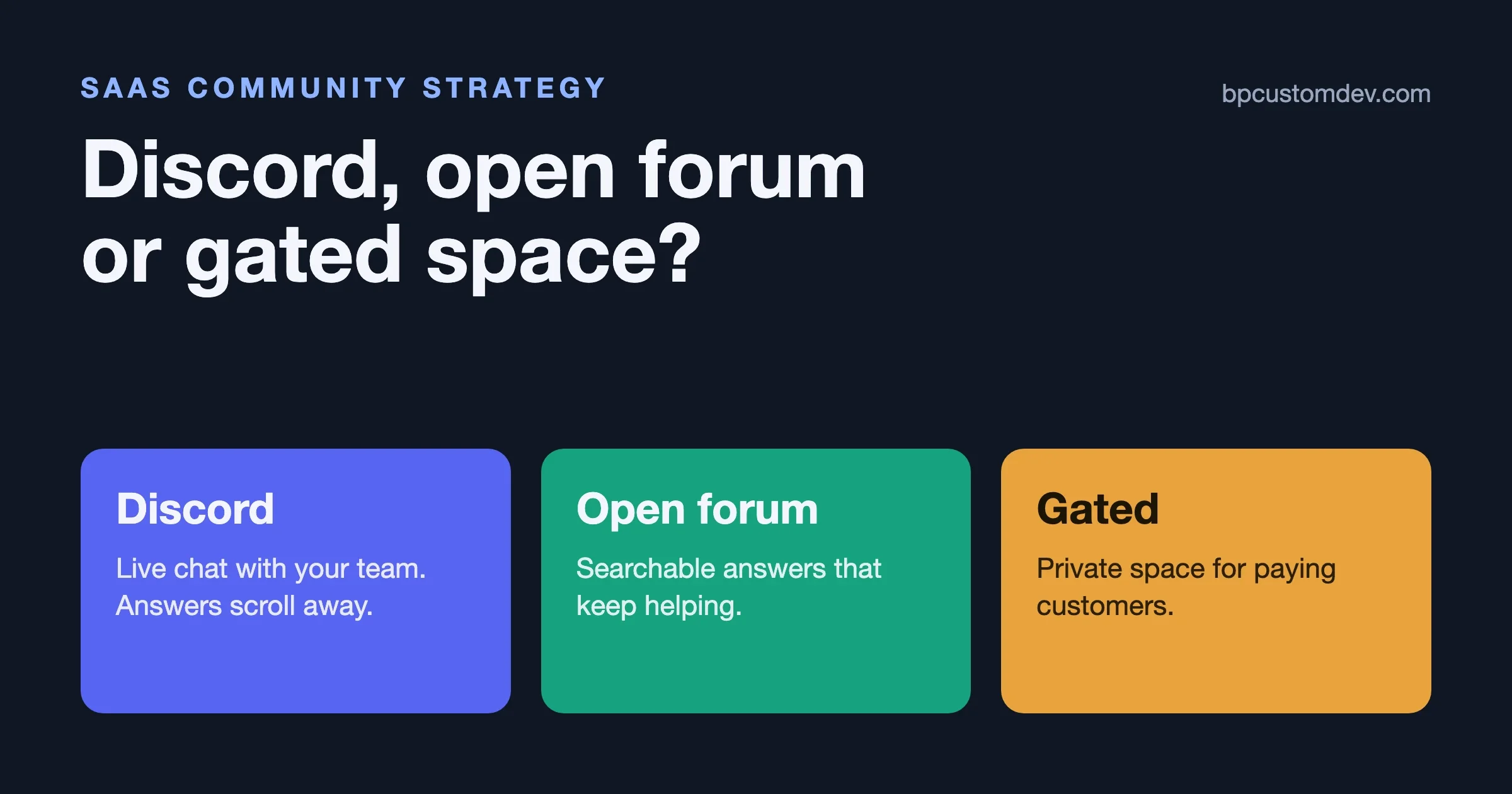
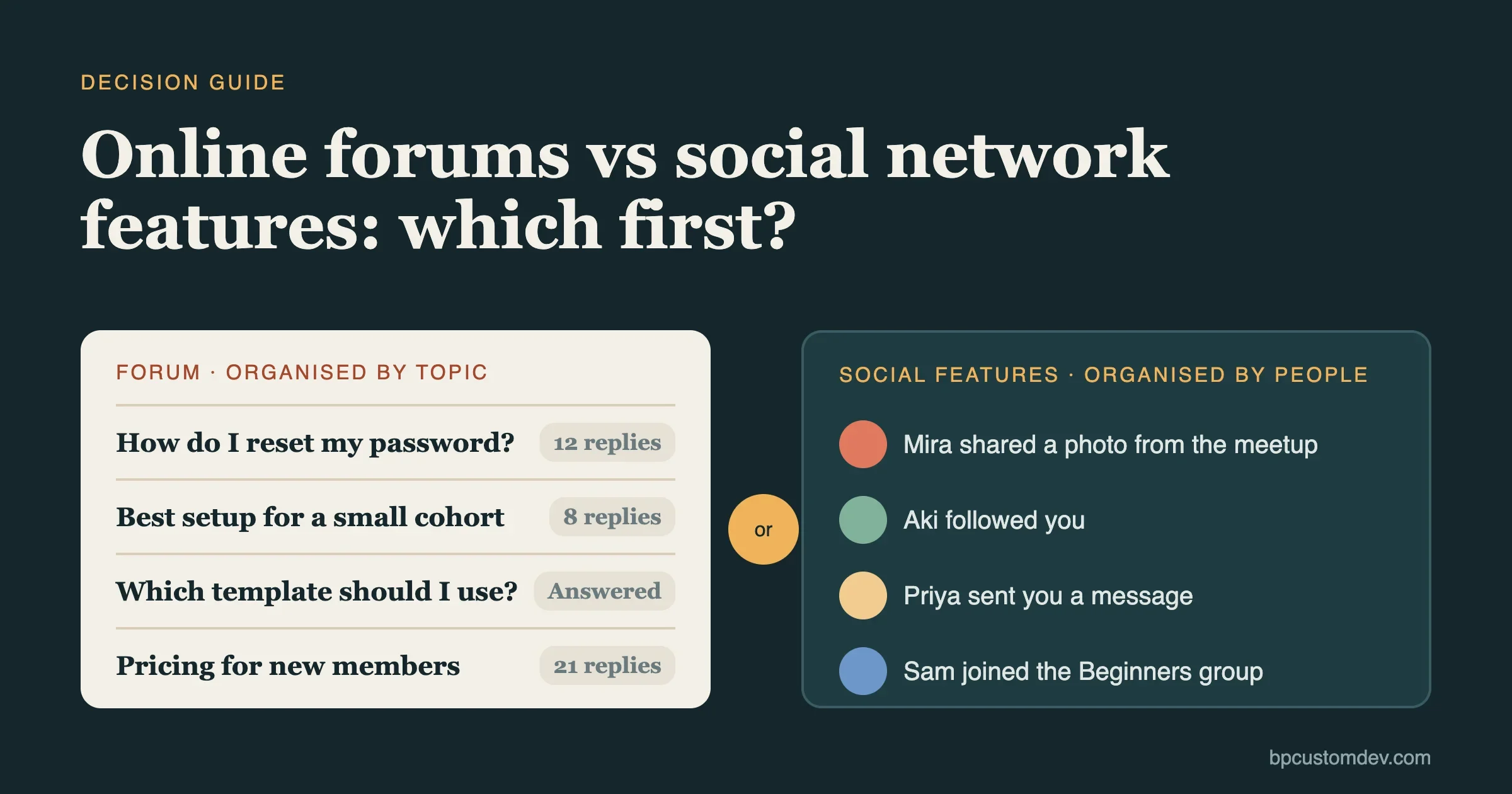
Pick the community model by where your users need answers and who will run it. An open, searchable forum suits most B2B SaaS products, because support answers keep working for months and show up in search. A Discord server suits developer tools whose users already live in Discord and who want to talk to your engineers in real time. A gated, customer-only community suits products sold to larger companies, where members share configs, roadmaps or numbers they would never post in public.
Most teams end up running two of these, not one, and the real cost is the staff time, not the software. We checked the platform rules and prices in this guide on 21 November 2026, including a Discord change that went live on 16 November and alters the search argument for Discord servers.
What is the difference between a Discord community server and a regular server?
A regular Discord server (Discord now calls it a Friend Server) is an invite-only space for a small group. A Community Server is still invite-only, but it unlocks admin tools: Server Insights, raid protection, a rules channel, onboarding questions and announcement channels that other servers can follow. Turning Community on does not make your server public. People still need an invite link, and Community invite links never expire, according to Discord’s server types article (updated 27 October 2026).
There is a third type that matters more for a software company: the Discoverable Server. That is a Community Server that meets extra rules and chooses to be listed in Server Discovery, so anyone can find and join it without an invite. Discord’s discovery requirements include at least 1,000 members, a server at least 8 weeks old, activity thresholds, safety settings and two-factor authentication for moderators.
Friend Server | Community Server | Discoverable Server | |
|---|---|---|---|
Who can join | Invite only | Invite only (links do not expire) | Anyone, no invite needed |
Admin tools | Basic roles and channels | Insights, onboarding, rules screen, raid protection, announcement channels | Everything in Community |
Requirements | None | Verified email to post, media filter, rules channel, updates channel | 1,000+ members, 8+ weeks old, activity, 2FA for moderators |
Public web page | No | No | Yes, a Server Web Page |
Messages on the web | No | No | Channel summaries from 16 Nov 2026, messages from mid-December 2026 |
To switch, open Server Settings, choose Enable Community and follow the setup steps (Discord guide). For a SaaS team the practical answer is simple: if you plan to use Discord for your product at all, make it a Community Server from day one, because Insights and onboarding are the only way to see whether the server is working.
Should a SaaS company use Discord, an open forum or a gated community?
Use this table as the first cut. Each row is a situation we see often when owners ask us to set up or rescue a community.
Your situation | Best first choice | Why |
|---|---|---|
Developer tool, users already on Discord | Discord Community Server | Fast answers from your engineers, low friction for the audience |
Many repeat how-to and support questions | Open forum | Answers stay findable in search and deflect repeat questions |
Open-source product with a GitHub repo | GitHub Discussions or open forum | Contributors are already signed in there |
Enterprise customers, private configs or pricing | Gated customer community | Members only post sensitive detail behind a login |
Product with an ideas backlog | Forum or Q&A tool with voting | Ideas need a status and a history, not a chat scroll |
Small team, nobody owns community yet | Forum with a few categories | Asynchronous, so a slow reply is still useful |
If two rows fit, that is normal. The common pairing is a public forum for answers plus Discord or a gated space for the closer relationship.
When does a Discord server work for a SaaS product?
Discord works when three things are true. Your users already have Discord open all day, which is common for developer tools, gaming tools and AI products. Your team can answer in near real time during working hours. And the value you want is relationship and feedback, not a permanent library of answers.
In that setting it is hard to beat. A user hits a problem, posts in a channel and gets a reply from someone who built the feature. People share what they made, you run office hours in a stage or voice channel, and your engineers hear raw feedback before it becomes a ticket.
The weak spot is memory. Chat moves on, and good answers scroll away. PostHog’s public handbook is blunt about it: the company removed bug and feature request channels from its Discord because things got lost there, and treats Discord as a group chat, not a support channel (PostHog community channels). A developer writing on DEV in January 2026 listed the same pain from the maintainer side: threads do not hold up in a busy server, misplaced posts cannot be moved or merged, and answers behind a login are invisible to search (DEV Community post).
What Discord costs you
The software is free. The cost is attention. Someone has to welcome new members, answer in channels, keep the channel list short and moderate spam and raids. If nobody on the team owns that, the server goes quiet within months, and a quiet server tells prospects the product is quiet too.
When is an open forum the better choice?
An open forum is the better choice when the same questions come up again and again, when your buyers research in search engines or AI assistants before they sign up, and when your team cannot promise real-time replies. A forum thread written once keeps helping every later visitor with the same problem.
You can see the model on Ghost’s forum and on Figma’s forum: public categories, searchable threads and staff answers marked so the next reader finds them. Open-source products often use GitHub Discussions instead, which is free and adds answer marking and categories next to the code. Supabase, for example, keeps public GitHub Discussions alongside its Discord.
Forum options in 2026
- Discourse. Open-source forum software you can host yourself for free, or rent from the company. Hosted plans list at $100 a month (Pro) and $500 a month (Business), with Enterprise on custom pricing (Discourse pricing, prices in USD, checked 21 November 2026). Recent versions add chat, so one install can cover both styles.
- GitHub Discussions. Free and good for developer audiences. Weak for non-technical customers who do not have or want a GitHub account.
- A forum on your own WordPress site. If your marketing site already runs WordPress, the forum can live on the same domain. Jetonomy is our forum and Q&A plugin: forum threads, Q&A where the asker accepts the answer, an ideas board with statuses and a show-and-tell space. It is free, and Pro is $69 a year or $199 one time on jetonomy.org. The older free options are bbPress (version 2.6.22, 100,000+ active installs) and wpForo (3.2.5, 20,000+), both updated in November 2026.
The cost of a forum is the cold start. A forum with five threads looks empty, and posting a question takes more effort than typing in chat. FeverBee, a community consultancy, warned in April 2026 that teams moving from chat to a forum often copy the chat layout and then switch chat off, and members feel the extra effort before they see the benefit (FeverBee article). Seed the forum with real answers from your support inbox before you announce it.
When should a SaaS community be gated?
Gate the community when the conversations are worth more because outsiders cannot read them. That usually means larger B2B accounts: admins comparing setups, customers sharing their numbers, beta groups under NDA, or a customer advisory board looking at the roadmap. A login also lets you tie every member to an account, so you can see which customers take part and how that relates to renewals.
The price is reach. Gated threads do not show up in search, so the community does nothing for buyers who have not signed up yet. Many teams solve this by keeping a public forum for how-to answers and a gated space for customers only.
Hosted platforms built for this include Circle, Bettermode and Discourse with private categories. On WordPress, BuddyNext, our community platform, gives you member profiles, a feed, spaces, forums, courses and events behind your own login, free on unlimited sites. If you already run BuddyPress, a theme such as BuddyX or Reign plus a membership plugin can gate it.
How much does each option cost in 2026?
List prices change often, so treat this table as a snapshot. We read every price on the vendor’s own page on 21 November 2026, in US dollars and before tax. Staff time is the larger cost in every row, and it is the same whichever tool you choose.
Platform | Entry price | Notes |
|---|---|---|
Discord | Free | Optional Server Boosts; no data export of the community as a site |
GitHub Discussions | Free | Best for open-source and developer products |
Discourse (self-hosted) | Free software | You pay for the server and maintenance |
Discourse (hosted) | $100 a month (Pro) | Business $500 a month; Enterprise custom |
Circle | $89 a month (Professional) | Billed annually; Business $199, Scale $419 |
Bettermode | $149 a month (Starter) | Billed annually ($1,788 a year); $199 month to month |
Jetonomy on WordPress | Free | Pro $69 a year or $199 one time; you host it |
BuddyNext on WordPress | Free | Pro plan available; you host it |
Sources: Discourse, Circle, Bettermode, Jetonomy. Hosting your own forum is cheaper in fees, but it moves updates, backups and spam control onto your team or your host. Our community monetization guide covers the revenue side if the community is meant to pay for itself.
Does Discord content show up in Google now?
Partly, and only for Discoverable Servers. Since 16 November 2026, a Discoverable Server’s public web page can show automated summaries of chosen public channels, without usernames. From mid-December 2026, answers members post in chosen public channels can also appear on the web and in search results, again without usernames or avatars (Discord: Discoverable Content on the Web, updated 16 November 2026).
Three limits matter for a SaaS team:
- It only applies to Discoverable Servers, so a server needs 1,000+ members and has to meet the activity rules first. Most new product servers will not qualify for a long time.
- Each member controls whether their own messages can appear, with a setting under Data & Privacy, and admins choose which channels take part. You cannot count on any given answer being public.
- Nothing from before the launch dates is included. Years of past answers in an existing server stay inside Discord.
So the old rule still mostly holds: if search traffic from support answers is a goal, a forum is the reliable way to get it. The new feature also brings a duty. If your server becomes Discoverable, tell members which channels can appear on the web, because some customers paste error logs and internal details into chat.
Can you run Discord and a forum together?
Yes, and it is the most common setup among SaaS teams that do this well. The split that works: the forum holds anything someone will search for later (how-to answers, bug reports, feature ideas, announcements), and Discord holds the live part (quick questions, events, show-and-tell, chatting with the team). PostHog describes its forum as its primary channel and Discord as the place for real-time talk (handbook). Discourse also makes this case for its own product (Discourse vs Discord), so read it as a vendor view.
Two rules keep the pair from splitting your audience. First, when a good answer happens in chat, someone copies it to the forum and links back. Second, every announcement goes to the forum first and is shared into Discord, not the other way round.
How do you decide which model fits your SaaS right now?
Answer these four questions in order. Stop when one gives a clear answer.
- Where do your users already spend their day? Developers in Discord or GitHub point one way. Operations staff and admins at larger companies rarely install Discord for a vendor, and expect a web forum or a customer portal.
- What problem should the community solve first? Support load points to a forum. Churn among large accounts points to a gated space. Product feedback from power users points to Discord or a forum with an ideas board.
- Who will run it, and for how many hours a week? Write a name down. If the honest answer is nobody, start with a small forum, because it survives slow replies better than chat.
- How private are the conversations? If members would share configs, revenue numbers or roadmap feedback, they need a login.
Whatever you pick, decide on moderation before launch. Our guide to moderation with AI tools and human teams covers what to automate and what still needs a person.
What should you measure in a SaaS community?
Measure what the community was set up to change, and pick no more than three numbers. Member counts look good on a slide and say little about whether the space is working.
Goal | What to track | Where to find it |
|---|---|---|
Fewer support tickets | Threads with an accepted answer, and tickets on the same topics before and after | Forum reports plus your help desk tags |
Better retention | Renewal rate of accounts with an active member against those without | CRM, matched by email domain |
Product feedback | Ideas posted, voted on and shipped, with a status on each | Ideas board or roadmap tool |
Live engagement on Discord | Weekly communicators and new member retention | Discord Server Insights (Community Servers) |
Search reach | Forum pages getting impressions and clicks | Search Console for the forum URLs |
Review the numbers monthly with the person who owns the community, and write down one change each month. A community that is measured against support load or renewals gets budget the next year. One that is measured only by size tends to get cut the first time money is tight.
A last note on timing: give any model at least a full quarter before judging it. The first month is mostly the team talking to itself, and that is normal.
Common mistakes people report
These come up again and again in public write-ups and threads. Each one is paraphrased, with the source and date.
- Answers lost in chat. Support and bug reports in Discord channels scroll away and get asked again. PostHog removed those channels for this reason (PostHog handbook, read 21 November 2026); a maintainer on DEV described the same problem in January 2026 (DEV).
- Too many empty channels. Dedicated topic channels in Discord tend to stay empty, which makes the whole server look dead (PostHog handbook, same page). Start with a handful of channels and add more only when one gets crowded.
- Copying chat into a forum and switching chat off. Members feel the extra effort of a forum before they see the benefit. FeverBee advises running both for a while and giving the forum its own reason to exist (FeverBee, 13 April 2026).
- Forum channels inside Discord as a fix. One maintainer found that moving to Discord forum channels cut noise but also cut the casual chat that kept helpers around (DEV, January 2026).
- A server nobody owns. A January 2026 Ask HN thread asked how to bring a once-busy, now quiet Discord server back to life, with no easy answer in the replies (Hacker News). It is much harder to revive a dead space than to keep a small one alive.
- Not checking the new web settings. Discoverable Servers now show channel summaries on the web by default from 16 November 2026, and messages from mid-December (Discord). Review which channels take part before customers paste private details there.
What about running the community on your own website?
Hosting the community on your own domain has two real advantages: every public answer adds to your site in search, and you keep the member list and the content if you ever change tools. Our article on what community platforms keep about your members goes through what you can and cannot export from hosted platforms.
If your site runs WordPress, there are two paths we build with. For a forum and Q&A space, Jetonomy covers threads, accepted answers and an ideas board. For a full member community with profiles, a feed, spaces, courses and events, BuddyNext puts it all in one free plugin. Our comparison of WordPress forum plugins lists the alternatives.
The honest cons: you own the updates, backups, spam control and performance. You need decent hosting once the community grows. And a web community will never feel as instant as Discord on a phone for users who live there. If your audience is developers who already chat in Discord all day, a self-hosted forum works best as the answer library next to Discord, not as a replacement for it.
A plan for the first 90 days
This is the order we suggest to teams starting from zero. Change the tools to fit your answers above; keep the order.
- Weeks 1 to 2. Pick the model, name an owner and write five rules. Set up four to six categories or channels, no more.
- Weeks 2 to 4. Seed it. Turn the 20 most common support questions into threads with full answers. Invite your most active customers personally before any public launch.
- Month 2. Launch to all users from inside the product: a link in the help menu and in onboarding emails. Reply to every first post within a working day.
- Month 3. Review what people use. Merge empty categories, mark accepted answers, move ideas into a board with statuses, and decide whether a second channel (Discord or a gated space) is now worth the time.
If you are weighing Discord specifically, our post on finding and promoting Discord servers covers how servers grow once they are public.
Frequently asked questions
Is Discord good for customer support?
It is good for quick questions and community help, and poor as the only support channel. Answers are hard to find later, and account-specific issues should go to a ticket system where they stay private.
Does turning on Community make my Discord server public?
No. A Community Server is still invite-only. Only a Discoverable Server, which needs 1,000+ members and meets Discord’s other rules, can be joined without an invite.
Is a forum still worth it when people use AI assistants?
Yes. AI assistants and search engines can only quote answers they can read, and a public forum thread is readable. Chat behind a login is not, apart from the new Discoverable Server pages.
Should a B2B SaaS gate its whole community?
Usually not. Gate the parts that need privacy, such as customer advisory groups, beta programs and account-specific talk, and keep how-to answers public so they help prospects and new users too.
What is the cheapest way to start?
A free tool plus a named owner: Discord, GitHub Discussions, or a free forum plugin on the WordPress site you already have. The software bill is small next to the hours someone spends answering and moderating.