How to Handle Toxic Users in Your Community Forum
Every community encounters toxic behavior eventually. The difference between forums that survive it and forums that die from it comes down to how quickly and fairly you respond. Here is a practical framework.

Toxic users are not just an annoyance. They are an existential threat to your community. Research shows that a single toxic member can drive away 10–20 healthy contributors. The math is brutal: tolerating one bad actor to avoid conflict costs you far more members than removing them ever would.
But handling toxic behavior requires nuance. Not every disagreement is toxicity. Not every complaint is abuse. The line between passionate criticism and personal attacks can be thin. This guide gives you a framework for identifying, addressing, and preventing toxic behavior in your WordPress forum.
Defining Toxic Behavior (So You Can Recognize It)
Toxic behavior in forums falls into clear categories:
Category | Examples | Severity |
|---|---|---|
Personal attacks | “You are an idiot”, name-calling, insults directed at a person | High |
Harassment | Repeated unwanted contact, stalking across threads, threats | Critical |
Trolling | Deliberately provocative posts, bad-faith arguments, stirring conflict for entertainment | Medium |
Gatekeeping | Dismissing newcomers, “RTFM” responses, elitist behavior | Medium |
Derailing | Consistently taking threads off-topic, making every discussion about their issue | Low–Medium |
Passive aggression | Backhanded compliments, sarcasm that undermines others | Low |
What Is NOT Toxic
- Disagreeing with your product decisions. “This update broke my workflow and I am frustrated” is feedback, not toxicity.
- Asking difficult questions. “Why has this bug been open for 6 months?” is a legitimate concern.
- Being direct. Some people communicate bluntly. Blunt is not toxic unless it crosses into personal attacks.
The distinction matters because moderating legitimate criticism as toxicity destroys trust faster than actual toxicity does.
The Escalation Framework
Use a graduated response that matches the severity:
Step 1: Private Message (First Offense, Low Severity)
Send a private message explaining which community guideline was violated and what you expect going forward. Be specific: “Your reply to @alice in [thread link] included a personal insult. We keep discussions focused on ideas, not people. Please edit the reply to remove the personal comment.”
Most people respond well to a private, respectful correction. They did not realize they crossed a line. This resolves 70% of cases.
Step 2: Public Warning (Repeat or Medium Severity)
If the behavior continues after a private message, post a public reply in the thread: “This discussion has gotten personal. Reminder: our community guidelines ask us to focus on ideas, not individuals. Let us get back on track.”
Public warnings signal to the entire community that the norms are enforced. This protects the members who were affected and deters others from similar behavior.
Step 3: Temporary Mute (Continued or High Severity)
If private and public warnings do not work, temporarily mute the user. A 24–72 hour mute prevents them from posting while cooling down the situation. Space moderators can apply mutes within their spaces. See our space moderators guide for how this works.
Step 4: Extended Suspension (Persistent or Critical)
For persistent toxic behavior or critical severity (harassment, threats), apply an extended suspension of 1–4 weeks. This is a strong signal that the behavior is unacceptable. The user receives a clear explanation of why they were suspended and what needs to change.
Step 5: Permanent Ban (Extreme or Unchanged)
If a suspended user returns and continues the same behavior, a permanent ban is warranted. This is the last resort, but it is necessary. One toxic user who drives away 10 healthy members is a net loss for the community by any measure.
Prevention: Building a Culture That Resists Toxicity
Clear Community Guidelines
Post your community guidelines in a pinned topic in every space. Keep them short, specific, and enforceable:
- Criticize ideas, not people
- Assume good intent
- Stay on topic
- No spam or self-promotion
- Report problems, do not escalate them
Trust Levels as Structural Prevention
Trust levels prevent new accounts from causing immediate damage. A troll who creates a fresh account is limited to 3 posts per day with no links or images. By the time they could do real damage, moderators have had time to identify and address the behavior.
Community Flagging
Empower your trusted members to flag toxic content. When multiple Level 2+ members flag the same post, it is auto-hidden pending review. This crowdsources moderation and ensures that the community self-polices between moderator check-ins.
Model the Behavior You Want
How your team and moderators respond to criticism sets the tone. If an admin responds to negative feedback with defensiveness or sarcasm, it normalizes that behavior. If they respond with empathy and helpfulness, it normalizes constructive discourse.
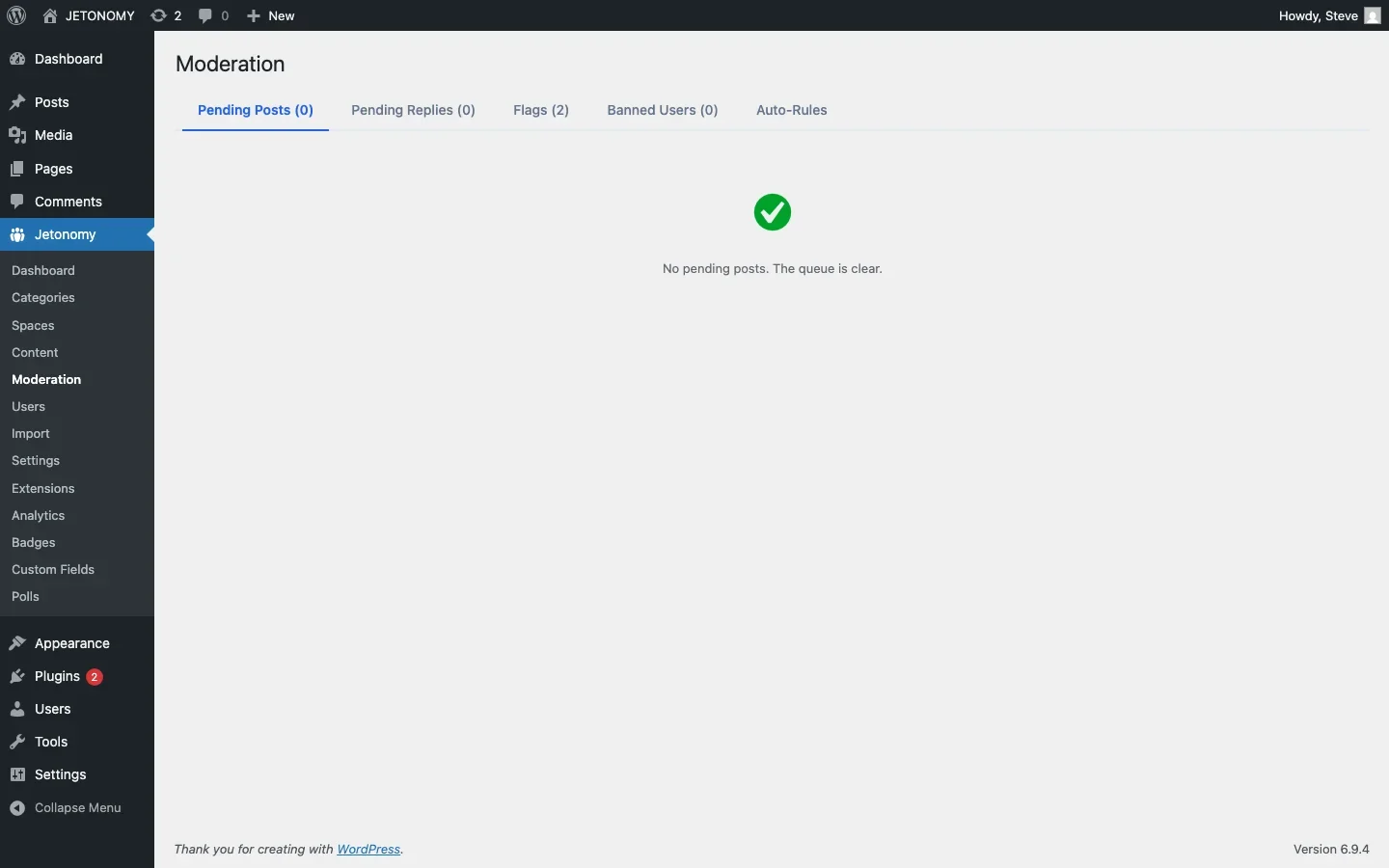
Documenting Moderation Actions
Keep records of every moderation action:
- What the user did (with links to the content)
- What action you took (warning, mute, suspension, ban)
- What you communicated to the user
- The date and which moderator handled it
This documentation protects you if the user claims unfair treatment, helps other moderators see the history when dealing with repeat offenders, and creates a record for pattern recognition.
The Cost of Inaction
The biggest moderation mistake is not over-moderation. It is under-moderation. When toxic behavior goes unaddressed:
- Healthy members leave quietly (they never tell you why)
- New members see the toxic content and decide not to join
- The community’s culture shifts toward the toxic norm
- Your moderation team burns out from dealing with escalating problems
Acting early and consistently, even when it is uncomfortable, preserves the community for the 95% of members who are there in good faith.
Getting Started
- Write and pin community guidelines in your forum
- Configure auto-moderation to catch the obvious cases
- Assign space moderators who can enforce norms in their areas
- Use the escalation framework above for human-judgment cases
- Document every action for consistency and accountability
For the base forum setup, follow our WordPress forum guide. A healthy community is not one without conflict. It is one where conflict is handled fairly, quickly, and transparently.
Moderation layers worth planning before the community grows
How to Handle Toxic Users in Your Community Forum fits into the broader forums category through trust systems, moderation controls, and abuse prevention. That matters because the technical setup is only one part of success. The way you structure spaces, roles, onboarding, and follow-up is what determines whether the forum becomes a searchable asset or just another neglected section of the site.
- Use progressive permissions so new members can participate without immediately gaining the ability to flood spaces, mass-mention users, or post risky links.
- Document moderator actions such as warnings, post hiding, suspensions, and appeal handling so your team applies rules consistently.
- Combine rate limits, keyword filters, and role-based visibility rules to reduce spam pressure without making legitimate members fight the interface.
Why teams evaluating this setup should look at Jetonomy Pro
Jetonomy Pro is especially relevant when moderation matters, because it gives you trust-level controls, space moderators, gated participation, and practical community-management features without handing broad WordPress admin access to every helper. If you want to know more and try Jetonomy, take a closer look at Jetonomy Pro. It is the most direct next step for teams that want to move from theory to an actual working WordPress community experience.
For articles like this one, the practical question is not only whether the approach works in theory. It is whether your chosen forum stack gives you the moderation depth, user experience, and extensibility to keep the system useful six months after launch. That is where a more complete product decision starts to matter.













