What a Custom Community Build Costs to Own Over Five Years
The build is the smallest part of five years. Compare renting, configuring and custom builds fairly by counting the same six cost drivers, without a price.

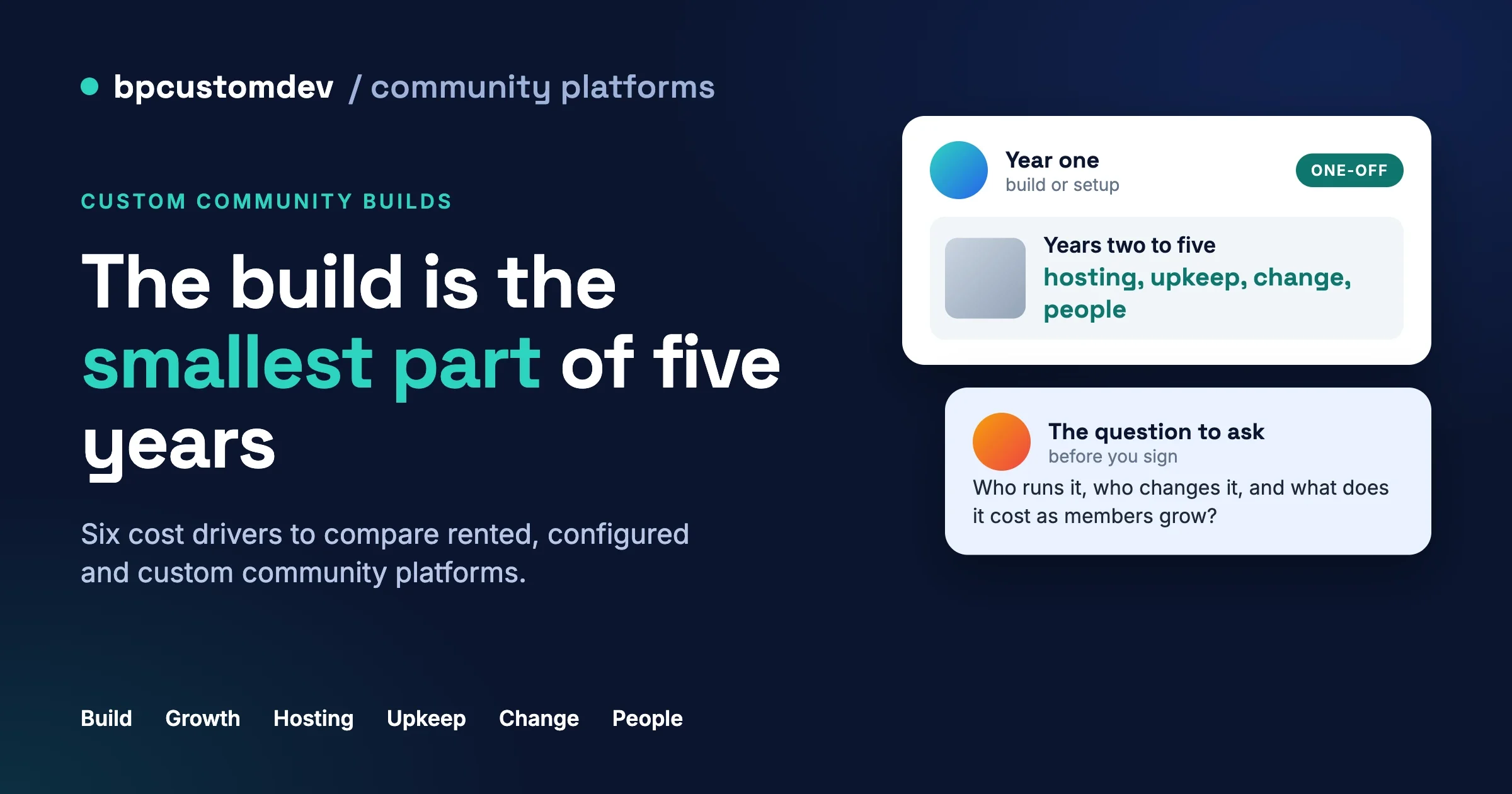
The build is the smallest part of owning a community platform for five years. What you pay for over time is hosting, upkeep, the changes you did not plan, and the people who run it day to day. You can compare a rented platform, a configured plugin setup and a custom build fairly without a single price, by counting the same six cost drivers for each route.
This is a reasoning guide for founders, association managers and operations leads who have to decide how to get a community platform and defend the decision to a board or a boss. It is not a price list or financial advice. We scope every project on a discovery call, so you will not find a number for a build anywhere in this post, and you should be wary of any article that gives you one without knowing your members, your rules and your existing systems.
In this guide
- Why the build is the small part
- The three routes, described fairly
- The six cost drivers, with how each behaves over five years and the question to ask
- A comparison table in words, not numbers
- The costs people forget
- How to keep a custom build cheap to own
- The questions to send any vendor before you sign
- What a discovery call with us covers
- Questions people ask
Why is the build the smallest part of what a community costs?
Because a community platform is not a thing you buy once. It is a service you keep running. Members log in every day, the software underneath it ages every month, and what you want from it changes every year. The invoice for the first build is visible and easy to compare. The other five years are spread across hosting bills, update work, small requests, and the hours of the people who look after it, which is why they are easy to leave out of a comparison.
There is a name for counting all of that. The UK government’s guidance on total cost of ownership, published as part of its ICT strategy, puts it this way: “the initial procurement cost is typically only a relatively small percentage of the total cost of owning and operating most IT products.” It adds that “TCO looks at the complete cost from purchase to disposal and is a way of thinking about cost when attempting to fairly assess the merits of open source vs. proprietary.” The same document lists what belongs in the count: acquisition, then operation and management (migration, maintenance, upgrades, support, training, scaling and the cost of customisation or change), then end of life, including moving data and users out again.
What are the three routes to a community platform?
Almost every community project ends up on one of three routes. Each suits someone, and each has a different cost shape. We build on the second and third, but we say so when the first is the right answer.
Route 1: renting a hosted community platform
You sign up to a software-as-a-service product. The vendor hosts everything, runs the updates and sells you a plan. You configure what the product lets you configure, and your members use it under the vendor’s rules, design and limits. It is the fastest way to a working community, and often the sensible start for a small group testing the idea. The trade is that you rent: the vendor decides the roadmap, the pricing structure and what can be exported.
Route 2: configuring an existing engine
You run the community on your own WordPress site using a community engine (a plugin that provides profiles, groups, activity feeds, forums and messaging), a theme, and a handful of extra plugins for payments, courses or events. You own the site, the data and the hosting arrangement. Our own engine for new community builds is BuddyNext (buddynext.com). The older option is BuddyPress, which many existing communities still run and which remains supported. It needs little new code, but you must keep the software current.
Route 3: a custom build on an engine
You start from the same kind of engine as Route 2, then have features written for you: a member directory that matches how your association works, a portal that talks to your membership system, a workflow that fits your moderation rules. This route gives you the closest fit to how your organisation really works. It also adds code that someone must maintain for as long as you run it.
For a worked comparison between renting and owning, see Skool’s True Cost vs Self-Hosted WordPress as Your Community Grows, and for the build itself How to Build a Community Portal on WordPress (Instead of Renting One From an Enterprise Platform). We do not repeat their figures here.
What are the six cost drivers to count for each route?
The six drivers are the first build or setup, per-member or per-seat pricing as you grow, hosting and performance, upkeep, change, and people. They line up with the categories in the UK guidance (acquisition, operation and management, end of life) but are phrased the way a community owner experiences them. For each one below, we say what it is, how it behaves over five years on each route, and the question to ask.
Driver 1: What does the first build or setup really include?
What it is. The work and money to get from nothing to a community your members can use. On a rented platform that is configuring your plan, branding what the vendor allows, and importing members. On a configured engine it is installing and setting up the engine, theme and supporting plugins, and loading your content. On a custom build it is all of that plus the specification, design, development and testing of the features written for you.
Over five years. This is the one driver that happens once, which is why it dominates quotes and shrinks in the long view. Renting has the smallest first step. Configuring is in the middle. A custom build has the largest and the most variable, because its size depends on how much is custom. It is a one-time gap, and the other five drivers repeat every year.
The question to ask. “What is included in the first build, what is explicitly not, and what do we receive at the end?” A good answer names the deliverables: the working site, a staging copy, the documentation, the source code, the logins. A weak answer says “everything you need”.
Driver 2: What happens to pricing as the member count grows?
What it is. Whether the cost of the platform rises each time you add a member, a seat, a moderator or a space.
Over five years. A rented platform usually prices by plan tier, member count or feature bundle, so growth turns into a larger invoice. Check the vendor’s own pricing page for the current structure; we quote none here. On a configured engine, the software itself is not normally priced by member count, but your hosting and support needs rise as activity grows, which belongs under the next driver. On a custom build, you own the code you commissioned, and the engine underneath is the same as Route 2, so the per-member element is largely absent. The cost of growth shows up as hosting and people instead.
The question to ask. “What does this cost at double our current membership, and at ten times, in writing?”
Driver 3: How do hosting and performance costs change as activity grows?
What it is. The servers, database, storage, caching, email delivery and monitoring that keep the community fast. Activity, not just member count, drives this.
Over five years. On a rented platform hosting is folded into the plan, invisible until you hit a limit such as storage or video. On a configured or custom WordPress community you pay for hosting directly, and it steps up as activity grows: a modest shared plan at the start, then better hosting, an object cache (a memory store that stops the database repeating the same work), a content delivery network for images and files, and sometimes a separate email service. These are normal stages of a growing site, and cheaper when planned.
The question to ask. “What size of community is this designed for, how did you test that, and what do we do when we outgrow it?”
Driver 4: What does upkeep involve, and why is it not optional?
What it is. Everything required to keep the platform secure and working as the world around it changes: updating the core software, the community engine, the theme and the plugins; applying security fixes; moving to newer versions of the programming language the site runs on; taking and testing backups; and monitoring that the site is up.
The facts, from primary sources. WordPress’s own documentation says you should always update WordPress to the latest version, and that before an update it is a good idea to back up your website. Minor and security releases can apply automatically on most sites, but major releases need someone to click Update Now. The WordPress backup documentation says to back up your database regularly and always before an upgrade, says a full backup needs both files and database, and recommends several recent copies in different places. Each of those sentences is a recurring task, and recurring tasks are costs.
The runtime underneath has a calendar too. The PHP project, which publishes the language WordPress runs on, states that each release branch is actively supported for two years and then gets security fixes only for two more, after which it reaches end of life and “is no longer supported”. Read on 8 October 2026, its supported versions page lists PHP 8.2 with security support until 31 December 2026, PHP 8.3 until 31 December 2027, PHP 8.4 until 31 December 2028 and PHP 8.5 until 31 December 2029. A site nobody touches will end up, on a schedule it does not control, on a runtime that no longer receives fixes. That is why upkeep is not a choice.
Over five years. On a rented platform the vendor does all of this and folds it into the plan, which is a real saving and one of the main reasons to rent. On a configured engine you, your host or a maintenance provider does it, and the work is modest per month but never stops. On a custom build there is one more layer: your custom code must be tested against each new version of the engine, of WordPress and of PHP, and adjusted when something changes. The more custom code, the more there is to retest. This is where custom builds quietly become expensive, and where they stay cheap if the custom part is small and separate.
The question to ask. “Who updates what, how often, who tests that my custom features still work afterwards, and what happens if an update breaks something?” If the answer is “you will need to arrange that yourself”, you have found a cost nobody put in the quote.
Driver 5: What does it cost when you want something nobody scoped?
What it is. The features you will want in year two. A group wants a different permission, a sponsor wants a directory, the board wants a report. Nobody scoped these, because nobody knew.
Over five years. A rented platform lets you ask, but requests sit on a roadmap you cannot see, and when the answer is no you must change how your organisation works or leave. A configured engine gives you more room because the plugin ecosystem is large, but each plugin you add is another thing to update and another party whose release schedule you depend on. A custom build lets you decide, at a price that depends on how well the first build was structured. If the first build was clean, a year-two feature is a contained piece of work. If it was tangled, every change touches everything and costs more each time.
The question to ask. “Show me how a typical change request flows: who estimates it, how fast, and how you make sure it does not break what already works.” Also ask how much of the first build is separate from the engine, because that is what decides the cost of the second.
Driver 6: Who looks after the community, and who do you call?
What it is. The people. Someone moderates content and handles reports. Someone administers members, roles and groups. Someone answers a member who cannot log in. Someone you call when the site is down at nine on a Monday. The hours exist whichever route you choose.
Over five years. This is the driver most often missing from comparisons, and often the largest. A rented platform reduces technical support hours, since the vendor handles the servers, but it does not reduce moderation, member support or community management. A configured or custom platform adds a technical contact to your list. You need to know who that is, what response you can expect, and what happens if that person leaves their job or the agency changes its team. Moderation grows with the community, and tools that let a volunteer moderate one group without full administrator rights save real hours.
The question to ask. “Who is our named contact, what is covered by the support arrangement, what is outside it, and what happens if that person is unavailable?”
How do the three routes compare, driver by driver?
The table below uses words only. Read it as typical behaviour, not a promise.
Cost driver | Rent a hosted platform | Configure an existing engine | Custom build on an engine |
|---|---|---|---|
First build or setup | Smallest, quick to start | Moderate, a defined setup job | Largest, depends on how much is custom |
Growth in members or seats | Rises with members or plan tier | Mostly flat for the software, some licences per site | Mostly flat, you own what you commissioned |
Hosting and performance | Included, until a plan limit is reached | Yours to plan, steps up with activity | Yours to plan, needs testing at realistic volume |
Upkeep (updates, security, backups, monitoring) | Done by the vendor | Regular, modest, never stops | Regular, plus retesting the custom code each time |
Change (year-two features) | Vendor roadmap, cheap but you wait | Plugins add options and more things to maintain | You decide, cost depends on how clean the build is |
People (moderation, admin, support) | Community work stays yours, technical work is the vendor’s | Adds a technical contact to the list | Adds a technical contact and a development relationship |
What costs do people forget?
These rarely appear in a first quote, and most of them are exit or integration costs. The UK guidance lists migration and exit costs in its TCO checklist for the same reason: they are real, and they arrive late. For each, here is how to spot it and how to prevent it.
Migration in
Symptom: the quote covers the platform but not moving your existing members, posts and files. Check: ask exactly what is imported, in what format, and who cleans up the leftovers. Prevent: agree the migration scope in writing and test it on a copy before launch day.
Migration out, later
Symptom: in year four you want to move and discover how hard it is. Check: before signing, ask for a sample export and look at what is in it. Prevent: choose a route where the data lives in a documented, standard form. On self-hosted WordPress it sits in a database you control; on a rented platform you depend on the vendor’s export tool. The practical side of leaving is covered in our guide to exporting members and content from Circle, Skool, Mighty Networks and Discord.
Data export
Symptom: the export has members and posts but not private messages, reactions, attachments or group permissions. Check: list every kind of data you would need to rebuild the community and tick each against the sample. Prevent: make “export everything, on request, in a usable format” a written term.
Single sign-on and integrations
Symptom: your members already have a login for your membership system, your shop or your learning platform, and the community asks them to create another. Check: ask which integrations are included, which need extra plugins, and which need custom work. Prevent: list the systems the community must connect to before you request quotes, so each route is priced against the same list.
Mobile
Symptom: members ask for an app after launch. Check: decide early whether a responsive website that works well on phones is enough, or whether you need a native app, because the second is a separate project with its own upkeep. Prevent: put the decision in the specification, even if the answer is “not now”.
Moderation time
Symptom: the community grows and the staff member who looked after it part-time is overwhelmed. Check: estimate hours for reports, approvals and member disputes, and look at whether the tools let volunteers help. Prevent: budget for the people before the traffic arrives, and choose tools with a report queue, a moderation log and per-group moderators.
Accessibility
Symptom: a member using a screen reader or keyboard cannot complete a basic action, or a procurement policy asks for an accessibility statement. Check: ask what standard the platform is built to and whether the vendor can show test results. GOV.UK guidance on buying off-the-shelf products says they “must meet the same requirements as internally-built products”, which is a fair principle for any buyer. Prevent: make accessibility a requirement in the specification and test the finished build, not just the design.
A vendor changing its plans
Symptom: a renewal notice arrives with a new plan structure, a feature moved to an add-on, or a price change. Check: ask what the contract says about price changes during the term, and what notice you get. Prevent: negotiate a notice period, and keep the exit route open as described above. For a custom build, the equivalent protection is holding the source code and documentation already.
How do you keep a custom build cheap to own?
A custom build is not inherently expensive to own. It becomes expensive when it is built carelessly or maintained by nobody. Four habits keep it cheap, and they are the same habits we ask for on our own projects.
1. Build on a maintained engine instead of from zero
Every feature written from scratch is a feature you maintain for as long as you run it. A maintained community engine already provides profiles, groups, activity, messaging and permissions, and its maintainers handle the security work and the PHP compatibility work that the first section described. Your custom code then only needs to do what the engine does not. For new communities we start from BuddyNext. If you already run on BuddyPress, we support that as well and will tell you honestly whether staying or moving makes more sense for your situation.
2. Keep the custom code small and separate
Custom features belong in their own plugin, not edited into the engine, the theme or someone else’s plugin. That way, when the engine updates, your custom plugin is retested, not rewritten. Ask where the custom code lives, and whether an engine update would overwrite it.
3. Insist on a staging copy and a written handover
A staging copy is a private duplicate of your site where updates and changes are tried before they reach your members. A written handover means you receive the documentation, the source code, the list of logins and services, and a plain description of how the custom parts work. It lets another developer take over if you ever need one.
4. Plan a maintenance arrangement from day one
Decide who does the updates, backups and monitoring before launch, and write it down. That can be your own team, your host, or an outside provider. If you want ours, our WordPress maintenance plan for communities page explains what it covers. The point is to assign upkeep before it becomes urgent, whoever does it.
Which questions should you send any vendor before you sign?
Whichever route you choose, send these to every vendor and builder, so you compare the same things. They are the short form of the long list in Community Portal Requirements: 33 Questions to Send Vendors Before You Sign, which covers features, moderation, data and cost in much more detail.
- What exactly is included in the first build or setup, and what is not?
- What will this cost at double our current membership, and at ten times, in writing?
- Can you show a sample export of our data, and does it include messages, reactions and permissions?
- Who applies updates and security fixes, how often, and who retests the custom parts afterwards?
- What happens to price, features and terms at renewal, and how much notice do we get of a change?
- Do we receive the source code, documentation, staging copy and all logins at handover?
- If we leave in four years, what exactly do we take with us, and what do we lose?
What does a discovery call with us cover?
A discovery call is a conversation about what your community needs to do, before any proposal exists. We start from the outcome rather than from a tool: who your members are, what they should be able to do, what has to connect to what, and what your organisation can realistically run once it is live.
We use the six drivers in this post as the agenda, so you leave the call with the same comparison you would otherwise have to build yourself. We do not promise a price on the call. A responsible number needs the specification, the integrations and the maintenance arrangement to be understood first, and we would rather scope properly than guess.
Bring a plain description of your members and what they should do together, where your members and content live today, the systems the community must connect to, any privacy, accessibility or procurement rules, who will moderate and how many hours they have, and any quotes you already hold so we can compare like with like.
Questions people ask
Is a custom build always more expensive to own than a rented platform?
No. Over a long period, a rented platform’s cost rises with your membership and plan, and a custom build on a maintained engine has no per-member element. A custom build carries a larger first step and a standing need for upkeep and retesting. Which one is cheaper over five years depends on your size, your growth and how much custom code you need. That is why the comparison counts all six drivers instead of one.
Why do updates matter if the site is working fine today?
Because the software under it has a support calendar. WordPress documentation says to keep WordPress up to date, and the PHP project publishes a date after which each version stops receiving security fixes. A site that works today on an unsupported version is carrying a risk that grows quietly. Regular updates, tested on a staging copy, are cheaper than an emergency rescue.
Can we start with a rented platform and move later?
Yes, and many organisations do. The cost of moving depends on what the platform lets you export. Ask for a sample export at the start, not at the point of leaving, and keep a record of what you would need to rebuild.
If you are weighing these routes for a real project, our custom community development page explains how we work and the tools we build on, and the contact page is where you can ask for a quote or a discovery call. Tell us what the community needs to do and where you are starting from, and we will tell you honestly which route we think fits.
















